
This page is not an official page of the app or its developer, but an independent editorial publication created for informational and commentary purposes. Unless expressly stated otherwise, neither the app nor its developer is affiliated with, endorsed by, sponsored by, authorized by, or otherwise officially connected with MWM, Apple, Google Play, the app publisher, or the app's developer, and nothing on this page implies that the app was developed using MWM's services. Any trademarks, logos, screenshots, and other content remain the property of their respective owners.

MYEVV
The reliable way for caregivers to clock in, log tasks, and meet Medicaid requirements. Focus on your patients while we handle the verification and reporting automatically.
Downloads
0User Rating
Total Ratings
0Publisher
Category
MedicalLocales
8Latest Version
2.5Size
31.7 MBFirst Released
Aug 2, 2018Efficient Care, Effortless Documentation
MYEVV simplifies your daily routine as a caregiver. Spend less time on paperwork and more time focusing on your patients with our easy-to-use verification tools.
Instant GPS Check-In
Replace manual timesheets with secure, one-tap clocking in and out. Use GPS-verified logs to ensure your hours are recorded accurately for on-time payment.
Simplified Task Logging
Quickly document all services provided during each visit. Our digital checklist helps you stay organized and ensures no medical duty is ever missed.
The following screenshots and description are sourced directly from the app's official store listing and are the property of the app developer.
App Store
Screenshots
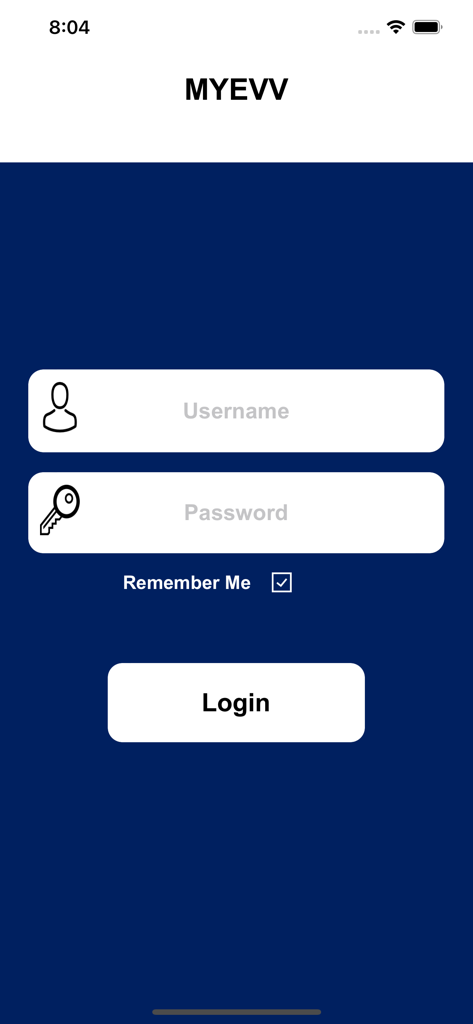
MYEVV app login screen featuring username and password input fields and a login button
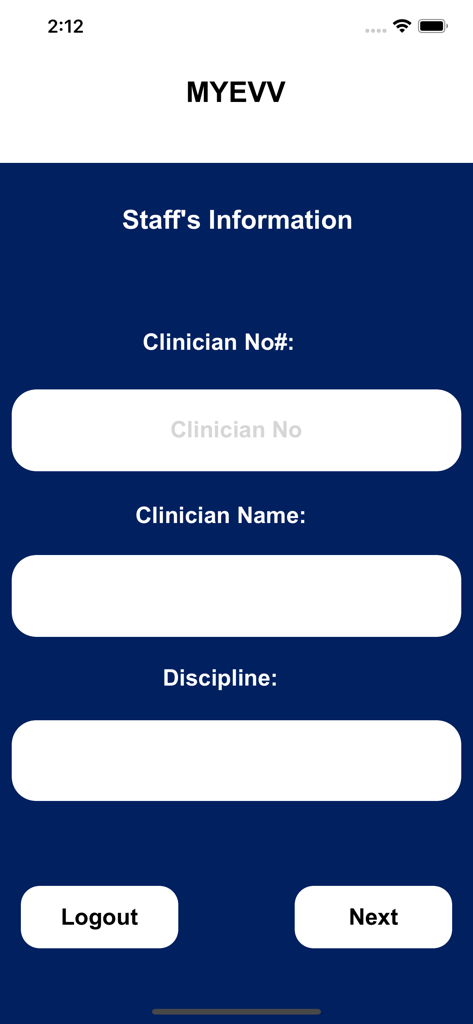
Staff Information screen in the MYEVV app featuring fields for Clinician Number, Name, and Discipline.
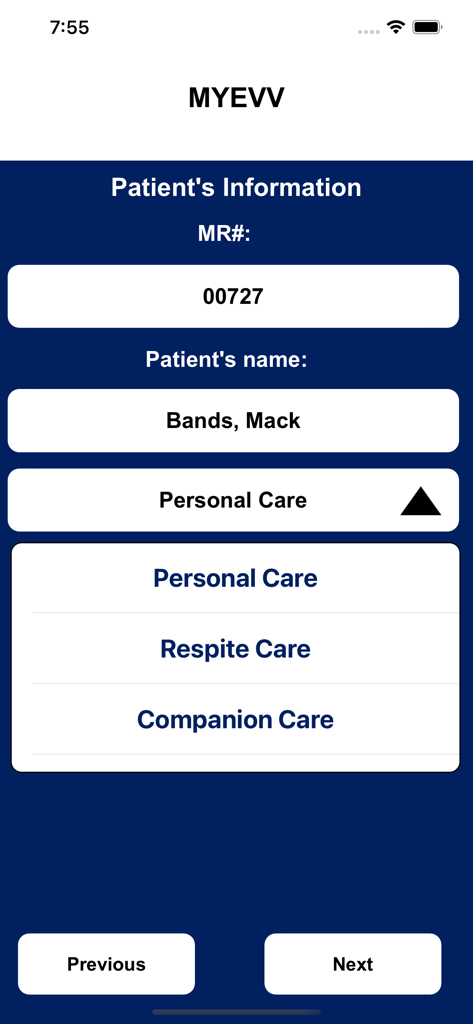
MYEVV app interface displaying patient name Mack Bands and options for personal care or respite care.
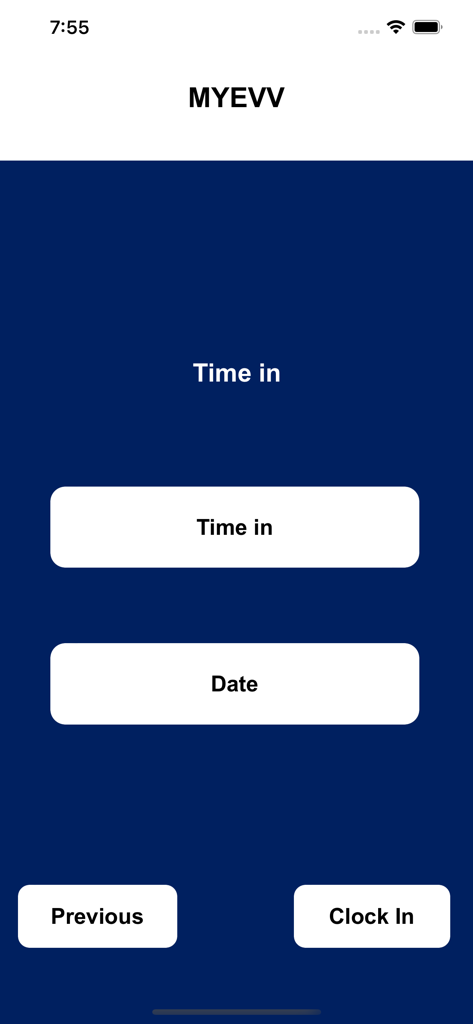
MYEVV mobile app interface showing the Clock In screen with time and date selection buttons
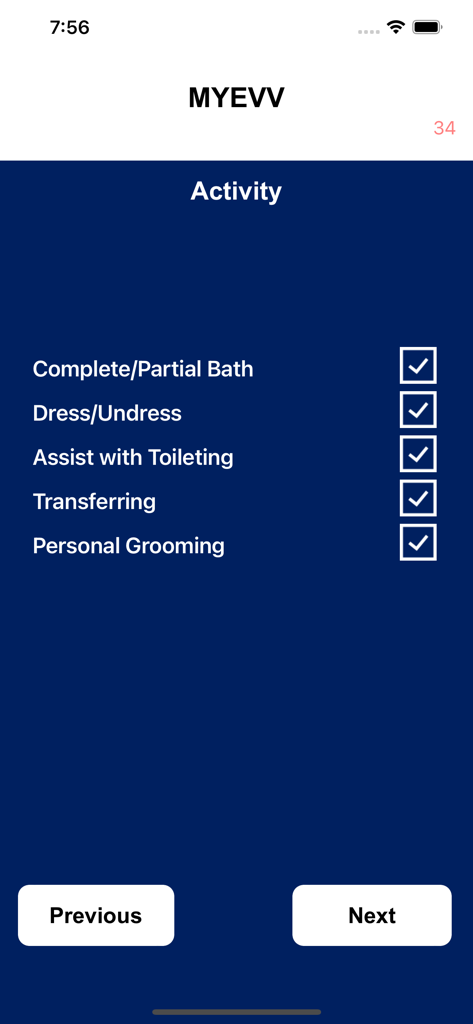
MYEVV app activity screen with checkboxes for tracking patient care tasks like bathing and grooming
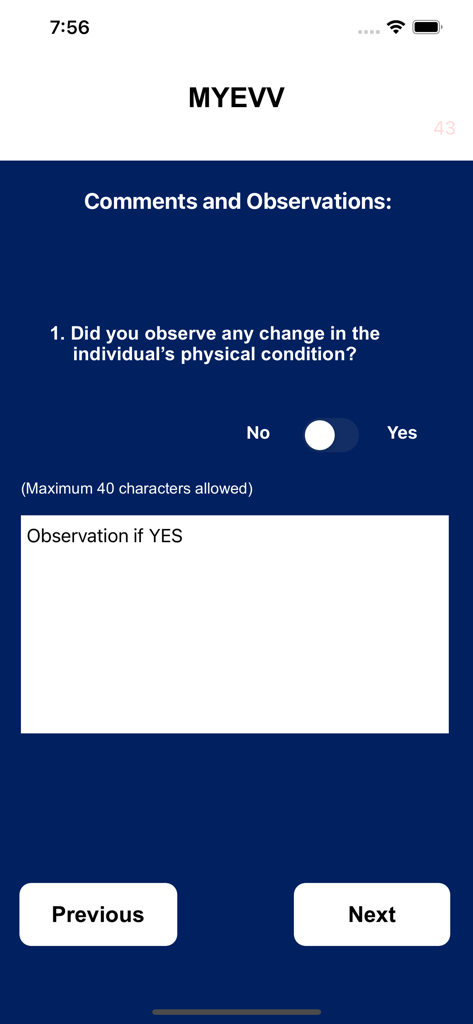
MYEVV app screen showing a patient physical condition observation form with a yes-no toggle and comment box.
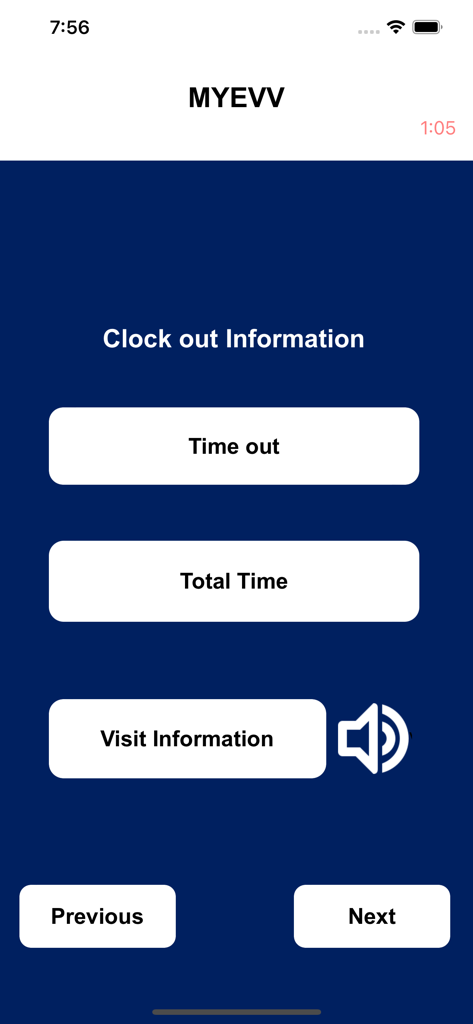
MYEVV app clock out information screen featuring buttons for time out total time and visit information
Description
Download
More Like This
Top-ranked apps in the same category

国家医保服务平台
National Healthcare Security Administration
MyChart
Epic Systems Corporation

CVS Health
CVS Pharmacy

Pregnancy + | Tracker App
Philips Digital UK Limited

Doctolib - Your health partner
Doctolib

Meu SUS Digital
Servicos e Informacoes do Brasil

江苏医保云
Jiangsu Healthcare Security Bureau

UnitedHealthcare
UNITED HEALTHCARE SERVICES, INC.
Mobile JKN
BPJS Kesehatan
This page is not an official page of the app or its developer, but an independent editorial publication created for informational and commentary purposes. Unless expressly stated otherwise, neither the app nor its developer is affiliated with, endorsed by, sponsored by, authorized by, or otherwise officially connected with MWM, Apple, Google Play, the app publisher, or the app's developer, and nothing on this page implies that the app was developed using MWM's services. Any trademarks, logos, screenshots, and other content remain the property of their respective owners.