
This page is not an official page of the app or its developer, but an independent editorial publication created for informational and commentary purposes. Unless expressly stated otherwise, neither the app nor its developer is affiliated with, endorsed by, sponsored by, authorized by, or otherwise officially connected with MWM, Apple, Google Play, the app publisher, or the app's developer, and nothing on this page implies that the app was developed using MWM's services. Any trademarks, logos, screenshots, and other content remain the property of their respective owners.


MyMarq
Capture high-resolution digital prints, unlock deep personality insights with AI-driven classification, and create one-of-a-kind personalized gifts or bespoke jewelry.
Downloads
26K+User Rating
Total Ratings
0Publisher
Category
EducationLocales
1Latest Version
2.1.5Size
293.2 MBFirst Released
Oct 6, 2020Your Identity, Reimagined
Explore the science of your fingerprints and transform them into personalized art with the world's first AI-driven analysis tool.
Decode Your Traits
Understand your core personality with AI classification based on the internationally recognized Henry pattern system.
Creative Keepsakes
Turn your unique patterns into high-quality vectors for custom jewelry, wall art, or bespoke gifts for loved ones.
Frequently Asked Questions
Everything you need to know about MyMarq
How to take a fingerprint photo using MyMarq?
To take a fingerprint photo with MyMarq, use the rear camera, hold your fingertip 10-15cm from the camera within the white circle frame, keep it flat and still, and match the two white dots for automatic capture.
What file formats does MyMarq provide for fingerprints?
MyMarq provides captured fingerprints in three processed formats: original PNG images, enhanced PNG images, and scalable vector SVG files.
Can I edit my fingerprint images in the MyMarq app?
Yes, the MyMarq app includes built-in tools to adjust details, smoothness, and line thickness of your fingerprint images after capture.
What are the uses for MyMarq fingerprint images?
MyMarq fingerprint images can be shared, used to create personalized gifts or products like jewelry, gadgets, artwork, or branded items, and serve as wallpapers. They also enable exploring personal insights via the MyMarq Personality Test.
What is the MyMarq Personality Test (MPT)?
The MyMarq Personality Test (MPT) is an innovative test based on fingerprint patterns. It offers profound insight into innate personality, revealing strengths, weaknesses, potentials, and challenges with a Certified MyMarq Coach.
What are the pricing options for MyMarq fingerprint processing?
MyMarq offers pricing for one fingerprint ($0.99), ten fingerprints ($4.99), a monthly unlimited subscription ($29.99/month), or an annual unlimited subscription ($199/year).
Can I retake a fingerprint photo after purchasing in MyMarq?
Yes, after a purchase, users may retake each fingerprint up to two times at no additional cost within the MyMarq app.
Does MyMarq store my personal fingerprint data?
The MyMarq app stores images of fingerprints and personal information, but they remain the exclusive property of the user. No other party can legally access any data stored in the app.
What factors affect the quality of fingerprint images in MyMarq?
The quality and sharpness of fingerprint images captured by MyMarq depend on several circumstances, including the nature of the skin, lighting conditions, and the specific phone model used.
Is there a subscription option for MyMarq?
Yes, MyMarq offers both a monthly subscription for $29.99/month and an annual subscription for $199/year, both providing unlimited fingerprint processing.
The following screenshots and description are sourced directly from the app's official store listing and are the property of the app developer.
App Store
Screenshots
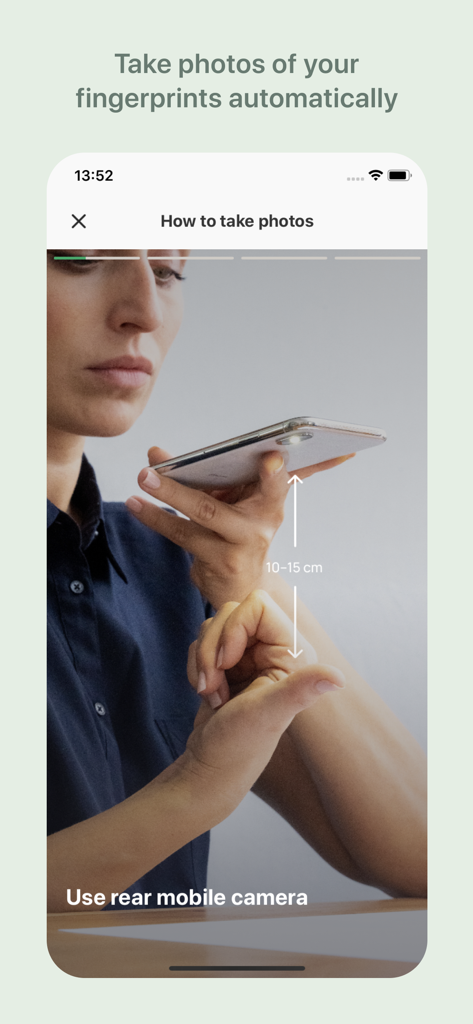
Instructional screen showing how to capture fingerprints automatically using the MyMarq app
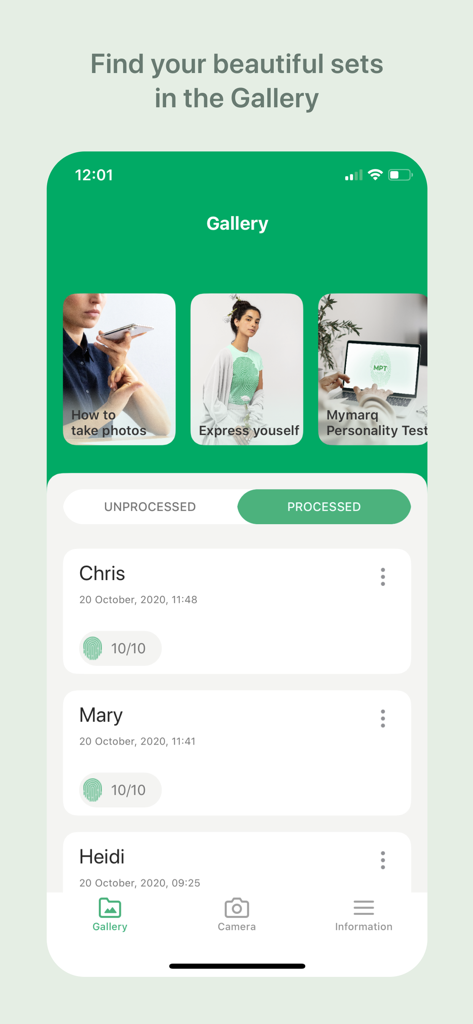
The MyMarq app gallery interface showing a list of saved fingerprint sets for multiple users.
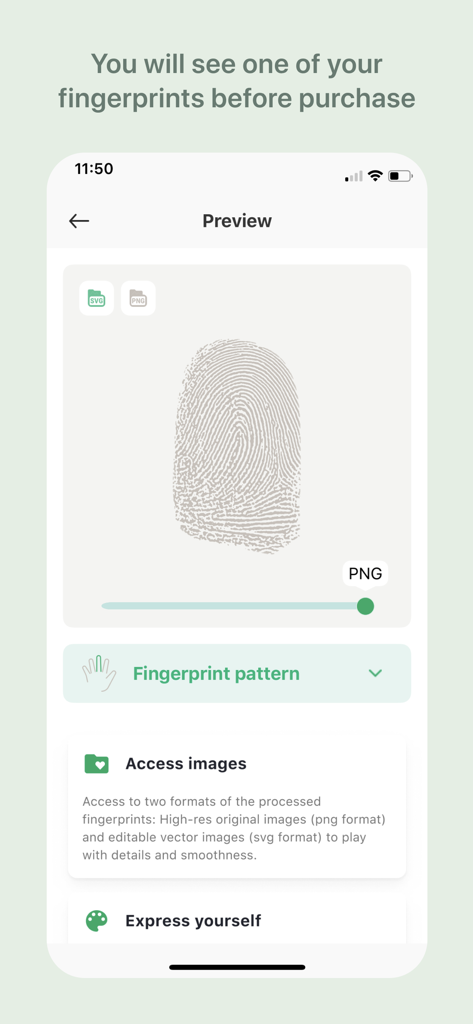
MyMarq app interface showing a scanned fingerprint preview with SVG and PNG file format options
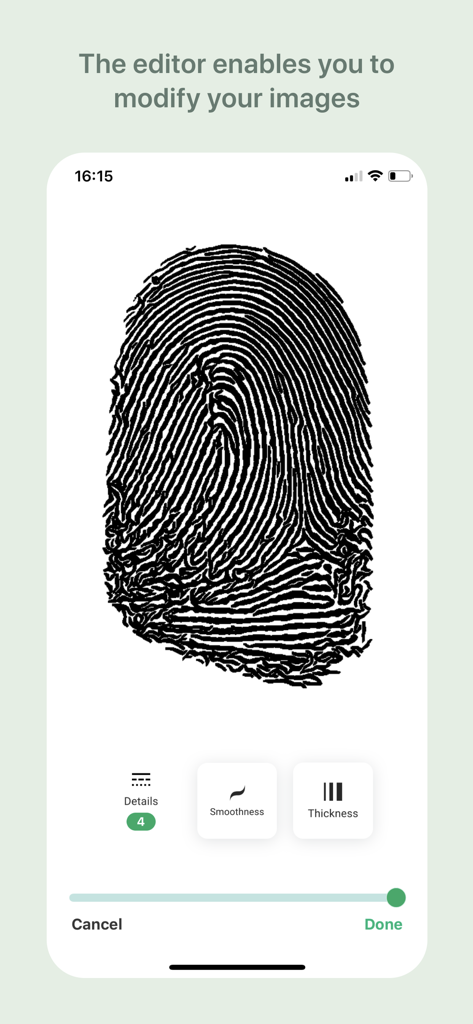
A fingerprint image being edited in the MyMarq app with adjustment tools for smoothness and thickness.
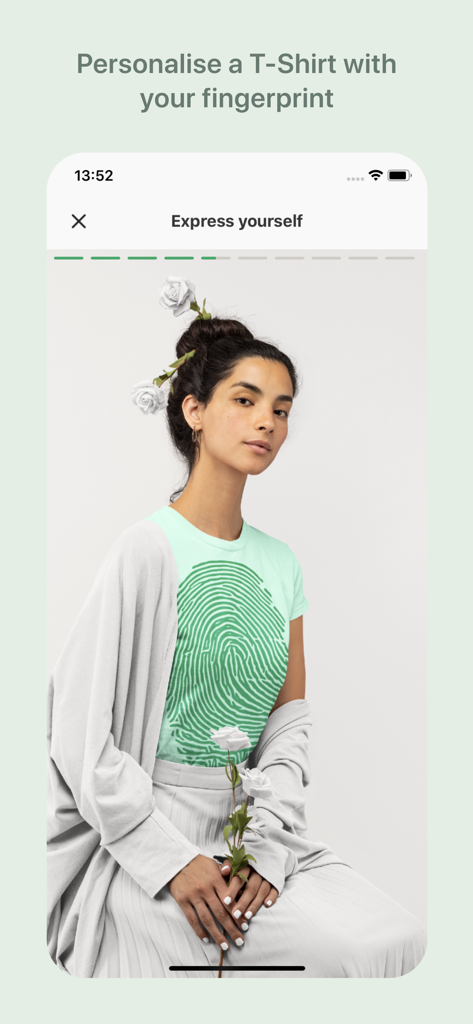
A woman wearing a custom t-shirt with a large green fingerprint design
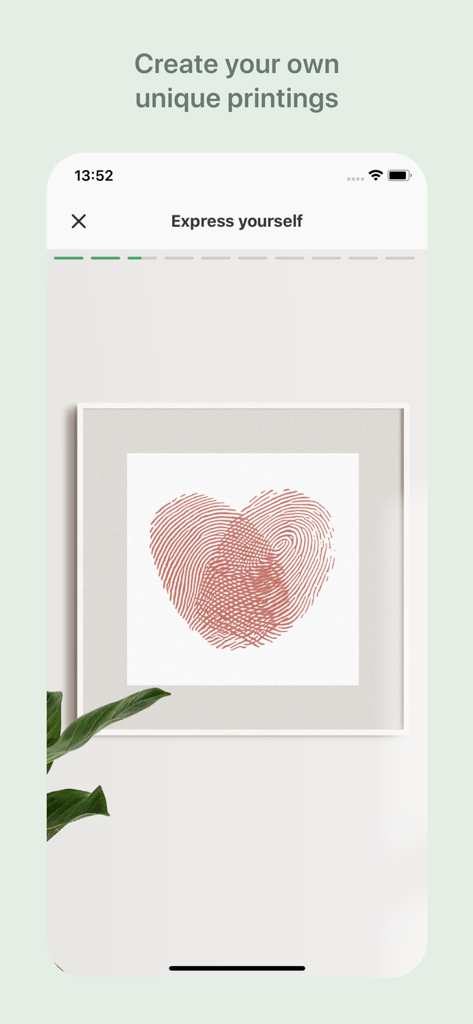
Framed wall art featuring two fingerprints overlapping to form a heart shape
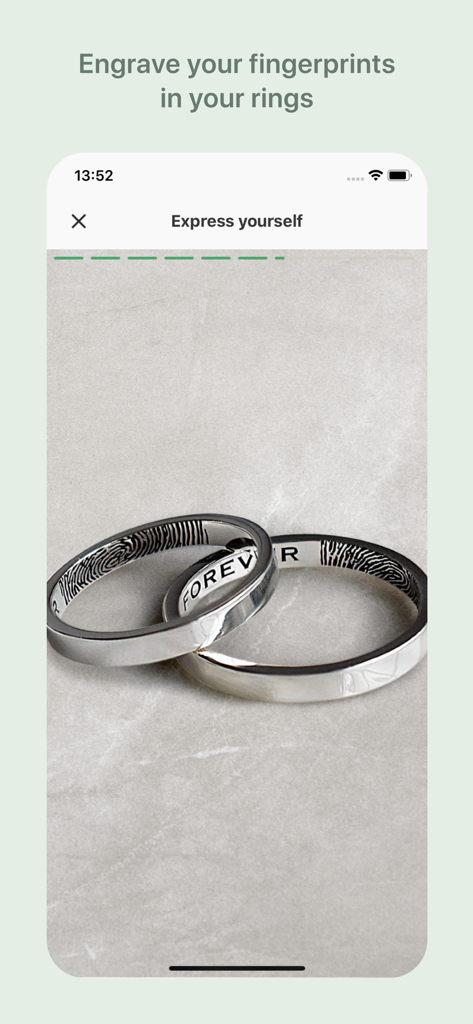
Two intertwined silver rings with personalized fingerprint patterns engraved on the inside
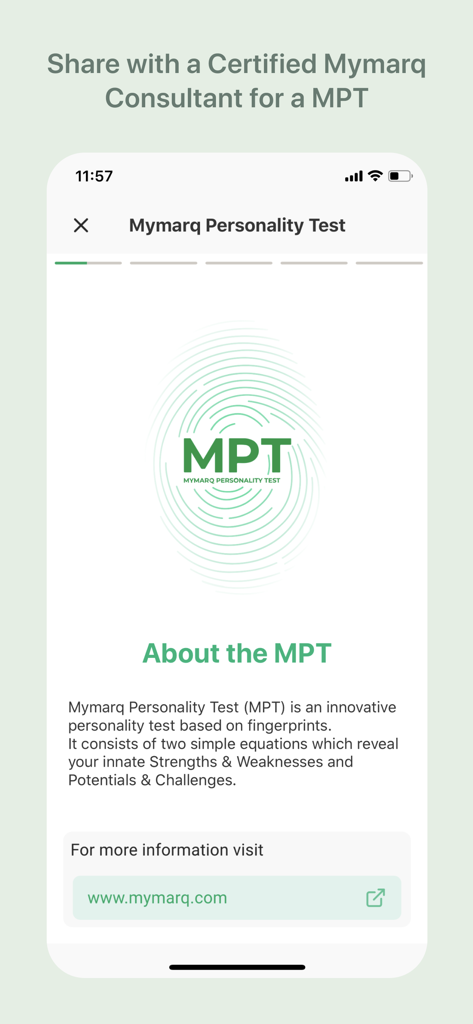
MyMarq app screen explaining the Mymarq Personality Test based on fingerprints to reveal innate strengths and challenges
Description
Download
More Like This
Top-ranked apps in the same category

Duolingo - Language Lessons
Duolingo, Inc

Speak & Learn English: Learna
DEEP FLOW SOFTWARE SERVICES - FZCO

驾考宝典-科一科四驾驶证考试驾考通
Wuhan Jiakaobaodian Information Service Co., Ltd.

Toca Boca World
Toca Boca AB

Google Classroom
Google LLC

作业帮-中小学家长作业检查和辅导工具
Guangzhou Polar Future Culture Technology Co., Ltd

学信网
Student Information Consultation Service Co., Ltd.

Gauth: AI Study Companion
GAUTHTECH PTE. LTD.

ArtWorkout: Learn How to Draw
Aleksandr Ulitin
This page is not an official page of the app or its developer, but an independent editorial publication created for informational and commentary purposes. Unless expressly stated otherwise, neither the app nor its developer is affiliated with, endorsed by, sponsored by, authorized by, or otherwise officially connected with MWM, Apple, Google Play, the app publisher, or the app's developer, and nothing on this page implies that the app was developed using MWM's services. Any trademarks, logos, screenshots, and other content remain the property of their respective owners.