
MyPCS


Take control of your budget with a secure prepaid Mastercard. No bank account required, no income checks, and total mobile management at your fingertips.
Publisher
Category
FinanceDownloads
789K+User Rating
Total Ratings
1K+Locales
4Discover the interface used by 789K+ users.
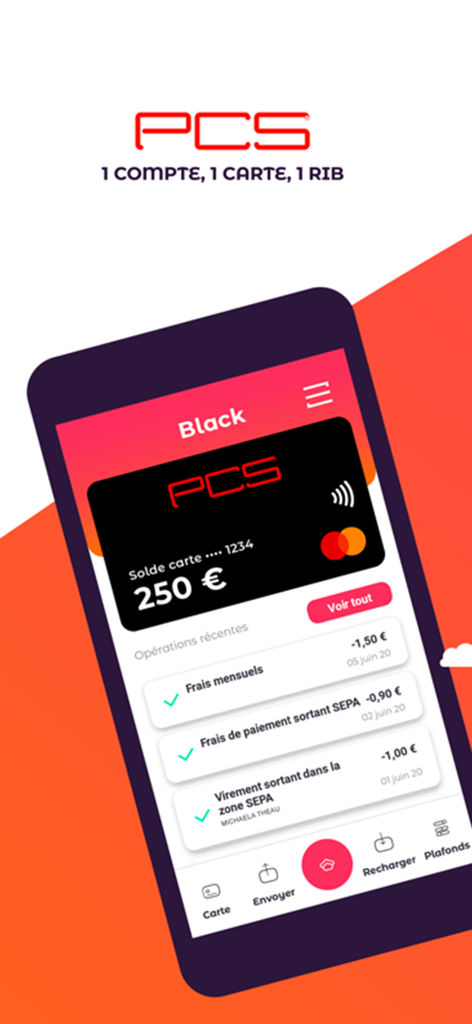

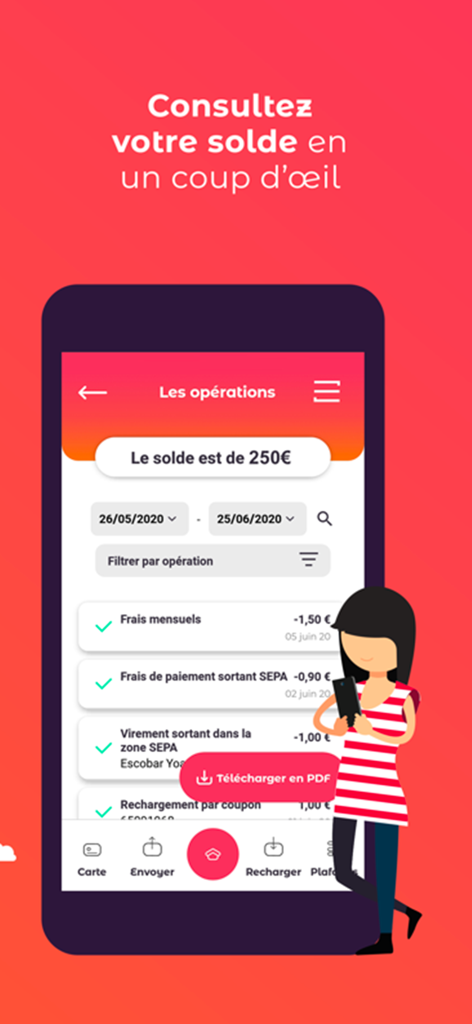
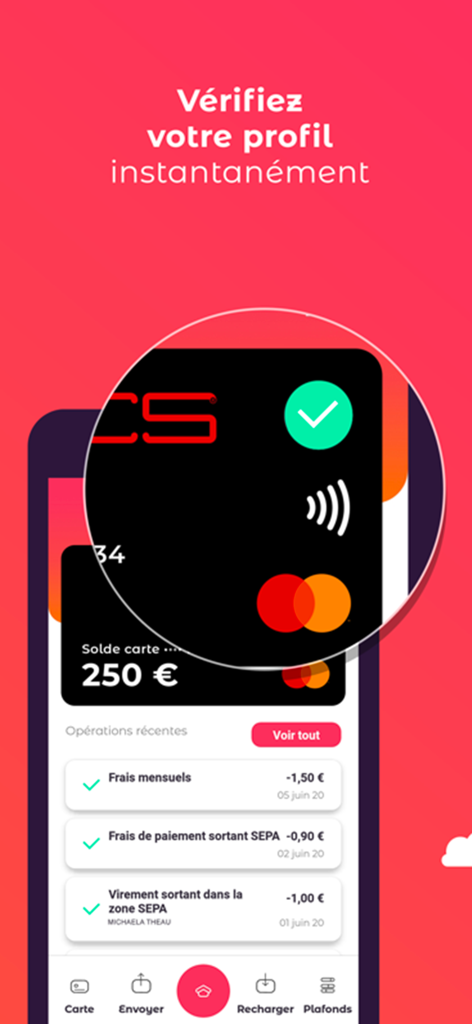


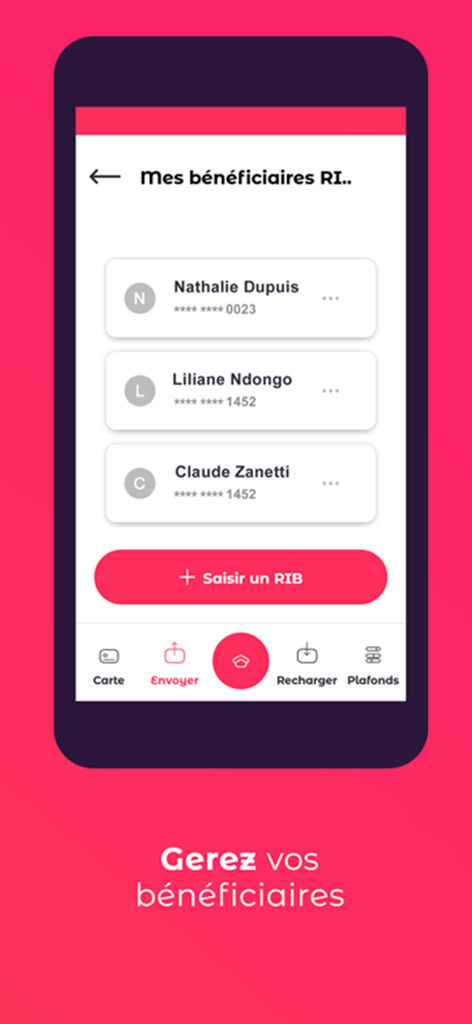
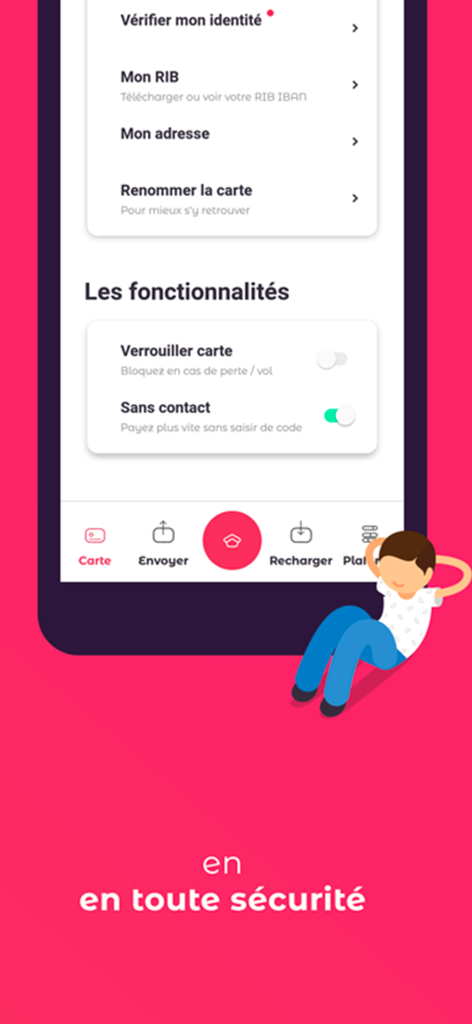

The tools that make this app stand out, trusted by 789K+ users.
Instantly lock or unlock your card from the app if it’s misplaced. Toggle contactless payments on or off to keep your funds safe at all times.
Spend only what you have. With no overdraft possible and no income requirements, you can manage your budget without the fear of hidden bank fees.
Send money to other MyPCS users in seconds. Share your RIB/IBAN instantly to receive your salary or gig payments directly to your card.
Insights from user reviews.
Sentiment Score
Summary
User reviews for the PCS mobile app are overwhelmingly negative, primarily criticizing significant issues with financial management and customer support. Many users report funds being blocked, delayed, or outright disappearing, particularly concerning bank transfers, and frequently accuse the service of being fraudulent. Furthermore, the customer service is widely described as unresponsive, unhelpful, costly, and difficult to reach, exacerbating problems with card activation, transfer processing, and identity verification. While one user noted their replacement card functions normally, widespread complaints about excessive fees and app functionality issues, such as operations not visible after an update, lead many to seek alternatives like Revolut.
Common Themes
Everything you need to know about MyPCS.
Description
Latest Version
2.17.6
Size
69.4 MB
First Released
Jul 22, 2020
Join over 789,000 users who enjoy total financial freedom. No credit checks, no overdraft fees, and absolute security—get started with MyPCS in just a few taps.
Everything you need to know about MyPCS
The MyPCS app allows you to consult balance/transactions, recharge your card by coupon or bank card, send/receive transfers, manage beneficiaries, lock/unlock your card, and activate/deactivate contactless payments.
No, the PCS card is a prepaid rechargeable payment card. It is not linked to a bank account, has no overdraft possibilities, and no commitment, offering financial independence.
You can become a PCS client by easily purchasing your card. Obtain it directly from www.mypcs.com or visit an authorized tobacconist to buy your PCS card.
Yes, you can create your personal "Mon compte" (My account) space directly within the MyPCS application. This feature facilitates instant profile creation and management.
You can check your PCS card balance and transaction history instantly within the MyPCS app. The app provides a real-time overview and detailed operations list for easy monitoring.
The MyPCS app allows you to recharge your PCS card using recharge coupons or a bank card. You can also recharge through bank transfers for added convenience.
Yes, the MyPCS app provides security features. You can lock your card anytime if misplaced and unlock it independently. You also activate or deactivate contactless payments directly.
The PCS prepaid card is accepted for payments both online and in physical stores across the entire Mastercard network. This includes over 34 million points of sale globally.
Yes, the MyPCS application protects user privacy. It is developed in France by an independent company and adheres to financial product security standards, ensuring data privacy.
Yes, you can access your RIB/IBAN information within the MyPCS app. The application also provides functionality to share your RIB/IBAN directly via email or SMS.
Apps with similar features and user experience

Propel Inc

NETSPEND CORPORATION

Texas Health and Human Services Commission

Comerica Bank

Green Dot Corporation

NETSPEND CORPORATION

U.S. Bancorp

HI Technology Corp

Department of Information Technology And Telecomm
App information, icons, screenshots, and descriptions displayed on this page are sourced from the Apple App Store and are the property of their respective developers. Download estimates and rankings are based on MWM's proprietary models and may not reflect actual figures. This page is provided for informational and analytical purposes only.
Believe this page infringes your intellectual property? File a dispute