
This page is not an official page of the app or its developer, but an independent editorial publication created for informational and commentary purposes. Unless expressly stated otherwise, neither the app nor its developer is affiliated with, endorsed by, sponsored by, authorized by, or otherwise officially connected with MWM, Apple, Google Play, the app publisher, or the app's developer, and nothing on this page implies that the app was developed using MWM's services. Any trademarks, logos, screenshots, and other content remain the property of their respective owners.


Serve
Take control of your money with the account built for your lifestyle. Enjoy early direct deposits, mobile check capture, and the security of American Express® and Visa®—all with no minimum balance required.
Downloads
1M+User Rating
Total Ratings
38K+Publisher
Category
FinanceLocales
1Latest Version
6.32.0Size
39.4 MBFirst Released
Mar 27, 2011Financial Control Without the Hassle
Manage your budget, deposit checks, and pay friends with an account designed for your lifestyle—no credit checks or hidden fees required.
No Credit Check Needed
Open an account instantly and start managing your money without the barriers and denials of traditional banking.
Fast Mobile Deposits
Skip the trip to the bank and deposit checks directly from your phone to get your funds exactly when you need them.
Frequently Asked Questions
Everything you need to know about Serve
What is the Serve app?
Serve is a financial account with no credit check, minimum balance, or hidden fees. It helps users manage money with budgeting tools, flexible spending online or in-store, and easy account access.
Does the Serve app have hidden fees?
No, the Serve app does not have hidden fees. It provides a financial account solution that explicitly states "no hidden fees" within its description, ensuring transparent operation for its users.
How can users add money to their Serve account?
Users can add money to their Serve account via Direct Deposit, Mobile Check Capture, or by requesting funds from other Serve Cardholders. Cash can also be loaded using barcode reloads at participating retail locations.
Is direct deposit free with Serve?
Yes, Serve offers free direct deposit. This feature enables users to set up payroll deposits directly into their account, with the potential to receive their money up to two days earlier.
Can I deposit checks using the Serve mobile app?
Yes, the Serve mobile app facilitates check deposits through its Mobile Check Capture feature. Users can easily add funds by taking a picture of their check directly with their mobile device.
Can I add cash to my Serve account without a physical card?
Yes, Serve supports adding cash without a physical card using Barcode Reloads. This allows users to deposit cash into their account at various retail locations by simply presenting a barcode.
The following screenshots and description are sourced directly from the app's official store listing and are the property of the app developer.
App Store
Screenshots
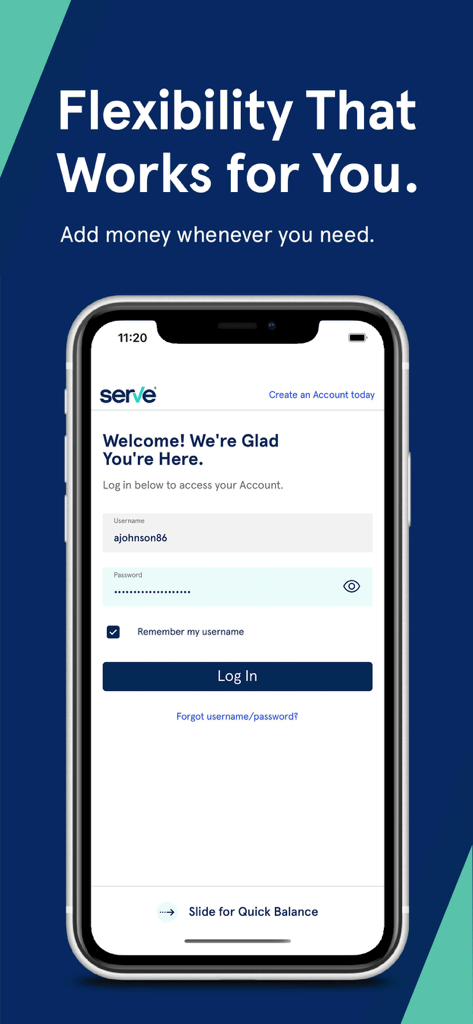
A smartphone displaying the login page for the Serve mobile banking app with a welcome message and fields for username and password.
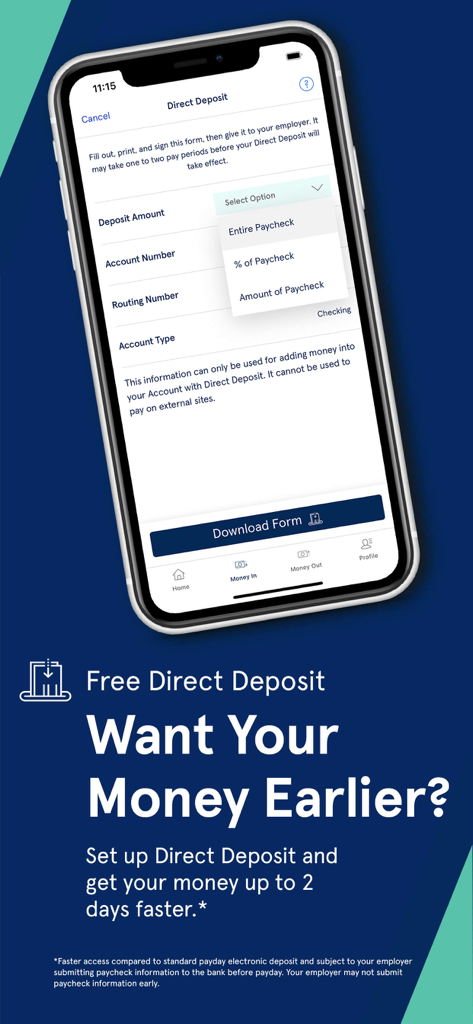
Serve mobile app interface for setting up direct deposit to receive paychecks up to two days early.
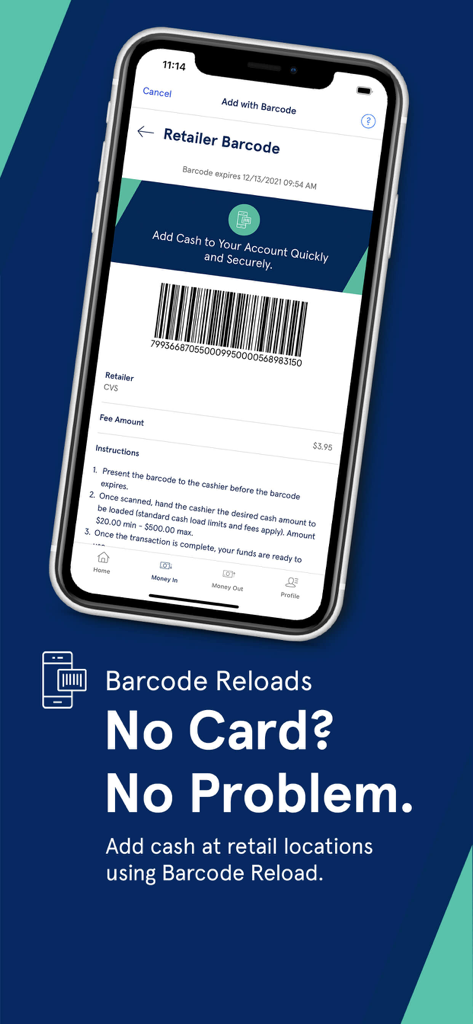
Smartphone showing a barcode in the Serve app to add cash at retail locations
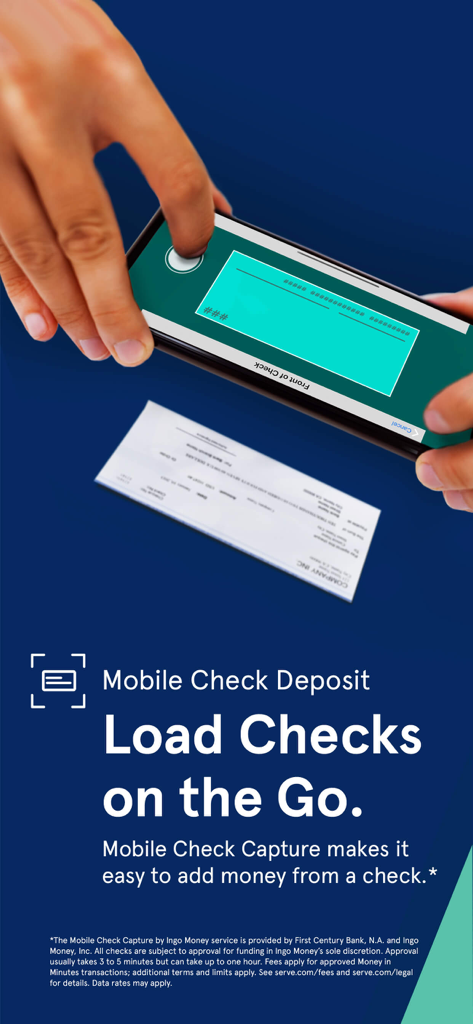
A person using the Serve app to deposit a paper check using their smartphone camera
Description
Download
More Like This
Apps with similar features and user experience

Propel: EBT, SNAP, WIC, & more
Propel Inc

Netspend
NETSPEND CORPORATION

Your Texas Benefits
Texas Health and Human Services Commission
Direct Express® Mobile
Comerica Bank

Xpectations!® Plus
Green Dot Corporation

Netspend Wallet
NETSPEND CORPORATION

U.S. Bank ReliaCard
U.S. Bancorp

NYC ACCESS HRA
Department of Information Technology And Telecomm

Vプリカ+
LIFECARD CO.,LTD.
This page is not an official page of the app or its developer, but an independent editorial publication created for informational and commentary purposes. Unless expressly stated otherwise, neither the app nor its developer is affiliated with, endorsed by, sponsored by, authorized by, or otherwise officially connected with MWM, Apple, Google Play, the app publisher, or the app's developer, and nothing on this page implies that the app was developed using MWM's services. Any trademarks, logos, screenshots, and other content remain the property of their respective owners.