
This page is not an official page of the app or its developer, but an independent editorial publication created for informational and commentary purposes. Unless expressly stated otherwise, neither the app nor its developer is affiliated with, endorsed by, sponsored by, authorized by, or otherwise officially connected with MWM, Apple, Google Play, the app publisher, or the app's developer, and nothing on this page implies that the app was developed using MWM's services. Any trademarks, logos, screenshots, and other content remain the property of their respective owners.

MySmartfren
Instantly activate your eSIM, manage data packages, and earn exclusive rewards before you even land. The essential travel-tech companion for seamless connectivity and 1GB bonus data on your first sign-up.
Downloads
3M+User Rating
Total Ratings
110K+Publisher
Category
UtilitiesLocales
1Latest Version
7.50.1Size
88.9 MBFirst Released
Mar 10, 2017Your Gateway to Seamless Indonesian Connectivity
Manage your mobile service from anywhere in the world. Whether you are an expat keeping a home number active or a traveler preparing for departure, MySmartfren puts full control in your pocket.
Instant eSIM Activation
Skip the airport kiosks. Activate Indonesia's first digital SIM directly on your device before you even land, ensuring you are online the moment you arrive.
Global Payment Flexibility
Top up your balance or buy data packages securely using international credit cards, debit cards, or popular digital wallets like GoPay, OVO, and DANA.
Frequently Asked Questions
Everything you need to know about MySmartfren
What is the MySmartfren app?
MySmartfren is an all-in-one app for smartfren users. It simplifies checking balances, topping up, buying data packages, and managing multiple smartfren numbers. It also supports eSIM and offers rewards.
Can I manage my smartfren data and balance using the MySmartfren app?
Yes, the MySmartfren app allows users to check their balance, top up credit, scan voucher data, and purchase various data packages, including unlimited and custom options.
What payment options are available in the MySmartfren app?
The MySmartfren app accepts payments from your balance, Simobi+, Sinarmas VA, DANA, OVO, GoPay, ShopeePay, LinkAja, BCA VA, Permata VA, Rekening Ponsel, OCTO Click, OCTO Mobile, and credit/debit cards.
Can I manage multiple smartfren numbers with one MySmartfren app account?
Yes, MySmartfren allows you to add and manage multiple smartfren numbers within a single account, simplifying management for families or individuals with several lines.
Does the MySmartfren app support eSIM functionality?
Yes, smartfren offers a Digital SIM (eSIM) through the app. This allows you to use a dual SIM smartphone without a physical SIM card and access special data packages.
How can I get bonus data or rewards in the MySmartfren app?
Users can get a 1GB quota bonus for installing the mySF app for the first time and signing up with their smartfren number. Other bonuses include SmartPoin and mission rewards.
How do I contact customer support for the MySmartfren app?
You can contact MySmartfren customer service via Live Chat in the app or website, call 888 (from smartfren) or 08811223344 (others), email customercare@smartfren.com, or reach out on Instagram/Twitter @smartfrencare.
Can I link my e-wallet accounts like GoPay or OVO to MySmartfren?
Yes, you can connect your MySmartfren account to GoPay, OVO, and DANA accounts. This allows for easier and more streamlined payment processes within the app.
The following screenshots and description are sourced directly from the app's official store listing and are the property of the app developer.
App Store
Screenshots
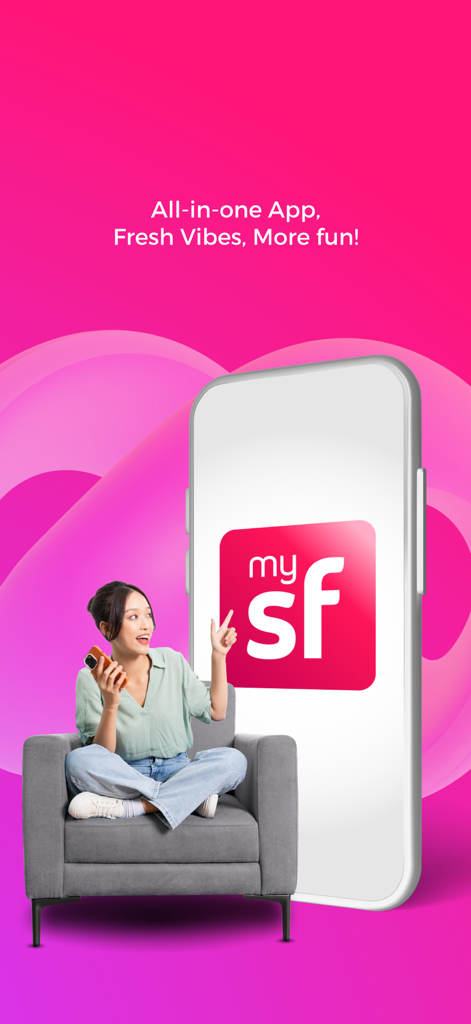
A woman sitting in a chair and pointing at the MySmartfren app logo on a large smartphone screen
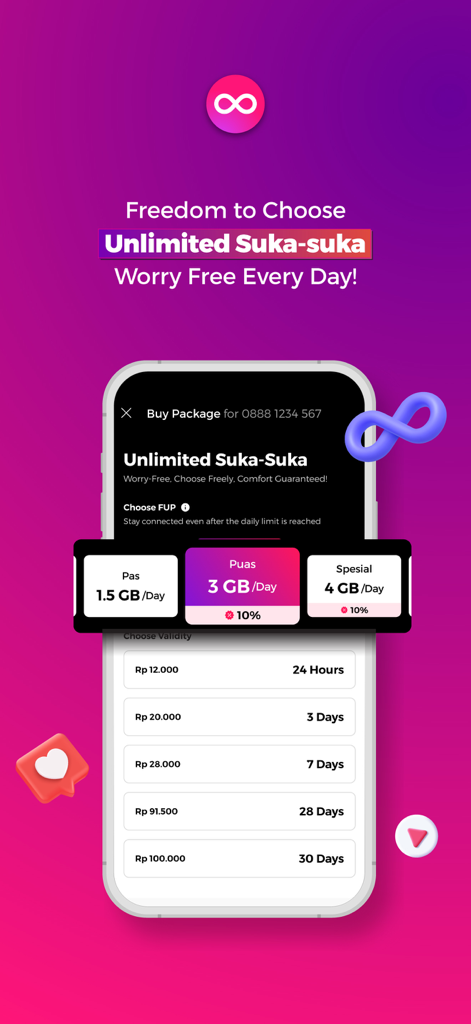
Interface of MySmartfren app showing unlimited data package options and pricing
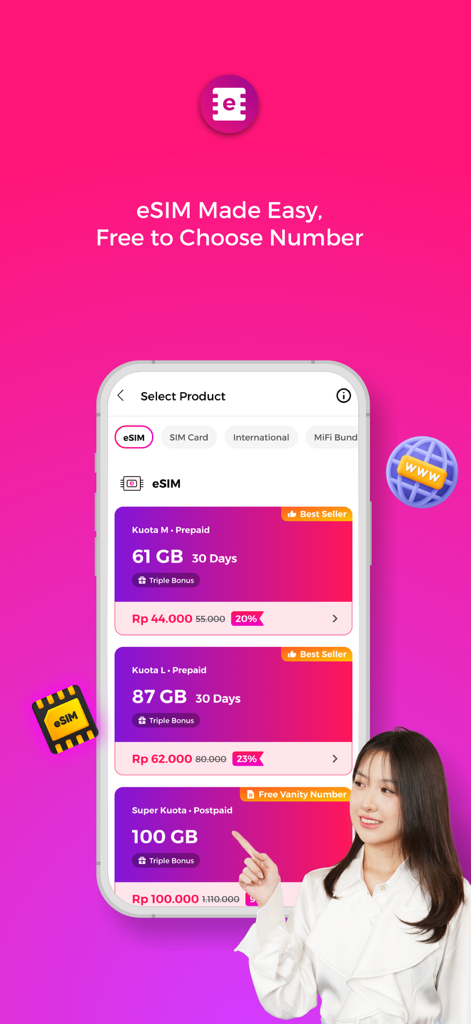
Selection of eSIM data plans in the MySmartfren app for Indonesian mobile service.
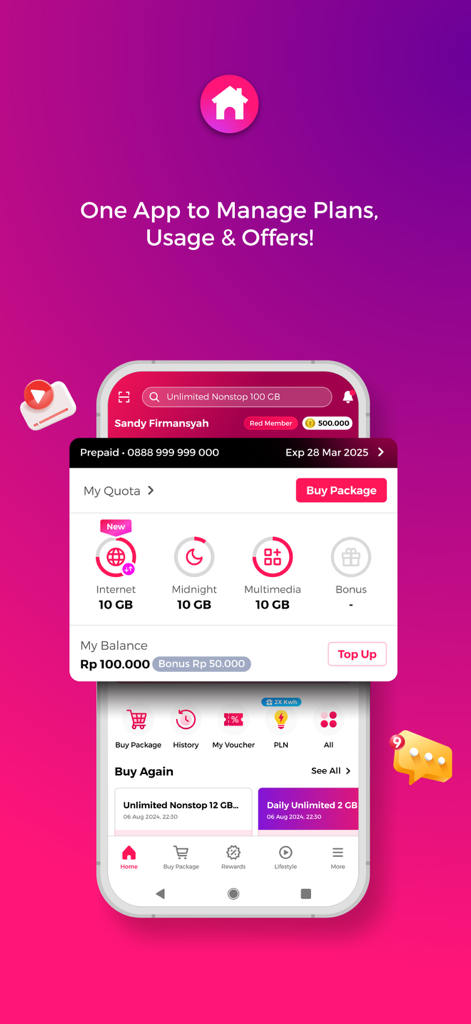
Screenshot of the MySmartfren app dashboard showing mobile data quotas account balance and top up options
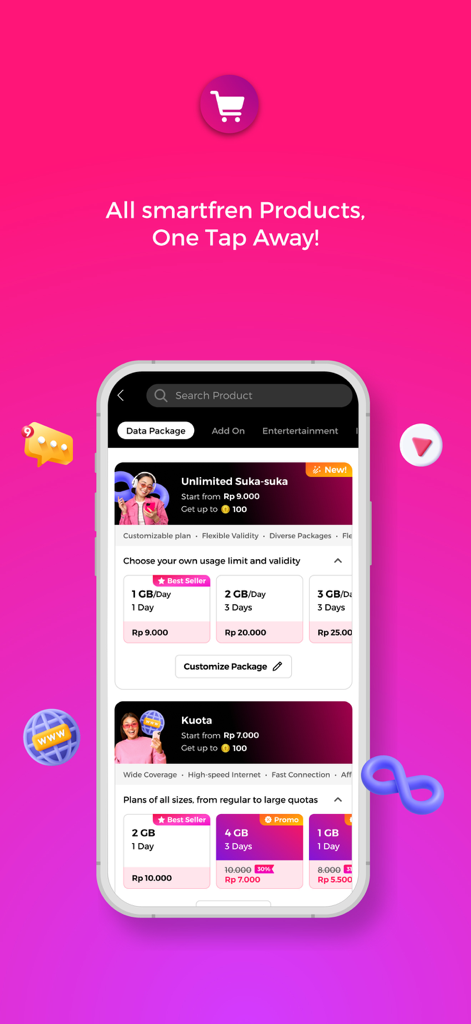
MySmartfren app screen showing various data packages and internet plans for Indonesia
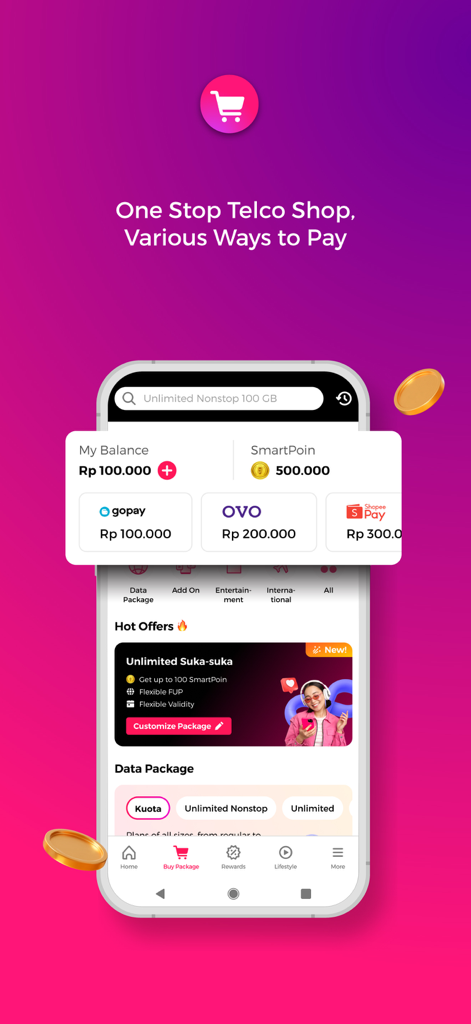
MySmartfren app interface showing balance and digital payment options like GoPay and OVO
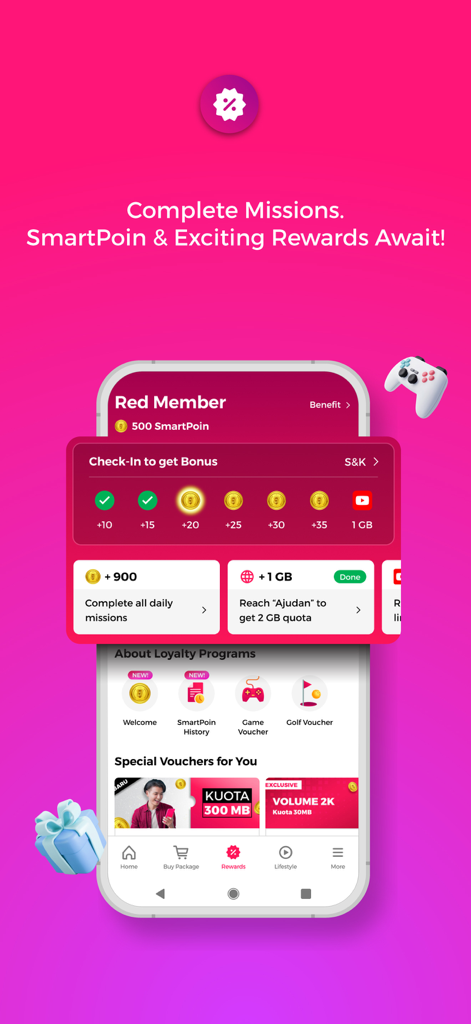
MySmartfren app interface displaying rewards, loyalty points, and daily missions.
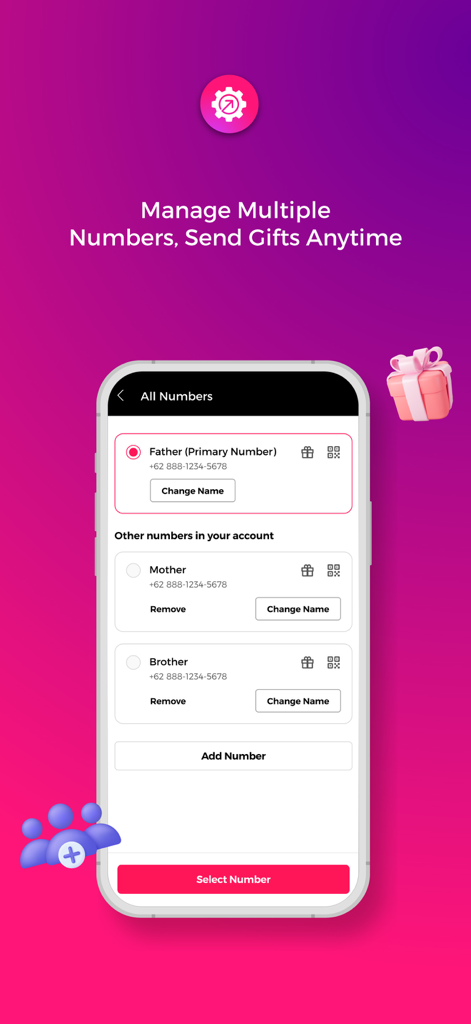
MySmartfren app screen displaying multiple managed phone numbers for a single account
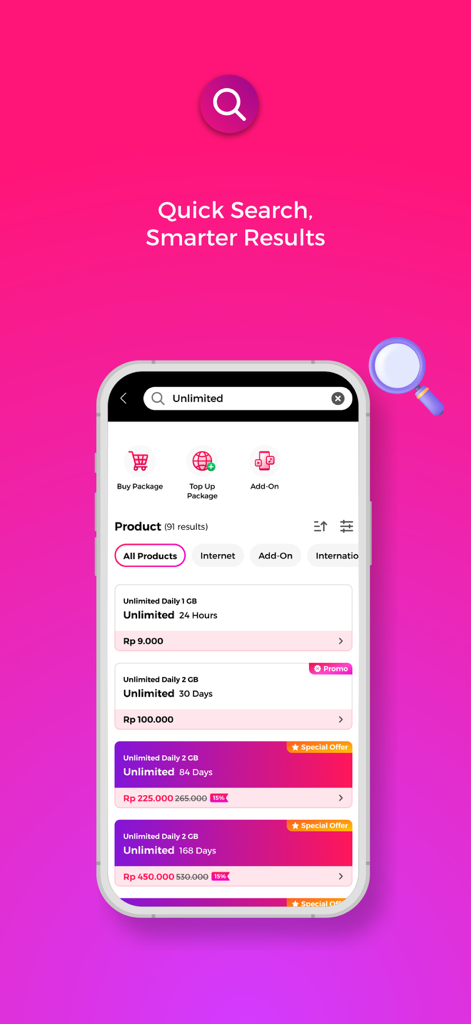
MySmartfren app search screen showing various unlimited data package options and prices
Description
Download
More Like This
Apps with similar features and user experience

My lifecell
Limited Liability Company "ASTELIT"
My Straight Talk: Mobile App
Tracfone Wireless Inc.

Azercell
Azercell Telecom MMC

Halo Telco
Winner Venture Sdn Bhd

Everyday Mobile (Woolworths)
Woolworths Group Limited

Bakcell
BAKCELL MMC

Mint Mobile
UVNV, Inc.

Visible mobile
Visible Service LLC

myMetro®
MetroPCS Wireless, Inc.
This page is not an official page of the app or its developer, but an independent editorial publication created for informational and commentary purposes. Unless expressly stated otherwise, neither the app nor its developer is affiliated with, endorsed by, sponsored by, authorized by, or otherwise officially connected with MWM, Apple, Google Play, the app publisher, or the app's developer, and nothing on this page implies that the app was developed using MWM's services. Any trademarks, logos, screenshots, and other content remain the property of their respective owners.