
This page is not an official page of the app or its developer, but an independent editorial publication created for informational and commentary purposes. Unless expressly stated otherwise, neither the app nor its developer is affiliated with, endorsed by, sponsored by, authorized by, or otherwise officially connected with MWM, Apple, Google Play, the app publisher, or the app's developer, and nothing on this page implies that the app was developed using MWM's services. Any trademarks, logos, screenshots, and other content remain the property of their respective owners.

mySolarEdge
Take full control of your solar ecosystem. Track real-time production, manage EV charging, and optimize your smart home for maximum efficiency—anytime, anywhere.
Downloads
1M+User Rating
Total Ratings
73K+Publisher
Category
UtilitiesLocales
11Latest Version
2.41Size
249.6 MBFirst Released
Apr 6, 2020Take Command of Your Home’s Energy
From real-time production tracking to smart EV charging, mySolarEdge gives you the tools to optimize your savings and achieve total energy independence.
Live Production Monitoring
Monitor your system's performance in real-time. Visualize your energy flow and see exactly how much power you are generating right now.
Smart EV Charging
Connect your electric vehicle to your solar system. Schedule charging during peak sun hours to drive on 100% clean, free energy.
The following screenshots and description are sourced directly from the app's official store listing and are the property of the app developer.
App Store
Screenshots
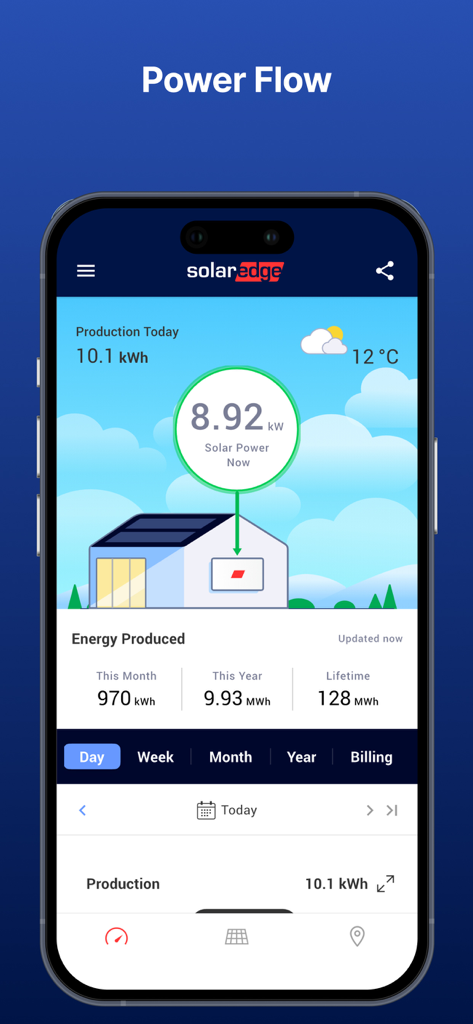
mySolarEdge app dashboard displaying real-time solar power production and energy flow metrics
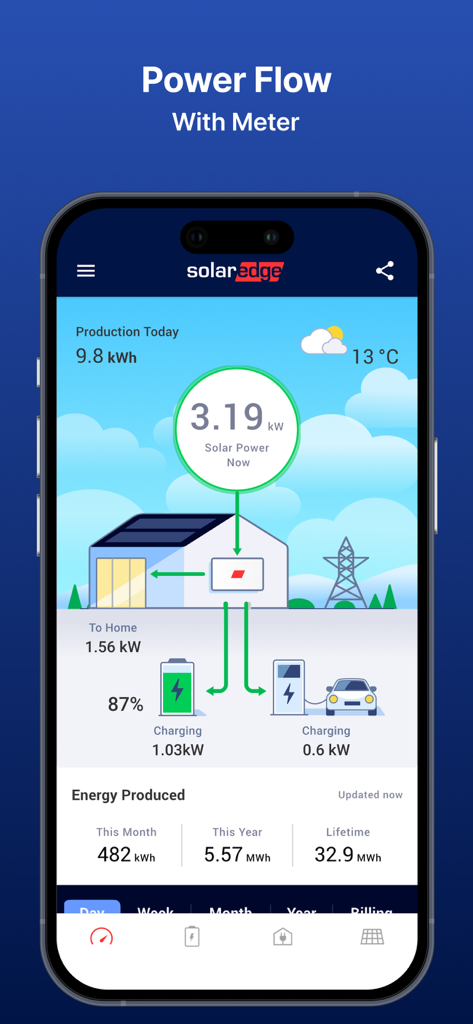
mySolarEdge app dashboard displaying real-time power flow from solar panels to home battery and EV charger
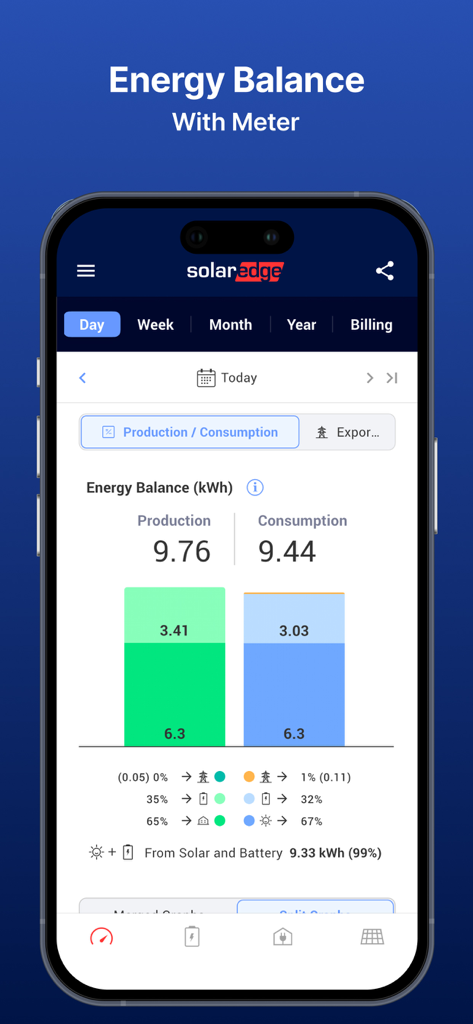
mySolarEdge app dashboard displaying real-time solar production and household energy consumption metrics
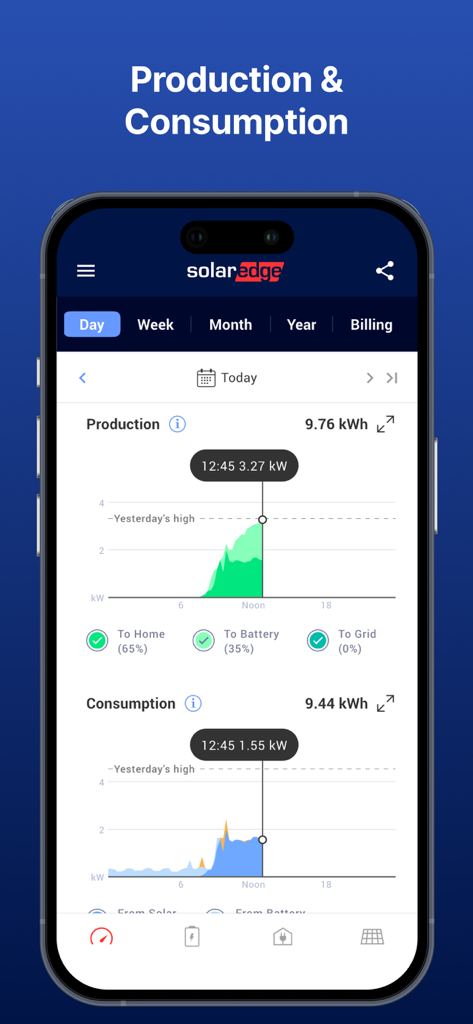
Real-time solar energy production and household consumption graphs on the mySolarEdge app interface
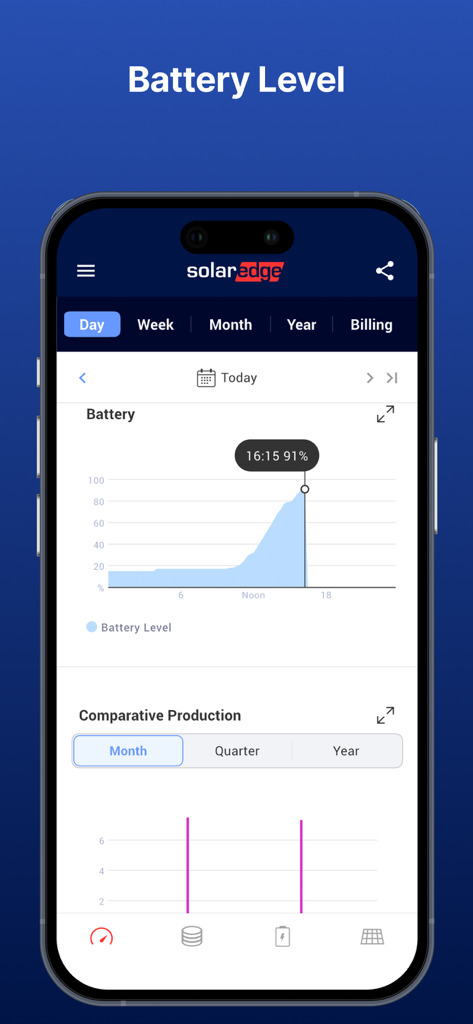
mySolarEdge app interface showing a graph of home battery storage levels for energy monitoring
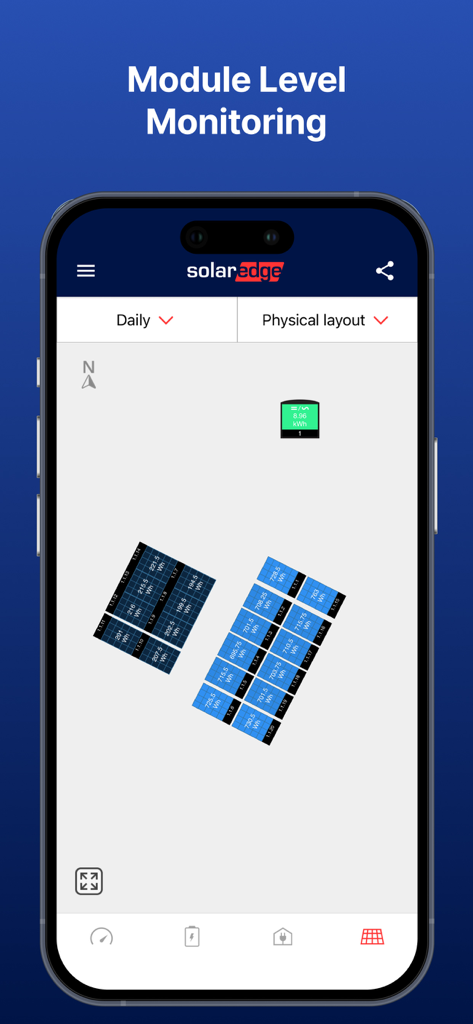
Interface of the mySolarEdge app showing a physical layout of solar panels with individual module energy production data
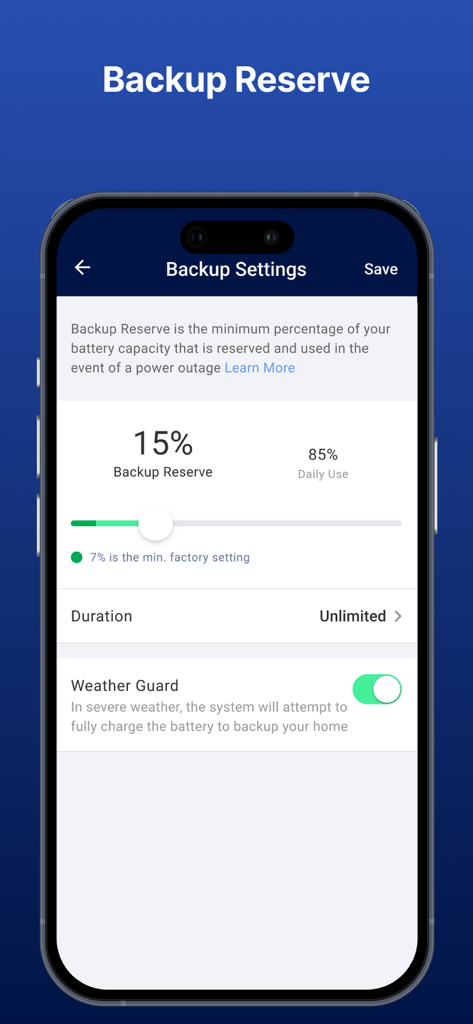
mySolarEdge app screen showing backup battery reserve settings and weather guard toggle
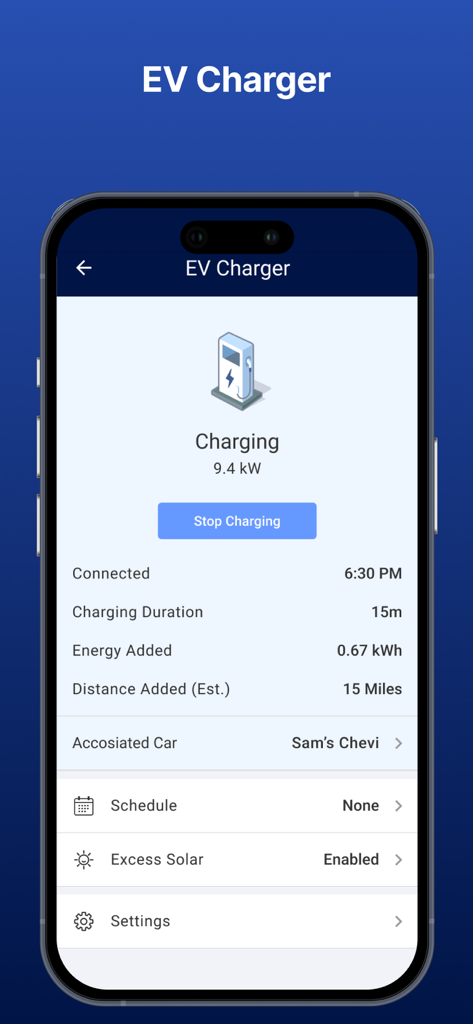
Smartphone screen displaying the mySolarEdge EV charging dashboard with real-time energy data and car connection status
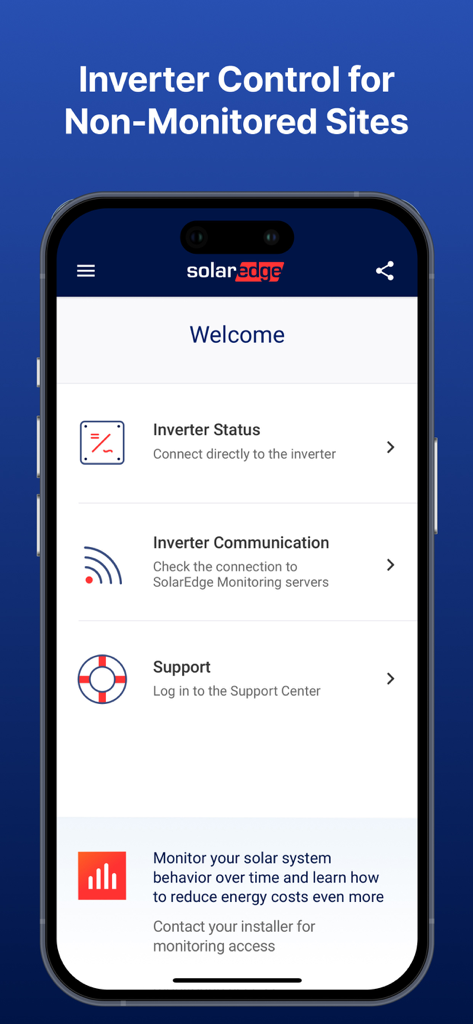
mySolarEdge mobile application showing inverter status and support menu options
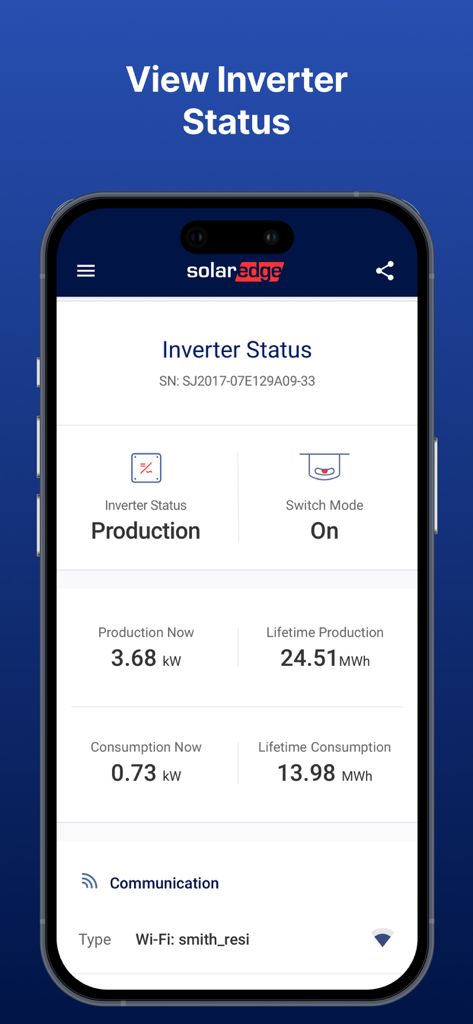
Mobile app interface showing SolarEdge inverter status production and consumption metrics
Description
Download
More Like This
Apps with similar features and user experience

가스앱 - 에너지 절약의 시작
SCG Lab.Co.,Ltd

GoodLeap Home
GoodLeap, LLC
Tempo EDF : Couleur du jour
WarthogLab

Tibber - Smarter power
Tibber AS

Zonneplan | Energie
Zonneplan B.V.

Vibb - Strøm gjort riktig
Vibb AS

myenergi
MYENERGI LTD

LibertéWatts, économie énergie
LIBERTE WATTS

Netzero for Powerwall
Netzero Labs, Inc
This page is not an official page of the app or its developer, but an independent editorial publication created for informational and commentary purposes. Unless expressly stated otherwise, neither the app nor its developer is affiliated with, endorsed by, sponsored by, authorized by, or otherwise officially connected with MWM, Apple, Google Play, the app publisher, or the app's developer, and nothing on this page implies that the app was developed using MWM's services. Any trademarks, logos, screenshots, and other content remain the property of their respective owners.