
This page is not an official page of the app or its developer, but an independent editorial publication created for informational and commentary purposes. Unless expressly stated otherwise, neither the app nor its developer is affiliated with, endorsed by, sponsored by, authorized by, or otherwise officially connected with MWM, Apple, Google Play, the app publisher, or the app's developer, and nothing on this page implies that the app was developed using MWM's services. Any trademarks, logos, screenshots, and other content remain the property of their respective owners.


myTouchMD - for Patients
Access your doctor’s recommendations, review procedure images, and manage your patient file with total confidence and privacy.
Downloads
337K+User Rating
Total Ratings
0Publisher
Category
MedicalLocales
1Latest Version
2.18.10Size
45.5 MBFirst Released
Oct 17, 2015Take Control of Your Care
Your personal portal to revisit consultations, review personalized recommendations, and securely manage your medical journey from anywhere.
Private Visual Gallery
Securely store your clinical photos and documents away from your personal phone library for total privacy.
Informed Decision-Making
Review doctor-assigned notes and educational materials at your own pace to feel confident in your choices.
The following screenshots and description are sourced directly from the app's official store listing and are the property of the app developer.
App Store
Screenshots
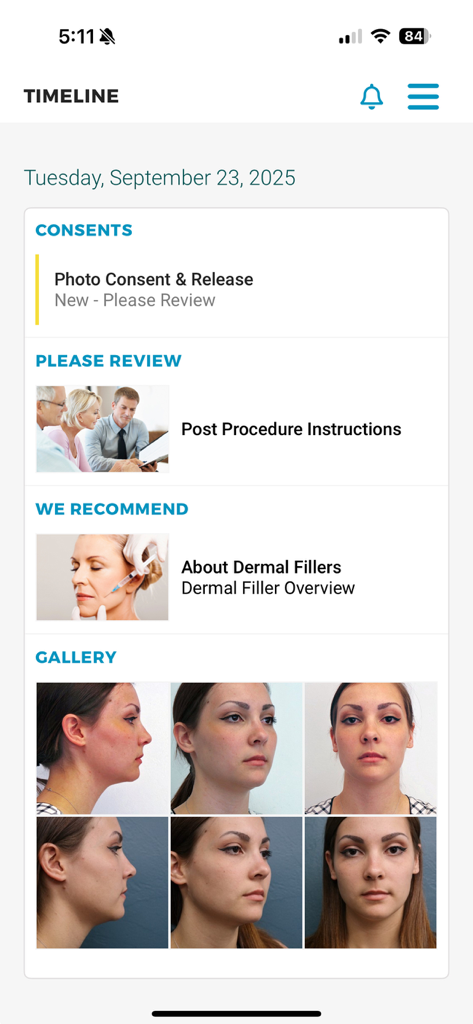
Mobile app screen showing a patient timeline with sections for consents, post-procedure instructions, recommendations, and a personal photo gallery.
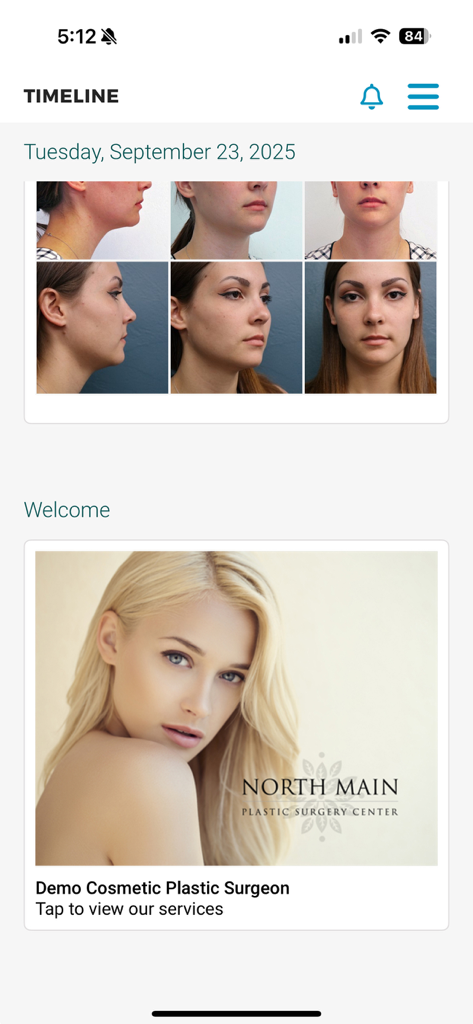
The myTouchMD patient timeline interface displaying facial assessment photos and plastic surgery services.
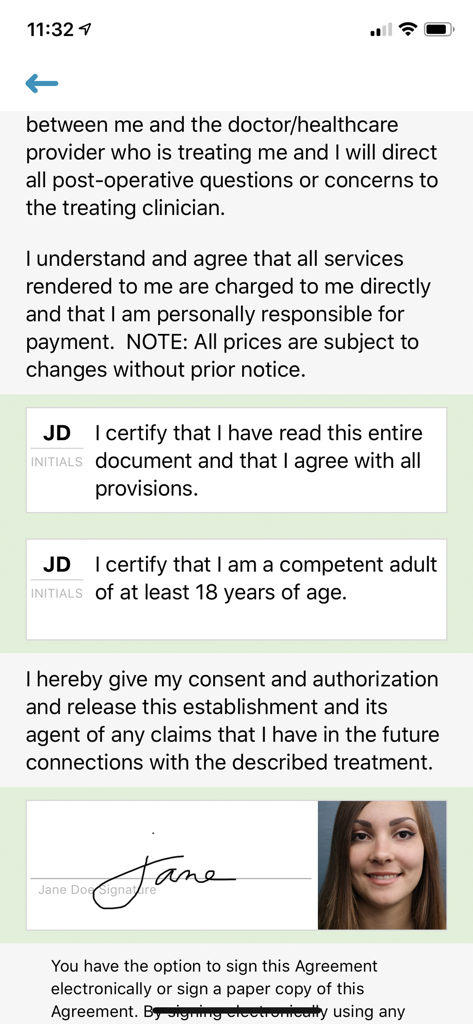
Digital medical consent form showing patient initials and an electronic signature
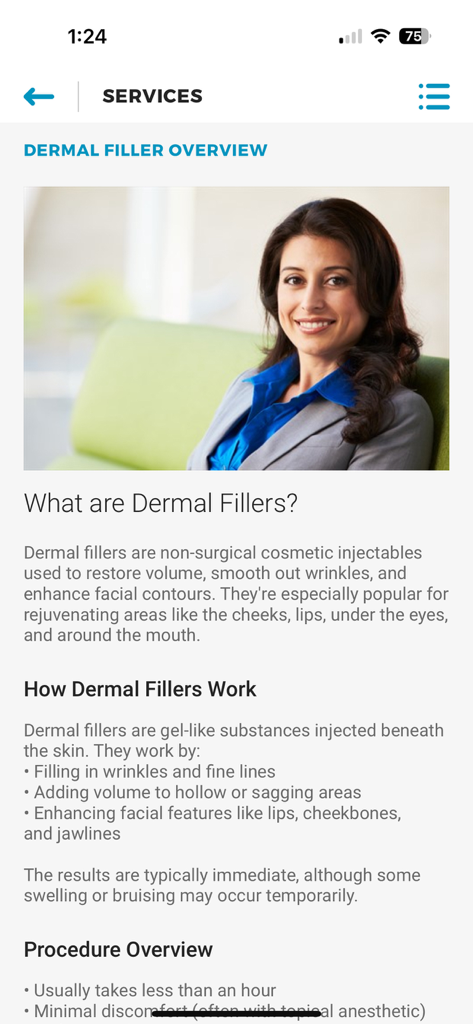
A mobile app screen for myTouchMD displaying educational content about dermal filler services including an overview and procedure details
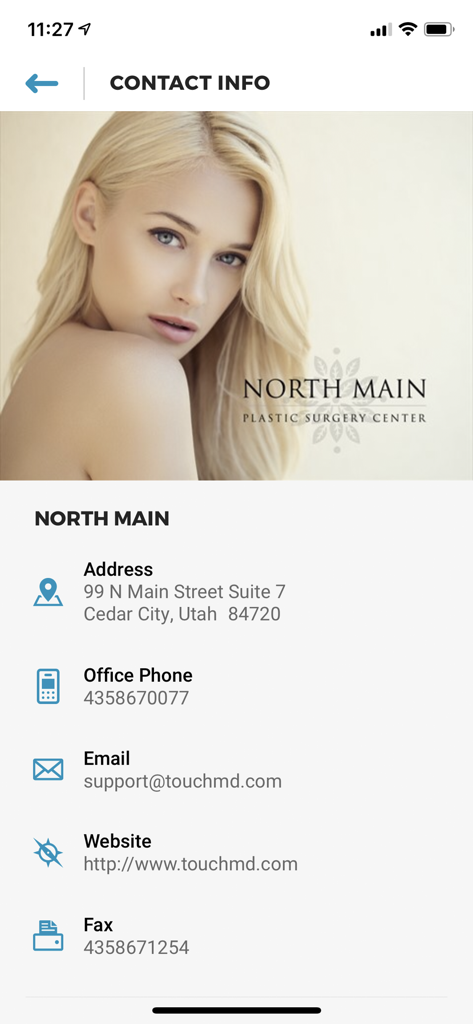
Contact information screen for a medical practice in the myTouchMD patient app
Login screen for the myTouchMD patient app featuring email and password input fields
Description
Download
More Like This
Apps with similar features and user experience



This page is not an official page of the app or its developer, but an independent editorial publication created for informational and commentary purposes. Unless expressly stated otherwise, neither the app nor its developer is affiliated with, endorsed by, sponsored by, authorized by, or otherwise officially connected with MWM, Apple, Google Play, the app publisher, or the app's developer, and nothing on this page implies that the app was developed using MWM's services. Any trademarks, logos, screenshots, and other content remain the property of their respective owners.