
This page is not an official page of the app or its developer, but an independent editorial publication created for informational and commentary purposes. Unless expressly stated otherwise, neither the app nor its developer is affiliated with, endorsed by, sponsored by, authorized by, or otherwise officially connected with MWM, Apple, Google Play, the app publisher, or the app's developer, and nothing on this page implies that the app was developed using MWM's services. Any trademarks, logos, screenshots, and other content remain the property of their respective owners.


myWorldLink
Manage bills, secure your home network with parental controls, and monitor real-time usage effortlessly—all from the palm of your hand, wherever you are.
Downloads
75k+User Rating
Total Ratings
471Publisher
Category
BusinessLocales
1Latest Version
5.3.6Size
90.8 MBFirst Released
May 10, 2016Master Your Home Network Anytime, Anywhere
The ultimate self-service platform for the modern WorldLink customer. Manage billing, enhance security, and troubleshoot your connection with a single tap.
Seamless Bill Management
View detailed usage breakdowns and pay bills instantly from across the globe with secure, integrated payment options.
Smart Home Security
Take total control of your network with device filtering, parental controls, and SafeNet to keep your family protected online.
The following screenshots and description are sourced directly from the app's official store listing and are the property of the app developer.
App Store
Screenshots
myworldlink-app-splash-screen
Smartphone displaying the myWorldLink app splash screen with its white logo on a solid blue background
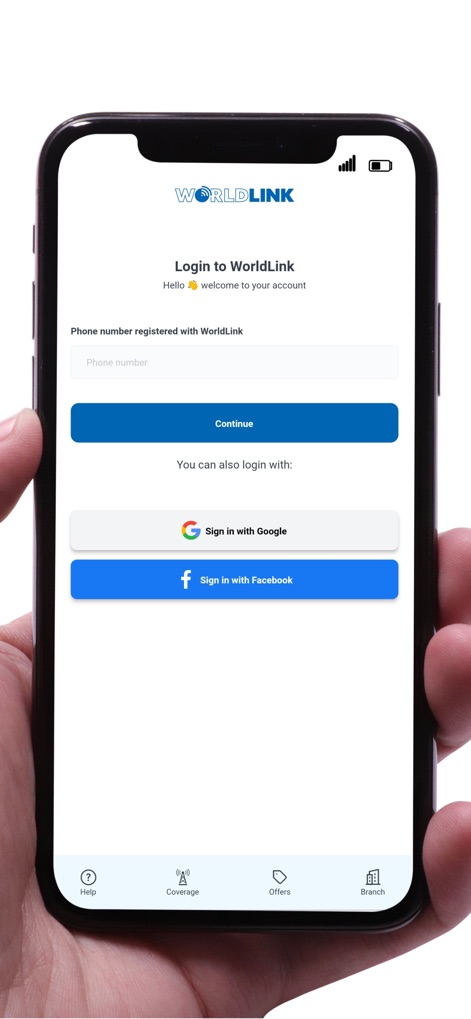
myworldlink-app-login-screen
The myWorldLink app login screen showing a phone number input field and sign-in buttons for Google and Facebook.
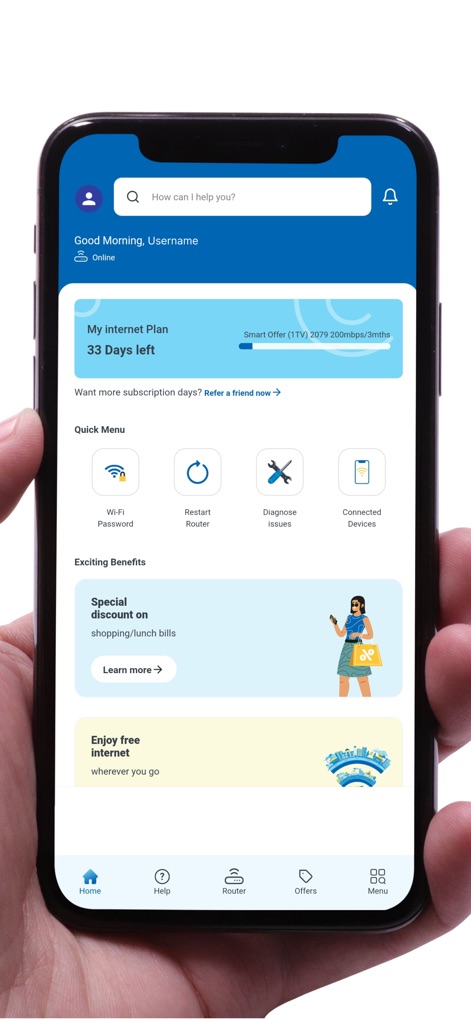
myworldlink-app-home-dashboard
The home screen of the myWorldLink app showing internet plan details and quick menu icons
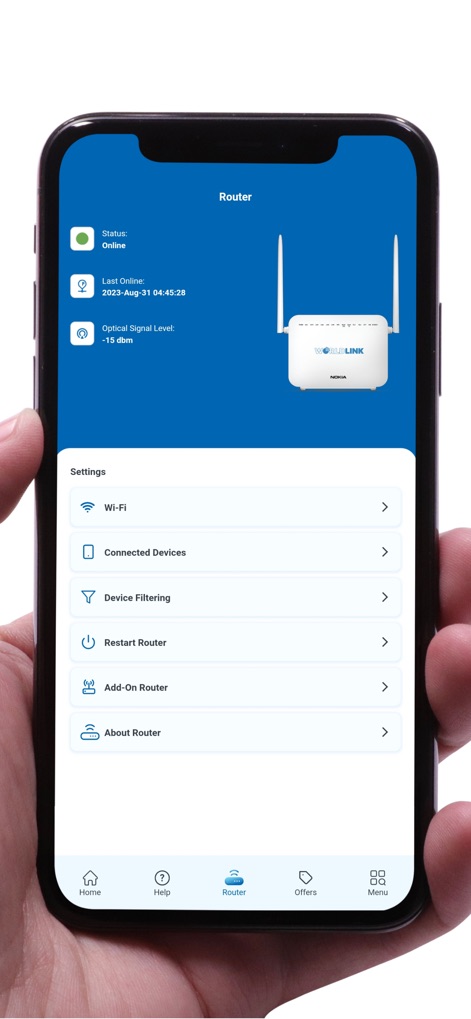
myworldlink-router-management-screen
Smartphone screen displaying myWorldLink app router management settings and status
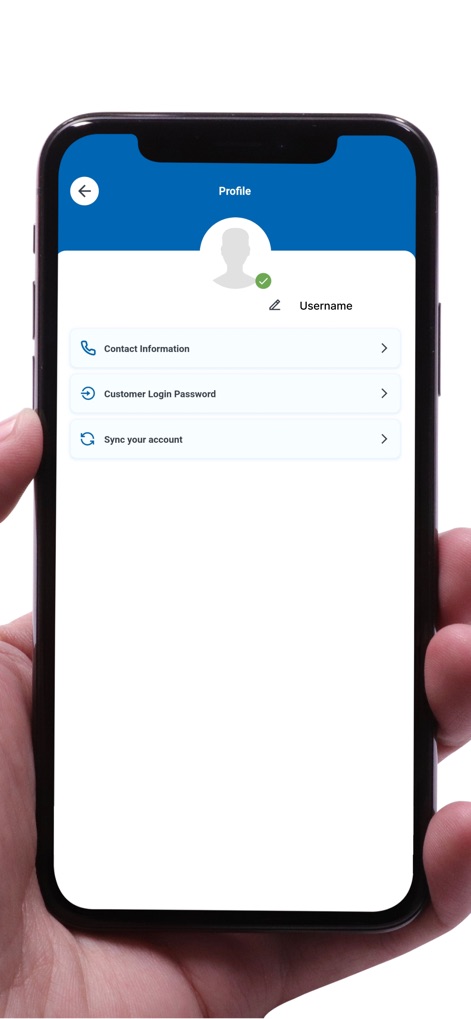
myworldlink-app-profile-account-settings
myWorldLink app profile screen showing account and contact management options
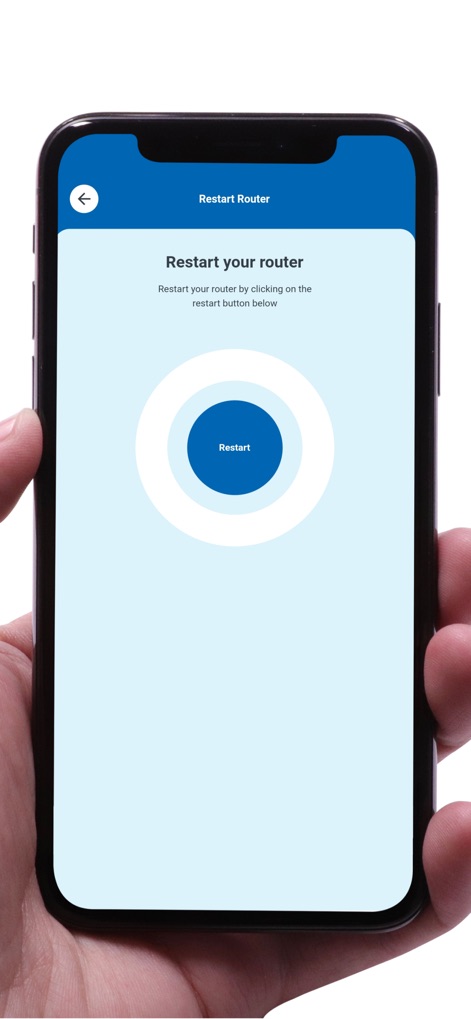
myworldlink-restart-router-feature
A smartphone screen displaying the restart router feature in the myWorldLink app.
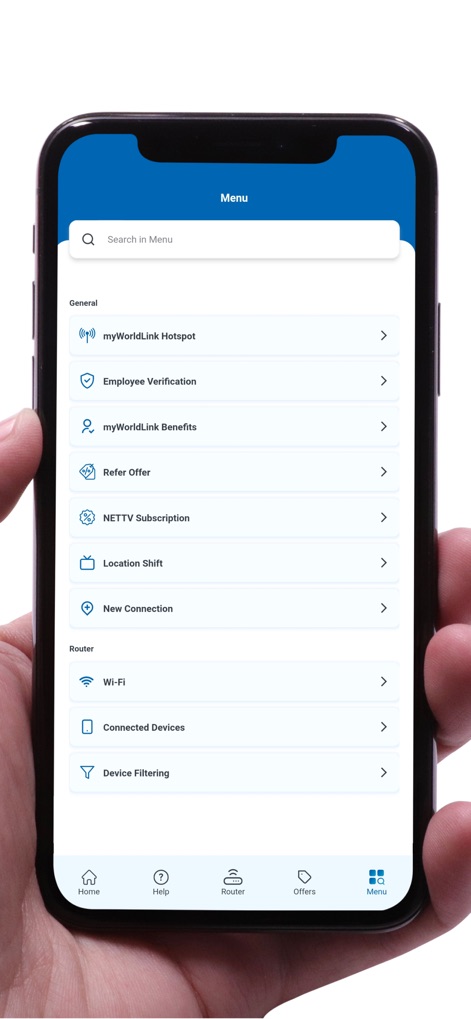
myworldlink-app-navigation-menu
Navigation menu in the myWorldLink application showing router and general service options.

myworldlink-bandwidth-management
myWorldLink app interface for changing internet bandwidth and speed settings

myworldlink-safenet-parental-controls
Smartphone screen showing the myWorldLink app SafeNet interface with parental controls and child mode settings

myworldlink-fair-usage-policy-screen
myWorldLink app interface showing the Fair Usage Policy details and FUP count status
Description
Download
More Like This
Top-ranked apps in the same category

Microsoft Teams
Microsoft Corporation

Zoom Workplace
Zoom Communications, Inc.

WhatsApp Business
WhatsApp Inc.

Indeed Job Search
Indeed Inc.

LinkedIn: Network & Job Finder
LinkedIn Corporation

Adobe Acrobat Reader: Sign PDF
Adobe Inc.

WeCom-Work Communication&Tools
Tencent Technology (Shenzhen) Company Limited

BOSS直聘-招聘求职找工作神器
Beijing China Product Bo Farce Network Technology Co., Ltd.

DingDing - Redefine Work in AI
DingTalk Technology Co., Ltd.
This page is not an official page of the app or its developer, but an independent editorial publication created for informational and commentary purposes. Unless expressly stated otherwise, neither the app nor its developer is affiliated with, endorsed by, sponsored by, authorized by, or otherwise officially connected with MWM, Apple, Google Play, the app publisher, or the app's developer, and nothing on this page implies that the app was developed using MWM's services. Any trademarks, logos, screenshots, and other content remain the property of their respective owners.