
This page is not an official page of the app or its developer, but an independent editorial publication created for informational and commentary purposes. Unless expressly stated otherwise, neither the app nor its developer is affiliated with, endorsed by, sponsored by, authorized by, or otherwise officially connected with MWM, Apple, Google Play, the app publisher, or the app's developer, and nothing on this page implies that the app was developed using MWM's services. Any trademarks, logos, screenshots, and other content remain the property of their respective owners.


Narrator's Voice
Voice is power. This app gives users the ability to command attention, transforming bland text into captivating narratives.
Downloads
2.5M+User Rating
Total Ratings
37.1KPublisher
Category
ProductivityLocales
3Latest Version
15.0.40Size
115.8 MBFirst Released
Nov 30, 2015An analysis of key functionalities empowering digital creators, e-learning developers, and marketers.
Narrator's Voice: A Technical Evaluation for Modern Content Creation
Advanced AI Voice Generation
The app provides access to ultra-realistic AI voices with professional dubbing quality, including ElevenLabs integration, ensuring high-fidelity narration for all types of content.
Instant Voice Cloning
This tool features instant voice cloning capabilities, allowing users to replicate unique vocal tones for consistent branding or personalized audio experiences.
Seamless Video Voiceovers & Export
It allows users to effortlessly create voiceovers for videos, including YouTube and TikTok content, and export them as high-quality MP3 audio or MP4 video files, simplifying content production workflows.
Extensive Language & Voice Library
The app offers a wide array of languages and diverse voice options, enabling creators to cater to global audiences and add character to their narrations.
Streamlined User Experience
This tool features a simpler, more intuitive interface, designed to help users create high-quality audio in seconds without a steep learning curve.
Offline Audio Access
It allows users to save generated audio and access it offline, providing flexibility and convenience for content creation on the go.
Frequently Asked Questions
Everything you need to know about Narrator's Voice
What is the Narrator's Voice app?
The Narrator's Voice app is a text-to-speech converter that transforms any text into professional-quality voice using AI. Users create and share messages with chosen narrators, languages, and special effects.
Does Narrator's Voice use AI voices?
Yes, Narrator's Voice utilizes ultra-realistic AI voices with professional dubbing quality, including ElevenLabs integration. It provides access to advanced AI voices for natural and realistic narrations.
Can I use Narrator's Voice to create content for YouTube or TikTok?
Yes, Narrator's Voice is ideal for creating voiceovers for YouTube and TikTok videos. Many users employ it to add audio, commentary, or clarification to their video projects.
Can Narrator's Voice convert text to audio and video files?
Yes, Narrator's Voice converts text into audio files (MP3) or video files (MP4). Users can then share these creations on social networks or save them directly from the app.
Is there a character limit for text input in Narrator's Voice?
No, Narrator's Voice does not impose a character limit for text input. Users can create audio from extensive texts without any restrictions within the application.
Does Narrator's Voice offer different voice effects?
Yes, Narrator's Voice allows users to apply various effects to voices. These include volume, compressor, distortion, and reverb to customize the audio output.
Can Narrator's Voice be used offline?
Yes, Narrator's Voice functions offline after audio files are saved. Users can access and listen to their created audios without an internet connection.
Does Narrator's Voice support multiple languages?
Yes, Narrator's Voice supports a wide range of languages. It provides many voices with effects available across various languages, offering diverse narration options.
What are some specific voices available in Narrator's Voice?
Narrator's Voice includes specific voices such as pinksheep voice, MLG voice - Daniel UK, and CORTANA voice. It also features other expressive and natural-sounding voices.
Can Narrator's Voice convert images into text?
Yes, Narrator's Voice can convert images into text. This feature allows users to extract text content directly from images for further use within the app.
The following screenshots and description are sourced directly from the app's official store listing and are the property of the app developer.
App Store
Screenshots
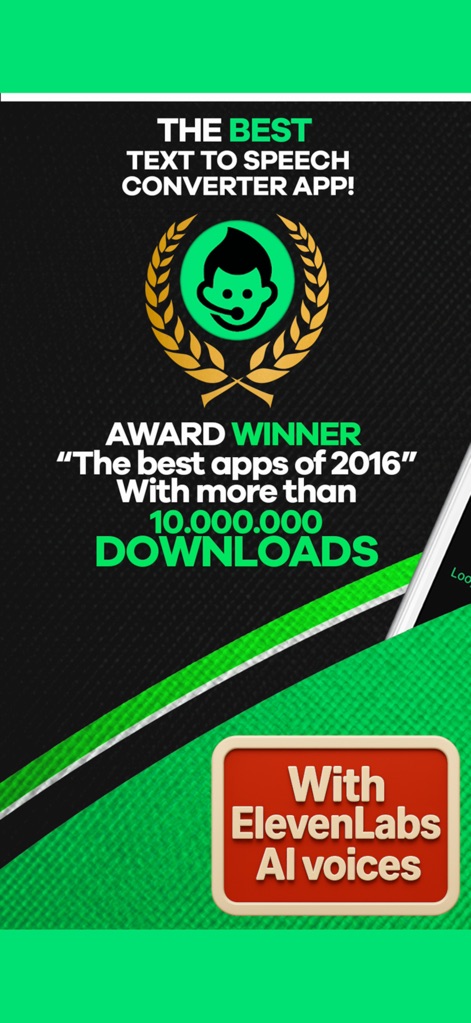
Explore the accolades and advanced ElevenLabs AI voices that make this app a leader in text-to-speech technology.
Award-Winning Voices
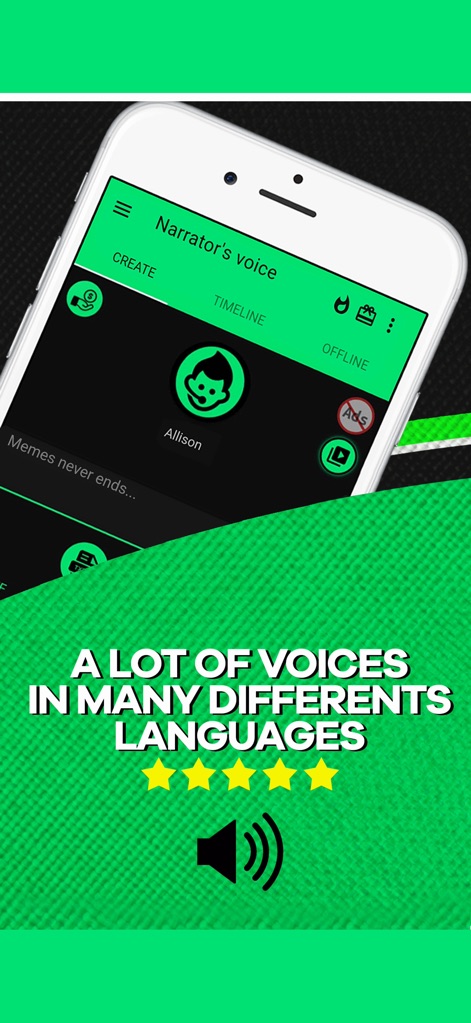
Discover the app's intuitive interface with "CREATE" and "TIMELINE" tabs, offering a vast array of voices in many different languages.
Diverse Voice Library
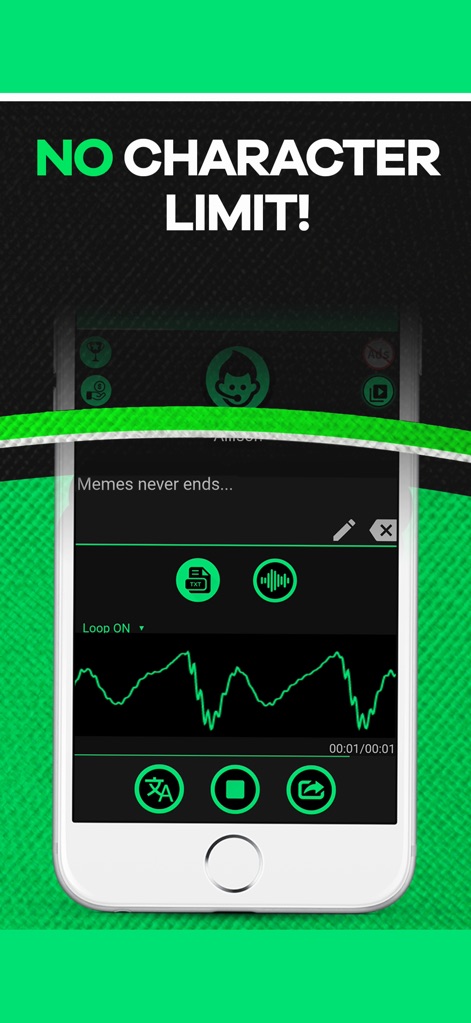
Witness the freedom of "NO CHARACTER LIMIT!" as the app processes your text, displayed with a clear audio waveform visualization.
Unlimited Text-to-Speech
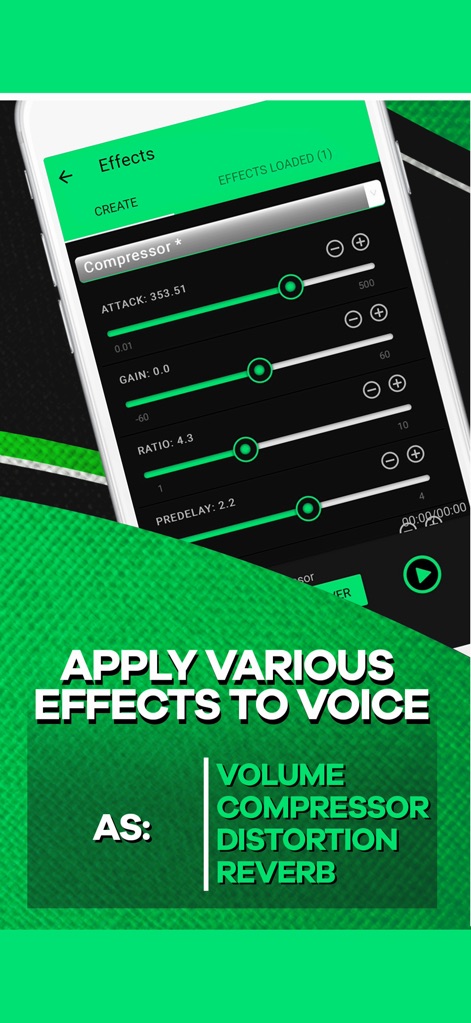
Dive into precise audio customization with detailed compressor effect sliders and a comprehensive list of available voice effects like Distortion and Reverb.
Advanced Audio Effects
See why this app is highlighted as an "IDEAL APP FOR YOUTUBERS" and its seamless integration for making engaging video content.
Creator's Essential Tool
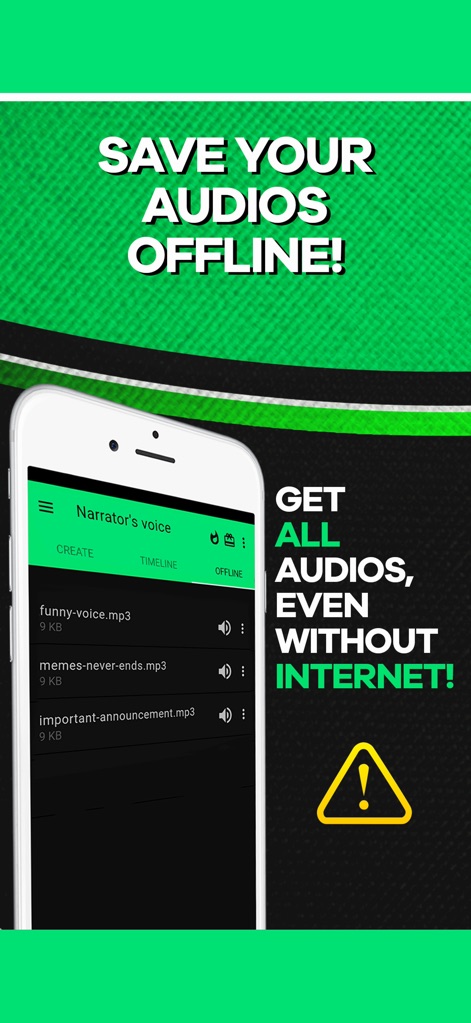
Explore the convenience of offline access, viewing your saved audio files (like MP3s) and the ability to "GET ALL AUDIOS, EVEN WITHOUT INTERNET!".
Offline Accessibility
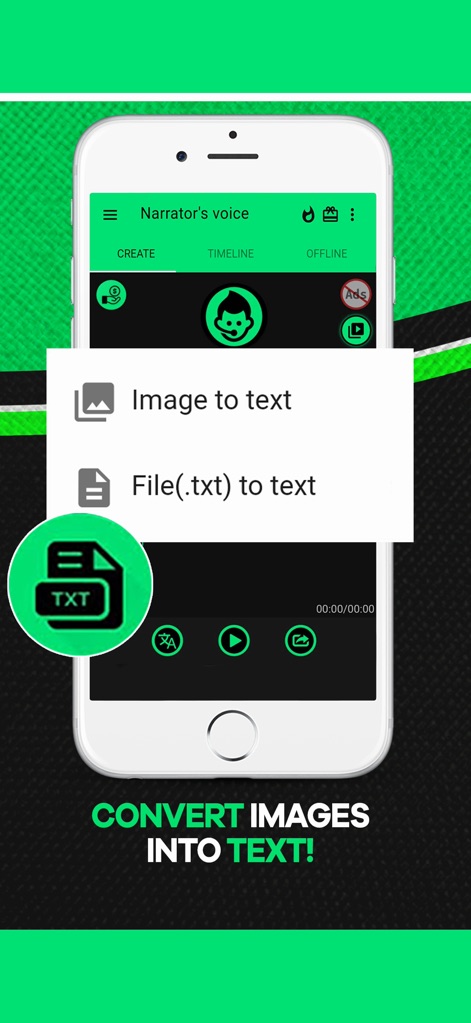
Discover powerful text extraction capabilities, enabling users to convert both "Image to text" and "File(.txt) to text" effortlessly.
Text Extraction Tools
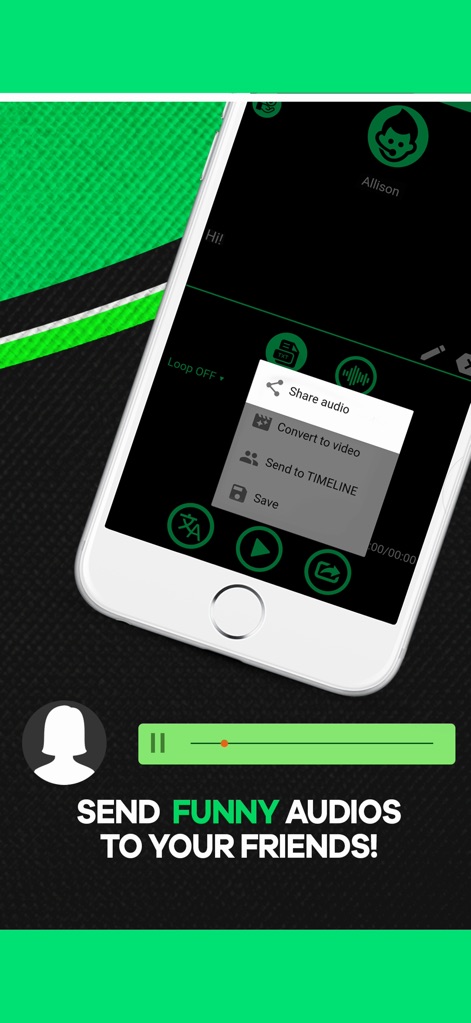
Understand the versatile sharing features, including the ability to "Share audio" directly and efficiently "Convert to video" for broader distribution.
Seamless Sharing Options
Description
Download
More Like This
Apps with similar features and user experience

文字转语音助手-声音克隆与AI配音软件
苗花 郭

ElevenLabs-AI Voice Generator
Vladyslav Kravchenko

ずんだボイス「ずんだもん読み上げアプリ」
Toraichi Igarashi

Speech synthesis assistant
喜春 雷

Vbee AIVoice - Text To Speech
VBEE SERVICES AND DATA PROCESSING SOLUTIONS JOINT STOCK COMPANY
클로바더빙 - AI 더빙 만들기
NAVER Corp.
AI Podcast Maker - PODLM
Omer Erdem Aydemir
This page is not an official page of the app or its developer, but an independent editorial publication created for informational and commentary purposes. Unless expressly stated otherwise, neither the app nor its developer is affiliated with, endorsed by, sponsored by, authorized by, or otherwise officially connected with MWM, Apple, Google Play, the app publisher, or the app's developer, and nothing on this page implies that the app was developed using MWM's services. Any trademarks, logos, screenshots, and other content remain the property of their respective owners.