
This page is not an official page of the app or its developer, but an independent editorial publication created for informational and commentary purposes. Unless expressly stated otherwise, neither the app nor its developer is affiliated with, endorsed by, sponsored by, authorized by, or otherwise officially connected with MWM, Apple, Google Play, the app publisher, or the app's developer, and nothing on this page implies that the app was developed using MWM's services. Any trademarks, logos, screenshots, and other content remain the property of their respective owners.

Noise: Green, Brown, White
Experience seamless, loop-free audio generated in real-time. Whether you're mastering deep work, managing ADHD, or seeking perfect sleep, find your ideal frequency with our high-fidelity noise spectrum.
Downloads
9K+User Rating
Total Ratings
300Publisher
Category
Health & FitnessLocales
19Latest Version
1.3.1Size
4.1 MBFirst Released
May 11, 2024Craft Your Perfect Sound Environment
Go beyond basic white noise. Use real-time audio generation to mask distractions, quiet your mind, and achieve deep focus or restful sleep.
Infinite, Seamless Sound
Unlike apps that loop short recordings, our engine generates audio in real-time for a natural sound with zero repetitive patterns or audible clicks.
A Spectrum for Every Mind
From deep Brown noise for ADHD focus to soft Green noise for relaxation, find the exact frequency that works for your unique sensory needs.
The following screenshots and description are sourced directly from the app's official store listing and are the property of the app developer.
App Store
Screenshots
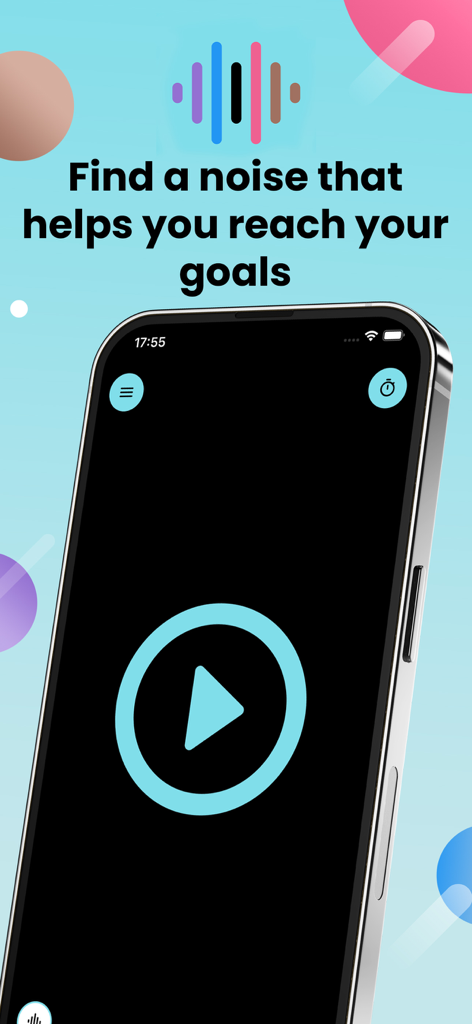
Interface of the Noise app featuring a play button and goal focused slogan
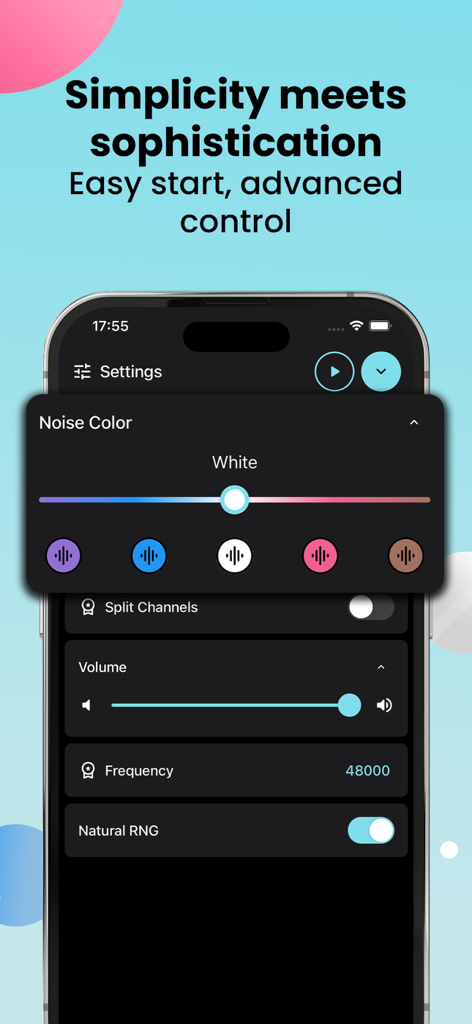
Advanced settings screen of the Noise app showing noise color selection and volume controls.
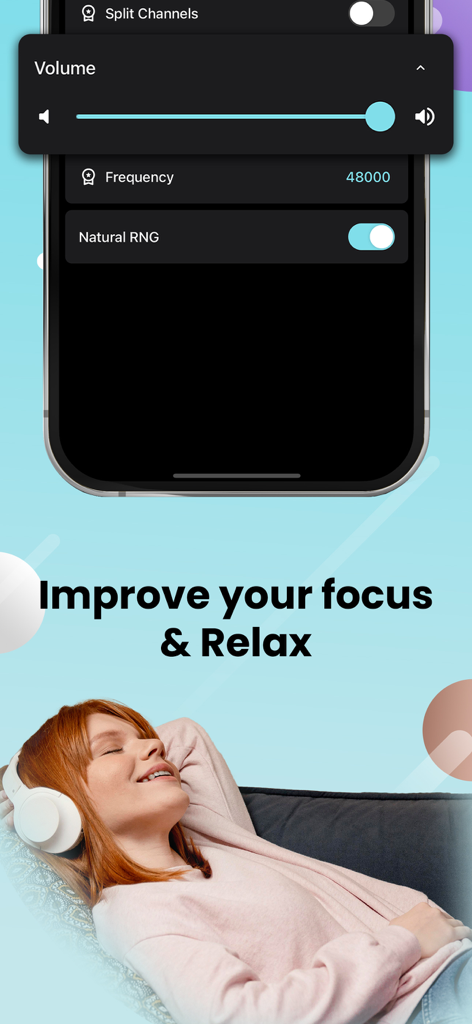
A woman wearing headphones relaxes on a sofa while the app displays audio frequency and volume settings
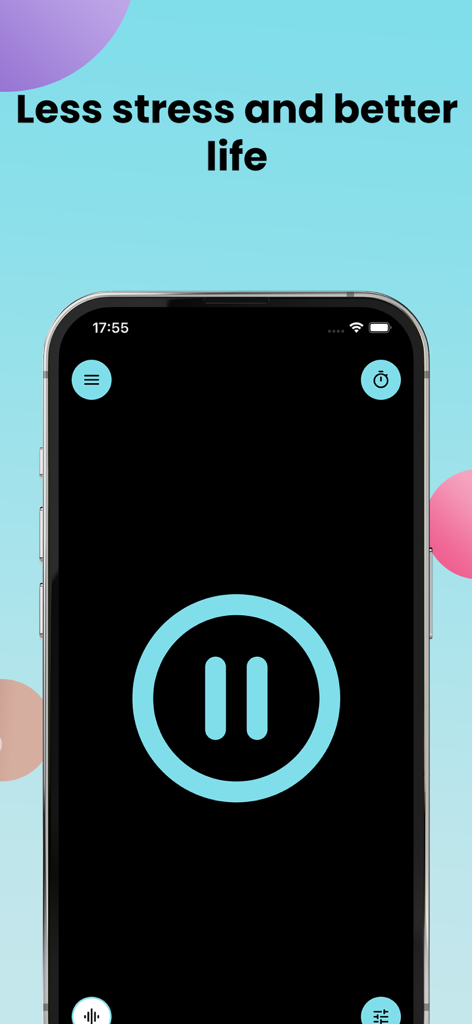
Smartphone screen showing the Noise app interface with a large pause button and the headline Less stress and better life
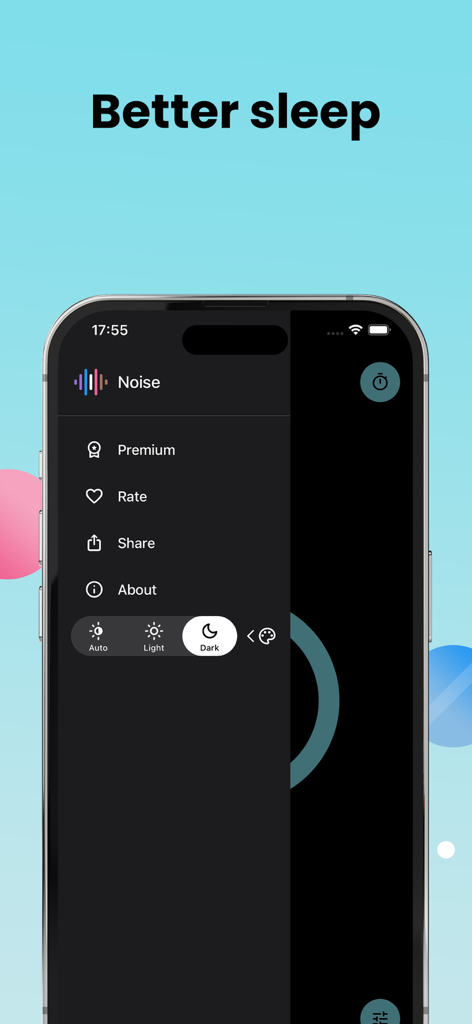
IPhone screenshot of the Noise app menu showing settings for dark mode and better sleep
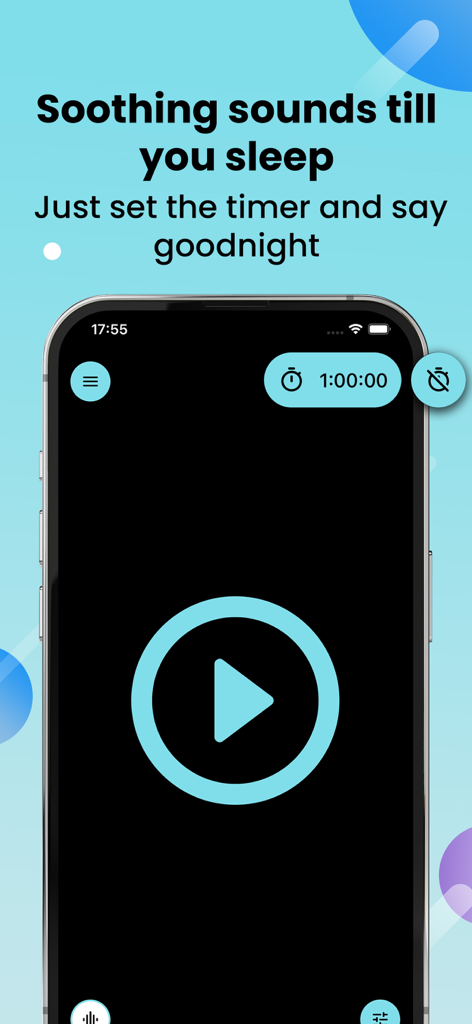
iPhone screen showing the noise generator app interface with a play button and a shutdown timer set for one hour.
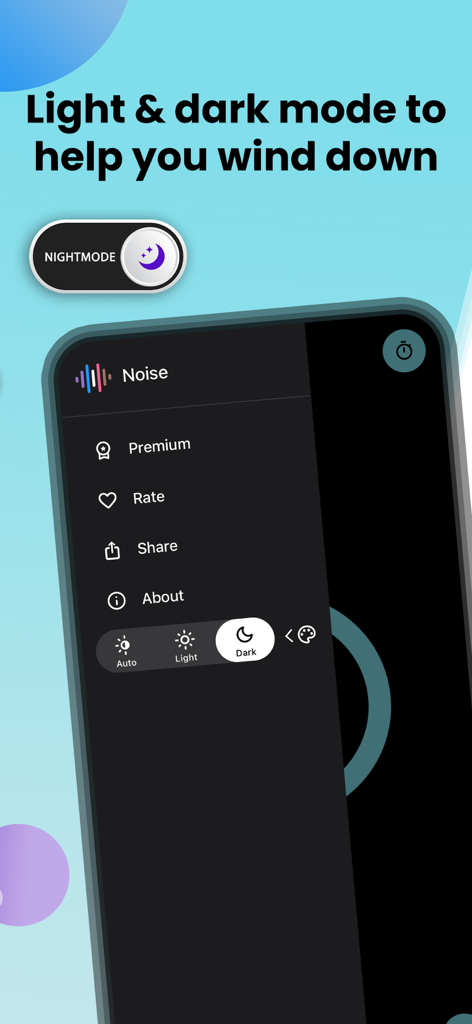
A smartphone displaying the Noise app interface with dark mode and night mode settings selected.
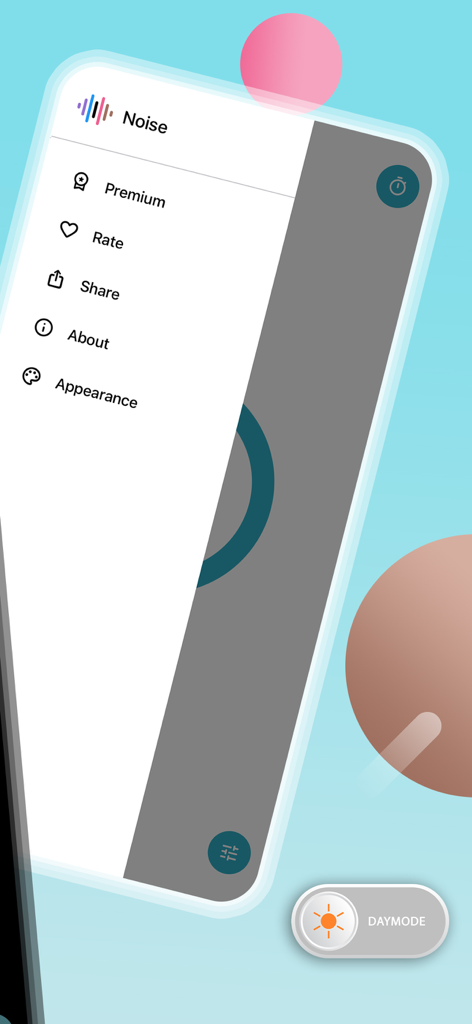
Side menu of the Noise app showing settings and a day mode toggle
Description
Download
More Like This
Top-ranked apps in the same category

Strava: Run, Bike, Walk
Strava Inc.

Flo Cycle & Period Tracker
FLO HEALTH UK LIMITED

AI Calorie Tracker by Yazio
YAZIO GmbH

MyFitnessPal: Calorie Counter
MyFitnessPal, Inc.

Mi Fitness (Xiaomi Wear Lite)
Beijing Xiaomi Co., Ltd

美柚 - 经期·备孕·怀孕·育儿&亲友版
Xiamen Meet You Co., Ltd.

Cal AI - Calorie Tracker
Viral Development LLC

Yuka - Food & Cosmetic Scanner
Yuca

BitePal: Food Tracker Pet
REFACE LITHUANIA UAB
This page is not an official page of the app or its developer, but an independent editorial publication created for informational and commentary purposes. Unless expressly stated otherwise, neither the app nor its developer is affiliated with, endorsed by, sponsored by, authorized by, or otherwise officially connected with MWM, Apple, Google Play, the app publisher, or the app's developer, and nothing on this page implies that the app was developed using MWM's services. Any trademarks, logos, screenshots, and other content remain the property of their respective owners.