
This page is not an official page of the app or its developer, but an independent editorial publication created for informational and commentary purposes. Unless expressly stated otherwise, neither the app nor its developer is affiliated with, endorsed by, sponsored by, authorized by, or otherwise officially connected with MWM, Apple, Google Play, the app publisher, or the app's developer, and nothing on this page implies that the app was developed using MWM's services. Any trademarks, logos, screenshots, and other content remain the property of their respective owners.

Notate for Microsoft 365
Transform your iPad into a mobile powerhouse. Annotate PDFs, scan business cards, and sync handwriting directly to your Outlook account with enterprise-grade security.
Downloads
20K+User Rating
Total Ratings
0Publisher
Category
BusinessLocales
10Latest Version
7.5.0Size
156.8 MBFirst Released
Apr 17, 2020Master Your Workflow in One Secure App
Designed for professionals who demand more from Microsoft 365. Notate unifies your notes, tasks, and document management into a single, high-performance workspace.
Professional PDF Suite
Annotate, edit, and sign contracts with desktop-level precision. Scan paper docs directly into PDF and return them via Outlook in seconds.
Natural Handwriting & Smart Notes
Replace your paper notebook. Use Apple Pencil for handwriting or capture audio and web clippings—all searchable and synced to your M365 account.
Frequently Asked Questions
Everything you need to know about Notate for Microsoft 365
What is Notate for Microsoft 365?
Notate for Microsoft 365 is an all-in-one information manager that syncs notes, tasks, contacts, calendar, and email attachments with your Microsoft Office 365 account.
Does Notate for Microsoft 365 require a specific email account?
Yes, Notate for Microsoft 365 requires a Microsoft 365, Hotmail, or Outlook.com email account to operate. It is specifically designed to work with Microsoft Office 365.
Can Notate for Microsoft 365 scan documents?
Yes, Notate for Microsoft 365 scans paper documents directly into PDF files. It also features a dedicated PDF Scanner function for this purpose.
Does Notate for Microsoft 365 allow PDF editing?
Yes, Notate for Microsoft 365 provides desktop-quality PDF editing capabilities. Users can fill forms, edit, annotate, create, and sign PDF documents within the app.
Can Notate for Microsoft 365 manage tasks?
Yes, Notate for Microsoft 365 manages your Microsoft 365 to-do list. It includes comprehensive to-do management with reminder notifications.
Does Notate for Microsoft 365 have a business card scanner?
Yes, Notate for Microsoft 365 includes a business card scanner. It converts business cards directly into Microsoft 365 Outlook contacts and supports 19 languages.
Is there a free trial for Notate for Microsoft 365?
Yes, Notate for Microsoft 365 offers a free thirty-day trial. After the trial period, a subscription is required for regular app updates and data syncing.
How does Notate for Microsoft 365 handle email attachments?
Notate for Microsoft 365 allows users to view and edit Microsoft 365 email attachments without leaving the application. It also converts office documents to PDF.
Can Notate for Microsoft 365 be used for collaboration?
Yes, Notate for Microsoft 365 supports collaboration. It features shared workspaces for teamwork and allows annotating and commenting on PDF documents with peers.
What types of notes can I create in Notate for Microsoft 365?
Notate for Microsoft 365 allows creating typed or handwritten notes. Users can also embed images, audio recordings, web clippings, and PDF documents into their notes.
Does Notate for Microsoft 365 support Apple Pencil?
Yes, Notate for Microsoft 365 supports both handwriting input and Apple Pencil functionality. This integration enhances the digital note-taking experience.
How do I manage my Notate for Microsoft 365 subscription?
You can manage your Notate for Microsoft 365 subscription and automatic renewal status directly within the Account Settings section of the app after purchase.
The following screenshots and description are sourced directly from the app's official store listing and are the property of the app developer.
App Store
Screenshots
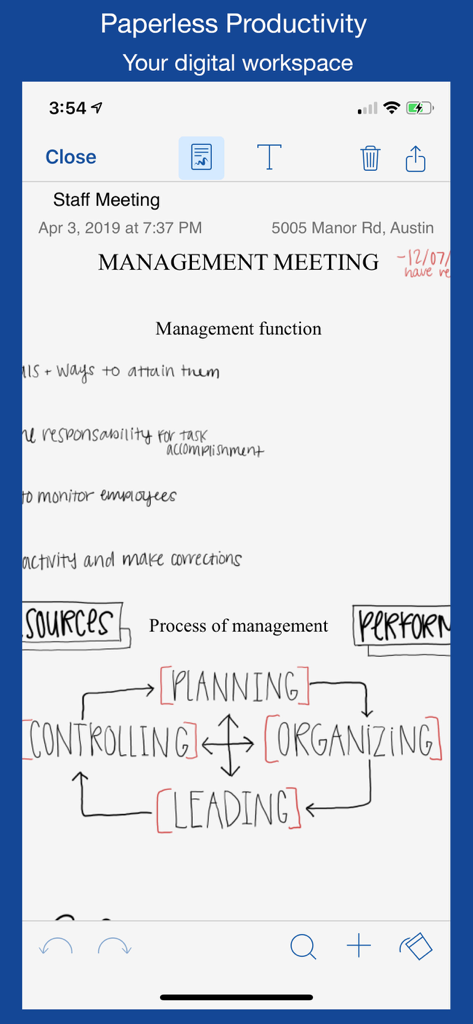
Handwritten management meeting notes and a process diagram displayed within the Notate for Microsoft 365 app interface.
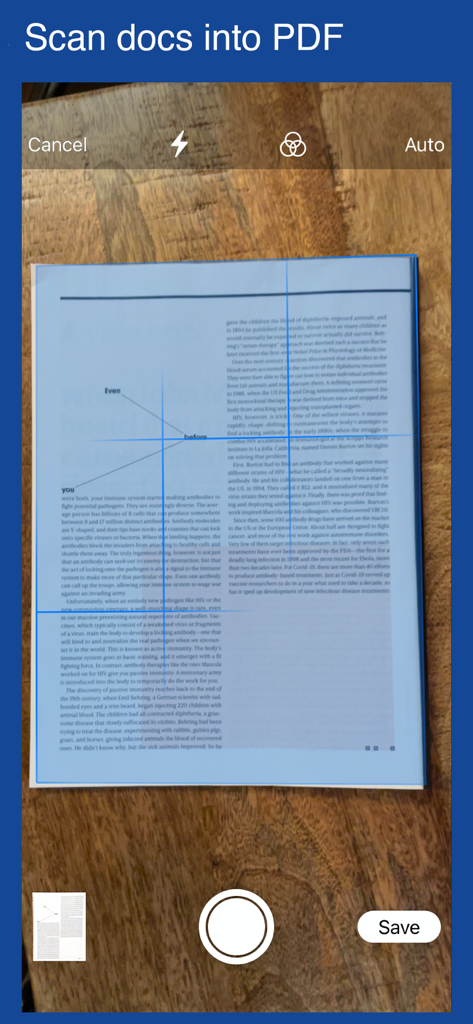
A mobile app interface showing a document being scanned to be converted into a PDF
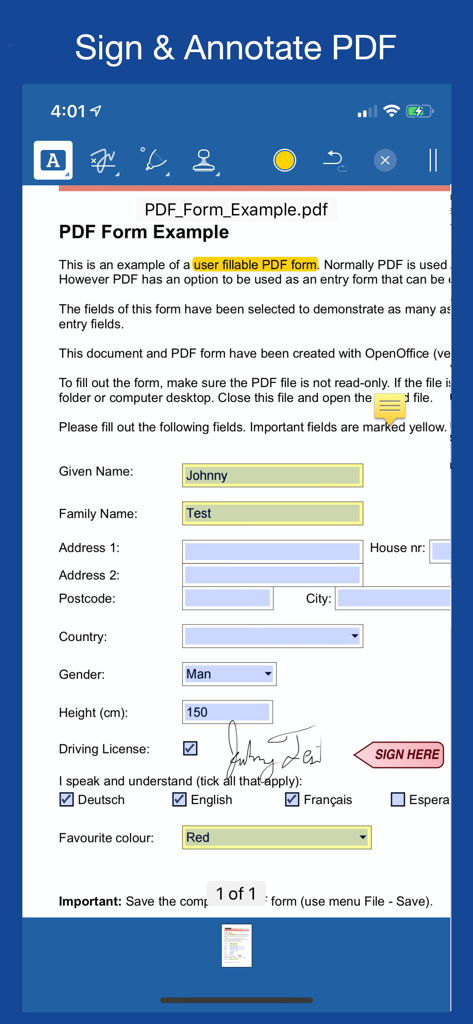
Mobile app interface for signing and annotating a PDF document with digital handwriting
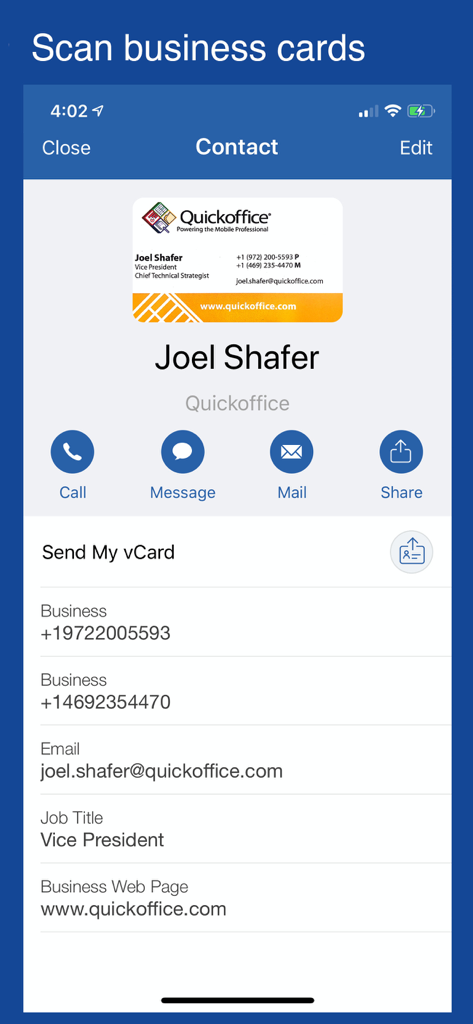
Mobile app screen showing a business card scanned and converted into a digital contact profile within Notate for Microsoft 365.
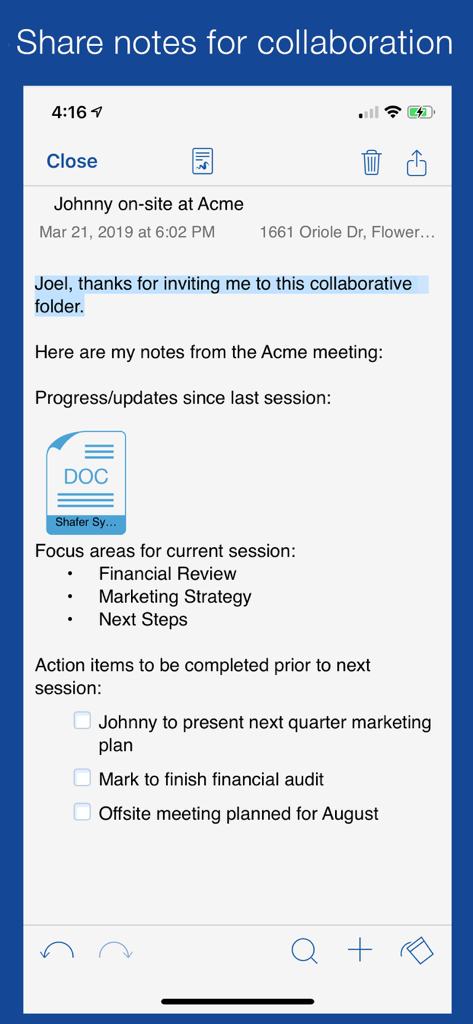
Notate for Microsoft 365 app displaying shared meeting notes with a checklist and document attachment for professional collaboration
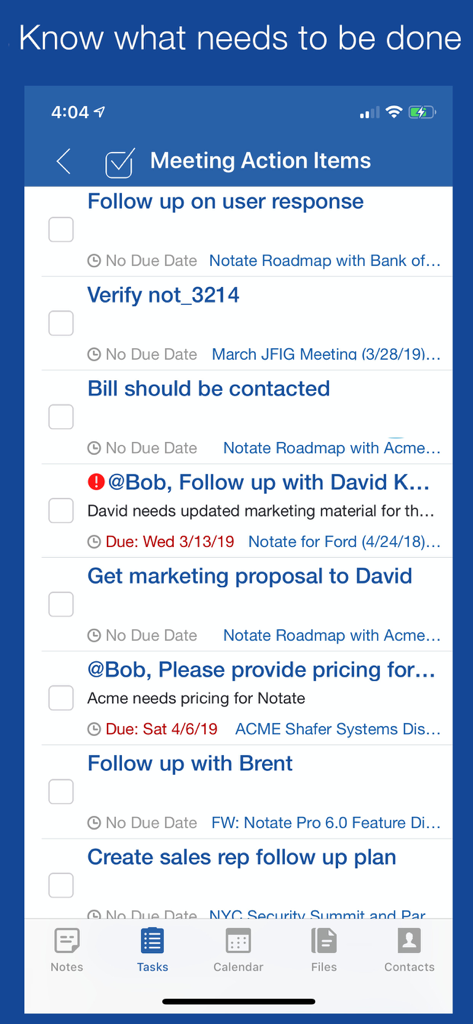
Task list interface in Notate for Microsoft 365 showing meeting action items and deadlines.
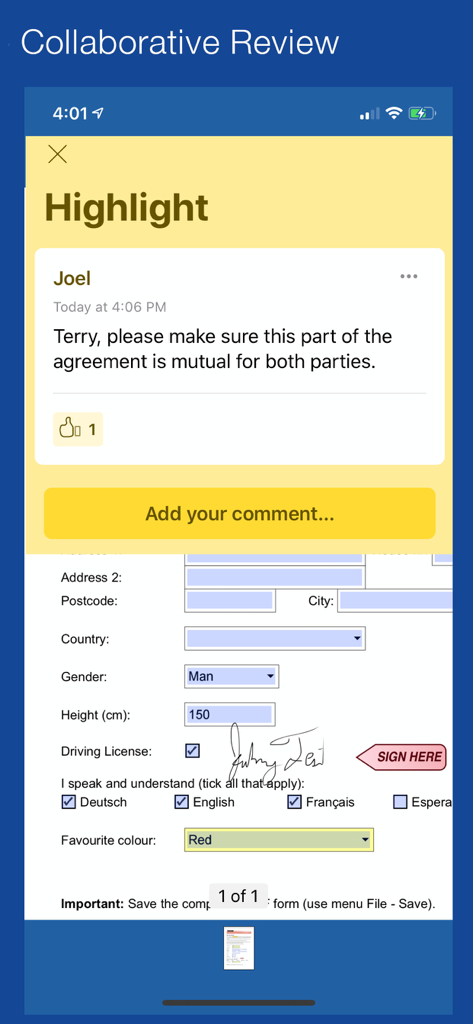
Collaborative review and commenting on a signed PDF document within the Notate app
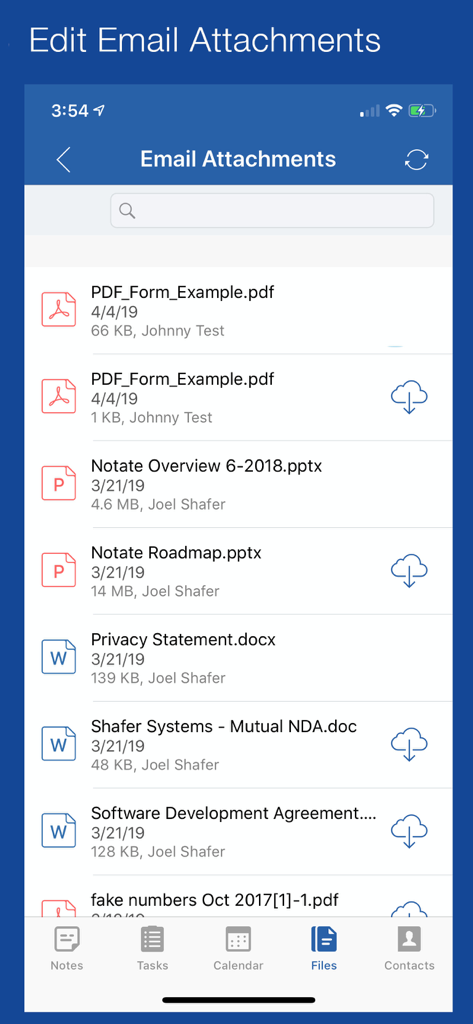
A list of email attachments in Notate for Microsoft 365 showing PDF Word and PowerPoint documents
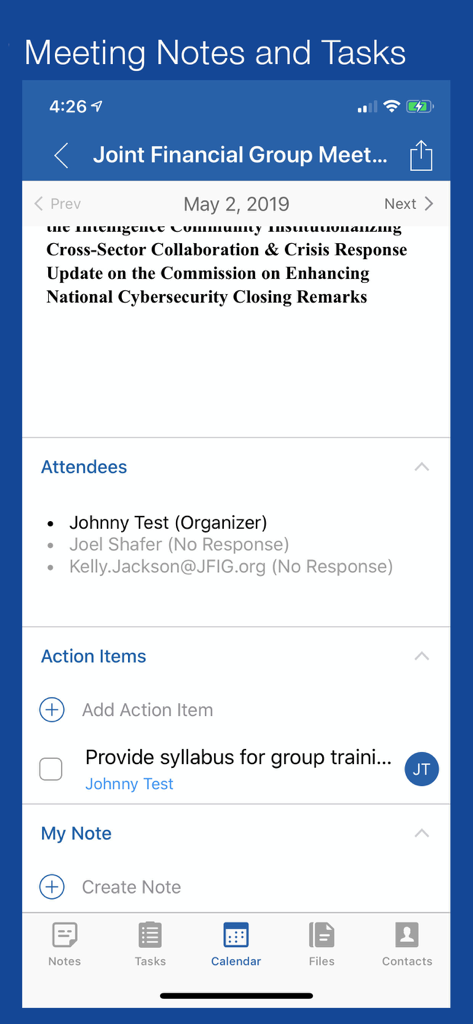
Interface showing meeting notes attendees and action items in the Notate for Microsoft 365 app
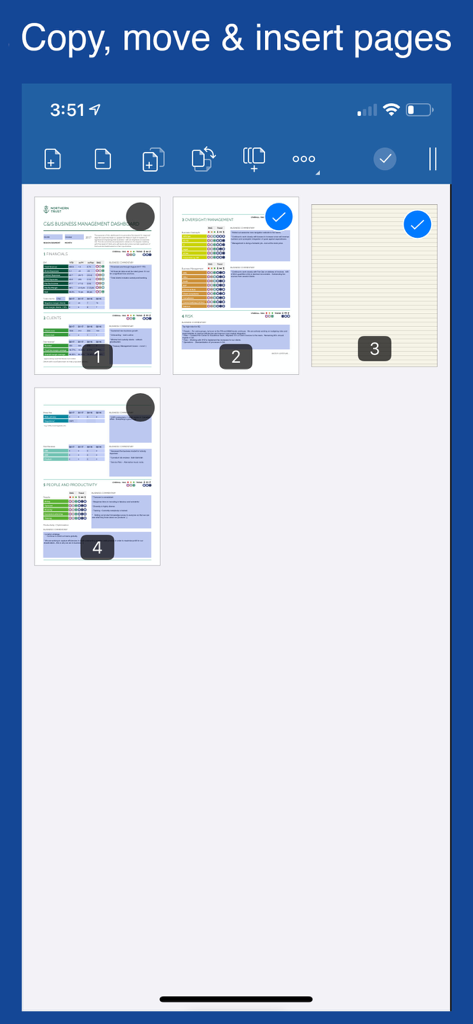
Interface of Notate for Microsoft 365 showing how to copy move and insert pages in a document.
Description
Download
More Like This
Top-ranked apps in the same category

Microsoft Teams
Microsoft Corporation

Zoom Workplace
Zoom Communications, Inc.

WhatsApp Business
WhatsApp Inc.

Indeed Job Search
Indeed Inc.

LinkedIn: Network & Job Finder
LinkedIn Corporation

Adobe Acrobat Reader: Sign PDF
Adobe Inc.

WeCom-Work Communication&Tools
Tencent Technology (Shenzhen) Company Limited

BOSS直聘-招聘求职找工作神器
Beijing China Product Bo Farce Network Technology Co., Ltd.

DingDing - Redefine Work in AI
DingTalk Technology Co., Ltd.
This page is not an official page of the app or its developer, but an independent editorial publication created for informational and commentary purposes. Unless expressly stated otherwise, neither the app nor its developer is affiliated with, endorsed by, sponsored by, authorized by, or otherwise officially connected with MWM, Apple, Google Play, the app publisher, or the app's developer, and nothing on this page implies that the app was developed using MWM's services. Any trademarks, logos, screenshots, and other content remain the property of their respective owners.