
This page is not an official page of the app or its developer, but an independent editorial publication created for informational and commentary purposes. Unless expressly stated otherwise, neither the app nor its developer is affiliated with, endorsed by, sponsored by, authorized by, or otherwise officially connected with MWM, Apple, Google Play, the app publisher, or the app's developer, and nothing on this page implies that the app was developed using MWM's services. Any trademarks, logos, screenshots, and other content remain the property of their respective owners.


Note to Be - MIDI Quantizer
The ultimate AUv3 tool for the professional mobile musician. Quantize MIDI inputs with custom note selection, explore 5,000+ microtonal scales, and streamline your creative performance workflow on iPad and iPhone.
Downloads
1K+User Rating
Total Ratings
0Publisher
Category
MusicLocales
1Latest Version
1.7Size
80.1 MBFirst Released
Aug 14, 2024Master Your MIDI Workflow
Note to Be provides the surgical precision required for professional iPad-based music production, from live performance to complex studio arrangements.
Custom Scale Quantization
Eliminate wrong notes by locking your MIDI input to specific scales or custom selections across the full -1 to +8 octave range.
Deep Microtonal Exploration
Access the massive Scala Library with over 5,000 tunings or import your own files for truly unique, polyphonic MPE performances.
The following screenshots and description are sourced directly from the app's official store listing and are the property of the app developer.
App Store
Screenshots
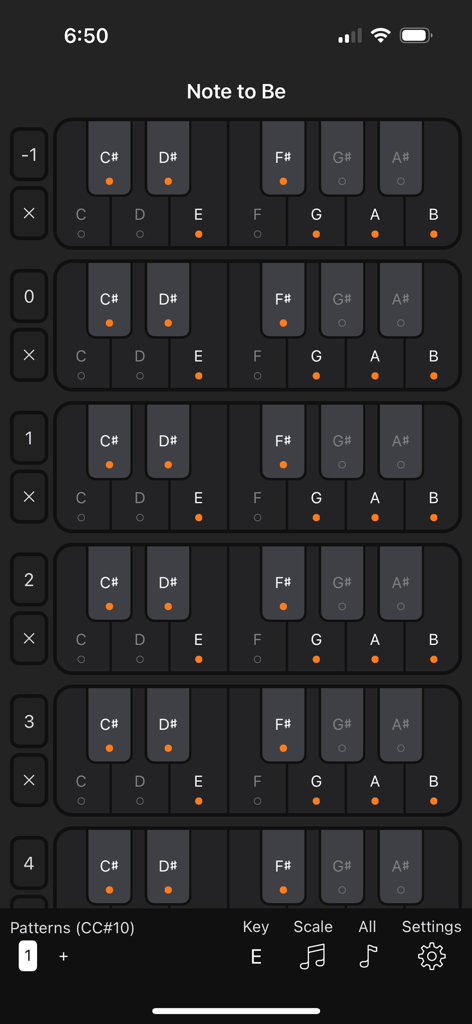
Interface of Note to Be app showing customizable note selection across multiple octaves for MIDI quantization
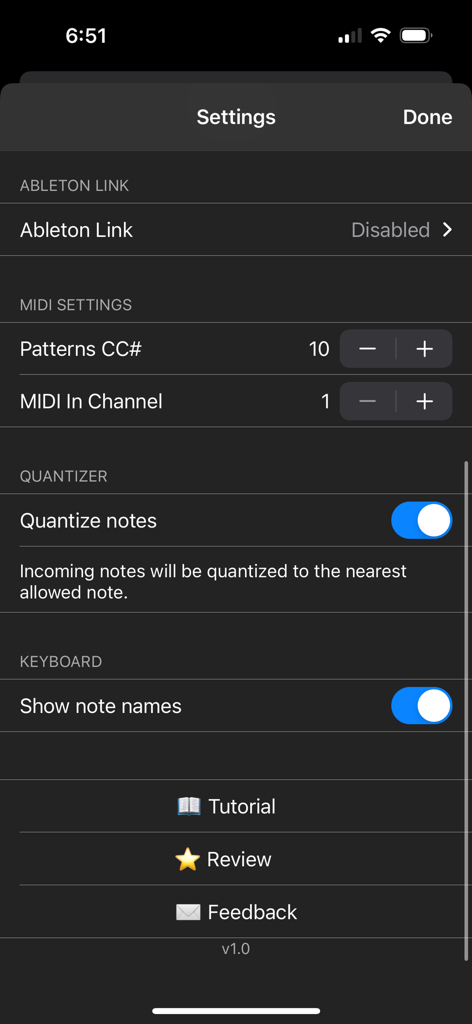
Settings screen of the Note to Be MIDI Quantizer app featuring Ableton Link and MIDI configuration options
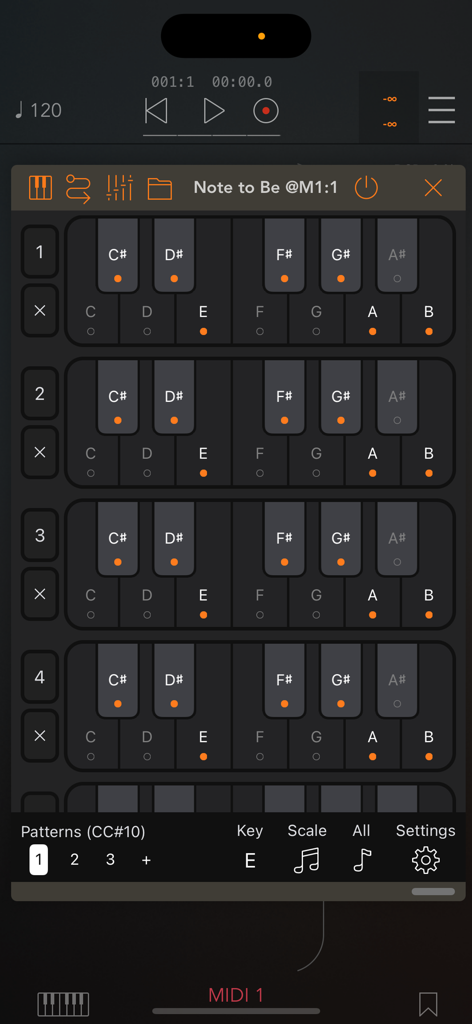
Note to Be MIDI Quantizer interface showing note selection for multiple octaves
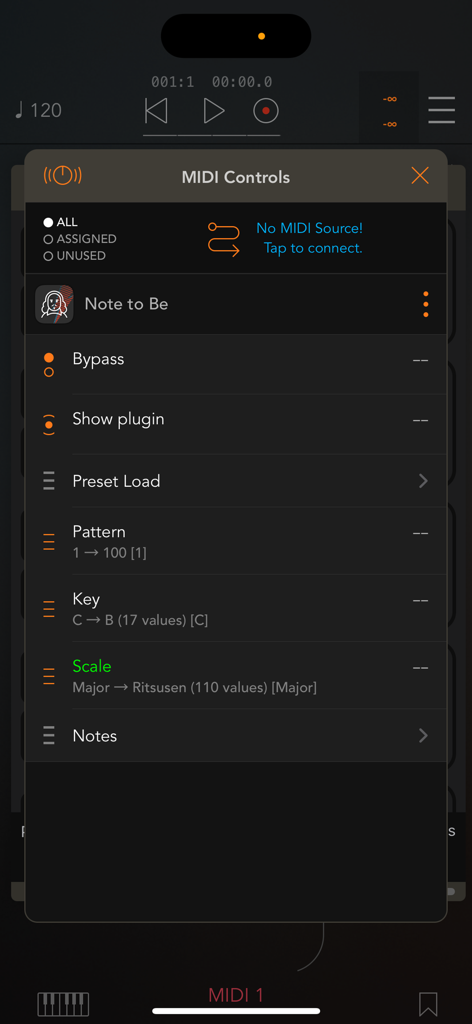
MIDI controls interface for the Note to Be app showing key scale and pattern selection settings
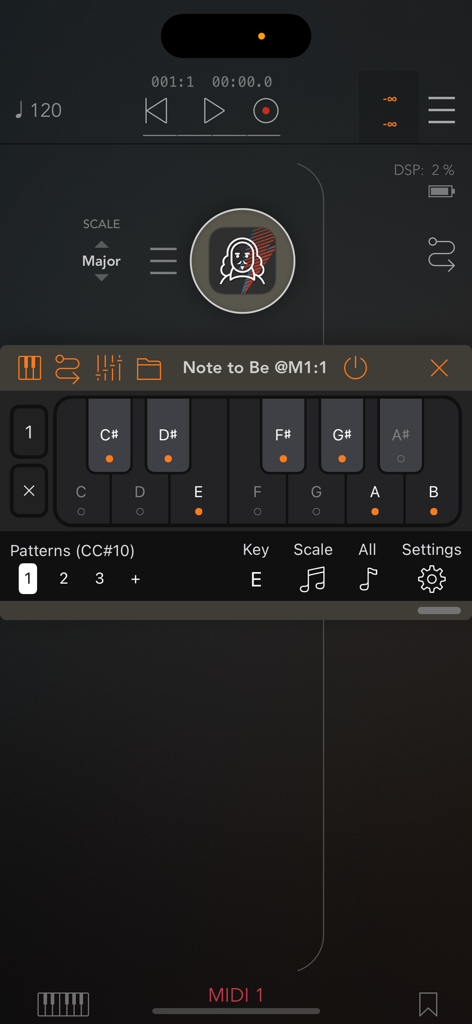
MIDI keyboard interface in the Note to Be app showing selected notes for quantization
Description
Download
More Like This
Top-ranked apps in the same category

Spotify: Music and Podcasts
Spotify

YouTube Music
Google LLC

Shazam: Find Music & Concerts
Apple Inc.

SoundCloud: The Music You Love
SoundCloud Global Limited & Co KG

Suno - AI Songs & Music
Suno Inc.

QQ音乐 - 听我想听
Tencent Technology (Shenzhen) Company Limited

Audiomack - Play Music Offline
Audiomack, Inc.

GuitarTuna: Tune & Play Guitar
Yousician Ltd

BandLab – Music Maker & Beats
BandLab Singapore Pte Ltd
This page is not an official page of the app or its developer, but an independent editorial publication created for informational and commentary purposes. Unless expressly stated otherwise, neither the app nor its developer is affiliated with, endorsed by, sponsored by, authorized by, or otherwise officially connected with MWM, Apple, Google Play, the app publisher, or the app's developer, and nothing on this page implies that the app was developed using MWM's services. Any trademarks, logos, screenshots, and other content remain the property of their respective owners.