
This page is not an official page of the app or its developer, but an independent editorial publication created for informational and commentary purposes. Unless expressly stated otherwise, neither the app nor its developer is affiliated with, endorsed by, sponsored by, authorized by, or otherwise officially connected with MWM, Apple, Google Play, the app publisher, or the app's developer, and nothing on this page implies that the app was developed using MWM's services. Any trademarks, logos, screenshots, and other content remain the property of their respective owners.

Notepad – organize ideas app
Ditch the complex menus and get back to basics. Effortlessly scribble, draw, and organize your grocery lists or work ideas with a digital notebook that feels just like pen and paper.
Downloads
47K+User Rating
Total Ratings
0Publisher
Category
EntertainmentLocales
2Latest Version
3.4Size
22.1 MBFirst Released
Jan 22, 2014Simplicity You Can Use Every Day
The digital notepad that works just like your favorite paper pad—only better. Perfect for quick grocery lists, reminders, and daily sketches.
Handwrite or Sketch
Ditch the frustrating keyboard. Use your finger to scribble notes, circle priorities, or draw quick diagrams just like you would on a real legal pad.
Color-Coded Clarity
Stay organized with 15 vibrant marker colors. Use red for urgent errands, green for the grocery store, or blue for personal thoughts.
Frequently Asked Questions
Everything you need to know about Notepad – organize ideas app
What is the "Notepad – organize ideas app"?
The "Notepad – organize ideas app" is an interactive notepad designed for users to write notes, create shopping lists, to-do lists, memos, and sketches. It helps organize ideas and tasks efficiently.
Can I create to-do lists with the "Notepad – organize ideas app"?
Yes, the "Notepad – organize ideas app" allows users to easily create and manage to-do lists and task lists. It serves as a simple to-do list and task manager.
What drawing tools does the "Notepad – organize ideas app" offer?
The "Notepad – organize ideas app" offers fifteen colors or markers, three types of line thickness (thin, medium, thick), a white background, and an eraser for drawing and sketching.
Can I share notes created in the "Notepad – organize ideas app"?
Yes, users can share notes created in the "Notepad – organize ideas app" via social media or any other program on their phone. Notes can also be saved directly to the device's images gallery.
Does the "Notepad – organize ideas app" allow sketching and drawing?
Yes, the "Notepad – organize ideas app" supports sketching and drawing. Users can scribble drafts, draw, and utilize its features like colored markers, varied line thicknesses, and an eraser.
The following screenshots and description are sourced directly from the app's official store listing and are the property of the app developer.
App Store
Screenshots
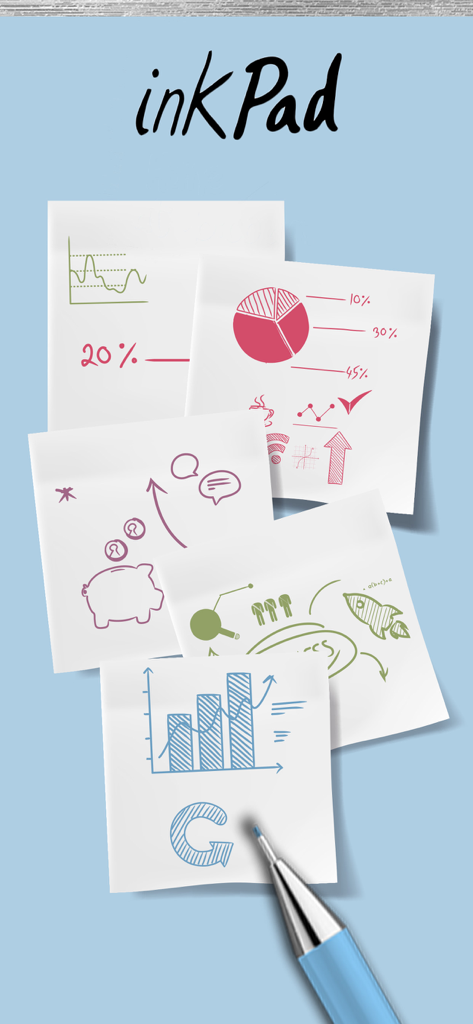
Hand drawn sketches and charts on digital sticky notes in the inkPad app
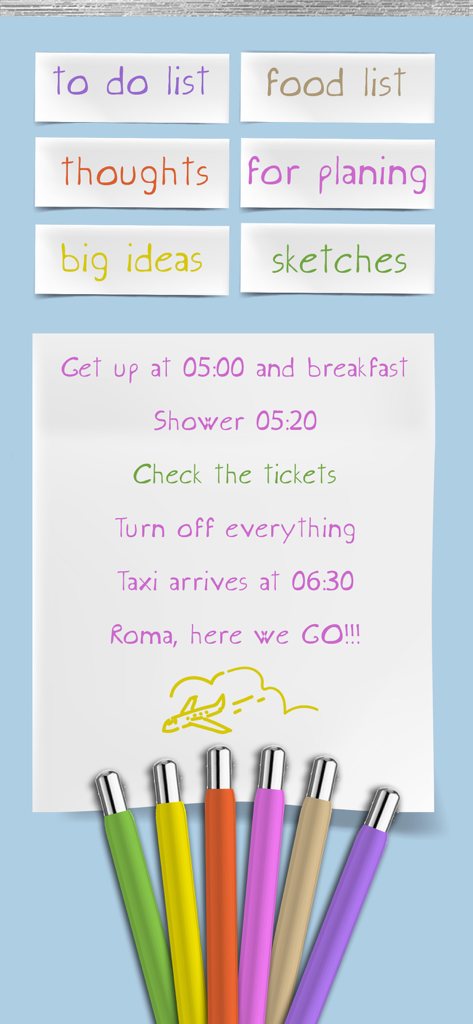
Digital notepad interface with a handwritten travel itinerary and colorful drawing markers
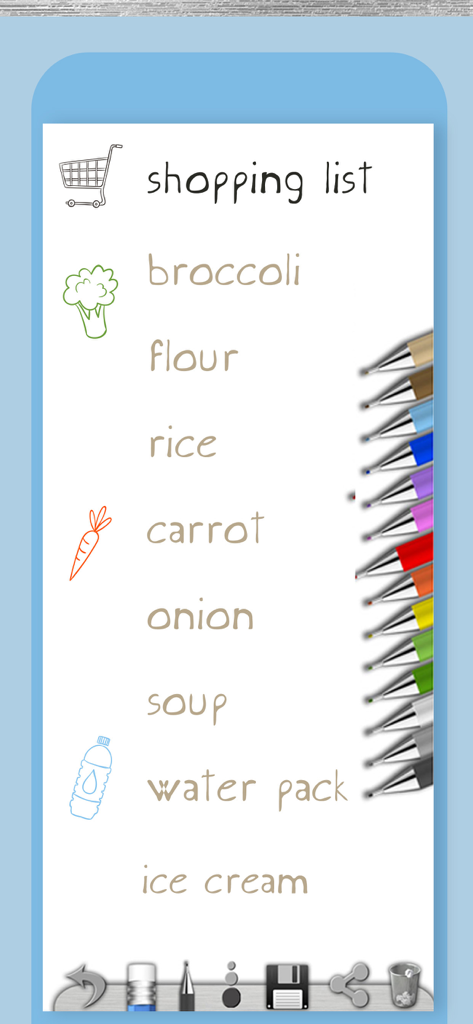
Handwritten shopping list on a digital notepad with colorful pens
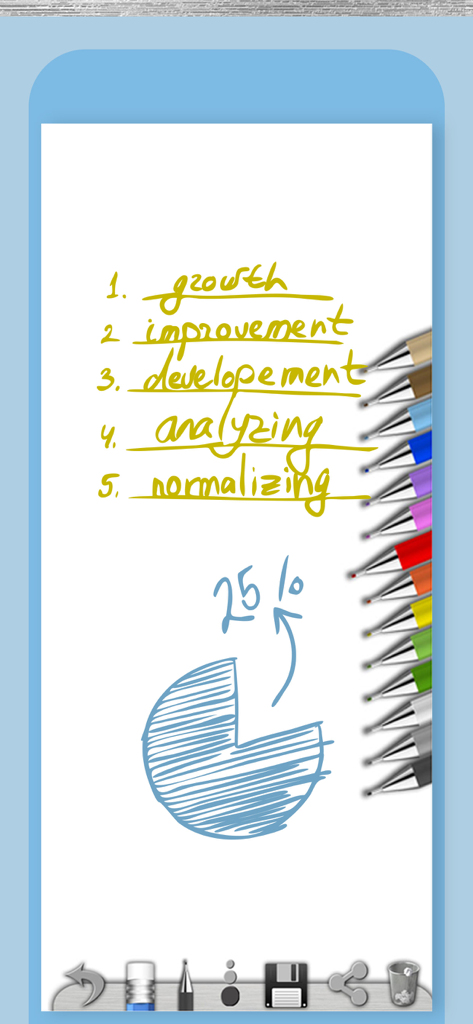
Digital notepad app interface featuring a handwritten list and a hand-drawn pie chart with colorful pens
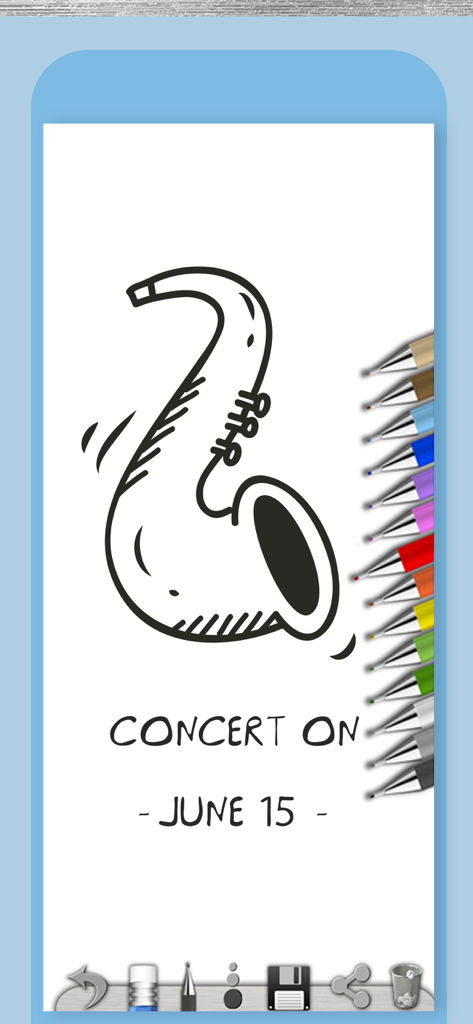
Digital notepad screen showing a saxophone drawing and concert reminder note
Description
Download
More Like This
Top-ranked apps in the same category

TikTok - Videos, Shop & LIVE
TIKTOK PTE. LTD.

Netflix
Netflix, Inc.

Freecash - Get Paid Real Money
256 REWARDS LTD

DramaBox - Stream Drama Shorts
STORYMATRIX PTE. LTD

HBO Max: Stream Movies & TV
WarnerMedia Global Digital Services, LLC

Amazon Prime Video
AMZN Mobile LLC

NetShort - Popular Dramas & TV
NETSTORY PTE. LTD.

ReelShort - Stream Drama & TV
New Leaf Publishing, Inc.

Disney+
Disney Electronic Content, Inc.
This page is not an official page of the app or its developer, but an independent editorial publication created for informational and commentary purposes. Unless expressly stated otherwise, neither the app nor its developer is affiliated with, endorsed by, sponsored by, authorized by, or otherwise officially connected with MWM, Apple, Google Play, the app publisher, or the app's developer, and nothing on this page implies that the app was developed using MWM's services. Any trademarks, logos, screenshots, and other content remain the property of their respective owners.