
This page is not an official page of the app or its developer, but an independent editorial publication created for informational and commentary purposes. Unless expressly stated otherwise, neither the app nor its developer is affiliated with, endorsed by, sponsored by, authorized by, or otherwise officially connected with MWM, Apple, Google Play, the app publisher, or the app's developer, and nothing on this page implies that the app was developed using MWM's services. Any trademarks, logos, screenshots, and other content remain the property of their respective owners.


Notta Transcribe Voice to Text
Stop scribbling, start listening. The app gives users the power to capture every spoken word, perfectly.
Downloads
2.5M+User Rating
Total Ratings
26.9KPublisher
Category
ProductivityLocales
21Latest Version
6.69.13Size
180.4 MBFirst Released
Dec 19, 2019An analytical overview of features designed to enhance productivity for professionals, students, and content creators.
Notta Transcribe Voice to Text: Key Feature Analysis
High Transcription Accuracy
The app provides exceptional transcription accuracy, boasting a 98.86% rate, which is paramount for reliable documentation of meetings, interviews, and lectures.
Real-time Multi-language Transcription
It allows users to transcribe audio in real-time across 58 languages, catering to diverse global teams and multilingual communication needs, enhancing immediacy and collaboration.
AI-powered Summarization
This tool features AI-powered summarization, which automatically extracts key points from lengthy recordings, enabling quick review and understanding of critical information for busy professionals.
Advanced Security & Compliance
The app offers robust security, evidenced by SOC 2 Type II and ISO/IEC 27001:2013 certifications, ensuring the confidentiality and integrity of transcribed data for sensitive professional use.
Live & Pre-recorded Transcription
It supports both live transcription of ongoing conversations and automatic processing of pre-recorded audio/video files, offering versatility for various recording and documentation needs.
Flexible Sharing & Export
The app allows users to easily share transcriptions via secure links and export them in multiple formats (TXT, DOCX, Excel, PDF, SRT) with or without timestamps, facilitating seamless collaboration and documentation.
Streamlined Editing & Search
This tool provides streamlined editing features, including the ability to add bookmarks and effortlessly search transcripts for keywords, significantly improving content management and retrieval.
Text Translation
The app can translate transcribed text into 42 different languages, aiding global communication and ensuring content is accessible to a wider international audience.
Cross-Device Synchronization
It features auto-sync across all devices, ensuring that all transcriptions and settings are consistently available and updated, providing a seamless user experience regardless of the device used.
AI Noise Reduction
The app utilizes AI to remove background noise from audio recordings, resulting in clearer and higher-quality input for transcription, which enhances overall accuracy and readability.
Frequently Asked Questions
Everything you need to know about Notta Transcribe Voice to Text
What is Notta?
Notta is an intelligent AI note taker that transforms speech into text with high precision and speed. It simplifies the transcription of meetings, interviews, and conversations in real time, focusing on accuracy for various audio inputs.
How accurate is Notta's transcription?
Notta boasts a 98.86% transcription accuracy. This high precision applies to transforming speech into text for meetings, interviews, and conversations, ensuring reliable conversion of audio input.
Does Notta offer real-time transcription?
Yes, Notta supports real-time audio transcription in 58 languages. It instantly converts audio to text, allowing users to focus on the conversation. This feature is available for live audio and web meetings.
Can Notta summarize transcribed content?
Yes, Notta provides AI-powered summarization for instant insights. This feature extracts key points from meetings, lectures, and interviews, which is beneficial for reviewing transcribed content quickly.
What security certifications does Notta hold?
Notta holds SOC 2 Type II and ISO/IEC 27001:2013 security certifications. These certifications reinforce the reliability and security of Notta's transcription services, ensuring data protection and compliance.
What languages does Notta support for transcription and translation?
Notta supports real-time audio transcription in 58 languages. Additionally, it can translate transcribed text into 42 languages, making it suitable for global teams and multilingual users.
Does Notta have a free plan?
Yes, Notta offers a Free Plan. This plan includes 3 minutes of real-time transcription per recording and 3 minutes for auto-transcription of web meetings. It also allows viewing the first 3 minutes of imported audio.
What file formats does Notta support for import?
Notta supports multiple file formats for transcription. Users can import audio and video files for automatic processing, ensuring compatibility with various media sources for transcription.
Can Notta transcribe video calls from platforms like Zoom or Google Meet?
Yes, Notta can transcribe video calls from platforms including Zoom, Teams, Meet, and Webex. It offers auto-transcription for these web meetings, with the Free Plan providing 3 minutes of this service.
Does Notta sync across different devices?
Yes, Notta features auto-sync across all devices. This ensures a seamless workflow, allowing users to access and manage their transcriptions from both mobile and web platforms.
What export options are available for Notta transcriptions?
Notta allows users to export transcriptions in various formats. These include TXT, DOCX, Excel, PDF, or SRT, with the option to include timestamps or share via a secure link.
Who is the Notta app designed for?
Notta is for salespeople, consultants, remote workers, journalists, writers, interviewers, content creators, multilingual speakers, and students. It serves professionals needing efficient AI meeting notes, dictation, and voice-to-text support.
Does Notta help remove background noise from audio?
Yes, Notta's AI removes noise for clear, high-quality audio. This feature enhances the accuracy of transcriptions by processing cleaner audio input.
The following screenshots and description are sourced directly from the app's official store listing and are the property of the app developer.
App Store
Screenshots
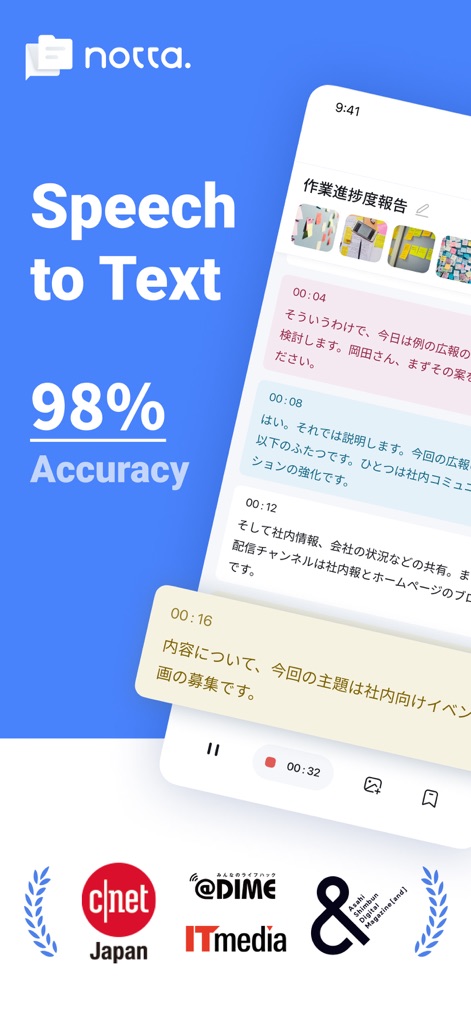
Experience Notta's superior transcription with 98% accuracy, evidenced by recognition from leading media outlets.
Precision Transcription
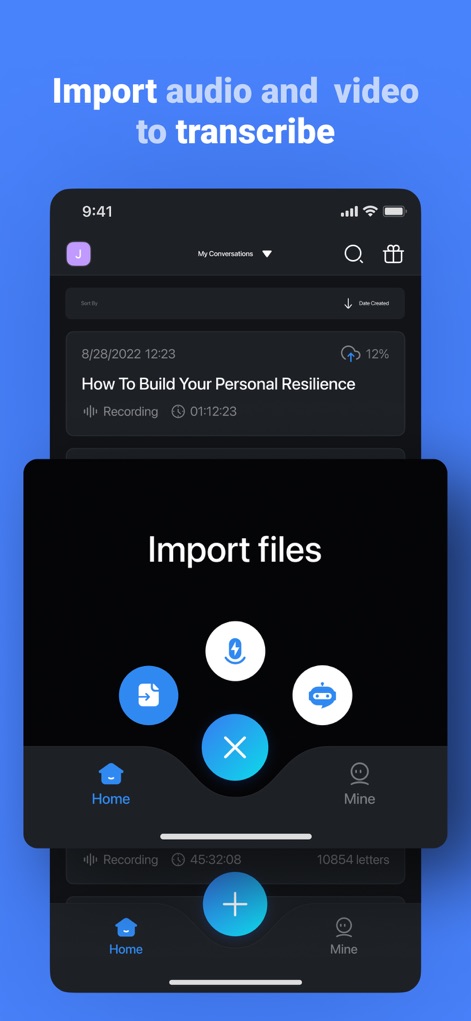
Users can effortlessly import audio and video files for transcription, with various source icons indicating diverse import options.
Seamless Import Options

Witness the app's real-time transcription capability, complete with an interactive waveform display for enhanced audio context.
Live Transcription Power

This tool allows users to identify important moments with clear speaker labels and versatile bookmarking options like 'Key point' and 'To-dos'.
Key Insight Capture
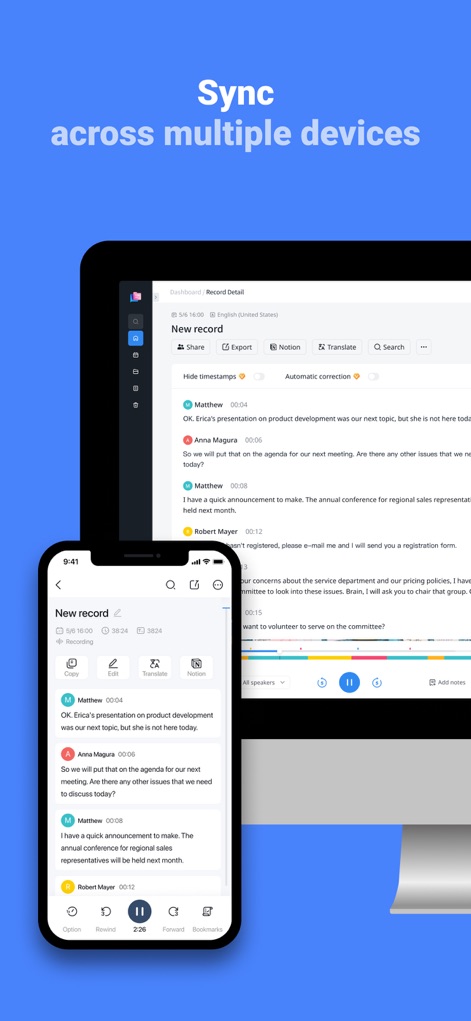
The app ensures a consistent experience across mobile and desktop interfaces, with synchronized content readily available on all devices.
Cross-Device Harmony

Discover a unified workflow experience, allowing seamless transition between phone and web platforms with shared editing capabilities.
Unified Workflow Experience
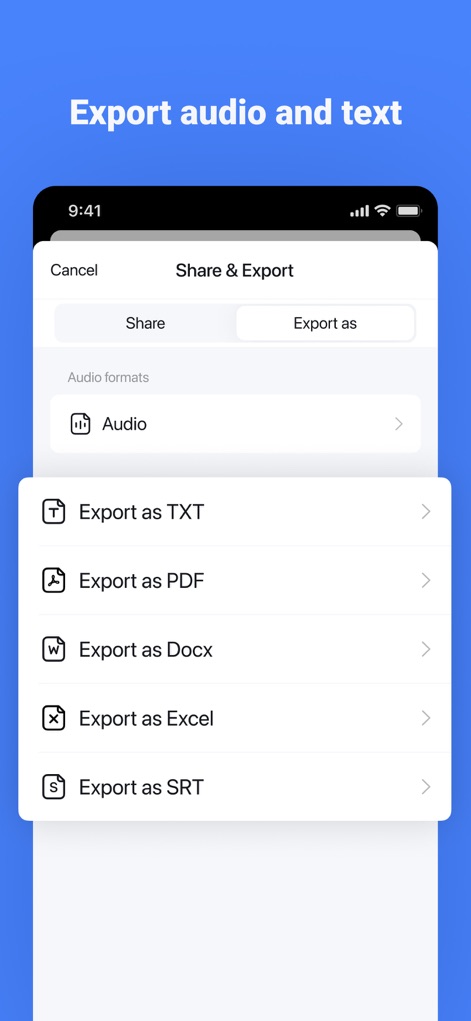
Notta offers extensive export flexibility, providing multiple text export options including PDF and Docx, alongside an audio export function.
Flexible Export Formats

The app seamlessly integrates with popular video conferencing platforms like Zoom and Teams, offering a dedicated live meeting transcription interface.
Meeting Transcription Bridge

Leverage Notta's AI capabilities to quickly generate meeting summaries, initiated by a dedicated button and displayed as concise output.
Intelligent Summarization
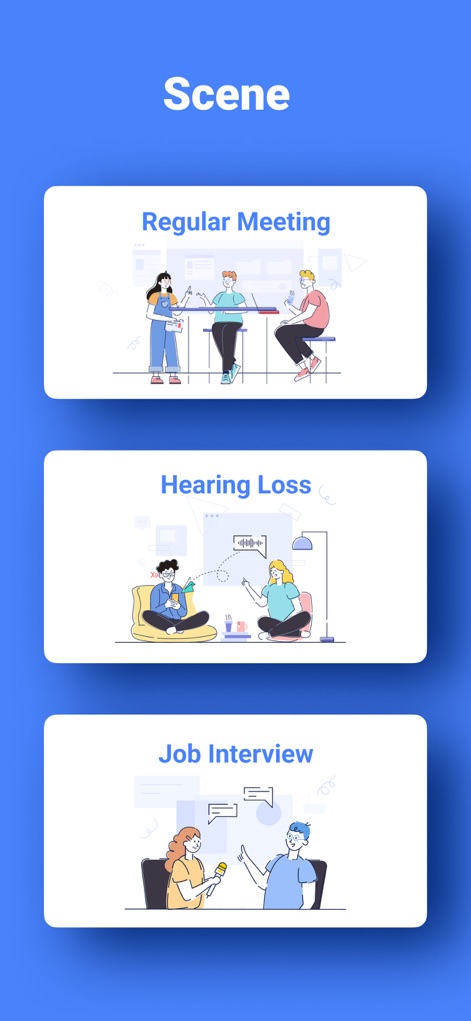
Explore Notta's versatility across diverse use cases, from illustrated scenarios for meetings and interviews to accessibility support for hearing loss.
Diverse Use Cases
Description
Download
More Like This
Apps with similar features and user experience

Plaud: AI Note Taker
PLAUD LLC

Notee: AI Note Taker
GM UniverseApps Limited

클로바노트 - 음성 그 이상의 기록
NAVER Corp.

录音专家-专业录音转文字助手
Chongqing Yeyuegua Technology Co., Ltd

听脑AI - 实时录音转文字总结助手
Shanghai Xiuyu Network Technology Co., Ltd

Granola - AI Meeting Notes
Granola inc

Transkriptor - Speech to Text
Textintel FZE

Minutes: AI Meeting Note Taker
Minutes AI, LLC

Fireflies: AI notetaker
FIREFLIES.AI CORP.
This page is not an official page of the app or its developer, but an independent editorial publication created for informational and commentary purposes. Unless expressly stated otherwise, neither the app nor its developer is affiliated with, endorsed by, sponsored by, authorized by, or otherwise officially connected with MWM, Apple, Google Play, the app publisher, or the app's developer, and nothing on this page implies that the app was developed using MWM's services. Any trademarks, logos, screenshots, and other content remain the property of their respective owners.