
This page is not an official page of the app or its developer, but an independent editorial publication created for informational and commentary purposes. Unless expressly stated otherwise, neither the app nor its developer is affiliated with, endorsed by, sponsored by, authorized by, or otherwise officially connected with MWM, Apple, Google Play, the app publisher, or the app's developer, and nothing on this page implies that the app was developed using MWM's services. Any trademarks, logos, screenshots, and other content remain the property of their respective owners.


OBSERV 520
Reveal hidden skin concerns beyond the naked eye and build unparalleled client trust with professional-grade diagnostics and seamless iPad integration.
Downloads
0User Rating
Total Ratings
0Publisher
Category
Health & FitnessLocales
13Latest Version
5.4.21Size
47.6 MBFirst Released
Jan 21, 2014Transform Your Practice with Precision Skin Diagnostics
The OBSERV 520 app turns your iPad into a powerful clinical workstation, allowing you to visualize deep-layer skin conditions and build high-conversion treatment plans with medical-grade clarity.
Advanced Multi-Mode Analysis
Toggle between 5 light modes, including UV and Cross-Polarization, to uncover hidden vascular conditions and deep-layer sun damage invisible to the naked eye.
Precision Progress Tracking
Capture perfectly aligned before-and-after sessions in just 30 seconds to provide undeniable visual proof of treatment results and boost client loyalty.
The following screenshots and description are sourced directly from the app's official store listing and are the property of the app developer.
App Store
Screenshots
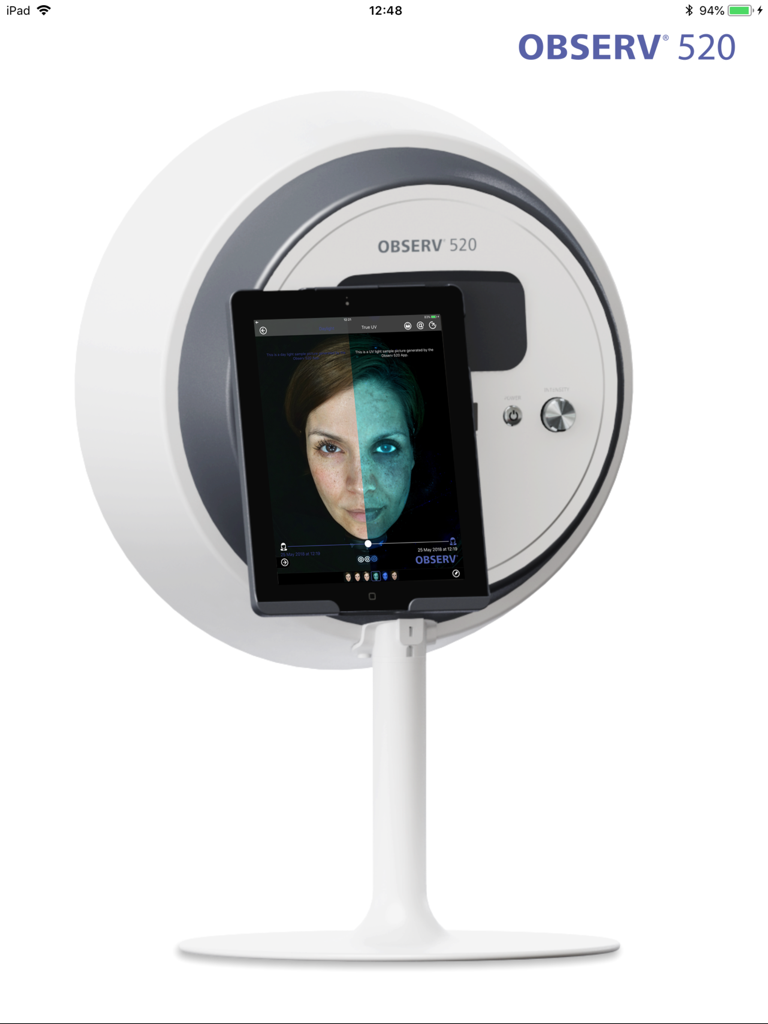
OBSERV 520 professional skin analysis device with iPad displaying a split screen diagnostic scan
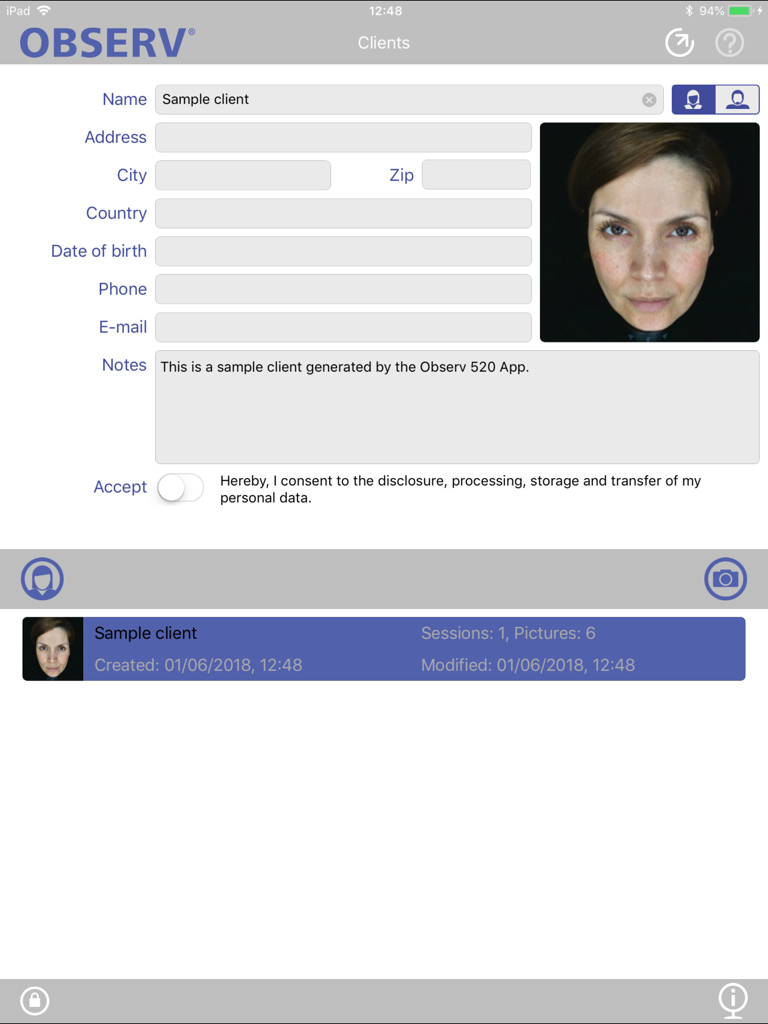
OBSERV 520 app interface for managing client profiles including skin scan photos personal data fields and professional consultation notes
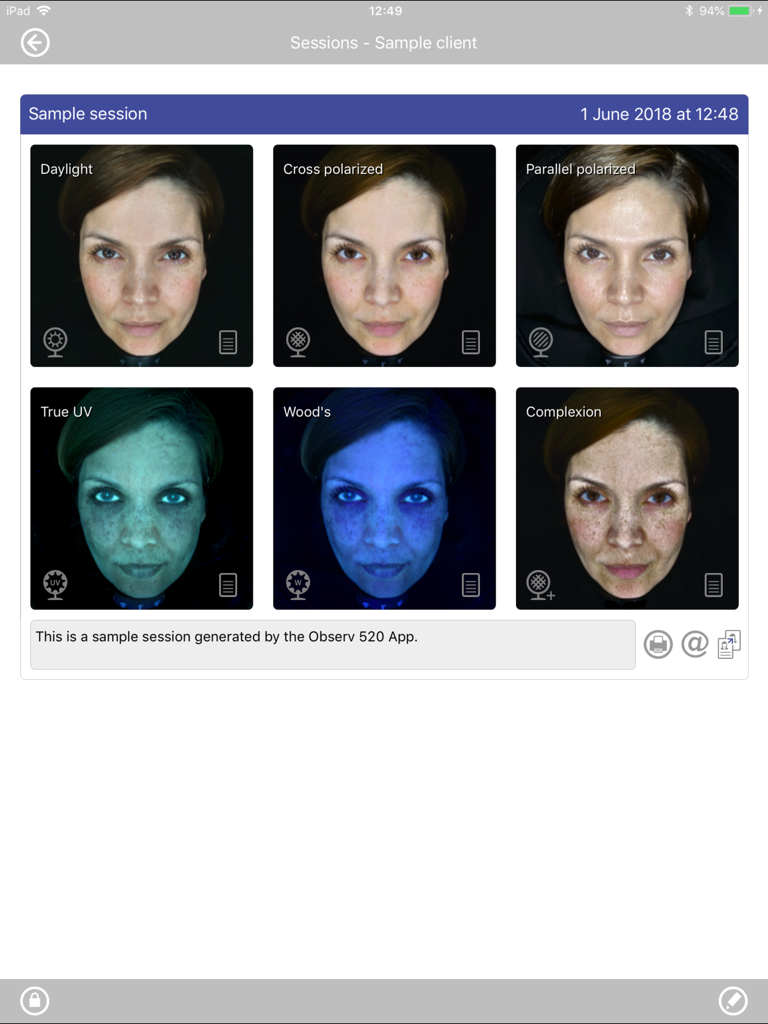
A grid display of six professional skin analysis imaging modes in the OBSERV 520 app including UV and polarized light views
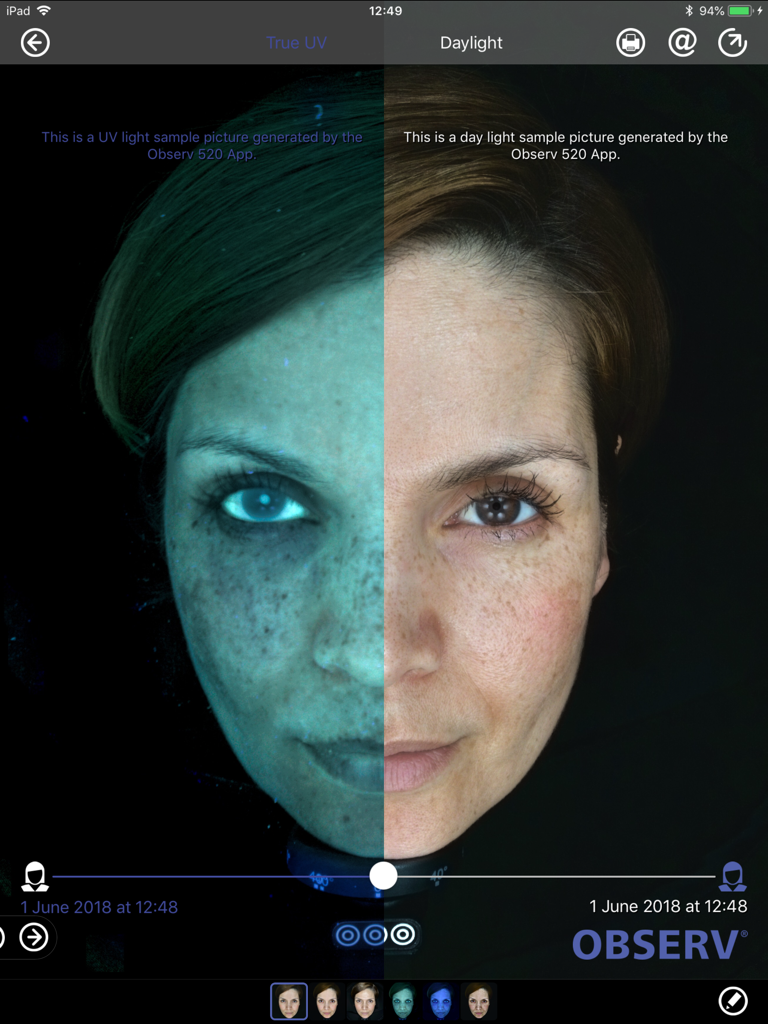
Split screen comparison of a woman's face showing True UV and Daylight skin analysis modes on the OBSERV 520 app
Description
Download
More Like This
Top-ranked apps in the same category

Strava: Run, Bike, Walk
Strava Inc.

Flo Cycle & Period Tracker
FLO HEALTH UK LIMITED

AI Calorie Tracker by Yazio
YAZIO GmbH

Mi Fitness (Xiaomi Wear Lite)
Beijing Xiaomi Co., Ltd

MyFitnessPal: Calorie Counter
MyFitnessPal, Inc.

Yuka - Food & Cosmetic Scanner
Yuca

Cal AI - Calorie Tracker
Viral Development LLC

HUAWEI Health
Huawei Software Technologies Co., Ltd.

美柚 - 经期·备孕·怀孕·育儿&亲友版
Xiamen Meet You Co., Ltd.
This page is not an official page of the app or its developer, but an independent editorial publication created for informational and commentary purposes. Unless expressly stated otherwise, neither the app nor its developer is affiliated with, endorsed by, sponsored by, authorized by, or otherwise officially connected with MWM, Apple, Google Play, the app publisher, or the app's developer, and nothing on this page implies that the app was developed using MWM's services. Any trademarks, logos, screenshots, and other content remain the property of their respective owners.