
This page is not an official page of the app or its developer, but an independent editorial publication created for informational and commentary purposes. Unless expressly stated otherwise, neither the app nor its developer is affiliated with, endorsed by, sponsored by, authorized by, or otherwise officially connected with MWM, Apple, Google Play, the app publisher, or the app's developer, and nothing on this page implies that the app was developed using MWM's services. Any trademarks, logos, screenshots, and other content remain the property of their respective owners.


Odoo Inventory
Turn your iPhone or iPad into a professional mobile scanner. Synchronize stock levels in real-time with your Odoo ERP to eliminate manual errors and boost operational efficiency on the warehouse floor.
Downloads
0User Rating
Total Ratings
0Publisher
Category
BusinessLocales
1Latest Version
1.3.2+1Size
43.2 MBFirst Released
Nov 3, 2022Master Your Inventory in Real-Time
Eliminate the lag between your physical warehouse and your digital records. Odoo Inventory transforms your iOS device into a high-powered logistics hub designed for speed and accuracy.
Accelerated Cycle Counting
Stop wasting hours on manual stock audits. Complete your inventory counts up to 3x faster with our optimized mobile workflow designed for the warehouse floor.
Instant Odoo Synchronization
Experience zero-latency updates. Every scan and count is pushed directly to your Odoo ERP, ensuring your stock levels are accurate across all sales channels instantly.
The following screenshots and description are sourced directly from the app's official store listing and are the property of the app developer.
App Store
Screenshots
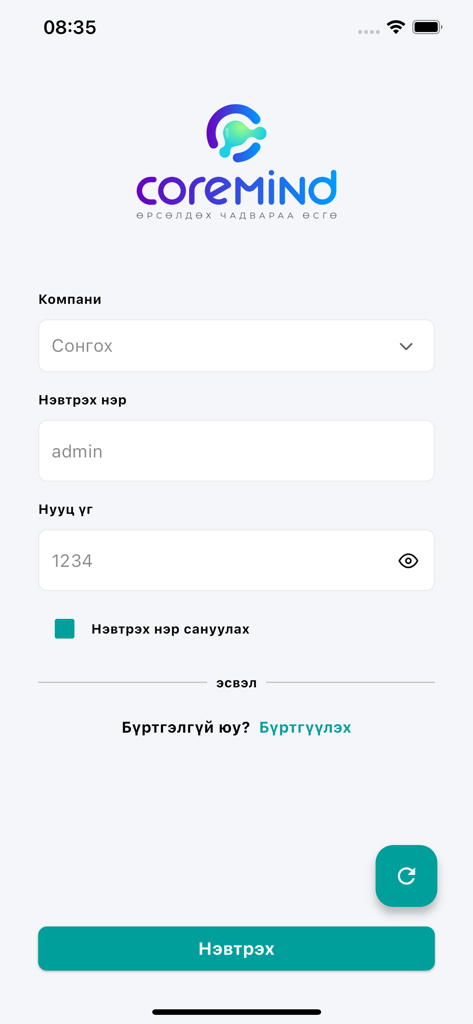
Odoo Inventory mobile app login screen featuring username and password input fields
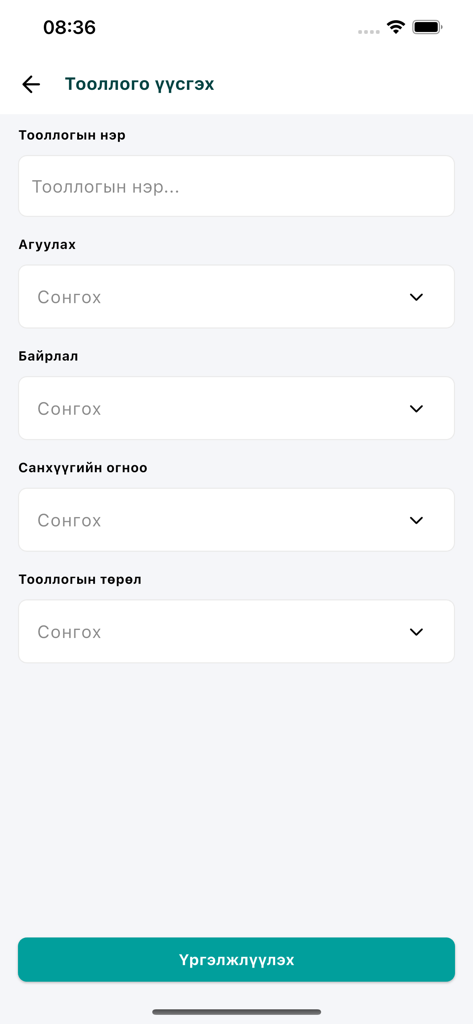
Odoo Inventory app interface showing the form to create a new inventory count including fields for name warehouse and location
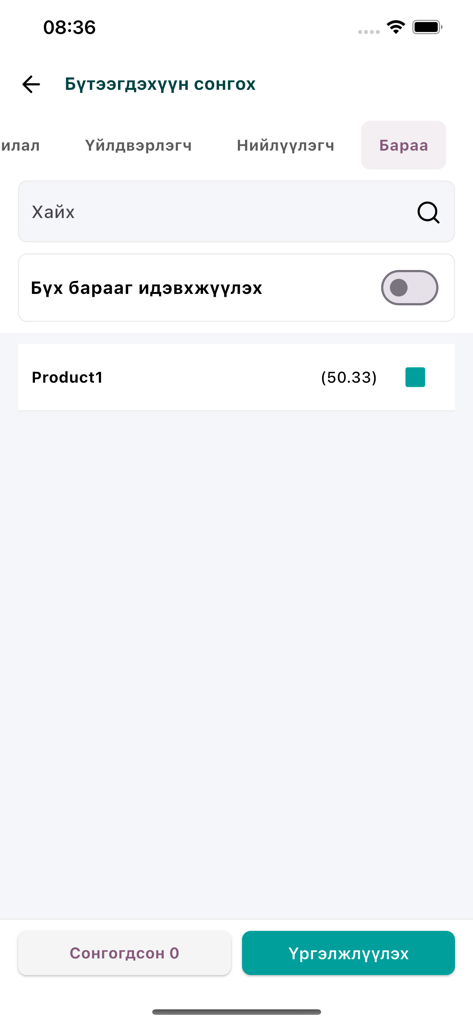
A product selection screen in the Odoo Inventory app with a search bar and item list.
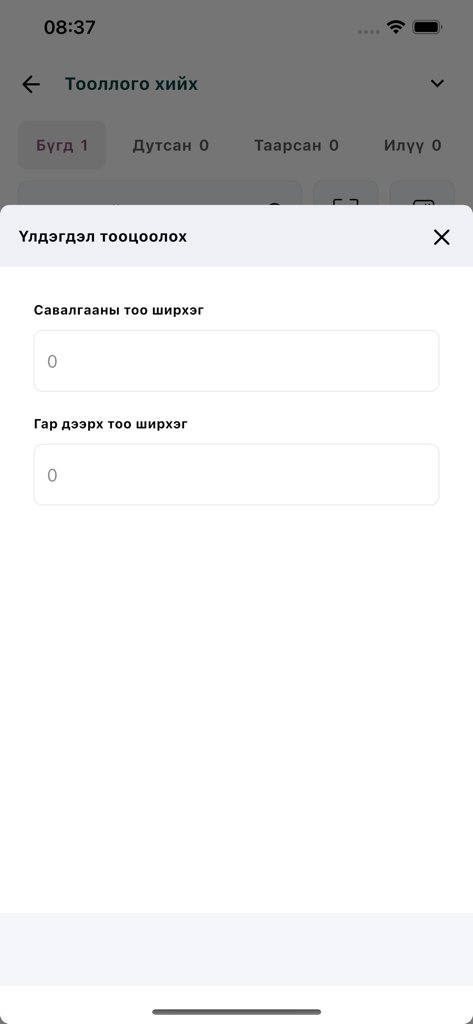
Mobile screen of Odoo Inventory app showing stock count entry fields.
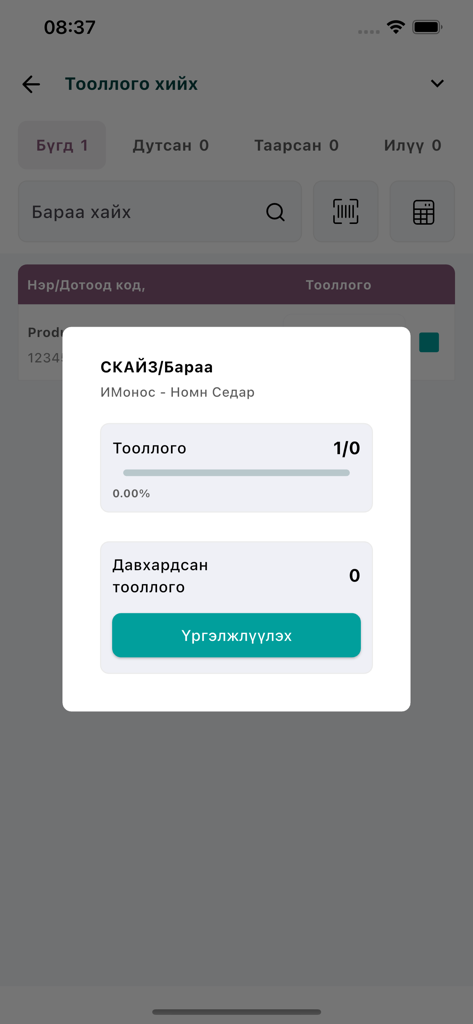
Odoo Inventory mobile app interface showing a stock counting popup with progress bar and product details.
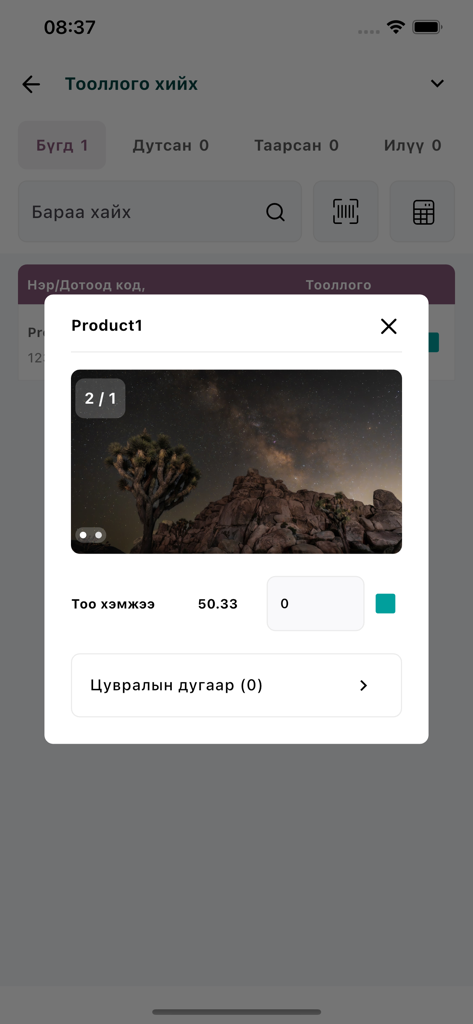
Mobile interface of Odoo Inventory app showing a product detail window for inventory counting
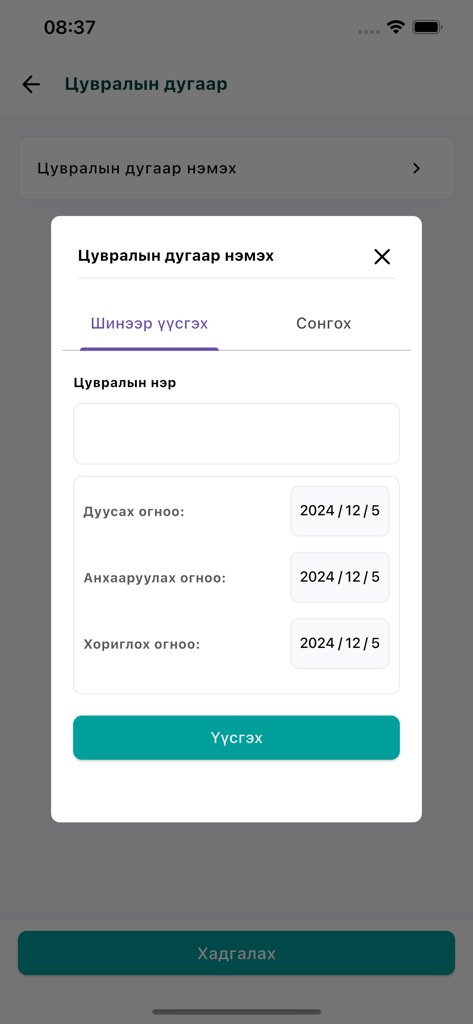
Odoo Inventory mobile app modal for adding a new serial number with date selection
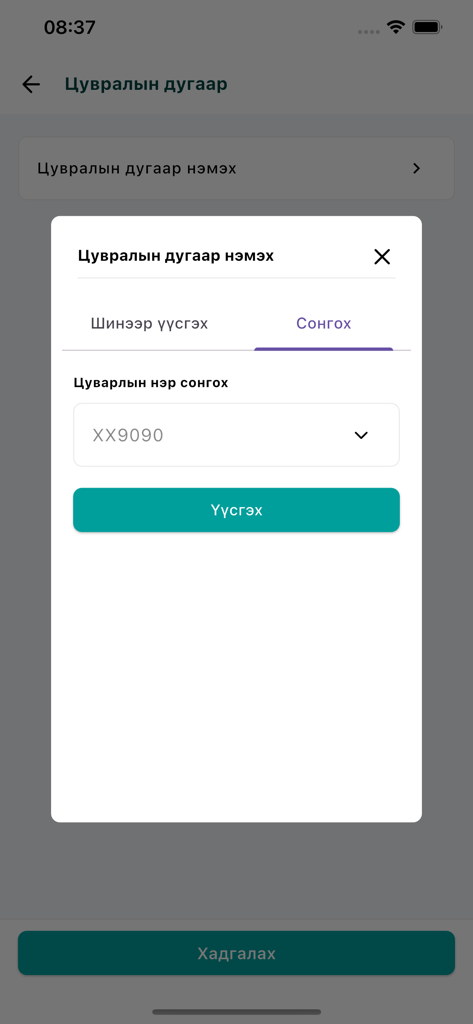
A modal screen in the Odoo Inventory app for adding or selecting a product serial number.
Description
Download
More Like This
Top-ranked apps in the same category

Microsoft Teams
Microsoft Corporation

WhatsApp Business
WhatsApp Inc.

Zoom Workplace
Zoom Communications, Inc.

Indeed Job Search
Indeed Inc.

LinkedIn: Network & Job Finder
LinkedIn Corporation

Adobe Acrobat Reader: Sign PDF
Adobe Inc.

DingDing - Redefine Work in AI
DingTalk Technology Co., Ltd.

BOSS直聘-招聘求职找工作神器
Beijing China Product Bo Farce Network Technology Co., Ltd.

Uber - Driver: Drive & Deliver
Uber Technologies, Inc.
This page is not an official page of the app or its developer, but an independent editorial publication created for informational and commentary purposes. Unless expressly stated otherwise, neither the app nor its developer is affiliated with, endorsed by, sponsored by, authorized by, or otherwise officially connected with MWM, Apple, Google Play, the app publisher, or the app's developer, and nothing on this page implies that the app was developed using MWM's services. Any trademarks, logos, screenshots, and other content remain the property of their respective owners.