
This page is not an official page of the app or its developer, but an independent editorial publication created for informational and commentary purposes. Unless expressly stated otherwise, neither the app nor its developer is affiliated with, endorsed by, sponsored by, authorized by, or otherwise officially connected with MWM, Apple, Google Play, the app publisher, or the app's developer, and nothing on this page implies that the app was developed using MWM's services. Any trademarks, logos, screenshots, and other content remain the property of their respective owners.

Officient
Take full control of your professional life—request leave, view your salary breakdown, and sign contracts instantly from your mobile device.
Downloads
83K+User Rating
Total Ratings
0Publisher
Category
BusinessLocales
5Latest Version
1.0.14Size
4.2 MBFirst Released
Oct 27, 2018Everything You Need to Manage Your Work Life
Say goodbye to HR emails. Officient gives you the tools to handle your leave, salary, and documents in one seamless mobile experience designed for the modern professional.
One-Tap Leave Management
Check your PTO balance and submit vacation requests instantly. No more waiting for email replies to plan your next getaway.
Visual Salary Insights
Get a clear, visual breakdown of your pay and benefits packages with our intuitive salary pie charts for total financial transparency.
Frequently Asked Questions
Everything you need to know about Officient
What are the prerequisites for employees to use the Officient Self-service app?
Employees can use the Officient Self-service app only if their company utilizes the Officient HR platform and has activated the self-service feature for all staff.
How can employees update their personal information within the Officient app?
Yes, the Officient Self-service app allows employees to manage and update their personal data, including home address, marital status, bank account number, and contact details.
How do employees request leave using the Officient Self-service app?
Employees request leave through the Officient Self-service calendar. They select the desired day and leave type, and the app automatically sends the request to the appropriate personnel.
Does the Officient app provide a detailed overview of an employee's salary package?
Yes, the Officient Self-service app provides a complete overview of an employee's salary package. It displays components as a pie chart, along with the weekly schedule and available budgets.
Can employees digitally sign contracts using the Officient Self-service app?
Yes, the Officient Self-service app facilitates digital contract signing. Employees can sign various documents, including employment agreements and car policies, directly within the application.
How can employees download important documents from the Officient Self-service app?
Employees can download all important documents, such as pay slips, sick notes, and contracts, directly from the Officient Self-service app. The app stores all relevant documents for access.
Does Officient Self-service allow employees to view assigned company assets?
Yes, Officient Self-service provides employees with an overview of all assets assigned to them. This includes company laptops and fuel cards, with available details in case of damage.
Is the Officient Self-service platform accessible via a web browser?
Yes, the Officient Self-service platform is available on desktop. Users can access it by navigating to selfservice.officient.io and entering their email address.
The following screenshots and description are sourced directly from the app's official store listing and are the property of the app developer.
App Store
Screenshots
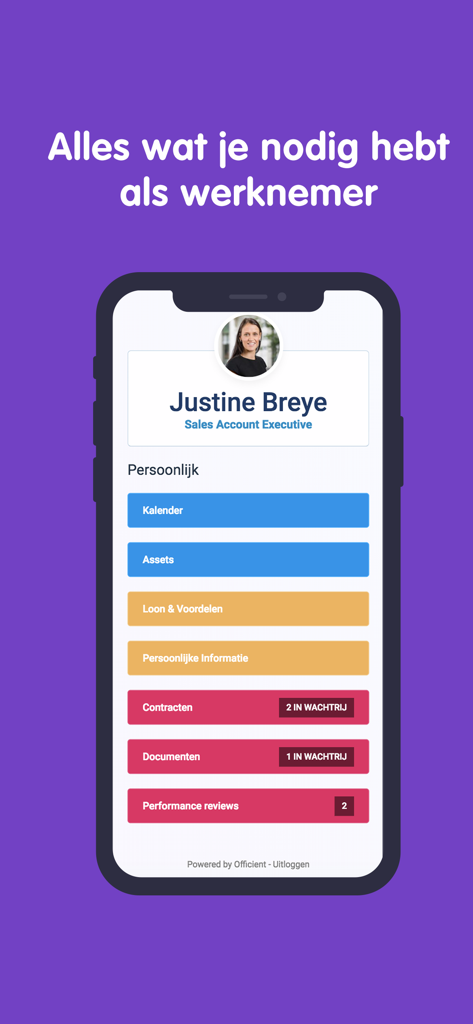
Officient mobile app dashboard showing employee profile and menu options for calendar assets and salary
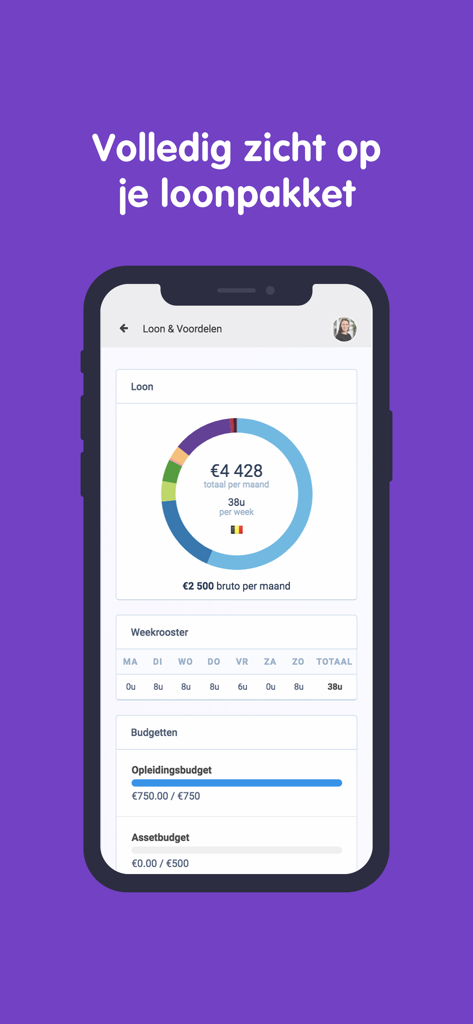
Officient mobile app screen displaying a monthly salary pie chart and employee benefits overview
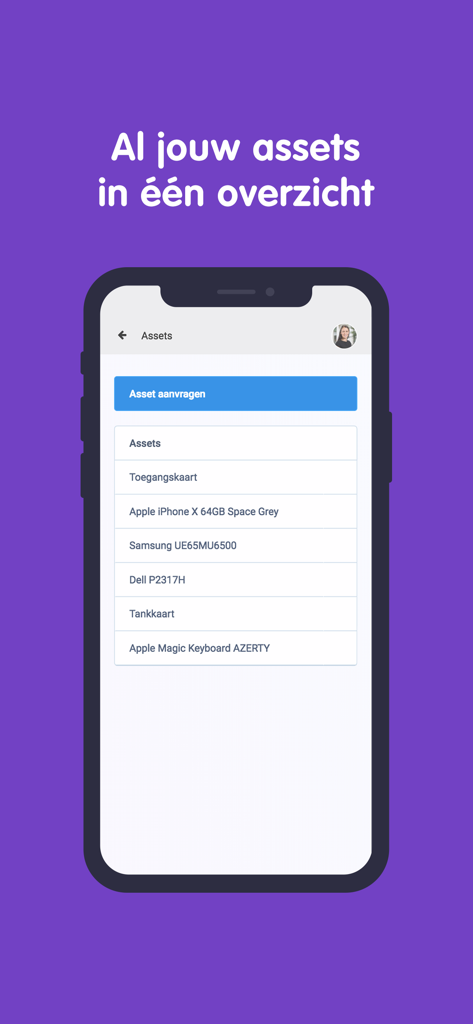
Officient mobile app screen showing a list of company assets like an iPhone and laptop assigned to an employee
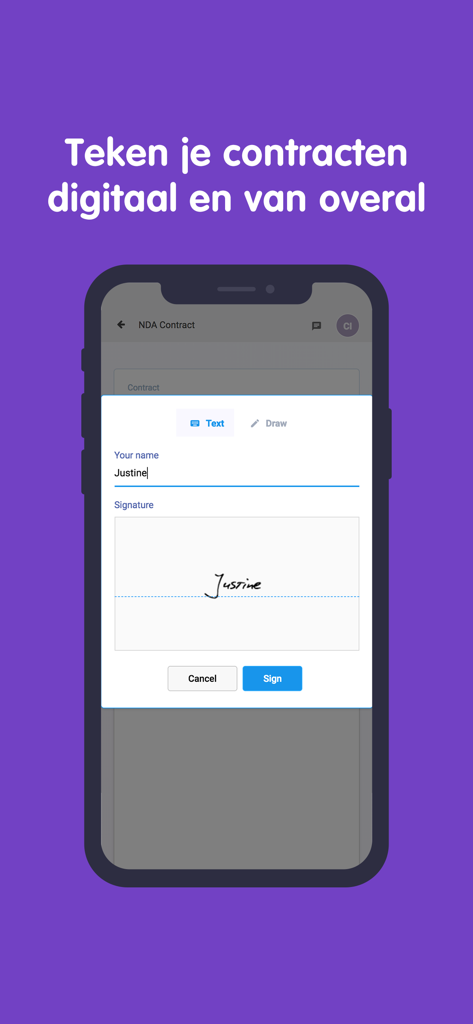
Officient mobile app screen showing a digital signature interface for an NDA contract
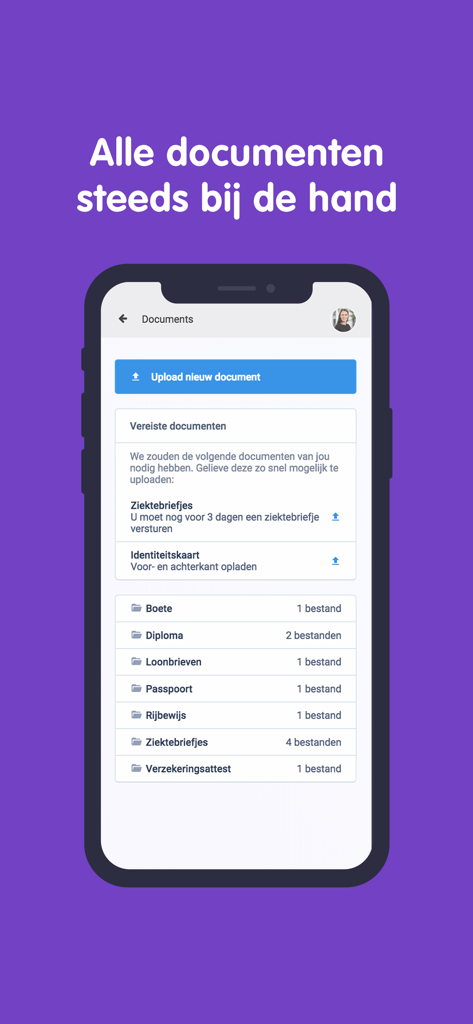
Officient HR mobile app document management and upload interface
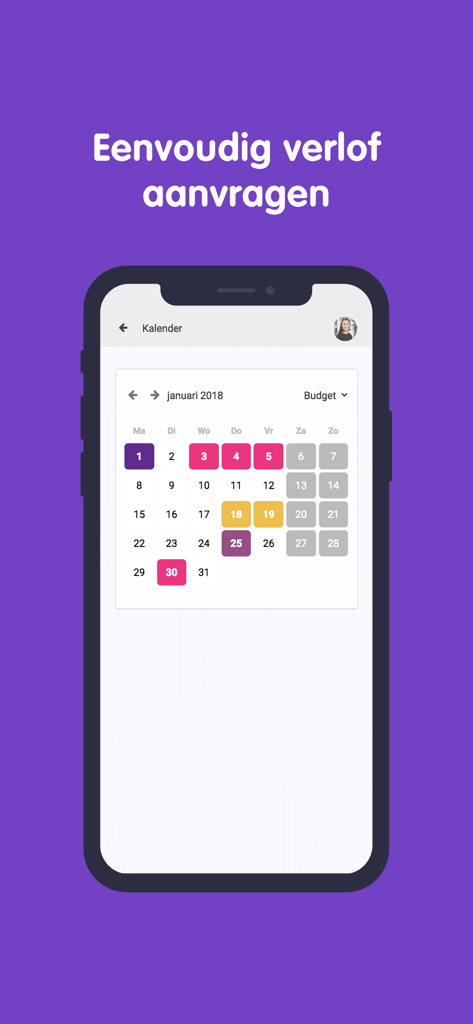
Officient app calendar interface for employee leave requests
Description
Download
More Like This
Top-ranked apps in the same category

Microsoft Teams
Microsoft Corporation

Zoom Workplace
Zoom Communications, Inc.

WhatsApp Business
WhatsApp Inc.

Indeed Job Search
Indeed Inc.

LinkedIn: Network & Job Finder
LinkedIn Corporation

Adobe Acrobat Reader: Sign PDF
Adobe Inc.

WeCom-Work Communication&Tools
Tencent Technology (Shenzhen) Company Limited

BOSS直聘-招聘求职找工作神器
Beijing China Product Bo Farce Network Technology Co., Ltd.

DingDing - Redefine Work in AI
DingTalk Technology Co., Ltd.
This page is not an official page of the app or its developer, but an independent editorial publication created for informational and commentary purposes. Unless expressly stated otherwise, neither the app nor its developer is affiliated with, endorsed by, sponsored by, authorized by, or otherwise officially connected with MWM, Apple, Google Play, the app publisher, or the app's developer, and nothing on this page implies that the app was developed using MWM's services. Any trademarks, logos, screenshots, and other content remain the property of their respective owners.