
This page is not an official page of the app or its developer, but an independent editorial publication created for informational and commentary purposes. Unless expressly stated otherwise, neither the app nor its developer is affiliated with, endorsed by, sponsored by, authorized by, or otherwise officially connected with MWM, Apple, Google Play, the app publisher, or the app's developer, and nothing on this page implies that the app was developed using MWM's services. Any trademarks, logos, screenshots, and other content remain the property of their respective owners.

one year: daily journal
Transform your daily moments into a beautiful, hand-drawn garden. A low-pressure, private journaling experience designed for consistency without the stress of streaks.
Downloads
97K+User Rating
Total Ratings
1K+Publisher
Category
Health & FitnessLocales
1Latest Version
2.1Size
43.9 MBFirst Released
Jan 15, 2025Watch Your Year Bloom
Transform your daily reflections into a beautiful, hand-drawn digital garden. A private and peaceful way to remember the moments that matter, without the pressure of streaks.
A Garden of Memories
Every entry grows into a unique, hand-drawn plant. Over time, watch your daily moments blossom into a lush, visual sanctuary that captures your year.
Consistency Over Perfection
No guilt-tripping streaks or overwhelming blank pages. Whether you write a single word or a long story, this is journaling built for your real life.
Frequently Asked Questions
Everything you need to know about one year: daily journal
What is the "one year: daily journal" app?
The "one year: daily journal" app is a journaling tool where each daily memory transforms into a hand-drawn plant. These plants collectively form a visual garden over the course of a year.
How does the "one year: daily journal" app work?
Users write a short daily memory in the "one year: daily journal" app. A unique plant then grows for that day, gradually building a full garden filled with their memories.
Are the plants in "one year: daily journal" hand-drawn or AI-generated?
Yes, "one year: daily journal" explicitly uses 365 hand-drawn plants. The app description confirms that no AI is involved in generating these unique visual entries.
Is "one year: daily journal" private?
Yes, "one year: daily journal" prioritizes privacy. It stores data locally on your device or personal iCloud, with no accounts, feeds, tracking, or ads.
On which devices can I use the "one year: daily journal" app?
The "one year: daily journal" app is compatible with iPhone, iPad, Mac, and Apple Vision Pro. It ensures that all your journal entries and data remain synchronized across these devices.
Does "one year: daily journal" offer widgets for iOS?
Yes, "one year: daily journal" offers Home Screen and Lock Screen widgets. These widgets display either a full garden view or simple progress dots to track your journaling consistency.
The following screenshots and description are sourced directly from the app's official store listing and are the property of the app developer.
App Store
Screenshots
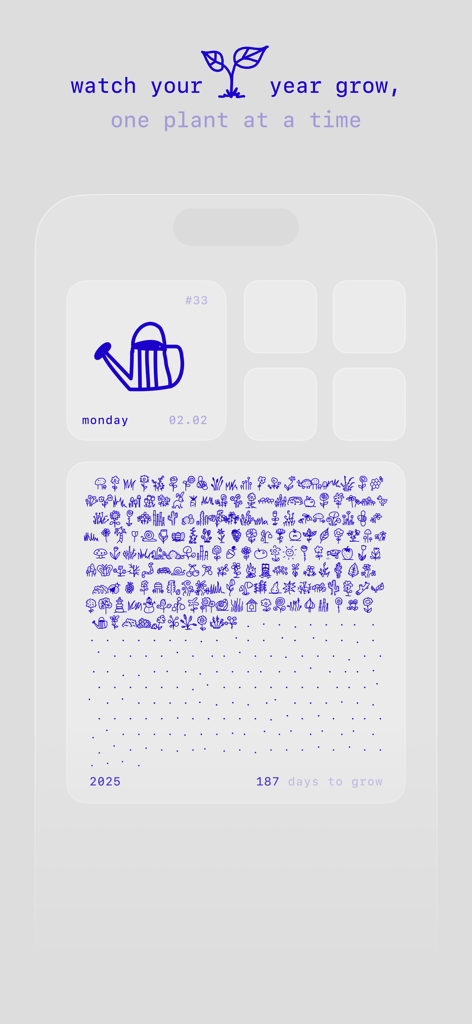
A digital garden interface with small hand-drawn plant icons representing daily journal entries
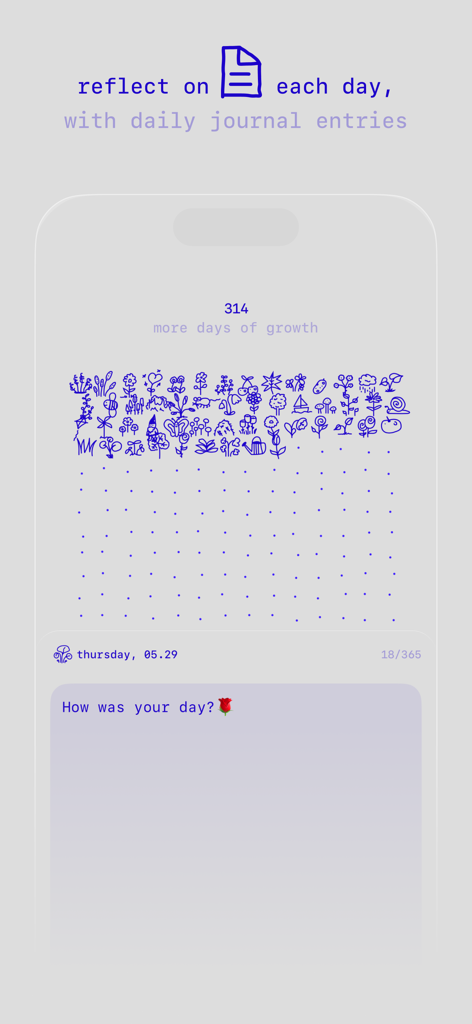
Minimalist daily journal interface with hand drawn plant icons and a simple reflection prompt
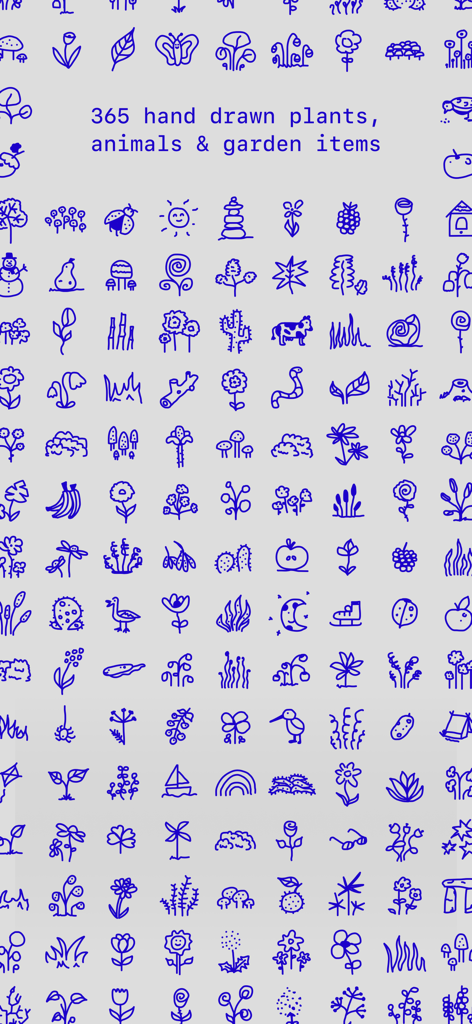
A collection of blue hand-drawn icons representing plants and animals for daily journaling.
Description
Download
More Like This
Apps with similar features and user experience

Finch: Self-Care Pet
Finch Care Public Benefit Corporation

OtterLife: AI Health Tracker
Shanghai Ruoyou Network Technology Co., Ltd.
Eden: Daily Self Care Routine
Millefeuille Agency
MeGrow: Grow Daily,Care Deeply
Chongqing Luxifa Technology Co., Ltd
GoLite - 体重记录器与减肥打卡称一下
EMMO Corp.
Pooca: Self-care Best Friend
NATUREAI TECHNOLOGY PTE. LTD.

SleepTown
SEEKRTECH CO., LTD.

Quabble: Daily Mental Health
museLIVE Inc.

Moodji: Health & Mood Tracker
Flowzland Inc.
This page is not an official page of the app or its developer, but an independent editorial publication created for informational and commentary purposes. Unless expressly stated otherwise, neither the app nor its developer is affiliated with, endorsed by, sponsored by, authorized by, or otherwise officially connected with MWM, Apple, Google Play, the app publisher, or the app's developer, and nothing on this page implies that the app was developed using MWM's services. Any trademarks, logos, screenshots, and other content remain the property of their respective owners.