
This page is not an official page of the app or its developer, but an independent editorial publication created for informational and commentary purposes. Unless expressly stated otherwise, neither the app nor its developer is affiliated with, endorsed by, sponsored by, authorized by, or otherwise officially connected with MWM, Apple, Google Play, the app publisher, or the app's developer, and nothing on this page implies that the app was developed using MWM's services. Any trademarks, logos, screenshots, and other content remain the property of their respective owners.


Ooredoo - حسابي
Manage your account, activate roaming, and pay bills from anywhere in the world. Stay connected to home with secure, real-time access to your subscriptions on Palestine’s most reliable network.
Downloads
371K+User Rating
Total Ratings
400Publisher
Category
BusinessLocales
1Latest Version
7.3.5Size
43.8 MBFirst Released
Dec 3, 2016Full Control of Your Connection, Anywhere in the World
The Hisabi App is the essential bridge for Ooredoo Palestine customers living or traveling abroad, offering seamless account management without the need for international calls.
Remote Account Management
Check your balance, pay bills, and manage your subscriptions from the USA or anywhere else, bypassing time zones and expensive support calls.
Travel-Ready Roaming
Activate data and roaming packages instantly before you land in Palestine or Jordan, ensuring you stay connected the moment you arrive.
Frequently Asked Questions
Everything you need to know about Ooredoo - حسابي
What is the Ooredoo - حسابي app?
The Ooredoo - حسابي app is a mobile application for Ooredoo customers. It allows users to manage their account, subscriptions, and communicate with the support team.
What account management features does Hisabi App offer?
Hisabi App users can check balances, services, and bills. They can activate or deactivate services like Internet, Minutes, and Roaming, and access digital support via chat.
How can I activate services using the Ooredoo - حسابي app?
The Ooredoo - حسابي app provides direct options to activate various services. Users navigate to the services section and select their desired packages, such as internet or minutes.
Does the Ooredoo - حسابي app display current usage balances?
Yes, the Ooredoo - حسابي app displays the user's remaining balances for internet data, messages, and minutes. It also shows the current monetary account balance.
Can users contact support through the Ooredoo Hisabi App?
Yes, the Ooredoo Hisabi App offers digital support. Users can utilize online chat functionalities and raise support tickets directly through the application.
What is the login process for the Ooredoo - حسابي app?
To log in, users enter their mobile number to get a password via SMS. After receiving it, they input their mobile number and the SMS password to confirm login.
Can I see the pricing for internet packages in the Hisabi App?
Yes, the Hisabi App displays package details, including pricing. For example, a 22 GB internet package costs 65 Shekels monthly and is renewable.
The following screenshots and description are sourced directly from the app's official store listing and are the property of the app developer.
App Store
Screenshots
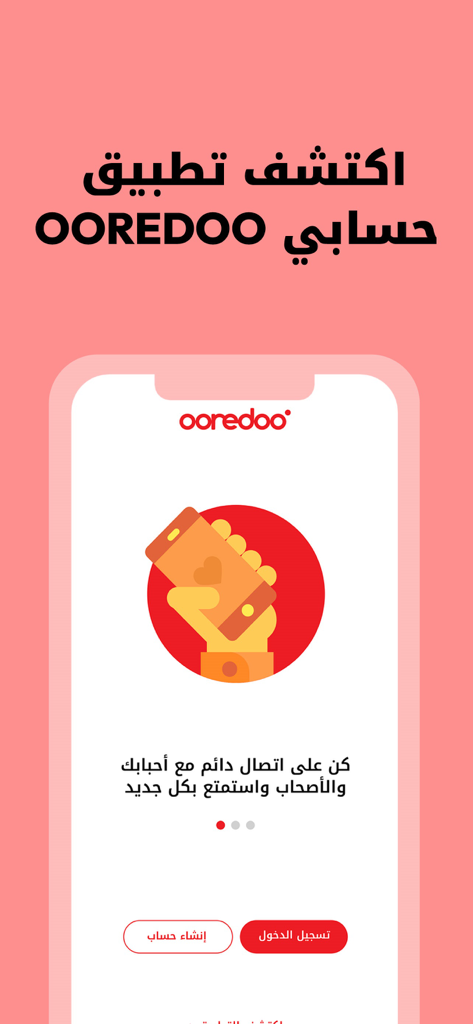
Ooredoo Hisabi mobile app welcome screen with login and create account options in Arabic
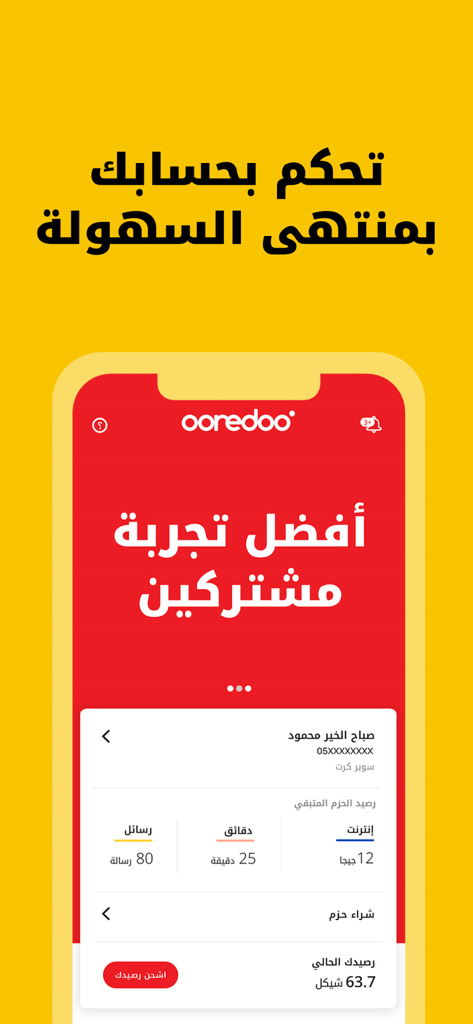
Ooredoo Hisabi app dashboard showing mobile account balance and usage details
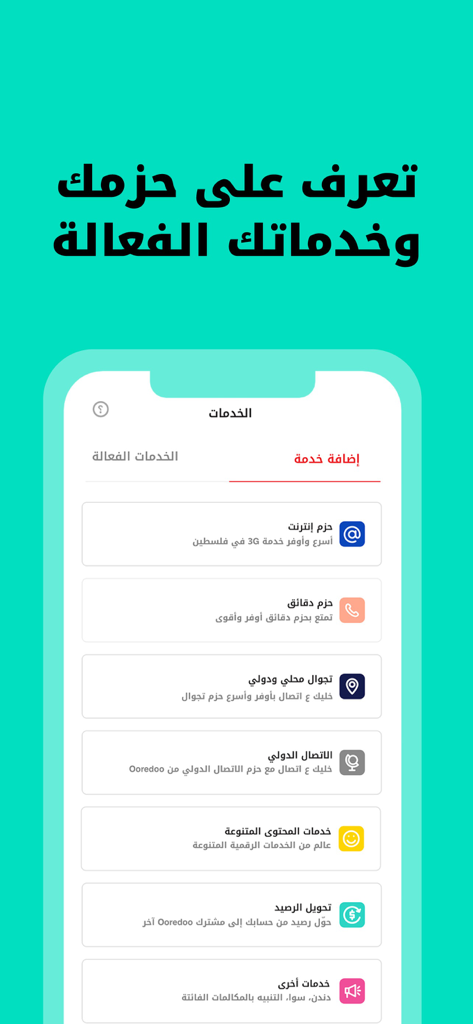
Ooredoo Hisabi app services menu showing options for internet roaming and minutes packages in Arabic
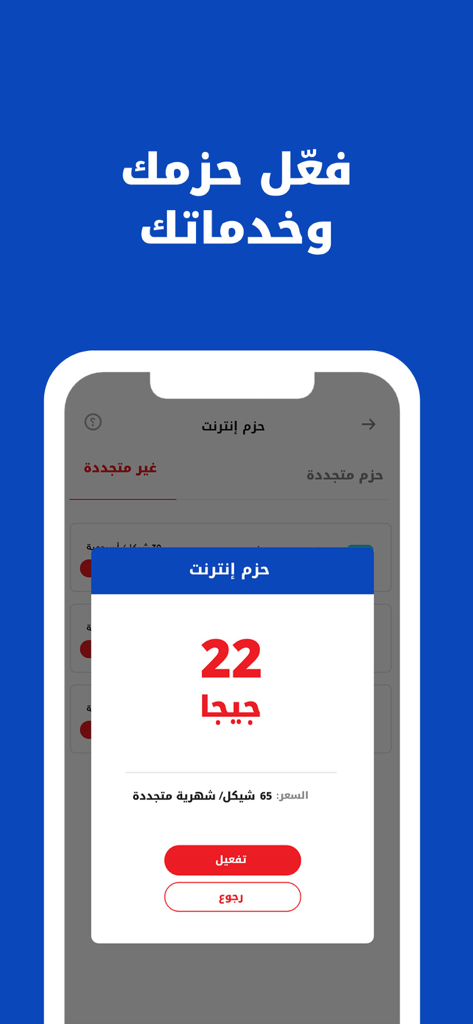
Ooredoo Hisabi app interface showing a 22GB internet bundle activation pop-up in Arabic
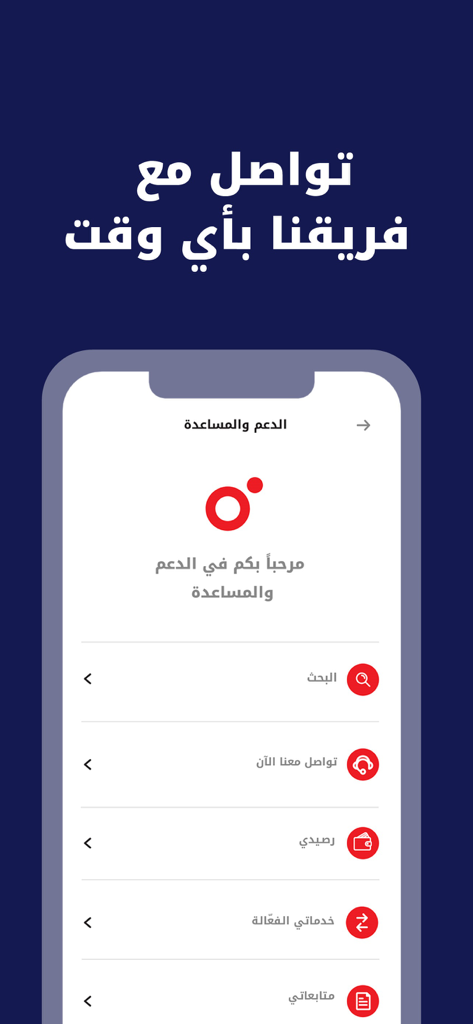
Support and assistance menu of the Ooredoo Hisabi app showing various customer service options in Arabic.
Description
Download
More Like This
Apps with similar features and user experience

My lifecell
Limited Liability Company "ASTELIT"
My Straight Talk: Mobile App
Tracfone Wireless Inc.

Azercell
Azercell Telecom MMC

Halo Telco
Winner Venture Sdn Bhd

Everyday Mobile (Woolworths)
Woolworths Group Limited

Bakcell
BAKCELL MMC

Mint Mobile
UVNV, Inc.

Visible mobile
Visible Service LLC

myMetro®
MetroPCS Wireless, Inc.
This page is not an official page of the app or its developer, but an independent editorial publication created for informational and commentary purposes. Unless expressly stated otherwise, neither the app nor its developer is affiliated with, endorsed by, sponsored by, authorized by, or otherwise officially connected with MWM, Apple, Google Play, the app publisher, or the app's developer, and nothing on this page implies that the app was developed using MWM's services. Any trademarks, logos, screenshots, and other content remain the property of their respective owners.