
This page is not an official page of the app or its developer, but an independent editorial publication created for informational and commentary purposes. Unless expressly stated otherwise, neither the app nor its developer is affiliated with, endorsed by, sponsored by, authorized by, or otherwise officially connected with MWM, Apple, Google Play, the app publisher, or the app's developer, and nothing on this page implies that the app was developed using MWM's services. Any trademarks, logos, screenshots, and other content remain the property of their respective owners.


Otter Transcribe Voice Notes
No longer tethered to note-taking, users gain the ability to fully engage, letting AI capture every crucial detail. This app redefines meeting productivity.
Downloads
7.5M+User Rating
Total Ratings
90.0KPublisher
Category
ProductivityLocales
1Latest Version
3.96.0Size
159.1 MBFirst Released
Feb 17, 2018An evaluation of core functionalities for productivity, collaboration, and information capture.
Key Features Analysis: Otter Transcribe Voice Notes
AI-Powered Real-time Transcription & Summarization
The app provides AI-driven real-time transcription of spoken information, automatically generating meeting notes and comprehensive summaries, allowing users to focus on the discussion rather than note-taking.
Advanced Search & Playback
This tool features advanced search capabilities to quickly locate specific information within transcripts and offers adjustable playback speeds, synchronized text highlighting, and direct audio jumping.
Seamless Collaboration & Sharing
The app facilitates seamless collaboration by allowing users to share transcripts, invite others to view, edit, and highlight collaboratively, and assign action items.
Intelligent AI Chat Assistant
This tool features an AI Chat functionality that enables users to ask questions about their conversations and generate content, significantly enhancing post-meeting productivity.
Automated Slide Capture
It allows users to automatically capture slides presented during virtual meetings, integrating visual context directly into the transcribed notes for a more complete record.
Transcription Editing & Highlighting
It allows users to edit transcribed text for accuracy, tag speakers to improve identification, and highlight important sections for easy review.
Frequently Asked Questions
Everything you need to know about Otter Transcribe Voice Notes
What is Otter AI and what does it do?
Otter AI is a meeting assistant that transcribes voice in real-time, records audio, captures slides, and generates summaries. It helps users avoid manual note-taking.
Does Otter AI provide real-time transcription?
Yes, Otter AI transcribes voice conversations, meetings, interviews, and lectures in real-time. This functionality enables users to focus on the discussion without manual note-taking.
What languages does Otter AI support for transcription?
Otter AI supports transcription in English, Spanish, French, and Japanese. This feature applies to real-time transcription and recorded audio files.
Is Otter AI free to use or does it have a subscription?
Yes, Otter AI offers a free starting option. Paid features are available through Otter Pro, a subscription service billed to your iTunes Account.
What artificial intelligence (AI) features does Otter AI offer?
Otter AI provides an AI Meeting Assistant for automated notes and summaries, AI Chat for quick answers, and AI Channels for team collaboration and async updates.
Which meeting platforms does Otter AI support?
Otter AI integrates with popular meeting platforms, providing automated notes for Zoom, Google Meet, and Microsoft Teams. It supports remote work collaboration.
How does Otter AI support collaboration and sharing?
Otter AI facilitates sharing and collaboration by allowing group members to view, edit, and highlight collaboratively. Users can add comments, assign action items, and share external links.
Are there any specific features for Otter AI on iOS devices?
Yes, Otter AI is optimized for iOS with features like Siri Shortcuts for recording, AirPods integration, and syncing with iOS Calendar, Contacts, and Camera.
How do I manage my Otter Pro subscription and billing?
You manage your Otter Pro subscription and auto-renewal settings in your Account Settings after purchase. Payment processes through your iTunes Account.
Where can I find the privacy policy for Otter AI?
The official privacy policy for Otter AI is accessible on their website. You can review the full policy at https://otter.ai/privacy-policy.
The following screenshots and description are sourced directly from the app's official store listing and are the property of the app developer.
App Store
Screenshots
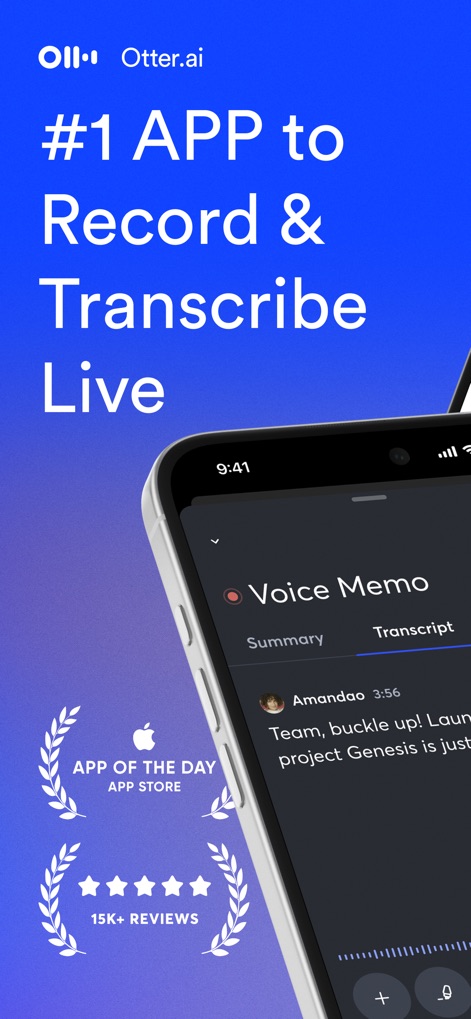
This tool demonstrates its real-time voice transcription capabilities, showcasing the intuitive 'Voice Memo' interface and impressive 'App of the Day' recognition.
Live Transcription Power
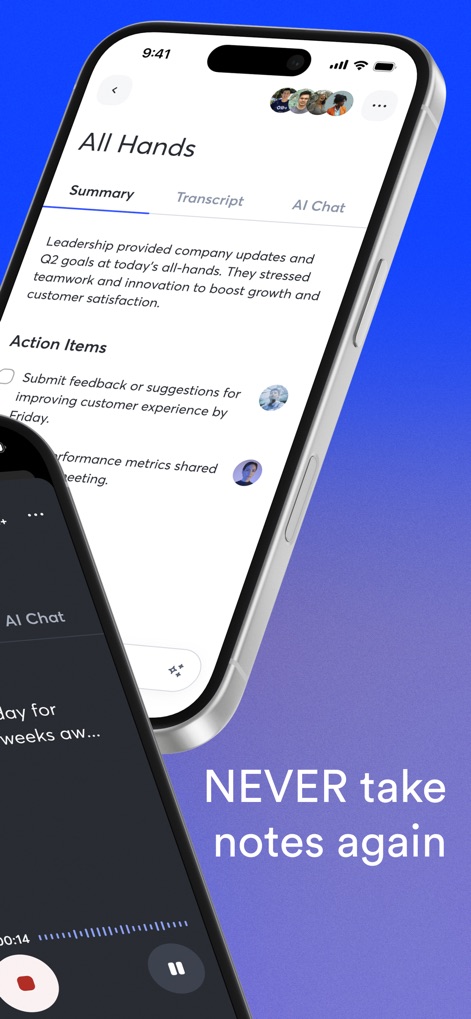
Users can leverage the app's AI to generate concise meeting summaries and actionable items, seamlessly integrated into a clean 'All Hands' interface.
AI Summaries & Actions
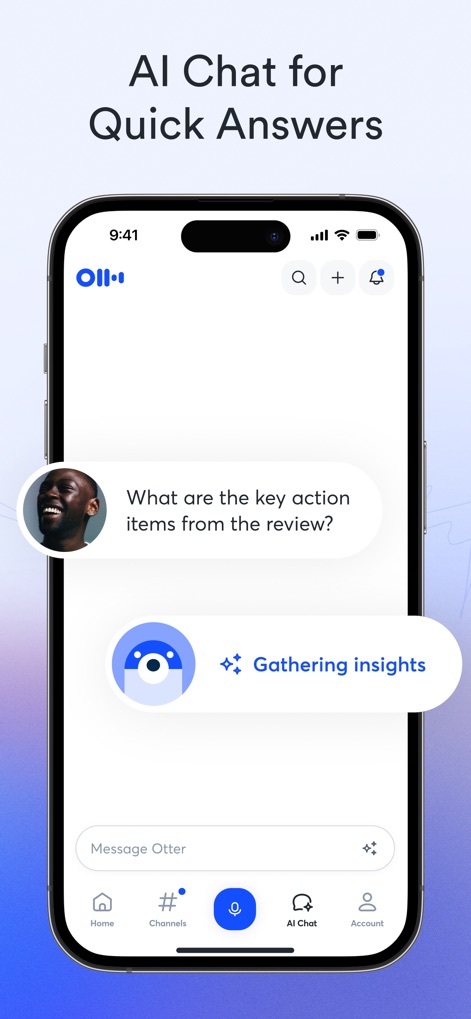
The AI Chat feature allows users to ask specific questions about their conversations, efficiently gathering insights directly within the 'AI Chat' tab.
Instant AI Insights
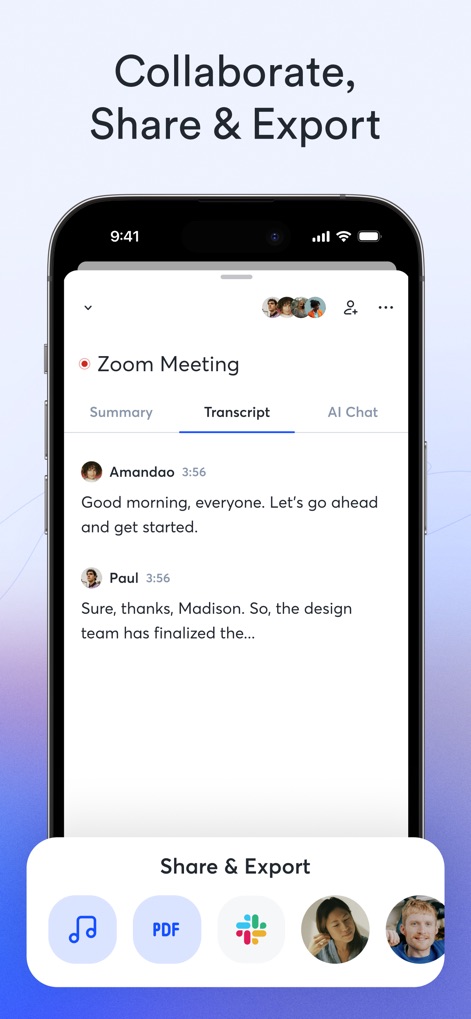
The app enables effortless collaboration on 'Zoom Meeting' transcripts, offering diverse sharing and export options including 'PDF' and direct integration with popular platforms.
Seamless Sharing & Export
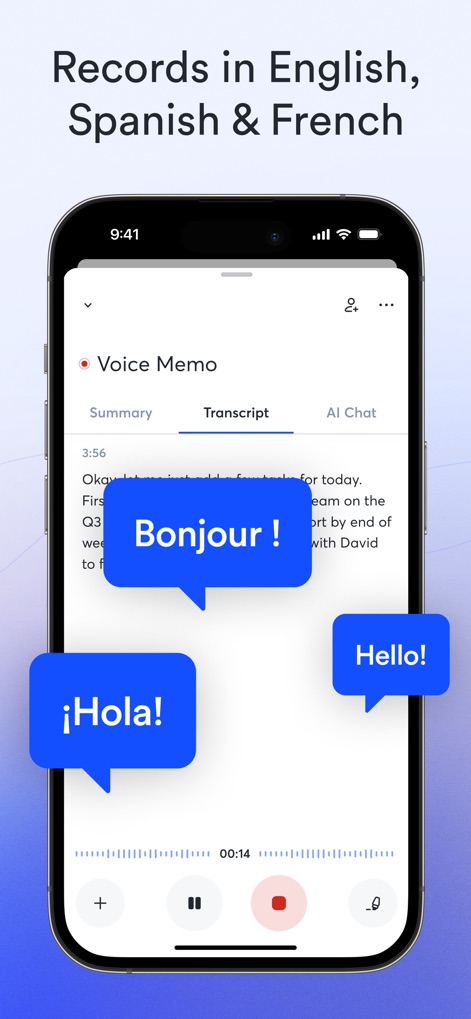
This tool provides robust multilingual transcription, allowing users to record and transcribe conversations in languages like 'Spanish' and 'French' with ease.
Multilingual Transcription
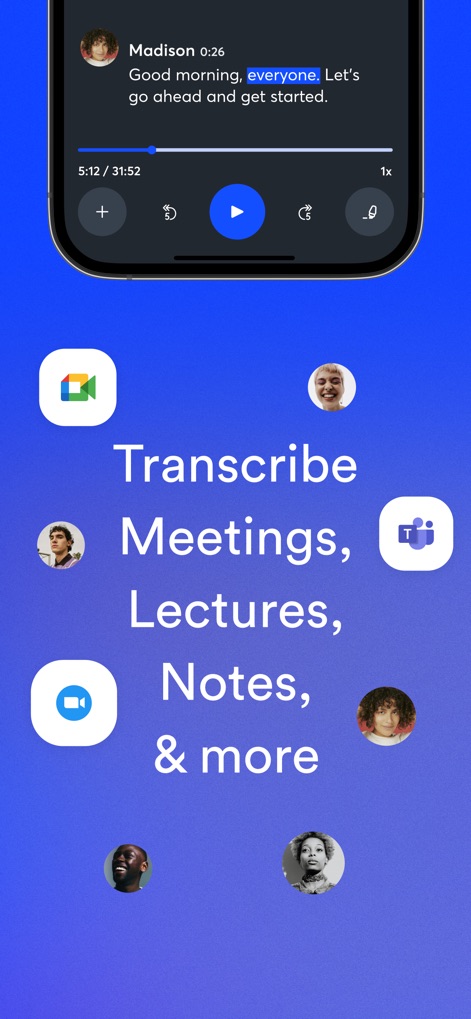
The app offers versatile transcription capabilities for various contexts, seamlessly integrating with platforms like 'Google Meet' and 'Microsoft Teams' for comprehensive note-taking.
Versatile Transcription Use
Description
Download
More Like This
Apps with similar features and user experience

Plaud: AI Note Taker
PLAUD LLC

Notee: AI Note Taker
GM UniverseApps Limited

클로바노트 - 음성 그 이상의 기록
NAVER Corp.

录音专家-专业录音转文字助手
Chongqing Yeyuegua Technology Co., Ltd

听脑AI - 实时录音转文字总结助手
Shanghai Xiuyu Network Technology Co., Ltd

Granola - AI Meeting Notes
Granola inc

Transkriptor - Speech to Text
Textintel FZE

Minutes: AI Meeting Note Taker
Minutes AI, LLC

Fireflies: AI notetaker
FIREFLIES.AI CORP.
This page is not an official page of the app or its developer, but an independent editorial publication created for informational and commentary purposes. Unless expressly stated otherwise, neither the app nor its developer is affiliated with, endorsed by, sponsored by, authorized by, or otherwise officially connected with MWM, Apple, Google Play, the app publisher, or the app's developer, and nothing on this page implies that the app was developed using MWM's services. Any trademarks, logos, screenshots, and other content remain the property of their respective owners.