
This page is not an official page of the app or its developer, but an independent editorial publication created for informational and commentary purposes. Unless expressly stated otherwise, neither the app nor its developer is affiliated with, endorsed by, sponsored by, authorized by, or otherwise officially connected with MWM, Apple, Google Play, the app publisher, or the app's developer, and nothing on this page implies that the app was developed using MWM's services. Any trademarks, logos, screenshots, and other content remain the property of their respective owners.


Panels - Comic Reader
Experience your library like never before with seamless iCloud sync, advanced customization, and native support for all your favorite formats on iPad, iPhone, and Mac.
Downloads
1M+User Rating
Total Ratings
25K+Publisher
Category
BooksLocales
12Latest Version
3.9.11Size
160.6 MBFirst Released
Oct 23, 2017The Ultimate Digital Library for Collectors
Panels is the most advanced and delightful comic reader designed for the Apple ecosystem, giving you total control over your personal collection.
Universal Import & Ownership
Take back control of your media. Support for CBR, CBZ, and PDF files with seamless importing from iCloud, Dropbox, OneDrive, or your own private server via OPDS.
Precision Reading Modes
Whether it is Western comics, right-to-left Manga, or vertical webtoons, our adaptive engine and panel-by-panel navigation provide the perfect view for every story.
Frequently Asked Questions
Everything you need to know about Panels - Comic Reader
What comic file formats does Panels support?
Panels supports common comic types including CBR, CBZ, CB7, PDF, and comic ePUB. It also supports multiple image formats like WebP.
Does Panels sync reading progress across multiple devices?
Yes, Panels synchronizes your reading progress across all your Mac devices. Users resume reading exactly where they left off on any synced device.
How can users manage their comic library in Panels?
Panels offers intuitive tools for effortless library management. Users can customize collections by changing folder colors, logos, and using custom images for personalization.
What reading modes are available in the Panels app?
Panels offers multiple reading presets such as horizontal, vertical, and panel-by-panel guided views. It also features right-to-left reading specifically for manga content.
What are the methods for importing comic files into Panels?
Panels supports importing files from iCloud Drive, Dropbox, Microsoft OneDrive, Substack, OPDS, local network shares via SMB, iTunes, external drives, AirDrop, and Drag&Drop.
Can users secure their comic content within the Panels app?
Yes, Panels allows users to secure files and collections using a password or Face ID. An Incognito mode is also available to keep reading sessions hidden.
How does the payment model for Panels work?
Panels offers an auto-renewing subscription or a one-time purchase to unlock premium features. Subscriptions charge to your iTunes account and renew unless auto-renew is off 24 hours prior.
Does the Panels app support OPDS servers?
Yes, Panels includes OPDS support. Users can stream, search, and download comics from compatible OPDS servers like Komga, Kavita, and Codex.
What page filters are available in Panels for enhancing comic display?
Panels provides page filters to enhance comic display. These include options to reduce noise, increase sharpness, reduce moiré, and crop borders.
Does Panels offer an incognito mode for private reading?
Yes, Panels features an Incognito mode. This allows users to keep their reading sessions hidden, ensuring privacy for their comic content.
Can Panels download multiple comic files simultaneously?
Yes, Panels allows users to download multiple comic files at the same time. This feature improves efficiency when building or updating your library.
The following screenshots and description are sourced directly from the app's official store listing and are the property of the app developer.
App Store
Screenshots
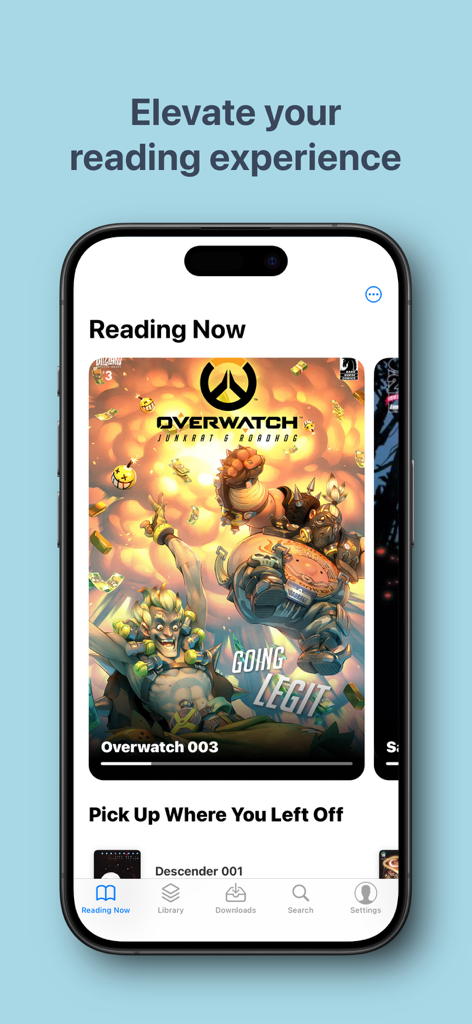
Panels comic reader app interface on iPhone displaying current reading list and comic covers
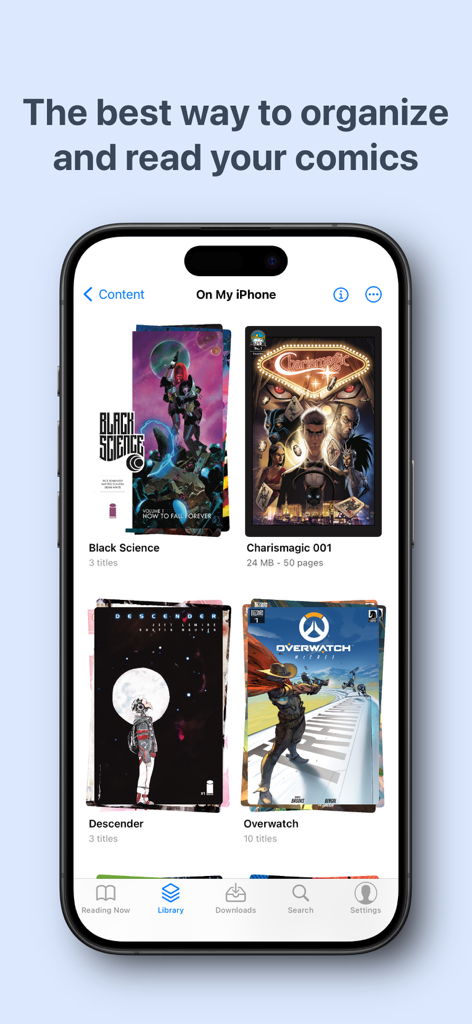
Panels app library interface on iPhone showing organized comic book collections
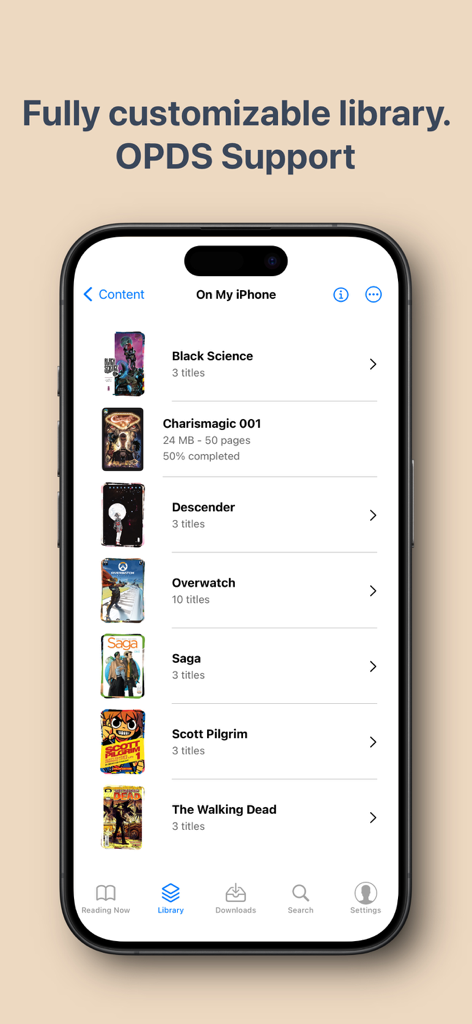
iPhone screen displaying the Panels comic reader library with various comic titles
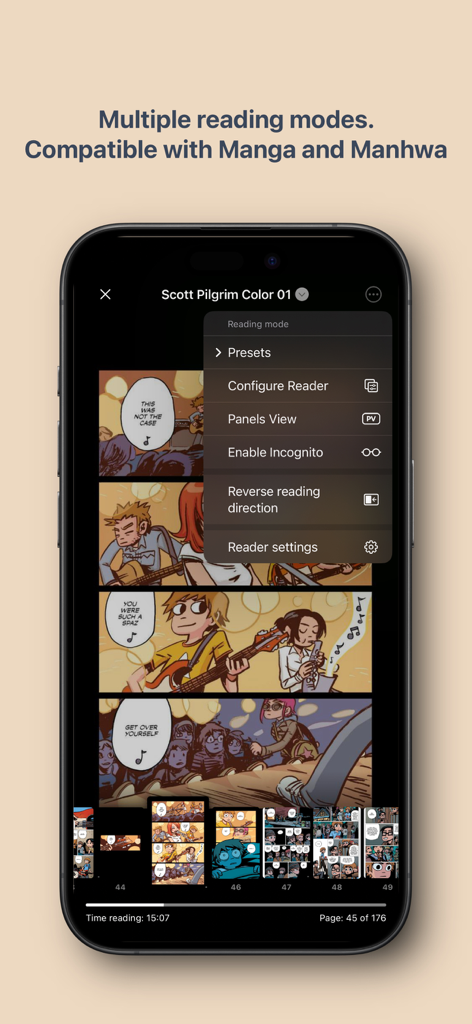
Panels comic reader interface showing multiple reading modes and manga compatibility on an iPhone
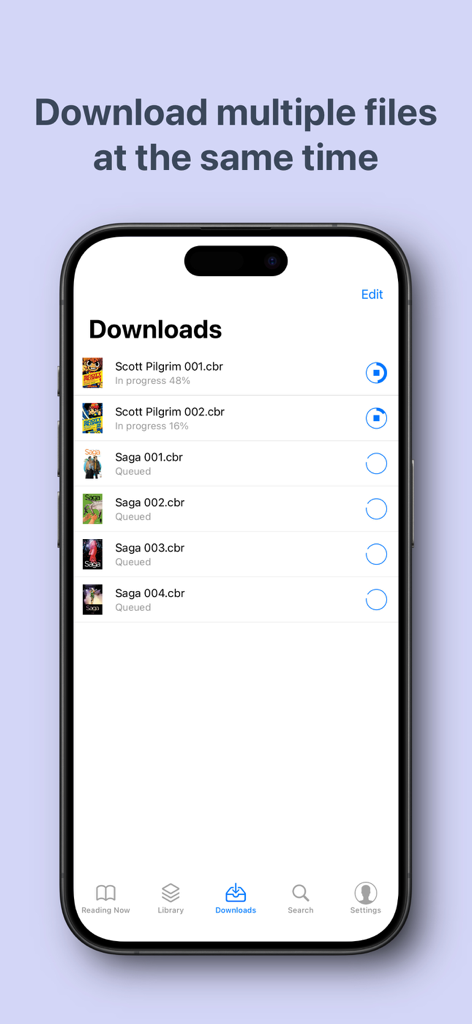
Panels app interface showing multiple comic book files downloading and queued for offline reading
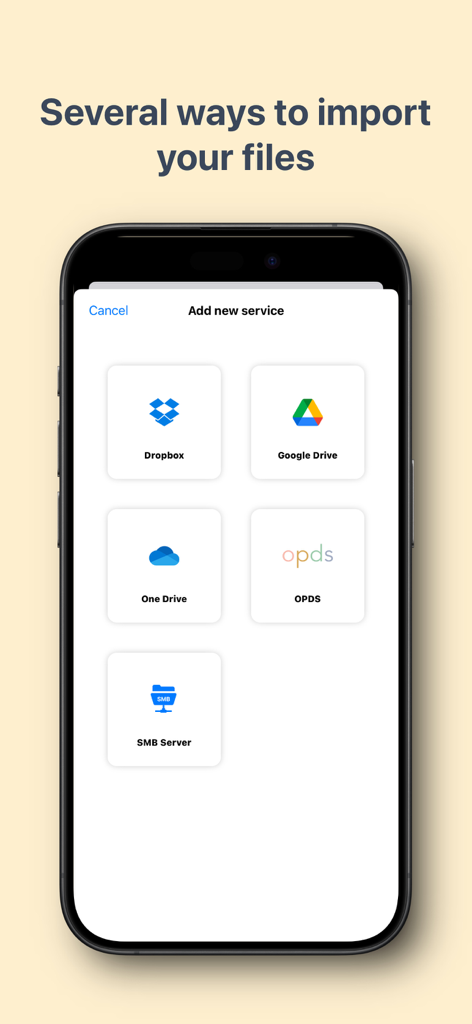
Panels app screen showing options to import comics from Dropbox, Google Drive, OneDrive, OPDS, and SMB servers
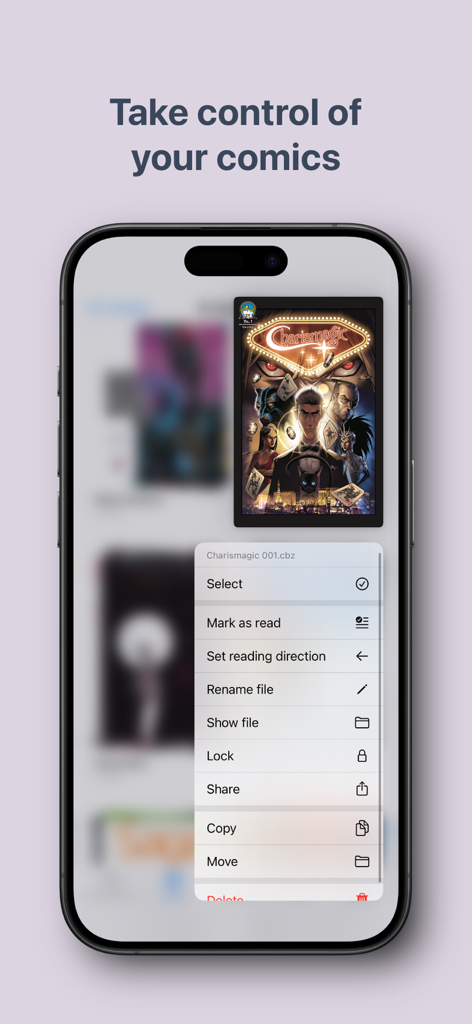
iPhone screen displaying the Panels app with a context menu for organizing comic files including options to lock, share, and change reading direction.
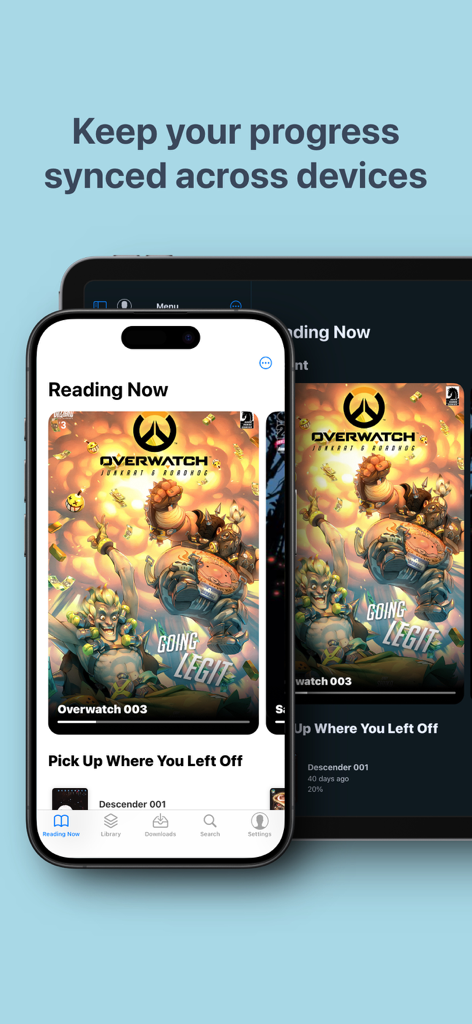
Panels comic reader app showing synchronized reading progress on iPhone and iPad
Description
Download
More Like This
Apps with similar features and user experience

WEBTOON: Manga, Comics, Manhwa
NAVER WEBTOON Ltd.

快看漫画
Kuaikan World (Beijing) Technology CO., LTD.

Tachimanga
继超 吴

WebComics - Webtoon, Manga
WEBCOMICS HOLDINGS HK LIMITED

GlobalComix: The Comics App
Global Publishing Interactive, Inc

漫画人极速版-看动漫画大全平台
中营 谢

百度阅读-电子书看书阅读神器
Beijing Baidu Netcom Science & Technology Co.,Ltd

Lovella: Novels & Audiobooks
FMPROJECT LIMITED

菠萝包轻小说-二次元阅读神器
Guangzhou Qingyue Network Technology Co.,Ltd.
This page is not an official page of the app or its developer, but an independent editorial publication created for informational and commentary purposes. Unless expressly stated otherwise, neither the app nor its developer is affiliated with, endorsed by, sponsored by, authorized by, or otherwise officially connected with MWM, Apple, Google Play, the app publisher, or the app's developer, and nothing on this page implies that the app was developed using MWM's services. Any trademarks, logos, screenshots, and other content remain the property of their respective owners.