
This page is not an official page of the app or its developer, but an independent editorial publication created for informational and commentary purposes. Unless expressly stated otherwise, neither the app nor its developer is affiliated with, endorsed by, sponsored by, authorized by, or otherwise officially connected with MWM, Apple, Google Play, the app publisher, or the app's developer, and nothing on this page implies that the app was developed using MWM's services. Any trademarks, logos, screenshots, and other content remain the property of their respective owners.


Panopto
Don't just watch—search. Find any keyword inside your lectures or training videos and jump to the exact moment you need. Whether on campus or in the office, take your organization's entire video library with you.
Downloads
494K+User Rating
Total Ratings
500Publisher
Category
BusinessLocales
1Latest Version
1.5.4Size
32.6 MBFirst Released
Jun 2, 2020Unlock the Power of Video Knowledge
Whether you are prepping for exams or staying ahead in the corporate world, Panopto puts your organization’s entire video library in your pocket for high-efficiency learning.
Smart Search Technology
Find the exact moment a topic is mentioned. Search keywords inside videos to jump straight to the specific information you need without scrubbing.
Seamless Background Playback
Maximize your productivity during commutes. Listen to lectures and training sessions while multitasking or with your screen turned off.
Frequently Asked Questions
Everything you need to know about Panopto
What is the Panopto Mobile app?
Yes, Panopto Mobile provides access to an organization's video content, including presentations, lectures, training courses, and events. Users can view, search, record, and upload videos directly from their iPhone or iPad.
Can I record videos using the Panopto app?
Yes, users can record videos directly within the Panopto app using their device's camera. The app supports recording in various qualities, including HD, FHD (Full High Definition), and 4K.
Does Panopto Mobile support offline video playback?
Yes, the Panopto app supports offline video viewing. Users can access and watch videos even without an internet connection, as indicated by the "Offline Videos" section in the app's interface.
How do I search for content in Panopto?
Panopto offers a robust search function that allows users to find specific keywords or topics within their video content. Search results are organized into "Content" and "Folders" for easy navigation.
How do users navigate within Panopto videos?
Users can navigate videos in Panopto by tapping on slides, chapters, or the transcript. The app also displays a table of contents, allowing for quick jumps to specific sections within a video.
Can I upload media files to Panopto Mobile?
Yes, users can upload existing media files to Panopto. The app provides a dedicated "Upload media" option, displaying a clear progress indicator during the uploading process.
What types of organizations use Panopto?
Panopto is used by a diverse range of organizations, including Fortune 500 companies and leading universities globally. It serves various departments like Sales, Marketing, HR, Engineering, Support, Faculty, and IT.
The following screenshots and description are sourced directly from the app's official store listing and are the property of the app developer.
App Store
Screenshots
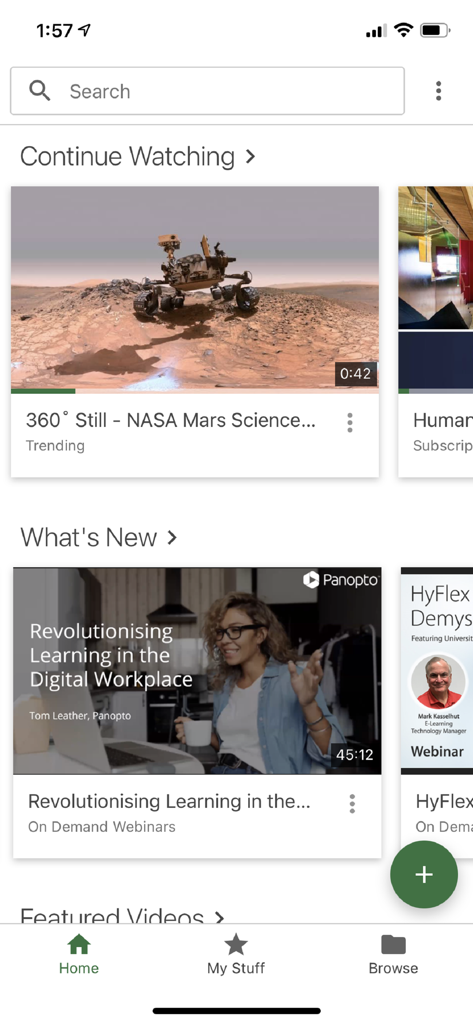
Panopto mobile app home screen showing video tutorials and search bar
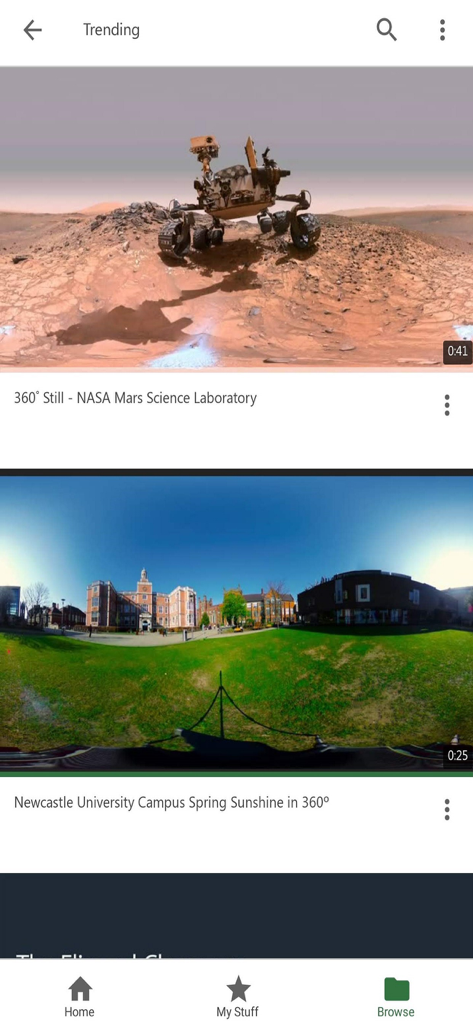
Panopto mobile app trending screen showing educational 360-degree videos from NASA and Newcastle University.
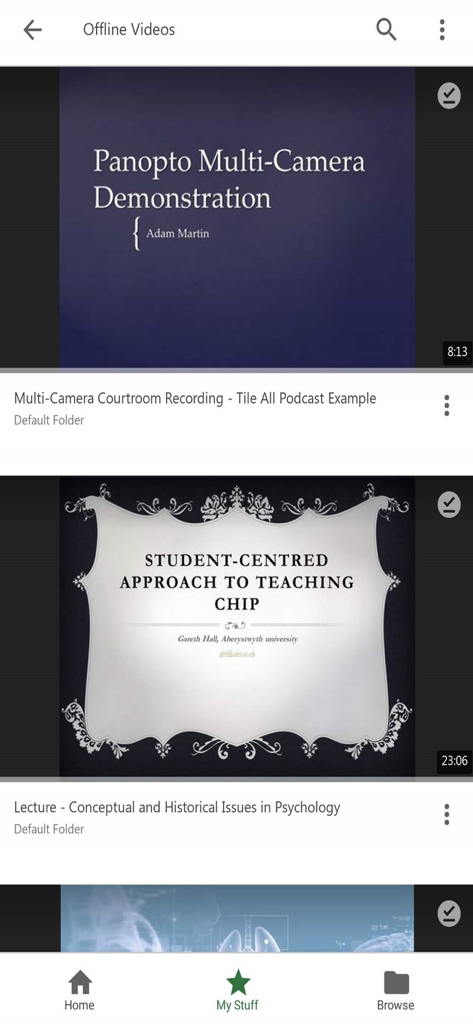
Panopto mobile app screen showing a list of downloaded offline videos including university lectures and demonstrations
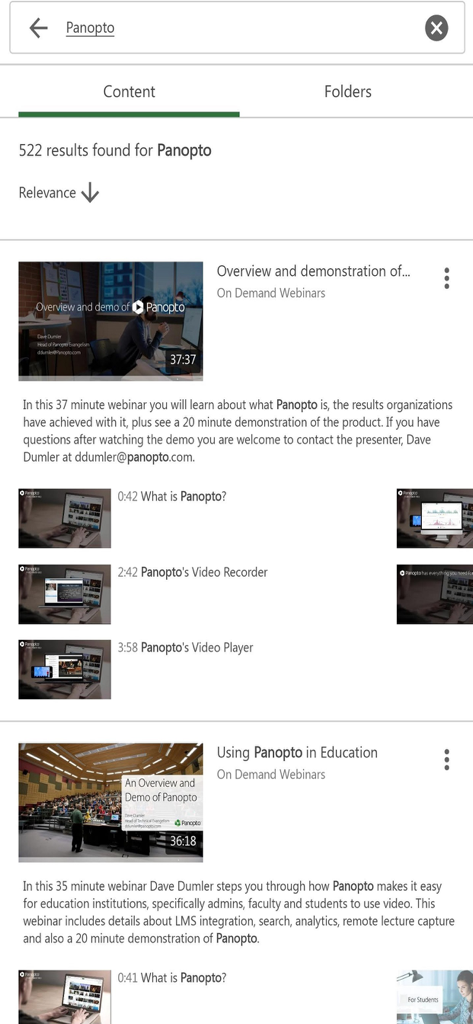
Search results in the Panopto app showing educational webinars and video demonstrations.
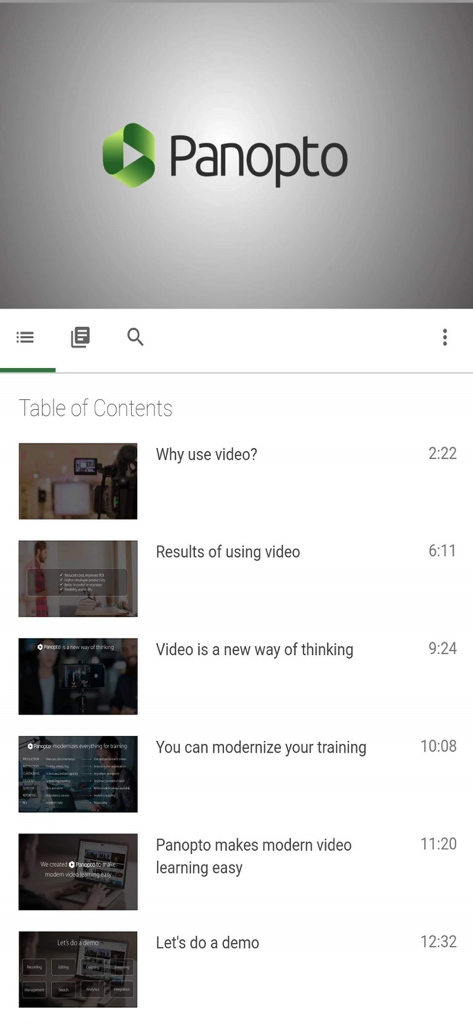
Panopto mobile app interface showing a table of contents with video chapters and timestamps
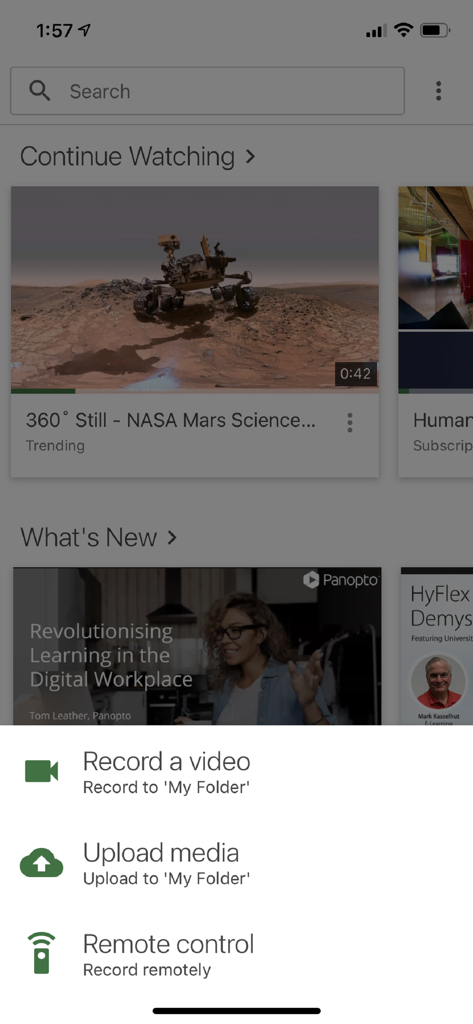
Panopto app home screen with video recording and upload options menu
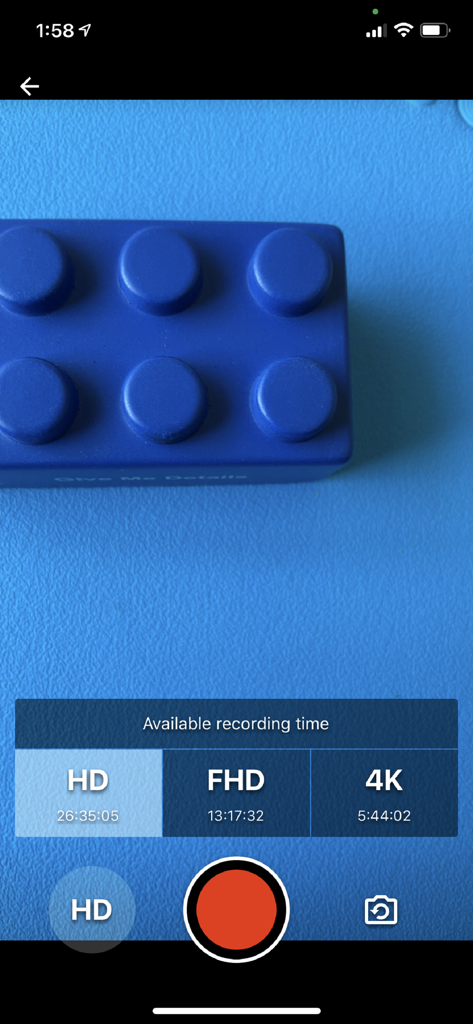
Panopto mobile app recording interface showing available recording time for HD FHD and 4K resolutions
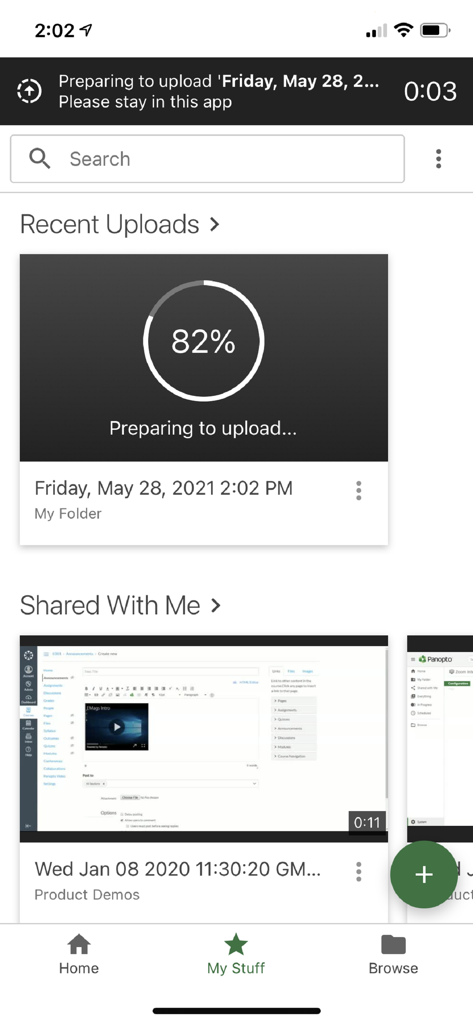
Interface of the Panopto mobile app showing a video upload in progress and shared content.
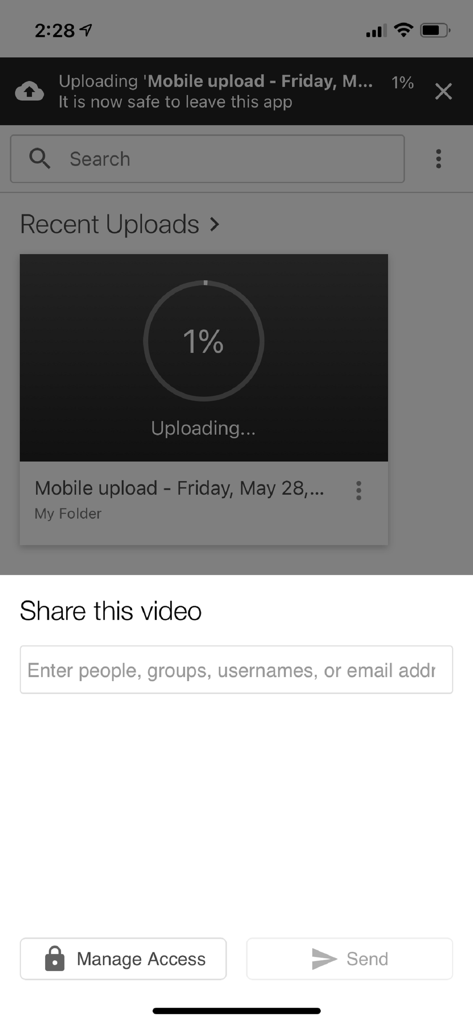
Panopto mobile app screen showing video upload progress and sharing options with manage access buttons
Description
Download
More Like This
Apps with similar features and user experience

This page is not an official page of the app or its developer, but an independent editorial publication created for informational and commentary purposes. Unless expressly stated otherwise, neither the app nor its developer is affiliated with, endorsed by, sponsored by, authorized by, or otherwise officially connected with MWM, Apple, Google Play, the app publisher, or the app's developer, and nothing on this page implies that the app was developed using MWM's services. Any trademarks, logos, screenshots, and other content remain the property of their respective owners.