
This page is not an official page of the app or its developer, but an independent editorial publication created for informational and commentary purposes. Unless expressly stated otherwise, neither the app nor its developer is affiliated with, endorsed by, sponsored by, authorized by, or otherwise officially connected with MWM, Apple, Google Play, the app publisher, or the app's developer, and nothing on this page implies that the app was developed using MWM's services. Any trademarks, logos, screenshots, and other content remain the property of their respective owners.

PDF Compressor - Compress PDF
The essential tool for students and professionals to shrink heavy documents instantly. Overcome email attachment limits, save phone storage, and share your files faster without losing quality.
Downloads
870K+User Rating
Total Ratings
700Publisher
Category
UtilitiesLocales
12Latest Version
2.3Size
14.3 MBFirst Released
Jul 29, 2019Efficiency Without Compromise
Designed for the mobile-first professional and student, our app ensures your documents are always ready for submission, sharing, and storage.
Lightning-Fast Shrinking
Compress heavy PDF documents with a single tap, saving you valuable time when meeting tight deadlines.
Bypass Upload Limits
Never see a "File Too Large" error again. Perfect your resumes and assignments for Gmail, Canvas, or job portals.
The following screenshots and description are sourced directly from the app's official store listing and are the property of the app developer.
App Store
Screenshots
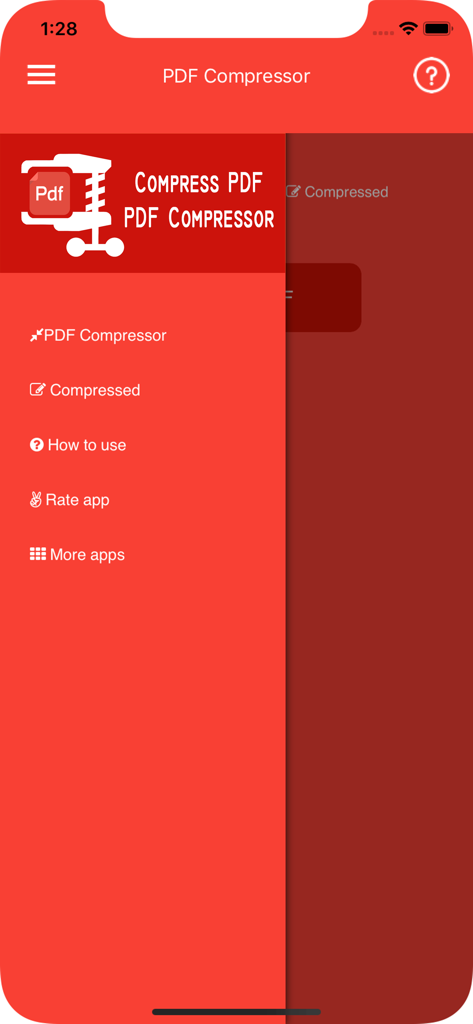
Side navigation menu of the PDF Compressor app with options for file compression and app settings
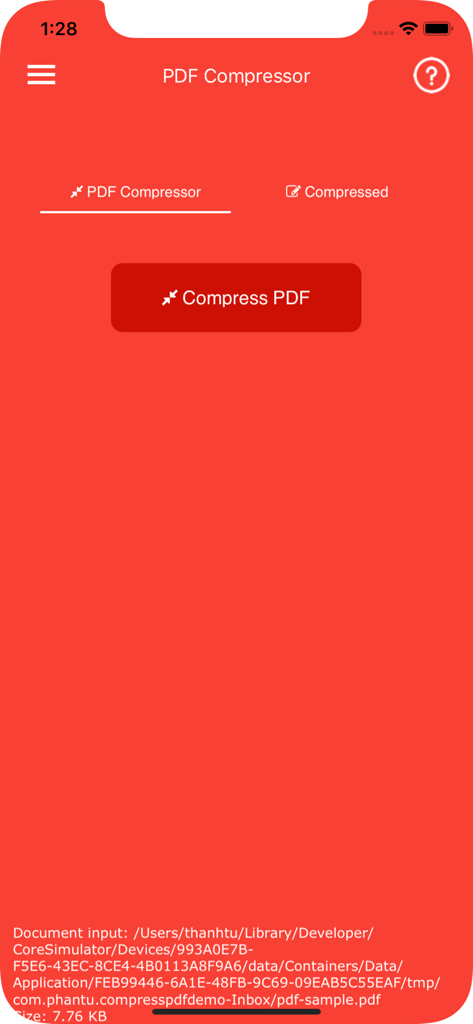
Main interface of the PDF Compressor app with a large button to compress PDF files
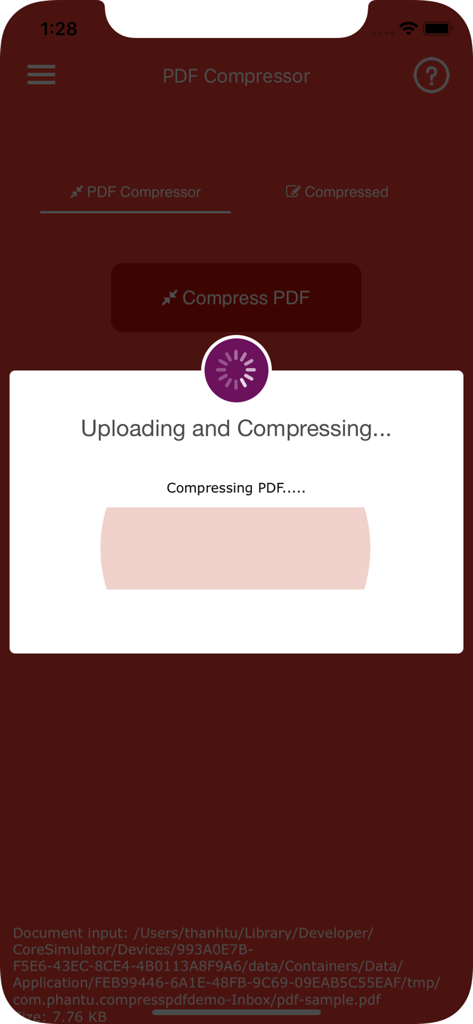
Screenshot of the PDF Compressor app showing the uploading and compressing progress screen.
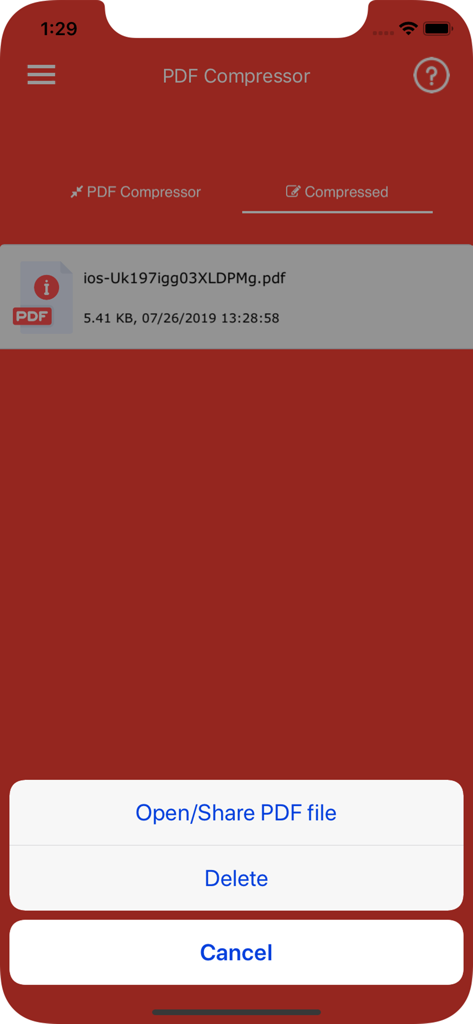
Screenshot of the PDF Compressor app showing a compressed file with an action menu for sharing or deleting
Description
Download
More Like This
Apps with similar features and user experience

This page is not an official page of the app or its developer, but an independent editorial publication created for informational and commentary purposes. Unless expressly stated otherwise, neither the app nor its developer is affiliated with, endorsed by, sponsored by, authorized by, or otherwise officially connected with MWM, Apple, Google Play, the app publisher, or the app's developer, and nothing on this page implies that the app was developed using MWM's services. Any trademarks, logos, screenshots, and other content remain the property of their respective owners.