
This page is not an official page of the app or its developer, but an independent editorial publication created for informational and commentary purposes. Unless expressly stated otherwise, neither the app nor its developer is affiliated with, endorsed by, sponsored by, authorized by, or otherwise officially connected with MWM, Apple, Google Play, the app publisher, or the app's developer, and nothing on this page implies that the app was developed using MWM's services. Any trademarks, logos, screenshots, and other content remain the property of their respective owners.

PDF Compressor : Compress PDF
Easily reduce document size for faster uploads and more storage. The essential mobile tool for students and professionals to meet file limits without losing quality.
Downloads
92K+User Rating
Total Ratings
2K+Publisher
Category
UtilitiesLocales
1Latest Version
1.7Size
10.9 MBFirst Released
Aug 2, 2022Optimize Your Documents for Every Platform
Whether you are applying for a job or submitting a university assignment, our one-tap compressor ensures your PDFs are small enough to send but sharp enough to impress.
Instant One-Tap Compression
Shrink heavy PDF files in seconds directly from your iPhone, perfect for hitting those tight professional deadlines while on the go.
Maintain High-Quality Detail
Reduce file sizes without compromising document integrity, ensuring your graphics and photos stay crisp for recruiters and clients.
The following screenshots and description are sourced directly from the app's official store listing and are the property of the app developer.
App Store
Screenshots
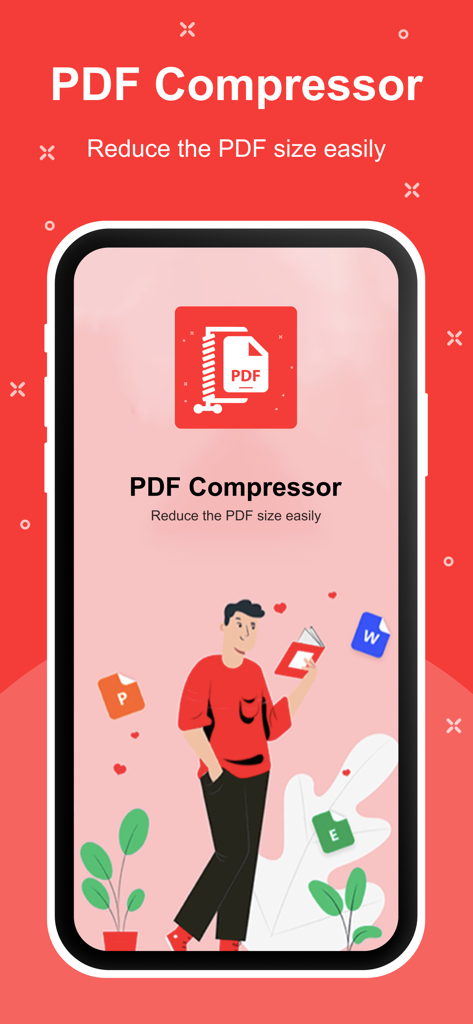
PDF Compressor app interface showing the slogan Reduce the PDF size easily with an illustration of a person managing various documents.
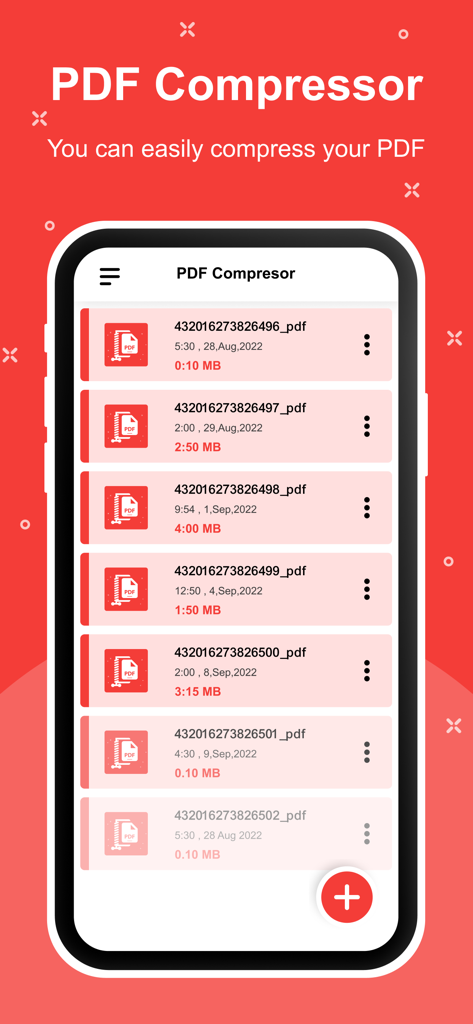
Interface of the PDF Compressor app showing a list of files and their compressed sizes on an iPhone
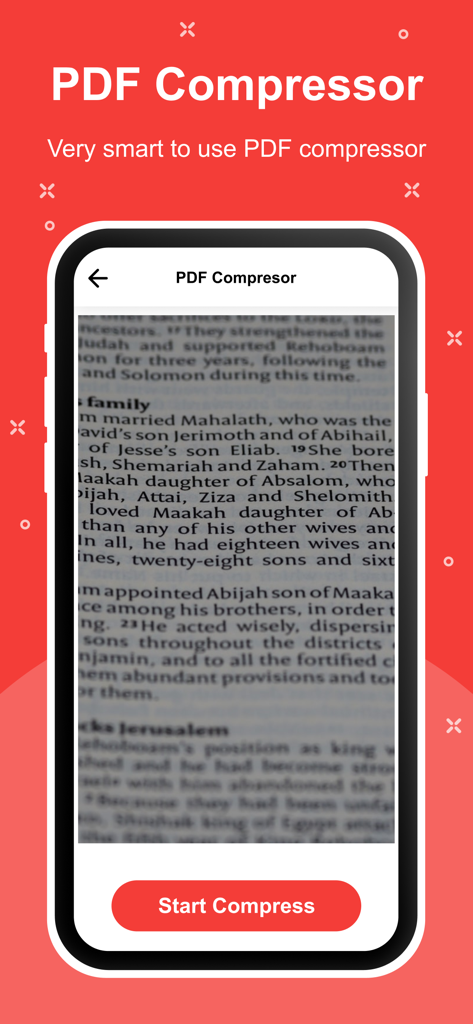
Smartphone screen displaying the PDF Compressor app with a document preview and a Start Compress button.
Description
Download
More Like This
Apps with similar features and user experience
This page is not an official page of the app or its developer, but an independent editorial publication created for informational and commentary purposes. Unless expressly stated otherwise, neither the app nor its developer is affiliated with, endorsed by, sponsored by, authorized by, or otherwise officially connected with MWM, Apple, Google Play, the app publisher, or the app's developer, and nothing on this page implies that the app was developed using MWM's services. Any trademarks, logos, screenshots, and other content remain the property of their respective owners.