PDF Converter . Convert to PDF
Download on App Store

This page is not an official page of the app or its developer, but an independent editorial publication created for informational and commentary purposes. Unless expressly stated otherwise, neither the app nor its developer is affiliated with, endorsed by, sponsored by, authorized by, or otherwise officially connected with MWM, Apple, Google Play, the app publisher, or the app's developer, and nothing on this page implies that the app was developed using MWM's services. Any trademarks, logos, screenshots, and other content remain the property of their respective owners.

Logo of PDF Converter . Convert to PDF
Download on App Store

PDF Converter . Convert to PDF

Effortlessly convert Word, JPG, and Excel files into high-quality PDFs on your iPhone or iPad. Secure, offline-ready, and built for your mobile-first lifestyle.

Key Figures

Downloads

100K+

User Rating

4.8/5

Total Ratings

2K+

Publisher

TECHISTIC LTD

Category

Business

Locales

7

Latest Version

2.2

Size

21.1 MB

First Released

Oct 16, 2023
Features

Master Your Documents on the Go

The ultimate tool for students and professionals to convert, share, and manage files with high-speed precision and total privacy.

Lightning-Fast Conversion

Turn Word docs, spreadsheets, and photos into PDFs in seconds. Save time and keep your workflow moving.

Versatile Format Support

Handle any file type—JPG, PNG, DOCX, XLS—making it the only document tool you’ll ever need.

The following screenshots and description are sourced directly from the app's official store listing and are the property of the app developer.

App Store

Screenshots
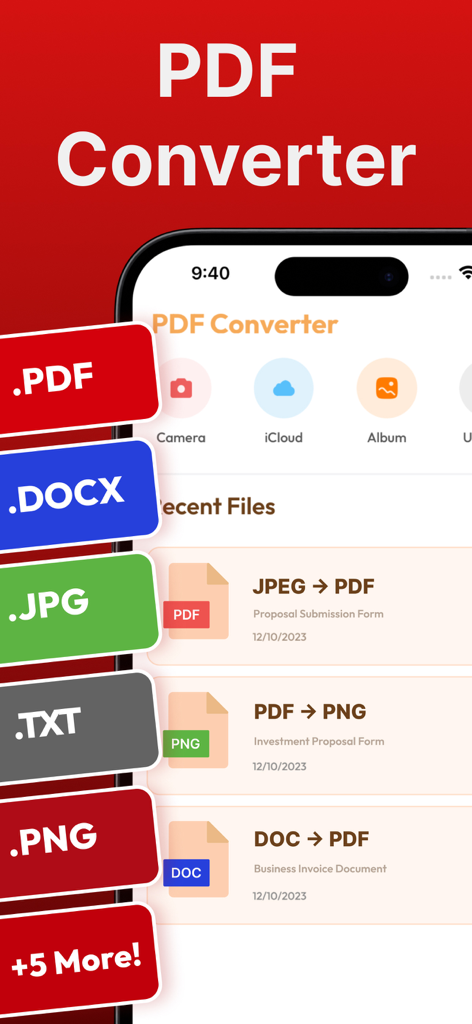
PDF Converter . Convert to PDF - PDF Converter app interface showing file format options and recent conversions on an iPhone
PDF Converter app interface showing file format options and recent conversions on an iPhone

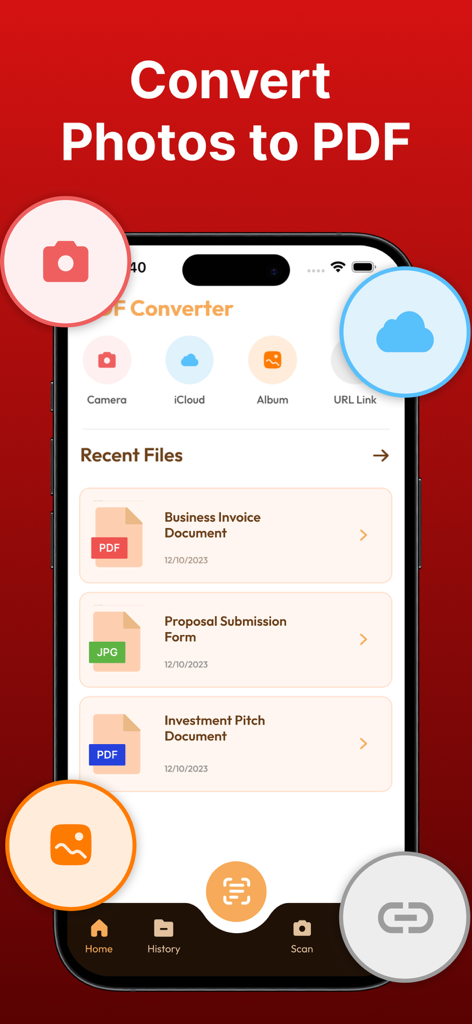
PDF Converter . Convert to PDF - PDF Converter app interface showing photo to PDF conversion and recent documents.
PDF Converter app interface showing photo to PDF conversion and recent documents.

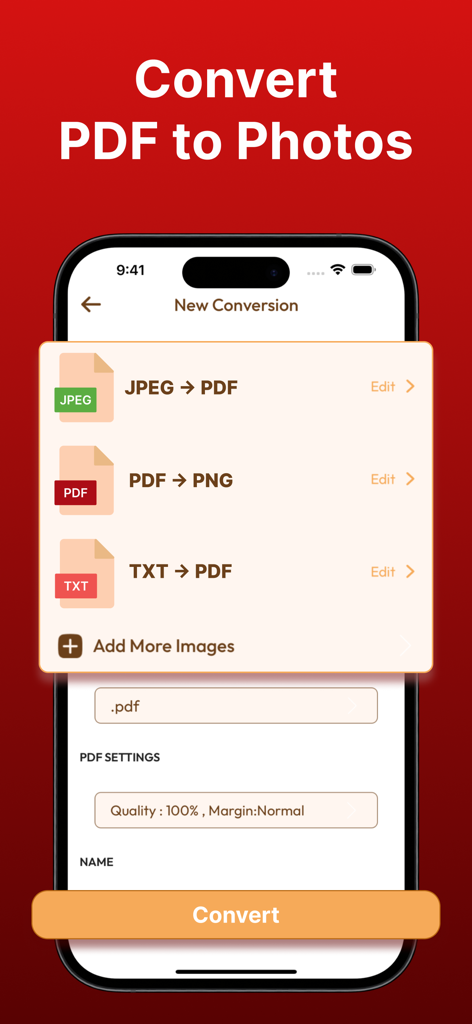
PDF Converter . Convert to PDF - PDF Converter app interface on an iPhone showing PDF to photo and JPEG to PDF conversion options.

PDF Converter app interface on an iPhone showing PDF to photo and JPEG to PDF conversion options.
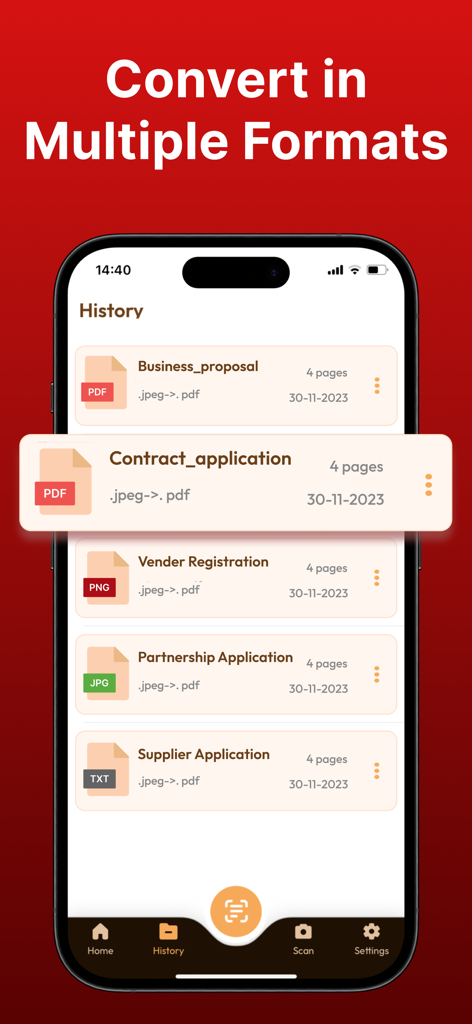
PDF Converter . Convert to PDF - iPhone screenshot showing a history of documents converted to PDF including business proposals and contracts
iPhone screenshot showing a history of documents converted to PDF including business proposals and contracts

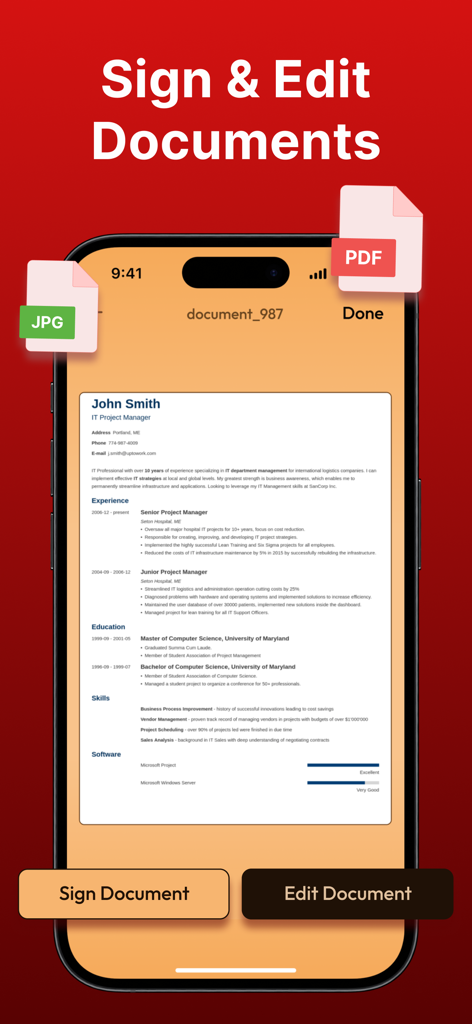
PDF Converter . Convert to PDF - Mobile app interface for signing and editing PDF documents on iPhone

Mobile app interface for signing and editing PDF documents on iPhone

Description

With the PDF Converter ~ Convert to PDF App, you can effortlessly convert files from popular formats like JPG, WORD, PHOTO, XLS, PNG, TXT, and more to PDF, and vice versa, all in just a few taps. The app is designed to provide a seamless document transformation experience, empowering you to work with documents like never before. The conversion process is simple and straightforward - select your input file, choose the output format, and convert! It takes only seconds, saving you time and effort. Here are some of the key features of the PDF Converter App: Word to PDF Conversion: Instantly convert your Microsoft Word documents to high-quality PDF files. Preserve fonts, images, and layouts flawlessly! PDF to Word Conversion: Need to edit a PDF? No problem! Convert to PDF and PDF to Word documents for easy editing and customization. Doc to PDF: Convert any text-based document to PDF format, ensuring your files are universally accessible and secure. Image to PDF: Transform images and photos (including PNG, JPEG, and more) into PDF files. Perfect for creating PDF albums, portfolios, and presentations! Effortless Sharing: Share your converted files instantly with others or save them securely to iCloud for convenient access across all your devices. Simple and Intuitive Interface: Our user-friendly design ensures a seamless experience, whether you’re a tech novice or a seasoned pro. Offline Conversion: No internet? No worries! Convert to PDF even without an internet connection. High-Quality Output: Enjoy top-notch quality in every converted file. Your documents will look just as professional as the originals. Secure and Private: We prioritize your privacy. Your files are securely processed, and we never store any sensitive information. With these features, the PDF Converter App provides a powerful and versatile tool for all your document conversion needs. Upgrade your document management game with PDF Converter ~ Convert to PDF. Whether you're a student, professional, or anyone in between, our app simplifies your document handling tasks, making your life more productive and organized. Information about PDF Converter's subscription auto-renewal:- -Subscription automatically renews unless the auto-renew is turned off at least 24 hours before the end of the current period. -The user can manage subscriptions and turn auto-renewal off by going to the user's Account Settings after purchase. -Any unused portion of a free trial period will be forfeited when the user purchases a subscription. -Payment will be charged to iTunes Account at confirmation of purchase. Privacy Policy and Terms of Use: Terms of Use: https://www.techstic.org/terms-of-use-pdf-converter-app Privacy Policy: https://www.techstic.org/privacy-policy-pdf-converter-app

Download

Download on App Store
Recommendations

More Like This

Apps with similar features and user experience
This page is not an official page of the app or its developer, but an independent editorial publication created for informational and commentary purposes. Unless expressly stated otherwise, neither the app nor its developer is affiliated with, endorsed by, sponsored by, authorized by, or otherwise officially connected with MWM, Apple, Google Play, the app publisher, or the app's developer, and nothing on this page implies that the app was developed using MWM's services. Any trademarks, logos, screenshots, and other content remain the property of their respective owners.