
This page is not an official page of the app or its developer, but an independent editorial publication created for informational and commentary purposes. Unless expressly stated otherwise, neither the app nor its developer is affiliated with, endorsed by, sponsored by, authorized by, or otherwise officially connected with MWM, Apple, Google Play, the app publisher, or the app's developer, and nothing on this page implies that the app was developed using MWM's services. Any trademarks, logos, screenshots, and other content remain the property of their respective owners.

PDF Converter , PDF Reader
Transform photos into editable text, convert any file format seamlessly, and master your workflow with the ultimate mobile scanner and ad-free reader designed for professionals.
Downloads
2K+User Rating
Total Ratings
0Publisher
Category
BusinessLocales
33Latest Version
5.9Size
12.8 MBFirst Released
Feb 7, 2024Your Entire Office, Optimized for Mobile
Stop juggling multiple apps. Scan, convert, and manage your documents with a professional toolkit designed for the modern efficiency seeker.
AI-Powered Document Scanning
Transform physical paperwork into searchable, editable PDFs using advanced OCR technology.
Universal Format Conversion
Convert Docx, PPT, and Excel files to PDF instantly, ensuring perfect compatibility across all your devices.
The following screenshots and description are sourced directly from the app's official store listing and are the property of the app developer.
App Store
Screenshots
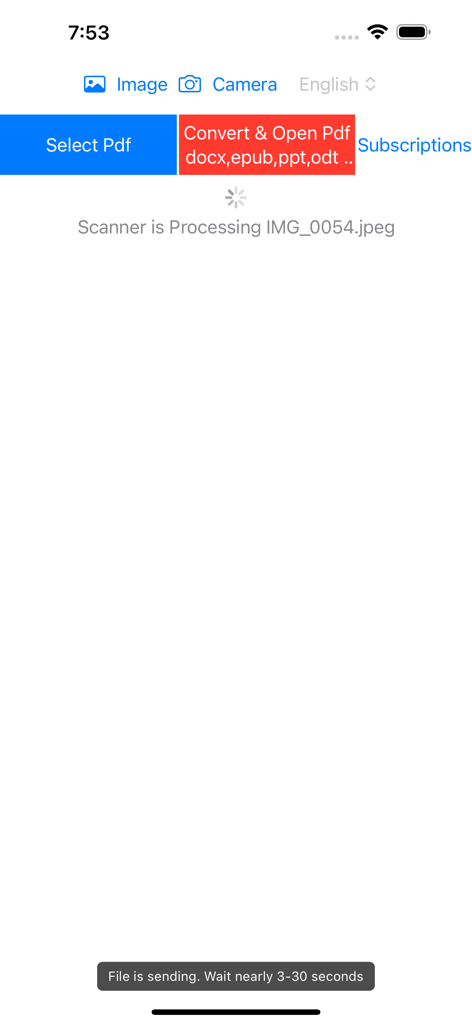
Interface of the PDF Converter app showing a document scanner processing an image file for conversion.
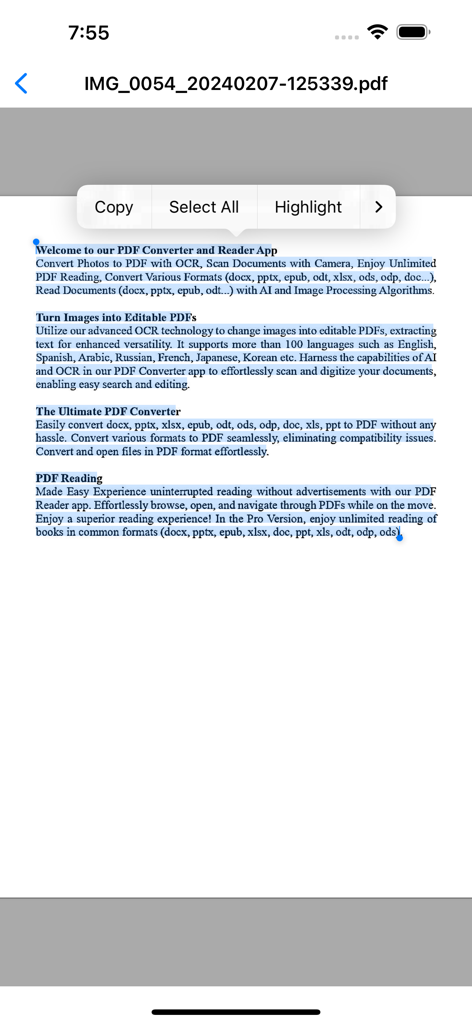
PDF reader app interface showing text selection with options to copy and highlight
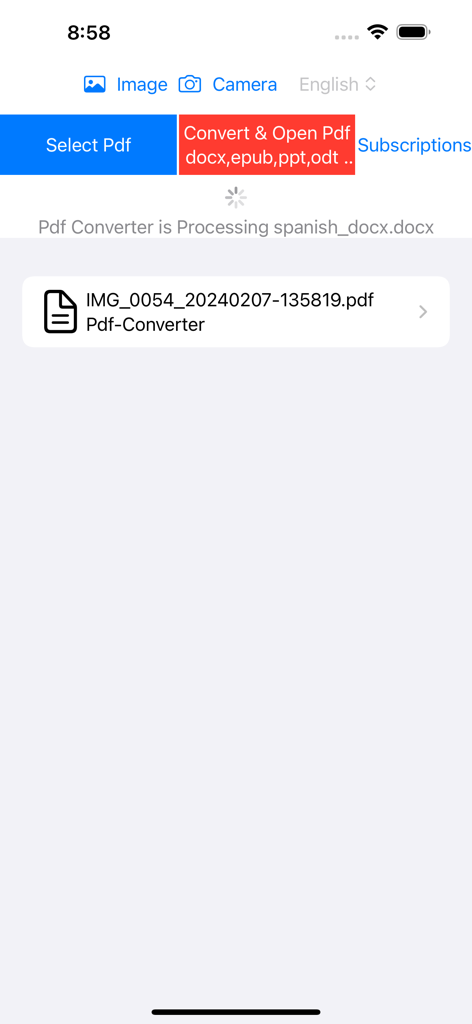
PDF Converter app interface showing a document being processed.
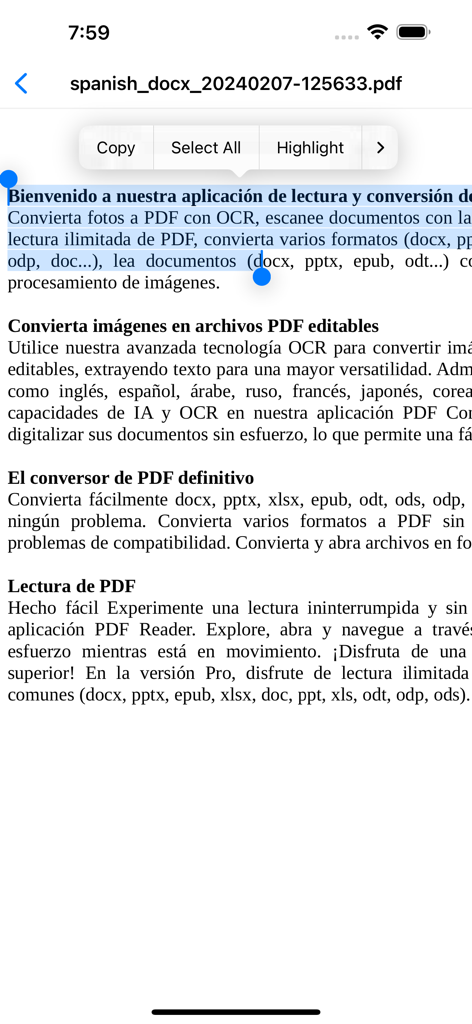
Interface of a PDF reader app with text selected and options to copy or highlight.
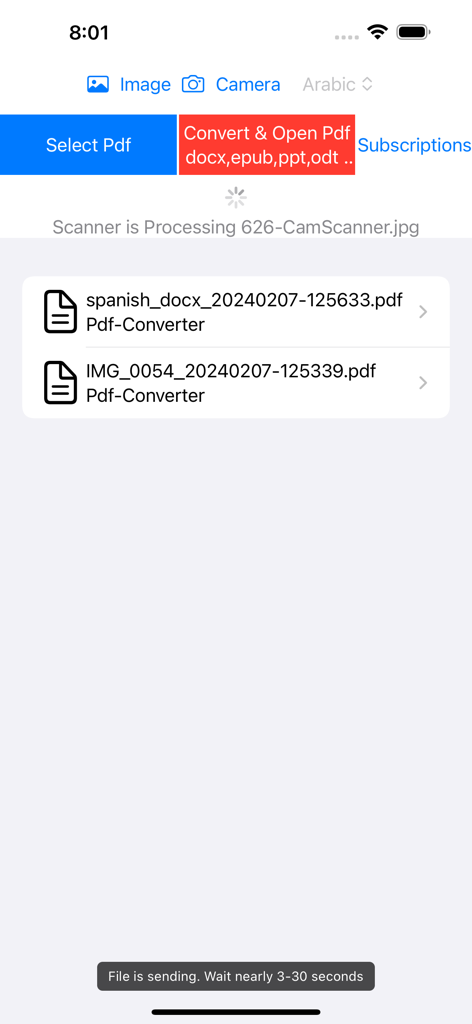
User interface of PDF Converter app showing document processing and file list
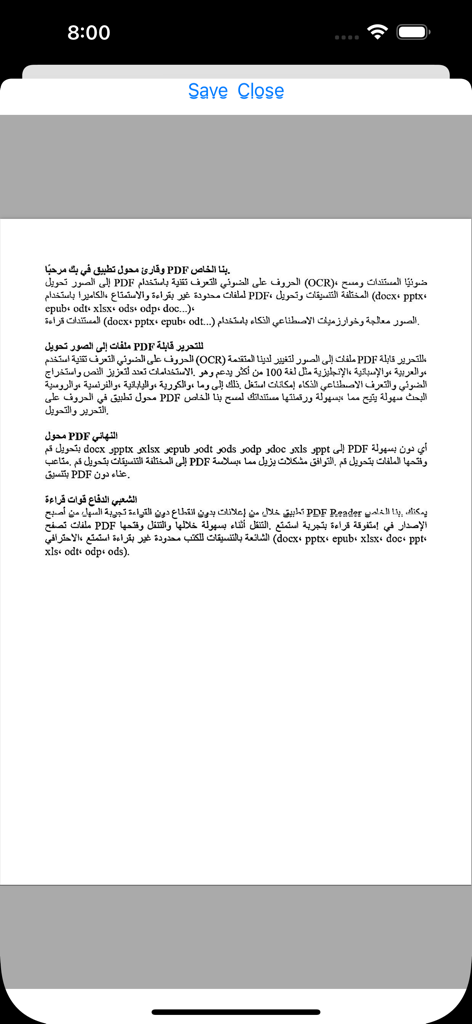
A document with Arabic text displayed within the PDF Converter and Reader app interface
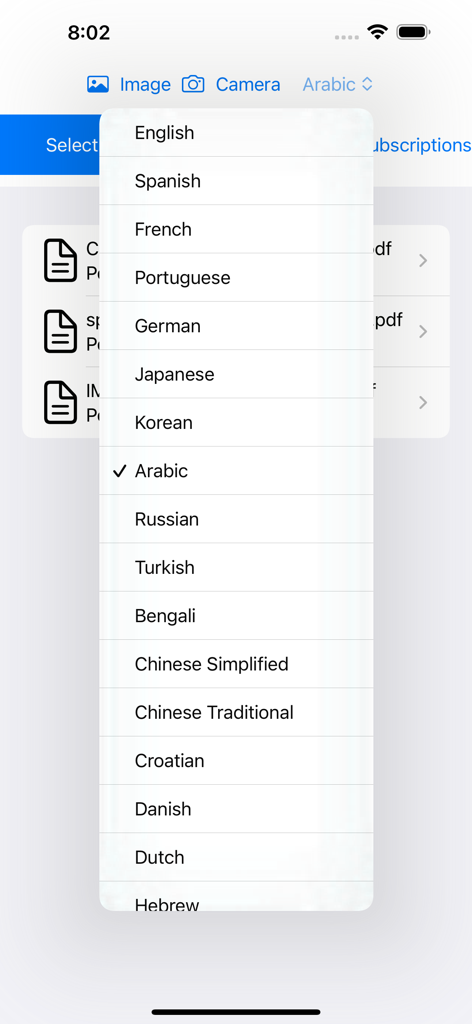
Language selection dropdown menu in the PDF Converter and Reader app interface showing options like English, Spanish, and Arabic.
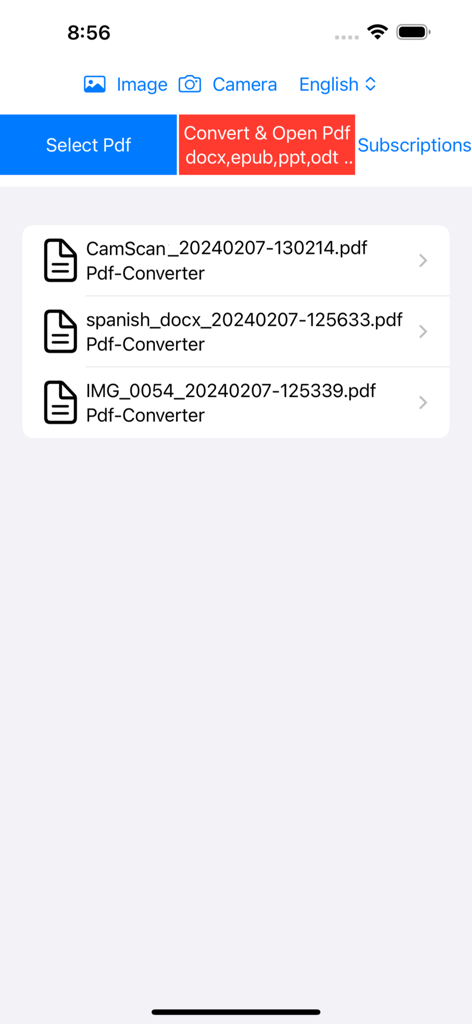
User interface of the PDF Converter and Reader app showing a list of recently scanned and converted PDF documents on an iPhone
Description
Download
More Like This
Top-ranked apps in the same category

Microsoft Teams
Microsoft Corporation

Zoom Workplace
Zoom Communications, Inc.

WhatsApp Business
WhatsApp Inc.

Indeed Job Search
Indeed Inc.

LinkedIn: Network & Job Finder
LinkedIn Corporation

Adobe Acrobat Reader: Sign PDF
Adobe Inc.

WeCom-Work Communication&Tools
Tencent Technology (Shenzhen) Company Limited

BOSS直聘-招聘求职找工作神器
Beijing China Product Bo Farce Network Technology Co., Ltd.

DingDing - Redefine Work in AI
DingTalk Technology Co., Ltd.
This page is not an official page of the app or its developer, but an independent editorial publication created for informational and commentary purposes. Unless expressly stated otherwise, neither the app nor its developer is affiliated with, endorsed by, sponsored by, authorized by, or otherwise officially connected with MWM, Apple, Google Play, the app publisher, or the app's developer, and nothing on this page implies that the app was developed using MWM's services. Any trademarks, logos, screenshots, and other content remain the property of their respective owners.