
This page is not an official page of the app or its developer, but an independent editorial publication created for informational and commentary purposes. Unless expressly stated otherwise, neither the app nor its developer is affiliated with, endorsed by, sponsored by, authorized by, or otherwise officially connected with MWM, Apple, Google Play, the app publisher, or the app's developer, and nothing on this page implies that the app was developed using MWM's services. Any trademarks, logos, screenshots, and other content remain the property of their respective owners.

PDF Watch Viewer : WristDocs
Stop reaching for your phone. Whether it's study slides, travel itineraries, or work spreadsheets, view and navigate your PDFs, Word, and Excel files with a single tap on your wrist—even offline.
Downloads
39K+User Rating
Total Ratings
700Publisher
Category
EducationLocales
33Latest Version
1.3.4Size
50.8 MBFirst Released
May 9, 2025Your Essential Documents, Always Within Reach
Access PDFs, Excel sheets, and study notes instantly from your Apple Watch. Designed for students, professionals, and travelers who need information at a glance.
Glanceable Study & Work Notes
Review exam slides, spreadsheets, or meeting notes discreetly without ever reaching for your phone during class or meetings.
Hands-Free Travel & Itineraries
Keep boarding passes, hotel reservations, and maps on your wrist for stress-free navigation through busy terminals and commutes.
Frequently Asked Questions
Everything you need to know about PDF Watch Viewer : WristDocs
What document types does WristDocs support on Apple Watch?
WristDocs supports PDF, Word (DOCX), Excel (XLSX), and text (TXT) files for direct viewing on your Apple Watch. It also supports images and plain text notes.
Does WristDocs allow offline access to documents on Apple Watch?
Yes, WristDocs enables offline access. You can access your stored documents on your Apple Watch even when your iPhone is not connected or nearby.
How does WristDocs sync documents to the Apple Watch?
WristDocs uses seamless iPhone sync. You manage and transfer documents from the iPhone app, which then syncs them to your Apple Watch quickly.
Can I organize my documents within the WristDocs app?
Yes, WristDocs offers "Favorites & Collections" features. You can organize documents into custom folders and mark important files as favorites for easy access.
Can WristDocs convert images or notes into PDF format?
Yes, WristDocs provides file conversion tools within its iPhone app. You can convert images and plain text notes directly into PDF format using the app.
The following screenshots and description are sourced directly from the app's official store listing and are the property of the app developer.
App Store
Screenshots
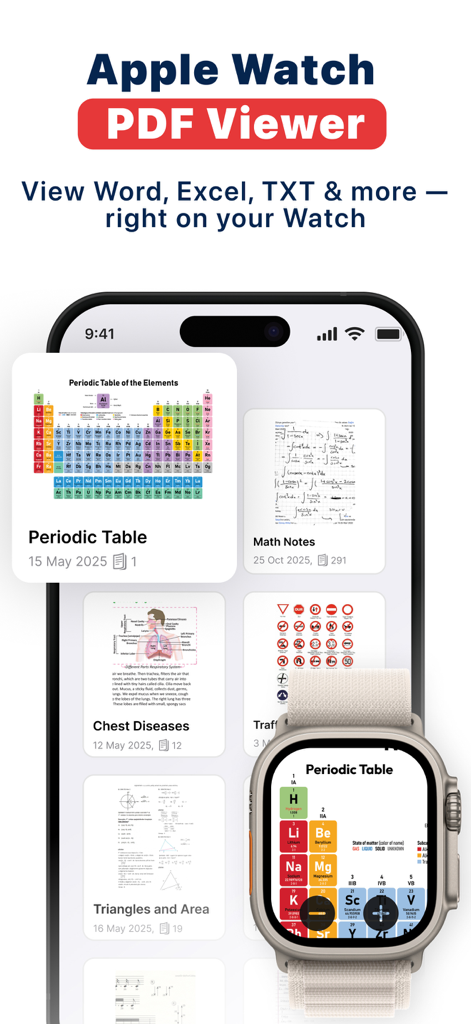
WristDocs app showing document sync between iPhone and Apple Watch with a view of a periodic table PDF
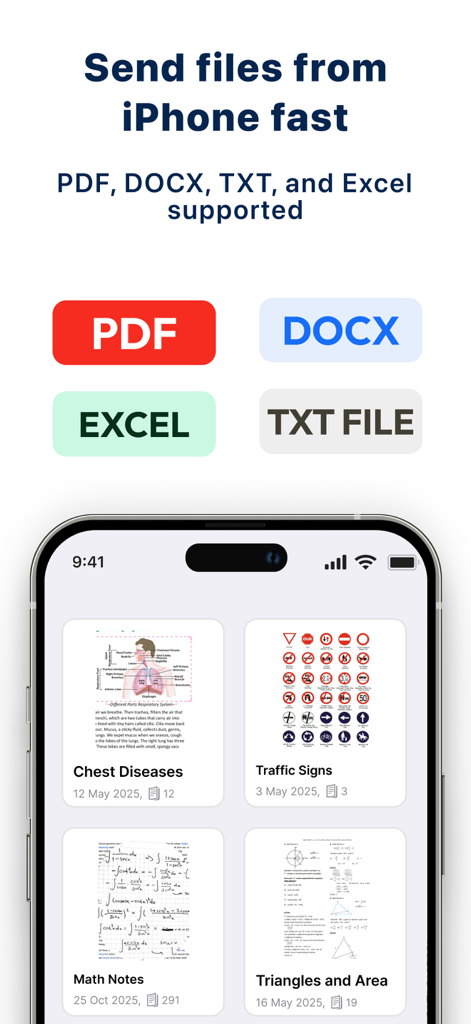
iPhone interface of WristDocs app showing document management and file format support for Apple Watch
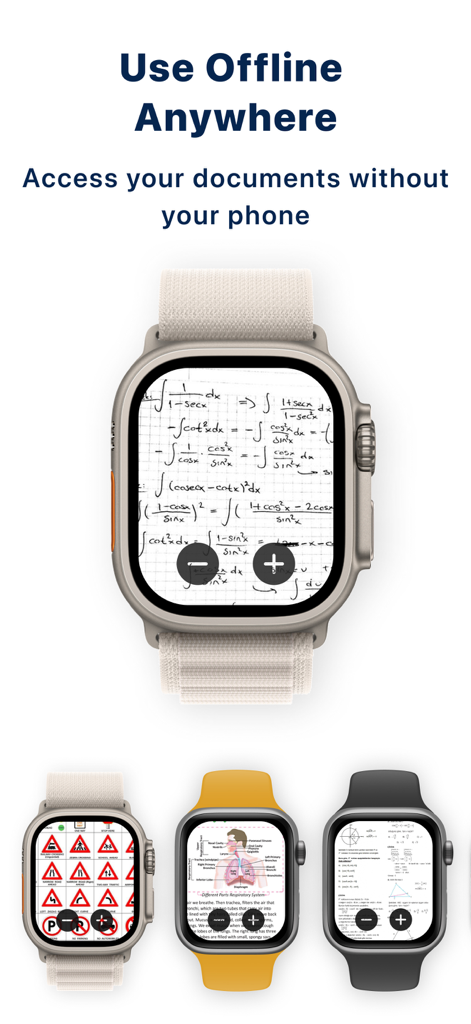
Four Apple Watch screens showing offline access to documents like math formulas, medical diagrams, and road signs.
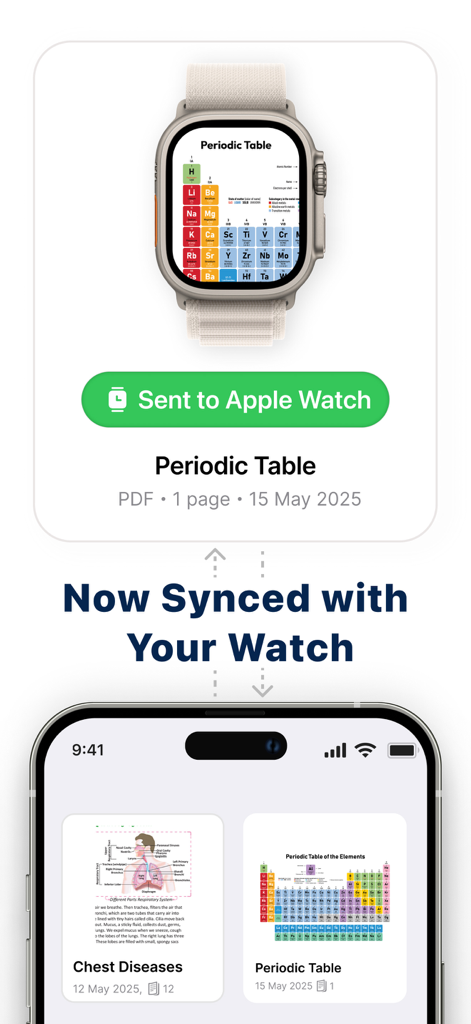
WristDocs app interface demonstrating a periodic table PDF document synced from an iPhone to an Apple Watch screen.
Description
Download
More Like This
Apps with similar features and user experience
This page is not an official page of the app or its developer, but an independent editorial publication created for informational and commentary purposes. Unless expressly stated otherwise, neither the app nor its developer is affiliated with, endorsed by, sponsored by, authorized by, or otherwise officially connected with MWM, Apple, Google Play, the app publisher, or the app's developer, and nothing on this page implies that the app was developed using MWM's services. Any trademarks, logos, screenshots, and other content remain the property of their respective owners.