
This page is not an official page of the app or its developer, but an independent editorial publication created for informational and commentary purposes. Unless expressly stated otherwise, neither the app nor its developer is affiliated with, endorsed by, sponsored by, authorized by, or otherwise officially connected with MWM, Apple, Google Play, the app publisher, or the app's developer, and nothing on this page implies that the app was developed using MWM's services. Any trademarks, logos, screenshots, and other content remain the property of their respective owners.


PDF & Word Translator
The ultimate tool for professionals and students to translate PDFs, Excel, and PowerPoint files in seconds. Maintain your original formatting across 136 languages and edit documents directly with precision AI.
Downloads
3K+User Rating
Total Ratings
0Publisher
Category
ProductivityLocales
33Latest Version
1.0.9Size
49.4 MBFirst Released
Jul 15, 2024Translate Without Compromise
The ultimate productivity suite for professionals and students to translate, edit, and manage complex documents in 136 languages while keeping original layouts perfect.
Perfect Layout Retention
Stop wasting hours reformatting. Translate PDFs, Excel spreadsheets, and PowerPoint decks while keeping every table, image, and font exactly where they belong.
Pro-Level Document Editor
Go beyond translation. Edit text and images directly within your documents to create polished, client-ready files without ever leaving the app.
The following screenshots and description are sourced directly from the app's official store listing and are the property of the app developer.
App Store
Screenshots
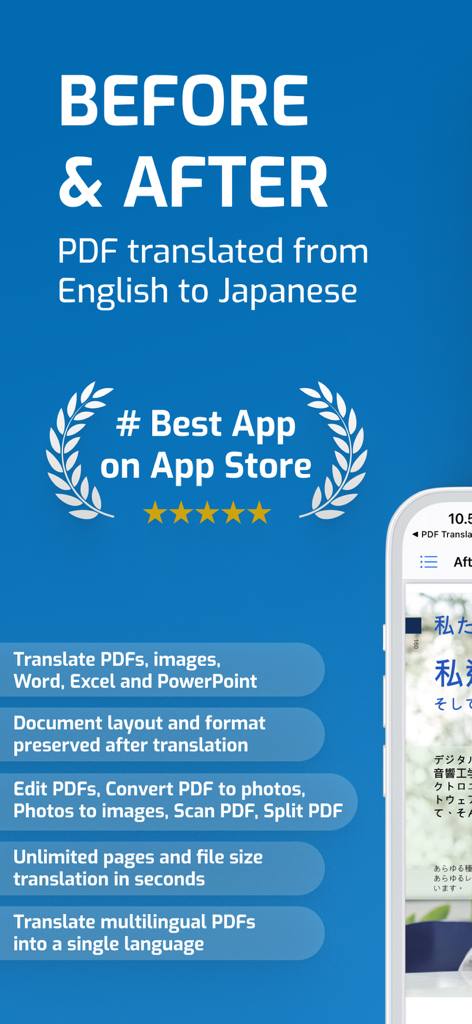
PDF and Word Translator app screenshot showing a document translated from English to Japanese with preserved layout and list of productivity features.
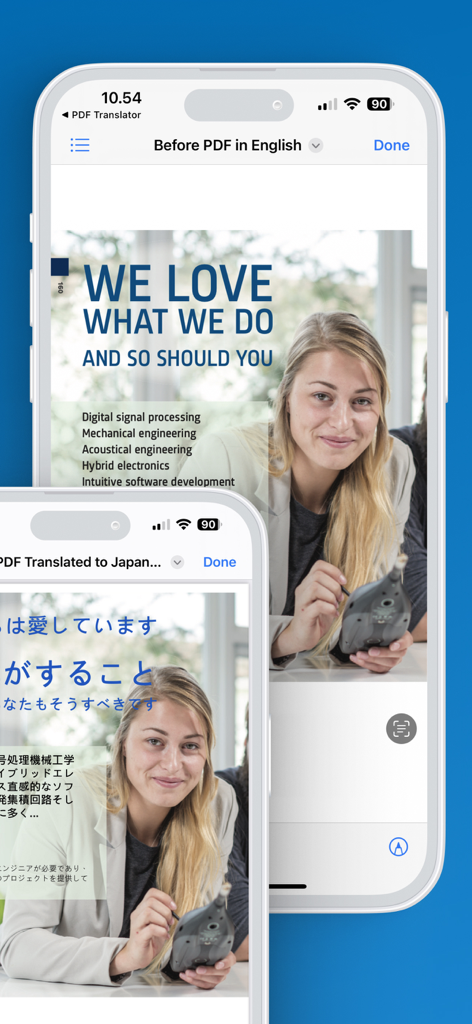
iPhone screens showing a PDF document translated from English to Japanese while preserving the original layout and images
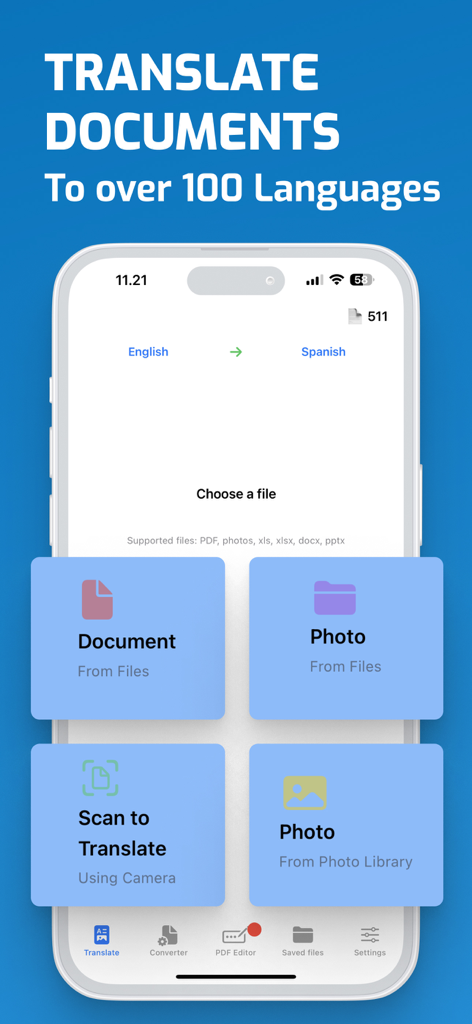
PDF and Word Translator app interface displaying options to translate documents, photos, and camera scans.
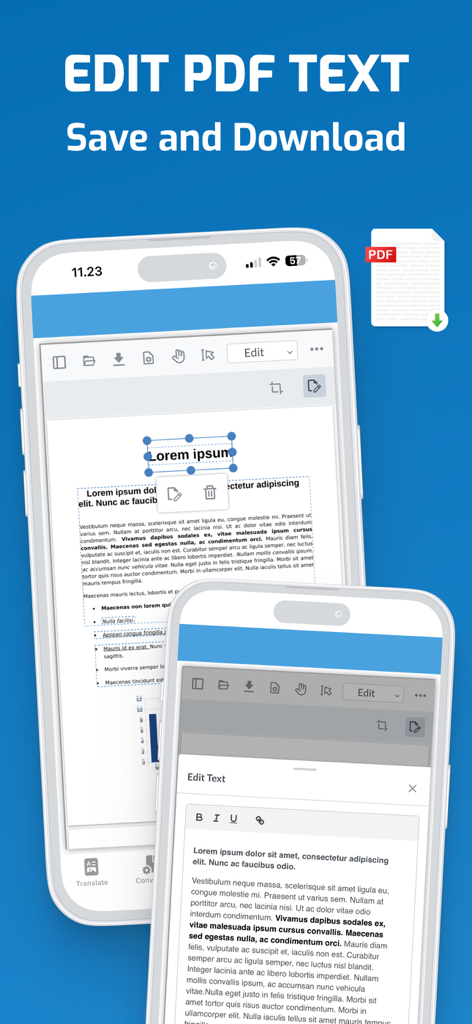
Mobile app interface of PDF and Word Translator showing the edit PDF text functionality on an iPhone screen
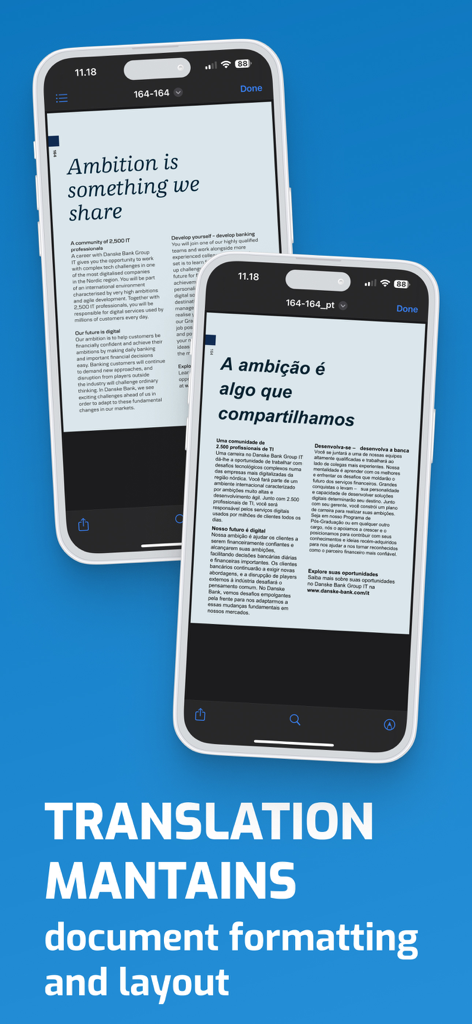
Two iPhones showing a PDF translated from English to Portuguese while maintaining the original document formatting and layout
Description
Download
More Like This
Apps with similar features and user experience


This page is not an official page of the app or its developer, but an independent editorial publication created for informational and commentary purposes. Unless expressly stated otherwise, neither the app nor its developer is affiliated with, endorsed by, sponsored by, authorized by, or otherwise officially connected with MWM, Apple, Google Play, the app publisher, or the app's developer, and nothing on this page implies that the app was developed using MWM's services. Any trademarks, logos, screenshots, and other content remain the property of their respective owners.