
This page is not an official page of the app or its developer, but an independent editorial publication created for informational and commentary purposes. Unless expressly stated otherwise, neither the app nor its developer is affiliated with, endorsed by, sponsored by, authorized by, or otherwise officially connected with MWM, Apple, Google Play, the app publisher, or the app's developer, and nothing on this page implies that the app was developed using MWM's services. Any trademarks, logos, screenshots, and other content remain the property of their respective owners.


Pexip
Confidently collaborate from anywhere with enterprise-grade security. Host crystal-clear meetings, share content natively, and seamlessly transition to conference rooms with a simple QR scan.
Downloads
1K+User Rating
Total Ratings
0Publisher
Category
BusinessLocales
2Latest Version
1.1.2Size
63.4 MBFirst Released
Apr 22, 2025Secure Collaboration Without Compromise
Empower your professional life with a video meeting platform designed for high-stakes environments, combining crystal-clear quality with ironclad privacy.
Enterprise-Grade Security
Host sensitive conversations with confidence using meeting locks and secure authentication tailored for Finance, Law, and Government standards.
Seamless Hybrid Transitions
Bridge the gap between your mobile and the boardroom by instantly joining conference rooms via QR code scanning for a frictionless workflow.
The following screenshots and description are sourced directly from the app's official store listing and are the property of the app developer.
App Store
Screenshots

Professional group video conference call on Pexip mobile app
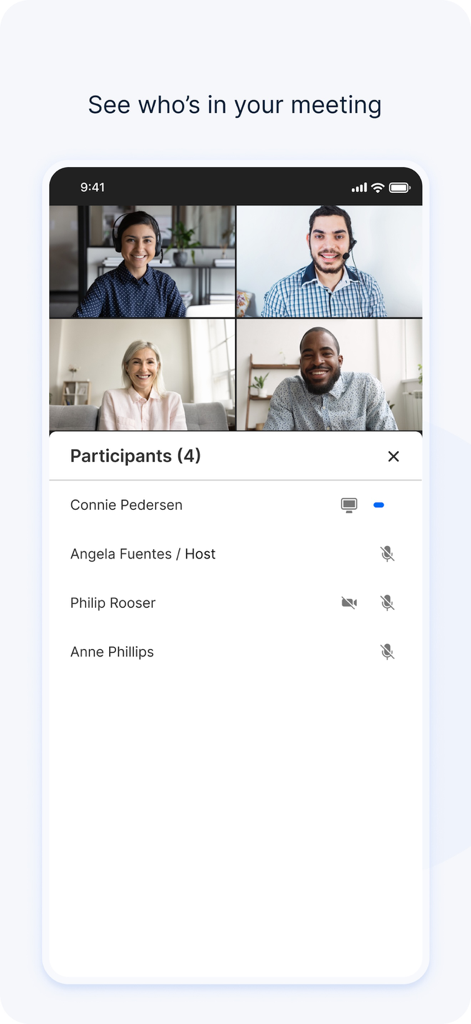
Interface of the Pexip app showing a four-person video conference grid and a list of meeting participants.
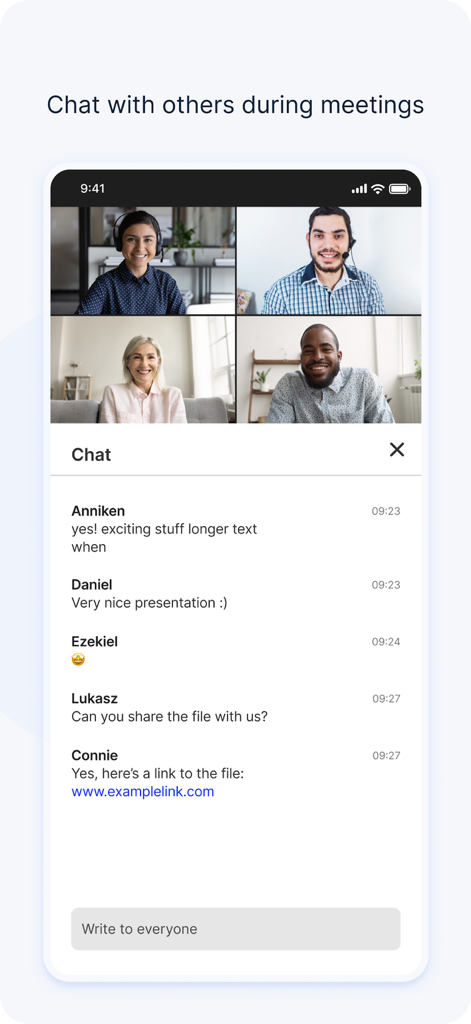
Smartphone screen displaying the Pexip app with a four-person video conference and an integrated meeting chat.
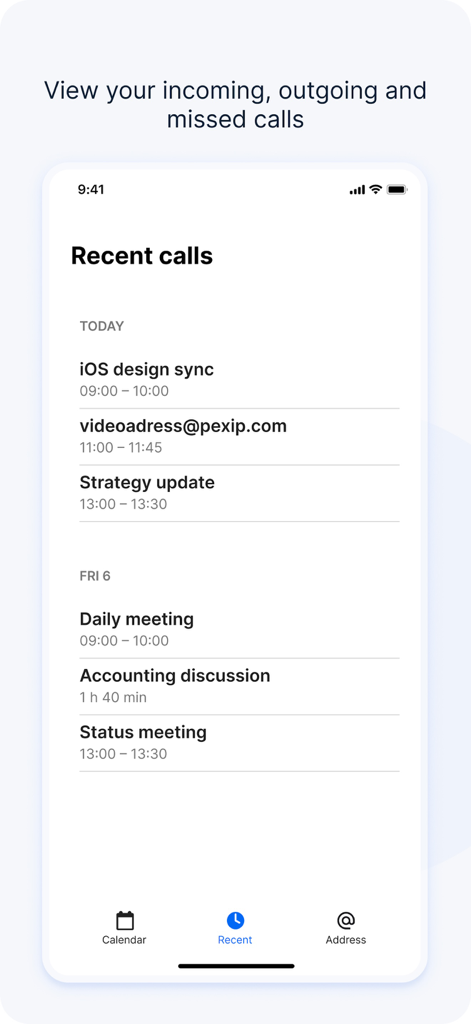
Pexip app recent calls screen showing a history of professional video meetings
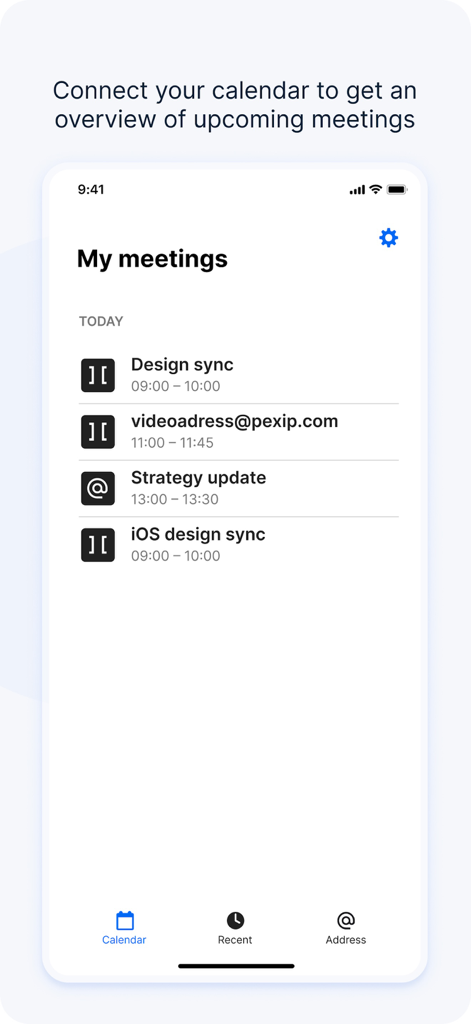
Pexip app interface showing an overview of upcoming business meetings for the day
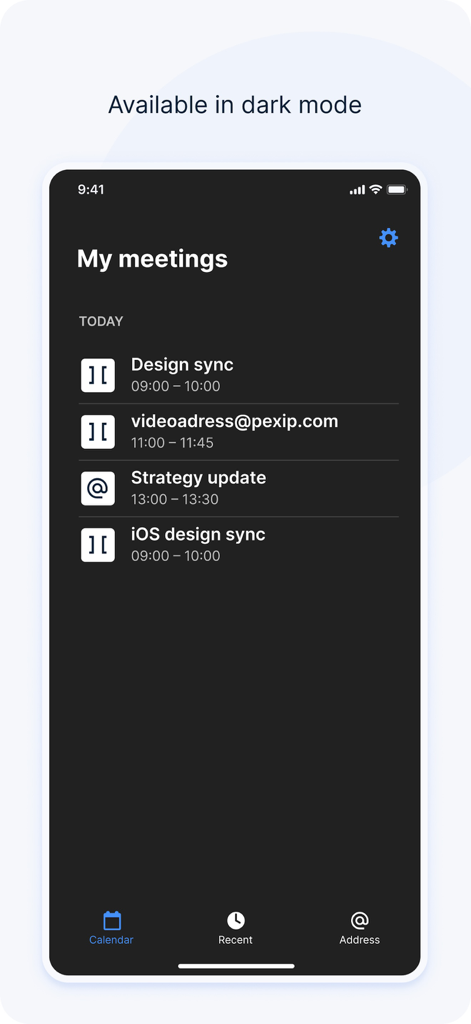
Pexip mobile app interface displaying a scheduled list of business meetings in dark mode
Description
Download
More Like This
Top-ranked apps in the same category

Microsoft Teams
Microsoft Corporation

Zoom Workplace
Zoom Communications, Inc.

WhatsApp Business
WhatsApp Inc.

Indeed Job Search
Indeed Inc.

LinkedIn: Network & Job Finder
LinkedIn Corporation

Adobe Acrobat Reader: Sign PDF
Adobe Inc.

WeCom-Work Communication&Tools
Tencent Technology (Shenzhen) Company Limited

BOSS直聘-招聘求职找工作神器
Beijing China Product Bo Farce Network Technology Co., Ltd.

DingDing - Redefine Work in AI
DingTalk Technology Co., Ltd.
This page is not an official page of the app or its developer, but an independent editorial publication created for informational and commentary purposes. Unless expressly stated otherwise, neither the app nor its developer is affiliated with, endorsed by, sponsored by, authorized by, or otherwise officially connected with MWM, Apple, Google Play, the app publisher, or the app's developer, and nothing on this page implies that the app was developed using MWM's services. Any trademarks, logos, screenshots, and other content remain the property of their respective owners.