
This page is not an official page of the app or its developer, but an independent editorial publication created for informational and commentary purposes. Unless expressly stated otherwise, neither the app nor its developer is affiliated with, endorsed by, sponsored by, authorized by, or otherwise officially connected with MWM, Apple, Google Play, the app publisher, or the app's developer, and nothing on this page implies that the app was developed using MWM's services. Any trademarks, logos, screenshots, and other content remain the property of their respective owners.

Photo Cut: Cutout pro & paste
The ultimate AI-powered background remover and design studio for resellers and creators. Transform your photos into high-converting listings and stunning social posts with no design experience required.
Downloads
527K+User Rating
Total Ratings
6K+Publisher
Category
Graphics & DesignLocales
17Latest Version
1.4.4Size
182.6 MBFirst Released
May 17, 2019Design Like a Pro, Sell Like a Brand
Turn everyday photos into high-converting assets with powerful AI tools designed for entrepreneurs and creators.
Instant Studio Backgrounds
Remove messy backgrounds in one tap to create clean, professional product shots for Etsy, Poshmark, or Shopify.
Bulk Edit in Seconds
Save hours by applying the same professional edits and background swaps to your entire product catalog at once.
The following screenshots and description are sourced directly from the app's official store listing and are the property of the app developer.
App Store
Screenshots
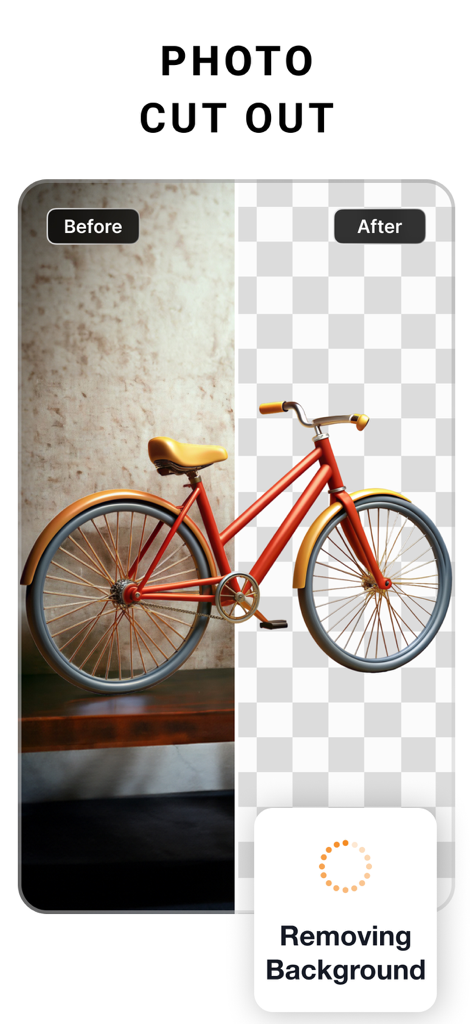
Before and after comparison of background removal for a red bicycle using the PhotoCut app
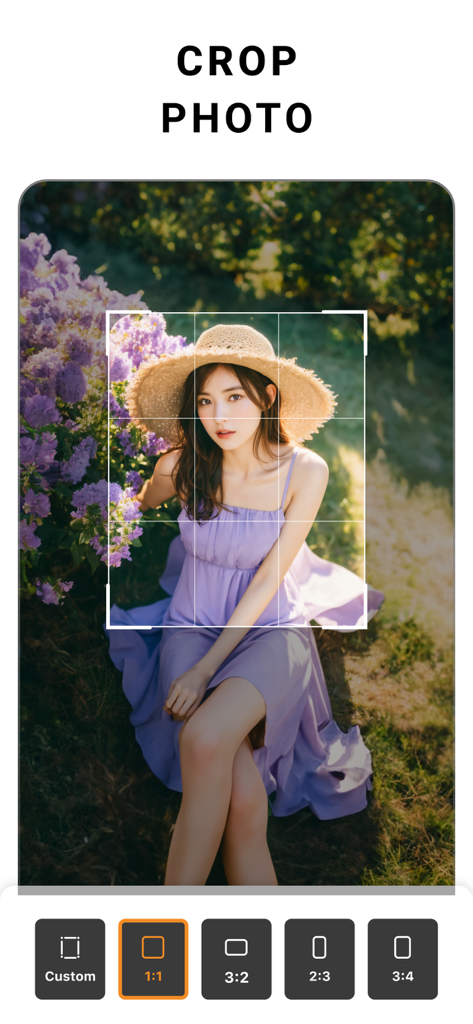
PhotoCut mobile app interface showing a crop tool with aspect ratio options and a portrait of a woman
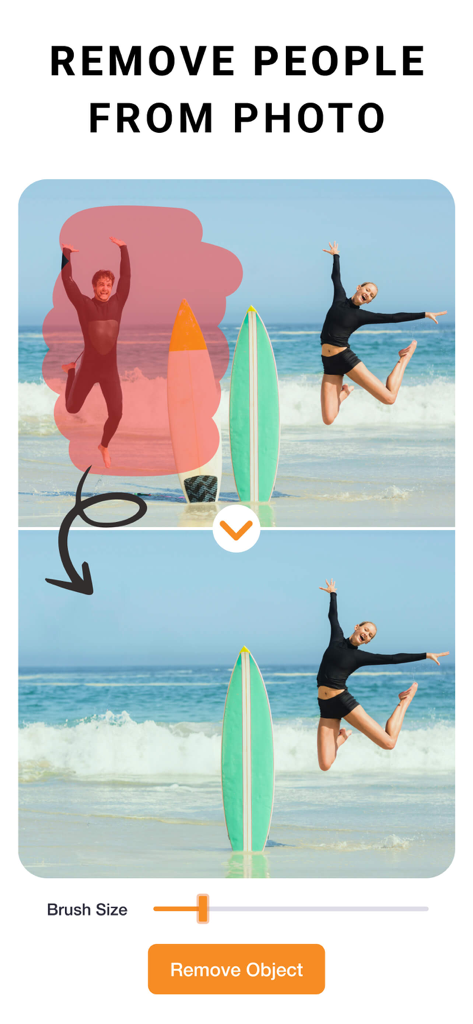
Interface of PhotoCut app demonstrating how to remove a person from a beach photo using the object removal tool
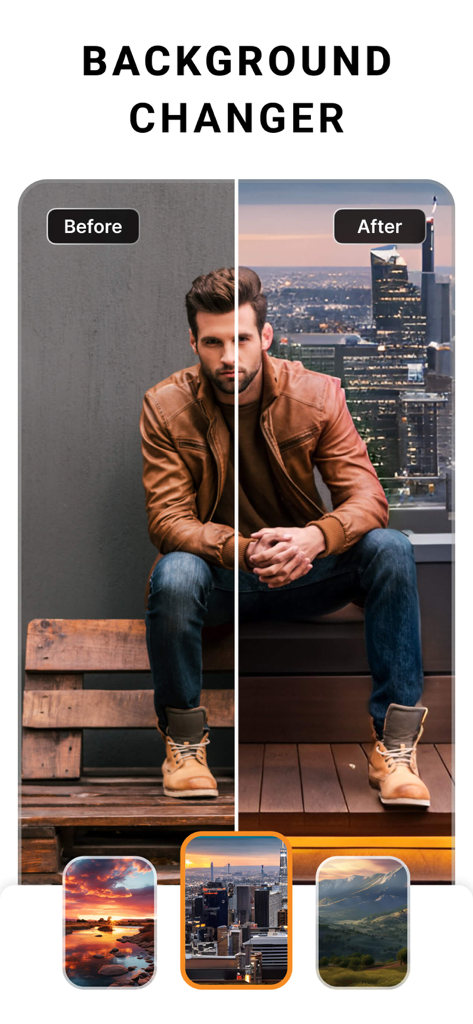
Before and after demonstration of the PhotoCut background changer feature with a man in front of a city skyline
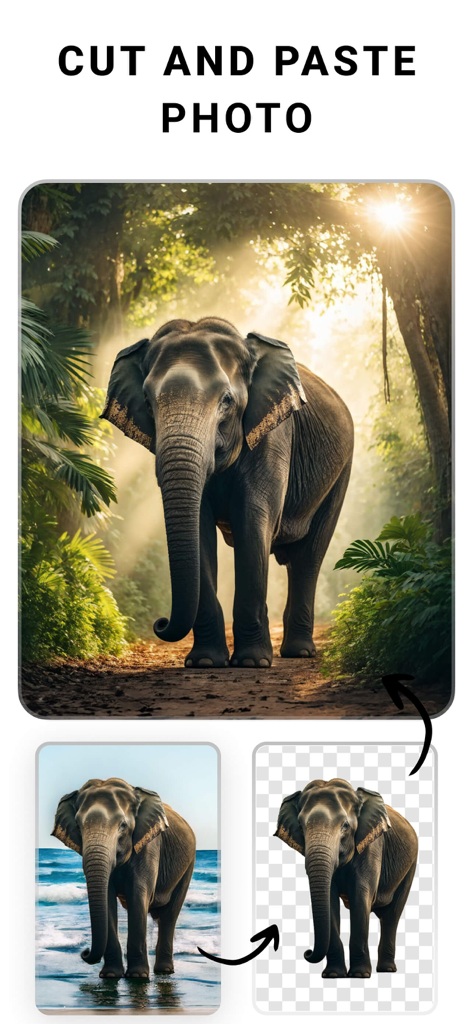
A demonstration showing an elephant cutout being moved from a beach background to a jungle scene using the PhotoCut app
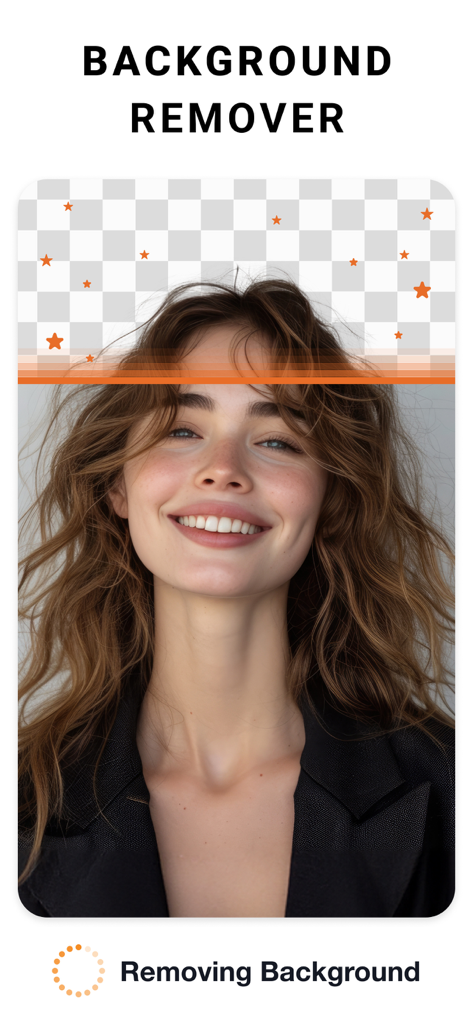
A woman portrait being edited with the background remover tool showing a transparent checkerboard pattern.
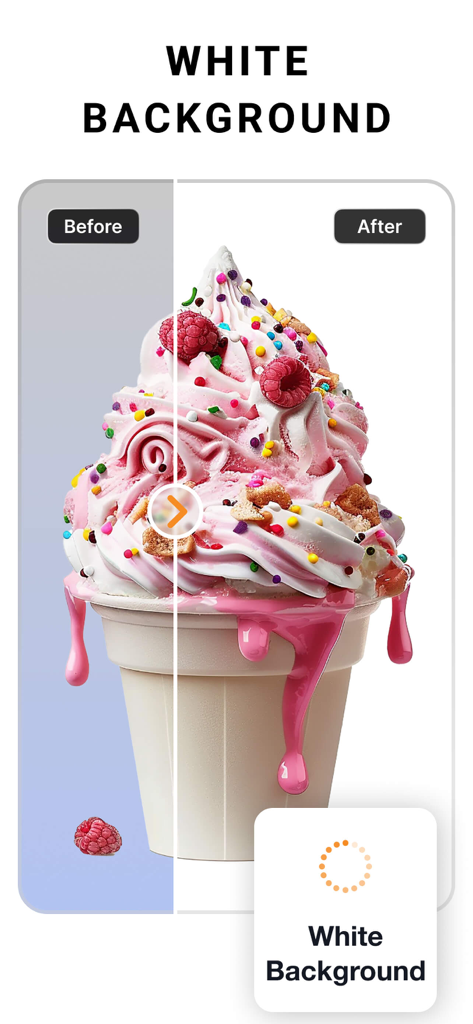
Before and after comparison of an ice cream photo showing background removal replaced with a clean white background
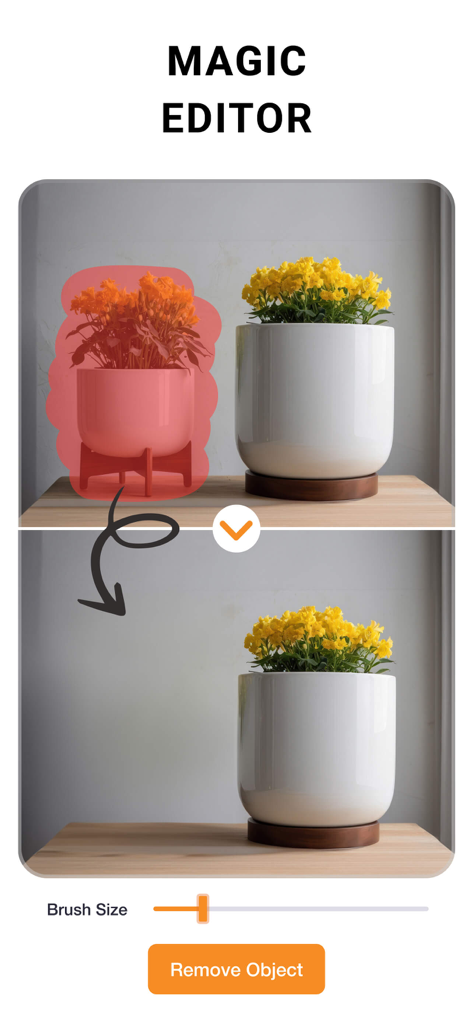
Before and after demonstration of the Magic Editor feature removing a potted plant from a photo.
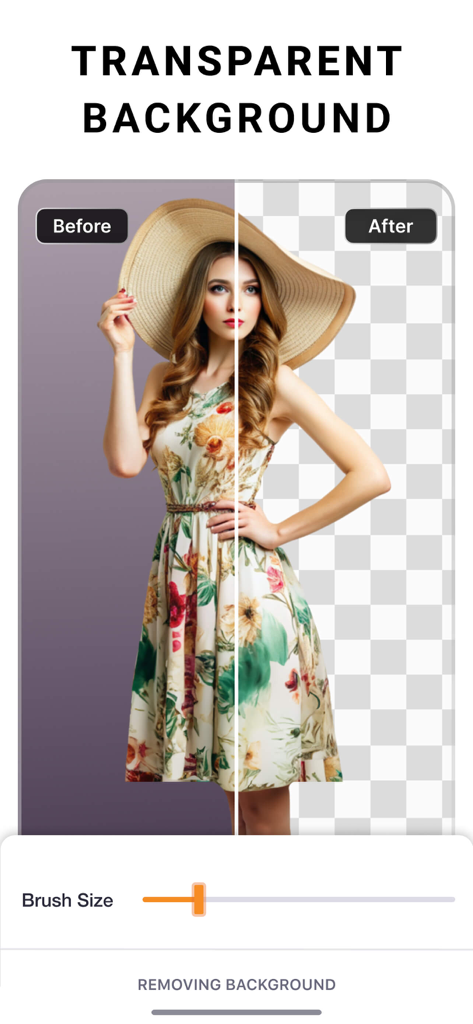
A before and after comparison showing the transparent background removal feature in the PhotoCut app.
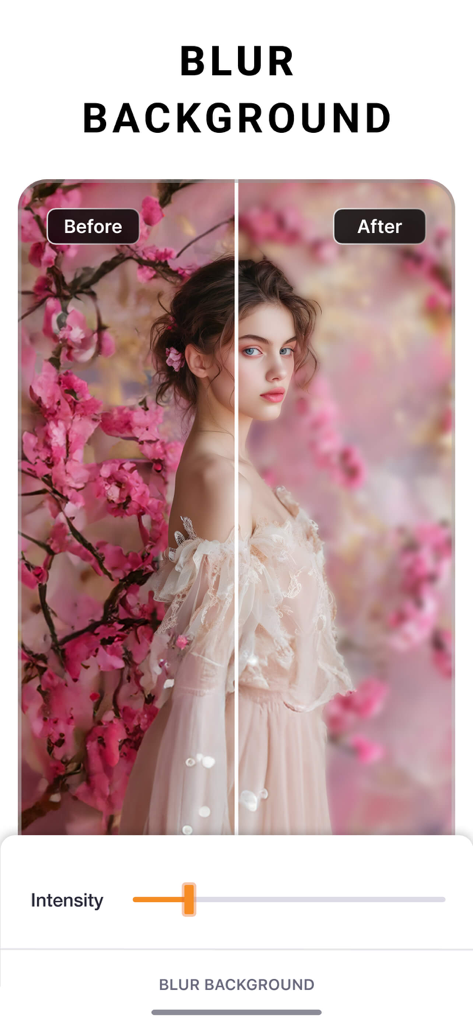
Before and after comparison of the background blur effect on a portrait photo in the PhotoCut app.
Description
Download
More Like This
Apps with similar features and user experience

Photoroom: AI Photo Editor
Photoroom

Blend: AI Models Logos Videos
Blendit Studios Private Limited

AI Background - Pokecut Studio
Guangzhou Guangzhuiyuan Information Technology Co., Ltd.

微脉水印相机,私域、微商必备运营工具
Beijing Help Dream Works Technology Inc.

Background Remover - PNG Maker
TAPUNIVERSE LLC

Frameit:Framed Art &Video edit
Guangzhou Jiahua Information Technology Co., Ltd.

Background Eraser AI
Yalex FZC LLC

Artrooms: Superimpose Wall Art
Art Rooms LLC

ArtStage: Preview your Artwork
ArtStage LLC
This page is not an official page of the app or its developer, but an independent editorial publication created for informational and commentary purposes. Unless expressly stated otherwise, neither the app nor its developer is affiliated with, endorsed by, sponsored by, authorized by, or otherwise officially connected with MWM, Apple, Google Play, the app publisher, or the app's developer, and nothing on this page implies that the app was developed using MWM's services. Any trademarks, logos, screenshots, and other content remain the property of their respective owners.