Photo Lab: Selfie Photo Editor

Photo Lab: Selfie Photo Editor

Download on App Store
Logo of Photo Lab: Selfie Photo Editor

Photo Lab: Selfie Photo Editor: Elevate Your Social Grid with Pro-Level Magic

Stop settling for 'almost perfect.' Reopen closed eyes, erase distractions, and craft your unique aesthetic with the all-in-one editor designed for trendsetters.

Download on App Store

Publisher

Abdulla Yasin

Category

Lifestyle

Downloads

0

User Rating

2.0/5

Total Ratings

0

Locales

1

A Glimpse of Perfection

Discover the interface used by 0 users.
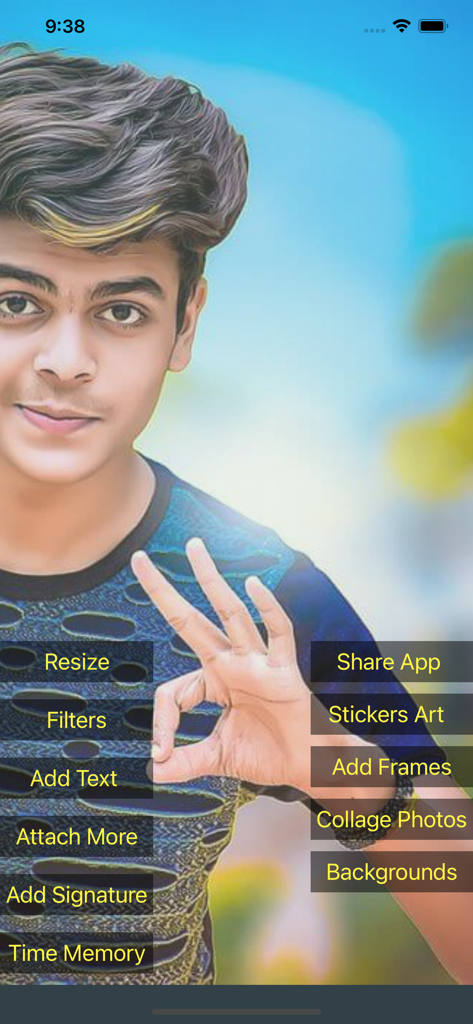
User interface of Photo Lab selfie editor showing various editing options over a portrait

User interface of Photo Lab selfie editor showing various editing options over a portrait

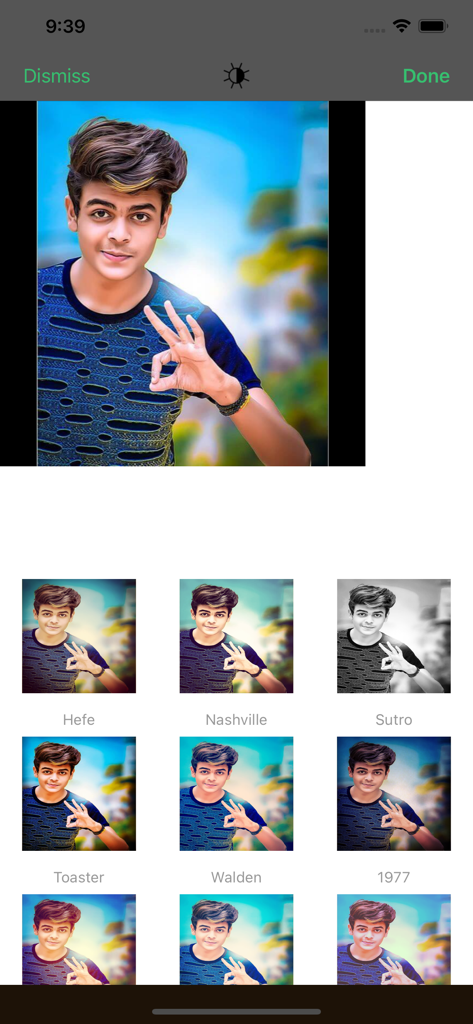
A screenshot of the Photo Lab app interface showing a young man's portrait with various filter options like Hefe, Nashville, and Sutro.

A screenshot of the Photo Lab app interface showing a young man's portrait with various filter options like Hefe, Nashville, and Sutro.

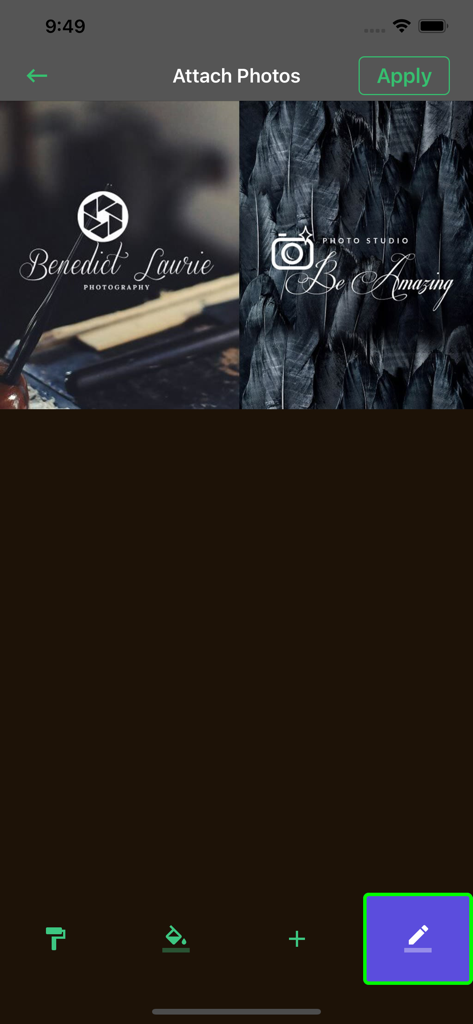
Interface of the Photo Lab app showing watermark and branding templates for photos

Interface of the Photo Lab app showing watermark and branding templates for photos

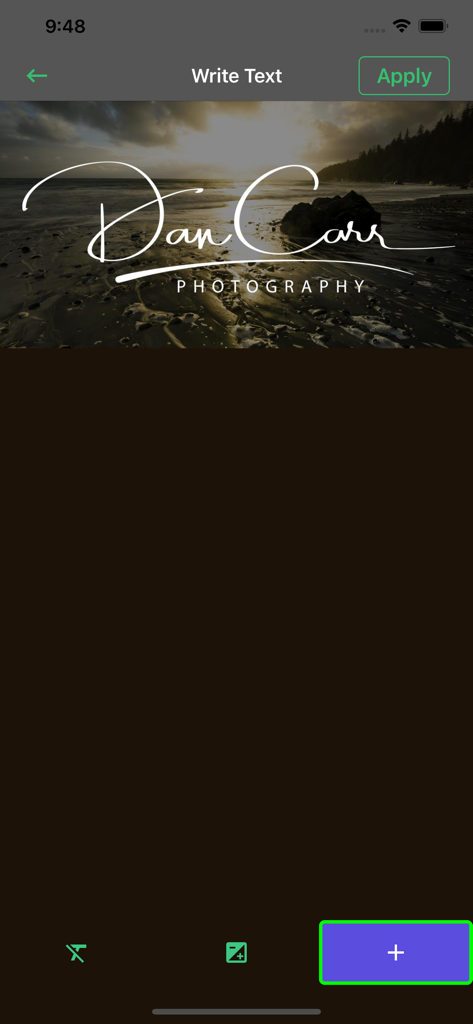
Editing interface of Photo Lab app showing how to add a custom text watermark to a landscape photo.

Editing interface of Photo Lab app showing how to add a custom text watermark to a landscape photo.

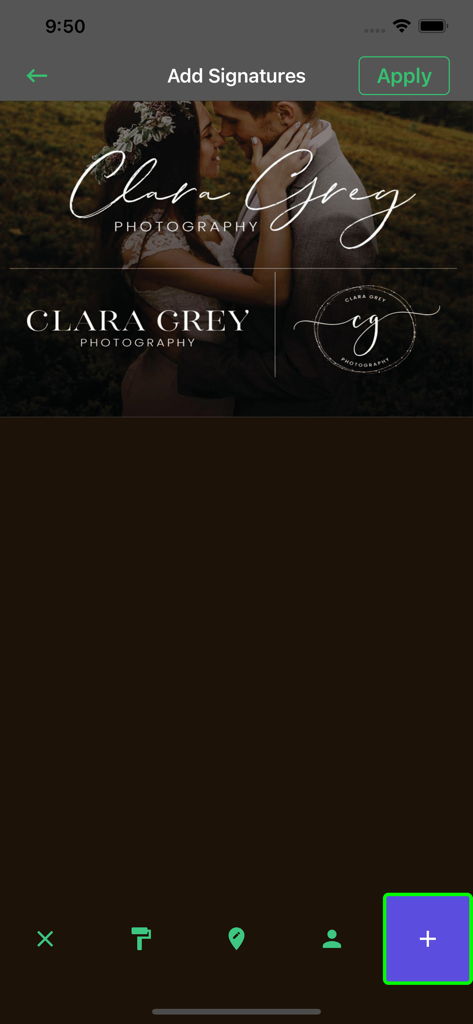
Interface of Photo Lab app showing the Add Signatures screen with various watermark styles for photography branding.

Interface of Photo Lab app showing the Add Signatures screen with various watermark styles for photography branding.

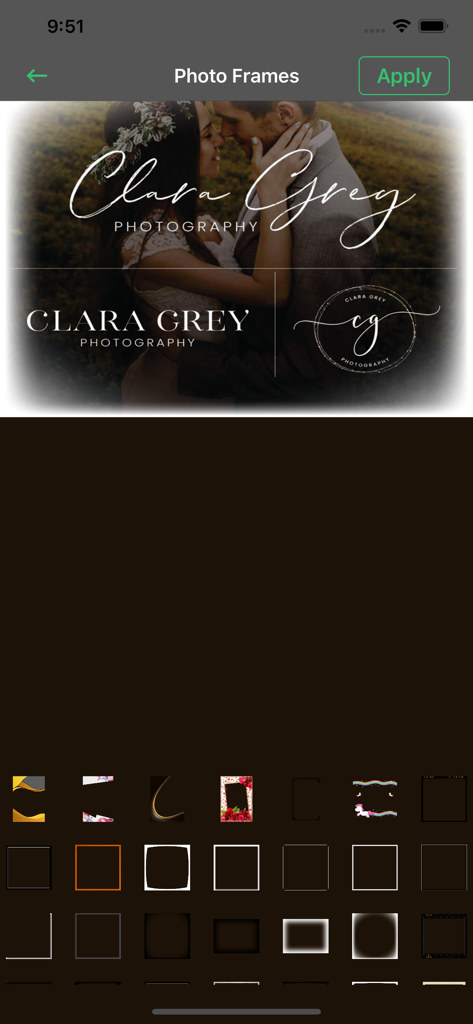
The Photo Lab app interface showing a photo of a couple with custom frames and text overlays

The Photo Lab app interface showing a photo of a couple with custom frames and text overlays

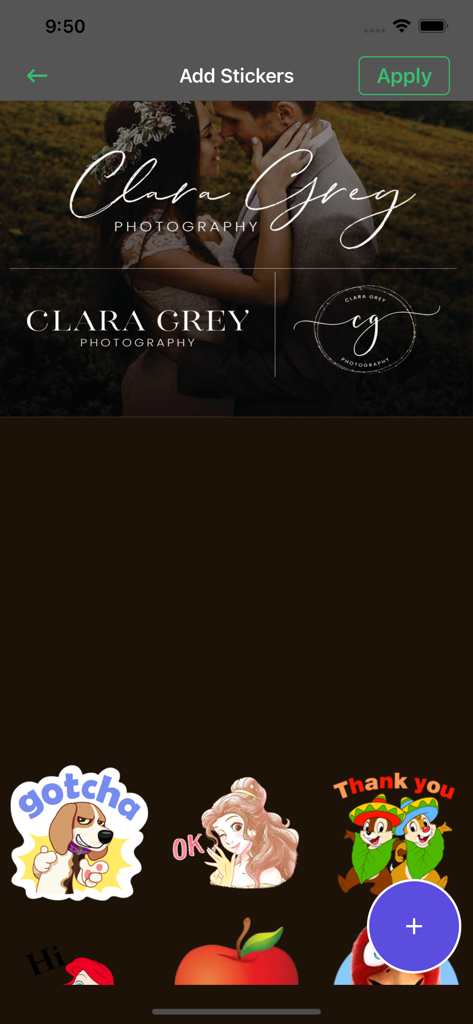
Photo Lab app interface showing a gallery of stickers and a photo with custom text overlays

Photo Lab app interface showing a gallery of stickers and a photo with custom text overlays

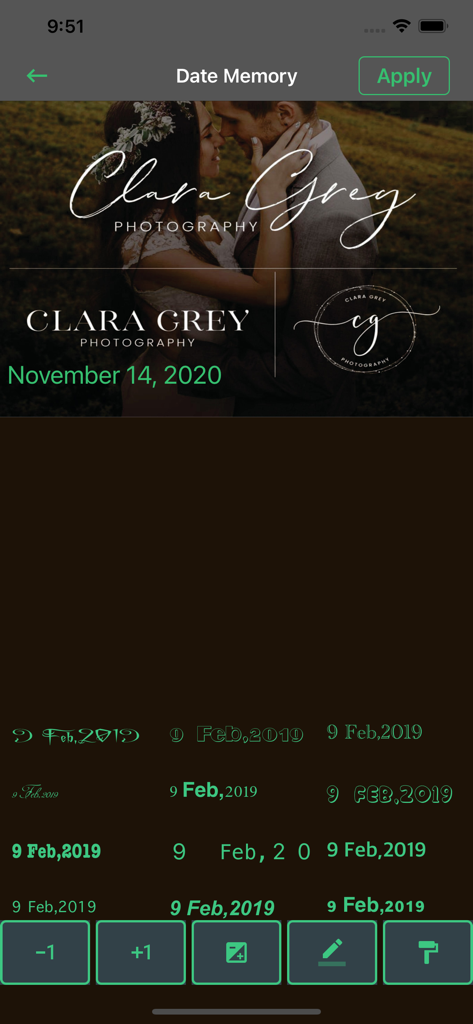
Interface of Photo Lab app showing various date formats and typography styles for watermarking photos

Interface of Photo Lab app showing various date formats and typography styles for watermarking photos

Elevate Your Digital Aesthetic

The tools that make this app stand out, trusted by 0 users.

Save Every Ruined Shot

Accidentally closed your eyes or have a stranger in the background? Use AI-powered healing and eye-correction to rescue your favorite memories.

🎨

Pro-Level Studio Effects

Go beyond basic filters. Apply selective editing, double exposure blends, and moody duo-tones to give your grid a high-end, curated look.

🤳

Built for Modern Creators

Design viral memes, add custom watermarks, and export high-quality PNGs with transparency to layer your content like a professional influencer.

About the app

Everything you need to know about Photo Lab: Selfie Photo Editor.

Description

ENHANCE, STYLIZE AND SHARE YOUR PHOTOS WITH EASE. Photo Lab has a stunning yet simple design that makes your photo editing experience Fast & Easy,Unique and Engaging. Dream Photoshop delivers a full spectrum of photo effects and editing features at your fingertips. Personalize your experiences with borders and text, enhance color and imagery, create picture collages, make quick fixes & enhance your worthy moments. PHOTO FILTERS AND EFFECTS • Work on a single part of an image while the rest remains untouched to create striking photo effects with Selective Editing • Combine photos to create your own unique layering styles • Intensify your moments with photo effects from Looks categories: Black and White, Portrait, Nature and Duo tones • Amplify your photo’s appearance with a unique assortment of new Blend effects • Explore Color Temperature, Vibrance and other color effects with an easy adjustment slider • Remove atmospheric fog or Dehaze for clear, detail-rich scenery STUNNING PHOTO COLLAGES • Create professional-quality photo collages by adding ready-to-use backgrounds, gradients and layouts. • Apply the Style Transfer feature to easily apply the same look and feel across all the images in your collage. • Highlight color themes with the Pop-Color Tool to get that wow effect. • Unleash creativity with the photo collage maker by applying unique effects for aspiring artistry. ADD BORDERS AND TEXT • Customize stickers, memes and captions with your own unique personal touches. • Style your messages with a wide array of fonts, colors and opacity controls. • Inspire with photo color matching borders or choose unique custom frames. • Fine-tune text placement with pan, zoom and rotate settings. • Add watermarks easily by adding custom text or logos. QUICK FIXES • Crop, straighten, rotate, and flip your photos for eye-catching compositions. • Use Auto-Fix options for one-touch adjustments to Contrast, Exposure, and White Balance settings. • Reopen closed eyes with a single touch and create the perfect shot. • Add emphasis on your subject with simple vignettes. All customers are welcome to use free features.If you want to access pro features then we offer 3 auto-renewing subscription options on either a 1, 3 or 12 month basis. Payment will be charged to your credit card through your iTunes account at confirmation of purchase. Subscription renews automatically unless cancelled at least 24 hours prior to the end of the subscription period. Your account will be charged for renewal within 24-hours prior to the end of the current period, for the price indicated above. Terms of Use : https://www.privacypolicies.com/terms/view/68237bda8beeae140d2d63c47874716a APPLY BLUR • Shift focus to specific elements and blend out backgrounds with Radial Blur. • Enhance imagery and create movement with the Full Blur features. ADVANCED IMAGE HEALING • Remove any unwanted elements from your shots with precision and achieve perfectly polished results. NOW SAVE AS PNG • You can now save your detailed, high-contrast images in the PNG file format. This is ideal for digital photographs and images with transparent backgrounds that can be layered over other images. FRAMES • Beautiful frames, 26 to choose from STICKERS • Hundreds of awesome HD stickers TYPOGRAPHY • Add clever captions to your photos with a killer selections of hand picked fonts VIGNETTE • Make moody Sin City style edits, fade edges you can even change the color BLUR • 9 types of blur styles and brushes, choose the intensity for your blur PIXELATE • Select where you would like to change your photos pixel size or use 4 awesome Pixel Brushes COLOR SPLASH • Lets you quickly and easily convert your photo into black & white while keeping a chosen area in color DRAW • 5 different brushes to draw with, choose a color + undo/redo feature and erase unwanted areas BRIGHTNESS/CONTRAST • Some photos need a little bit more light this will do

Latest Version

1.0.17

Size

68.6 MB

First Released

Nov 17, 2020

Ready to Elevate Your Aesthetic?

Join thousands of creators using Photo Lab to craft stunning selfies and professional-grade content in seconds. Your next viral post starts here.

Download on App Store

App information, icons, screenshots, and descriptions displayed on this page are sourced from the Apple App Store and are the property of their respective developers. Download estimates and rankings are based on MWM's proprietary models and may not reflect actual figures. This page is provided for informational and analytical purposes only.

Believe this page infringes your intellectual property? File a dispute