
This page is not an official page of the app or its developer, but an independent editorial publication created for informational and commentary purposes. Unless expressly stated otherwise, neither the app nor its developer is affiliated with, endorsed by, sponsored by, authorized by, or otherwise officially connected with MWM, Apple, Google Play, the app publisher, or the app's developer, and nothing on this page implies that the app was developed using MWM's services. Any trademarks, logos, screenshots, and other content remain the property of their respective owners.


PhotoCut - AI Photo Editor
The all-in-one AI toolkit for creators and solopreneurs. Effortlessly remove backgrounds, replace objects with generative fill, and design studio-quality visuals for social media and e-commerce.
Downloads
423K+User Rating
Total Ratings
900Publisher
Category
Graphics & DesignLocales
14Latest Version
1.6.0Size
115.0 MBFirst Released
Jan 12, 2023Elevate Your Brand with AI-Powered Precision
From viral social posts to high-converting product listings, PhotoCut gives you the professional edge without the desktop software learning curve.
Instant Studio Backgrounds
Swap cluttered rooms for clean, professional backdrops. Perfect for Etsy sellers and influencers who need high-end aesthetics in one tap.
AI Magic Object Removal
Clean up your shots by removing photobombers and distractions. Use generative fill to replace objects and keep your feed looking flawless.
Frequently Asked Questions
Everything you need to know about PhotoCut - AI Photo Editor
What is PhotoCut - AI Photo Editor?
PhotoCut is a professional AI photo editor designed to instantly and efficiently enhance photos. It offers features like background removal, object removal, layers, and blurring.
Can PhotoCut - AI Photo Editor remove backgrounds from photos?
Yes, PhotoCut features an AI-powered background eraser for automatic or manual background removal. It ensures high quality and accurate removal even in complex areas.
Does PhotoCut - AI Photo Editor allow users to change photo backgrounds?
Yes, PhotoCut allows changing backgrounds using various colors, gradients, textures, and a large stock of photos. Users can find suitable options for their ideas.
Can I remove unwanted objects from photos using PhotoCut - AI Photo Editor?
Yes, PhotoCut includes an object removal feature to eliminate unwanted objects, people, blemishes, or anything else from your photos.
What is the Magic Replace feature in PhotoCut - AI Photo Editor?
PhotoCut's Magic Replace uses generative filling technology to replace one thing in a photo with any other desired object.
Does PhotoCut - AI Photo Editor offer templates for photo editing?
Yes, PhotoCut provides templates to speed up photo editing for various purposes like ads, social media, products, sales, and icons. There are over 100+ templates available.
How do I cancel my PhotoCut - AI Photo Editor subscription?
You can cancel your PhotoCut subscription at any time within the iTunes and App Store Apple ID Settings. All prices include applicable local sales taxes.
Does PhotoCut - AI Photo Editor store user data or private content?
No, PhotoCut respects user privacy and does not store any user data, requests, or access any private or non-public content.
Can PhotoCut - AI Photo Editor blur sensitive information in photos?
Yes, PhotoCut offers manual blur options to censor photos, documents, and hide important information, including blurring faces or credit card details.
Does PhotoCut - AI Photo Editor support adding text to images?
Yes, PhotoCut allows users to add text to their images. The app provides various font options to customize the text appearance.
The following screenshots and description are sourced directly from the app's official store listing and are the property of the app developer.
App Store
Screenshots
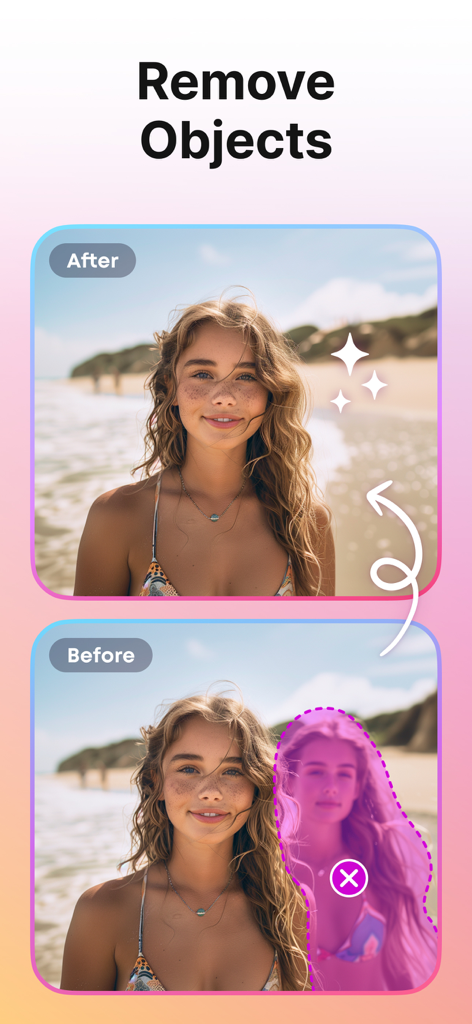
Before and after comparison showing a person being removed from a beach photo using the PhotoCut AI object removal tool.
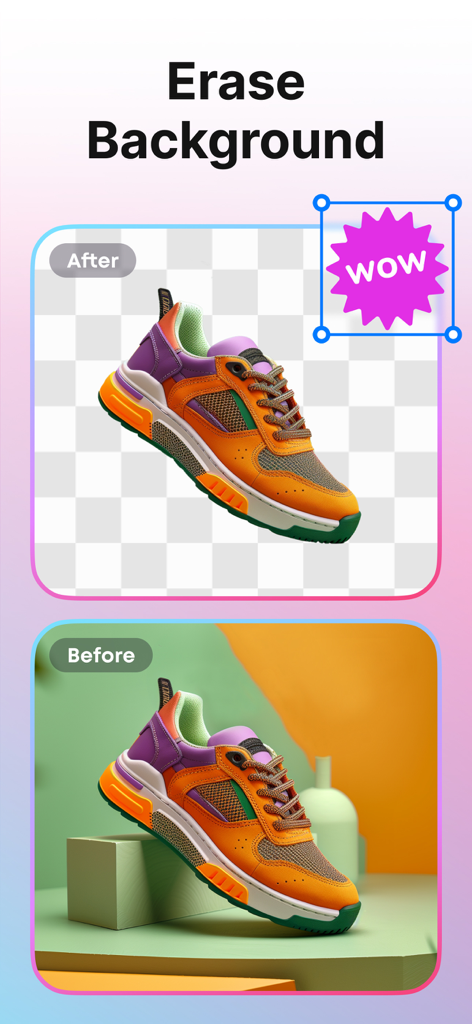
Before and after comparison of a sneaker with background removed using PhotoCut AI
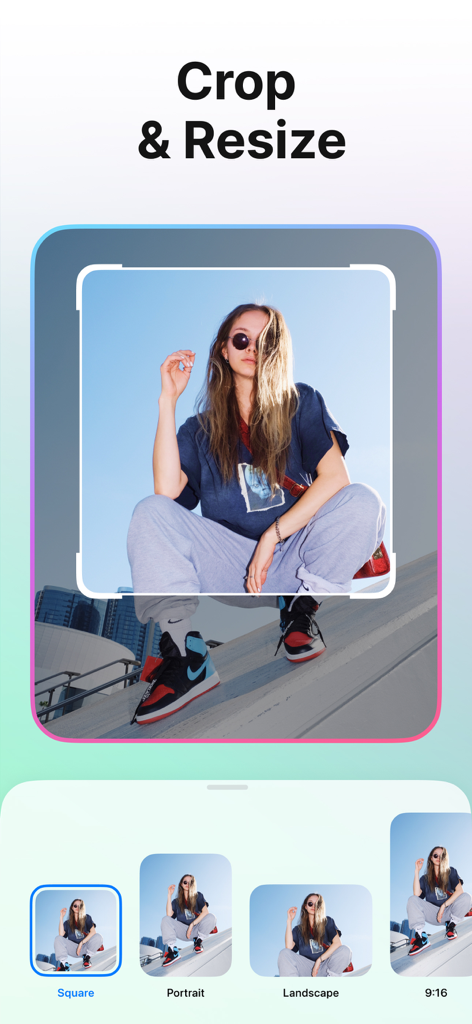
A smartphone screen showing the PhotoCut app crop and resize feature with various aspect ratio presets

A variety of creative photo templates for people and product photography
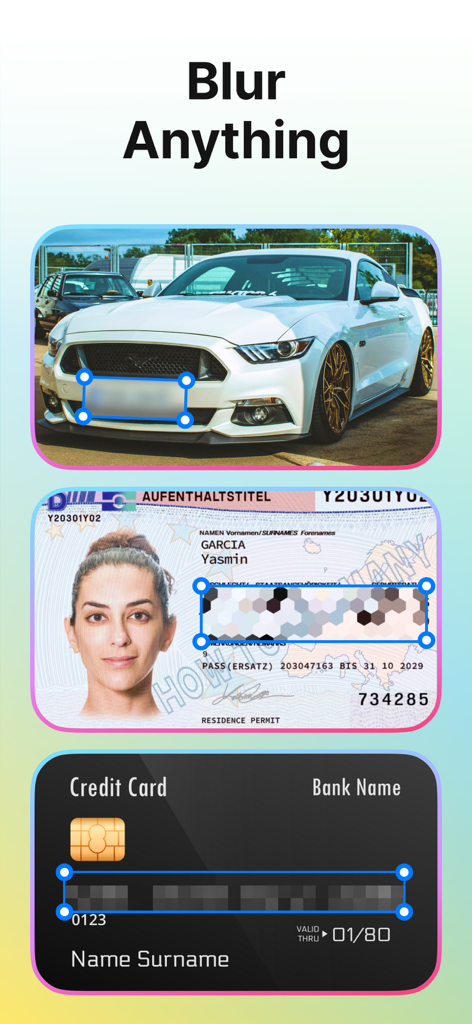
PhotoCut app demonstrating the blur feature to hide sensitive information on a car, ID card, and credit card.
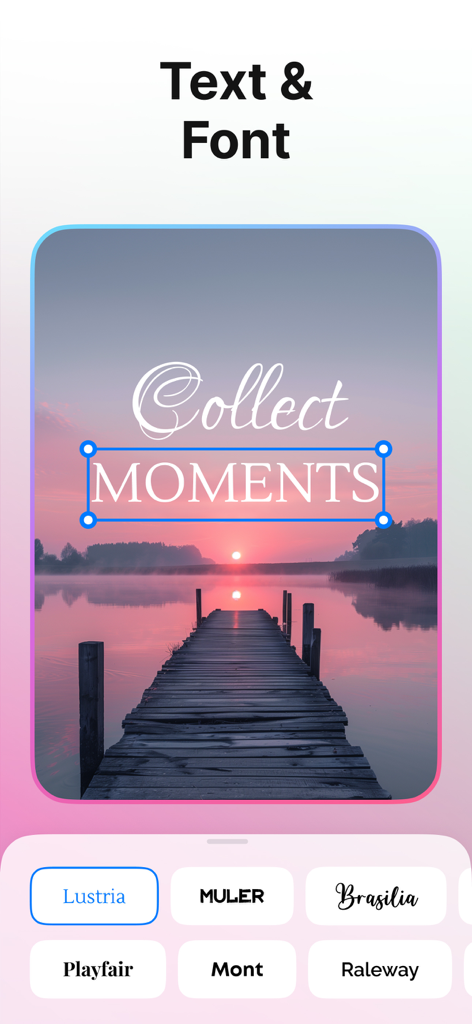
PhotoCut app interface showing text overlay and font selection options on a sunset landscape photo
Description
Download
More Like This
Apps with similar features and user experience

Photoroom: AI Photo Editor
Photoroom

Blend: AI Models Logos Videos
Blendit Studios Private Limited

AI Background - Pokecut Studio
Guangzhou Guangzhuiyuan Information Technology Co., Ltd.

微脉水印相机,私域、微商必备运营工具
Beijing Help Dream Works Technology Inc.

Background Remover - PNG Maker
TAPUNIVERSE LLC

Frameit:Framed Art &Video edit
Guangzhou Jiahua Information Technology Co., Ltd.

Background Eraser AI
Yalex FZC LLC

Artrooms: Superimpose Wall Art
Art Rooms LLC

ArtStage: Preview your Artwork
ArtStage LLC
This page is not an official page of the app or its developer, but an independent editorial publication created for informational and commentary purposes. Unless expressly stated otherwise, neither the app nor its developer is affiliated with, endorsed by, sponsored by, authorized by, or otherwise officially connected with MWM, Apple, Google Play, the app publisher, or the app's developer, and nothing on this page implies that the app was developed using MWM's services. Any trademarks, logos, screenshots, and other content remain the property of their respective owners.