PhotoEditor-Rotate Flip Mirror

PhotoEditor-Rotate Flip Mirror

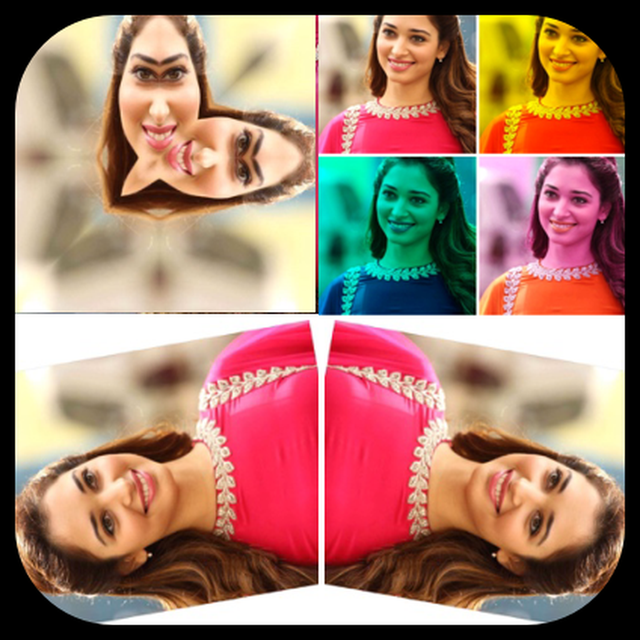
Download on App Store
Logo of PhotoEditor-Rotate Flip Mirror

PhotoEditor-Rotate Flip Mirror: Professional Utility Tools for Quick Edits

Resize, flip, and mirror your images in seconds with PC-level control. Perfect for resellers and creators needing fast, high-quality JPEG or PNG exports without the bloat.

Download on App Store

Publisher

Suresh Verma

Category

Photo & Video

Downloads

0

User Rating

1.0/5

Total Ratings

0

Locales

1

A Professional Edge

Discover the interface used by 0 users.
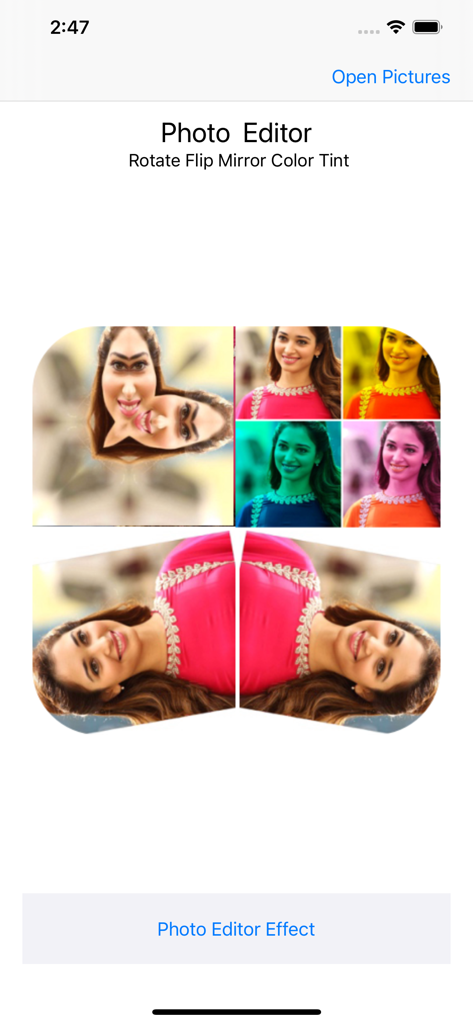
Screenshot of the Photo Editor app interface showing mirror and color tint features

Screenshot of the Photo Editor app interface showing mirror and color tint features

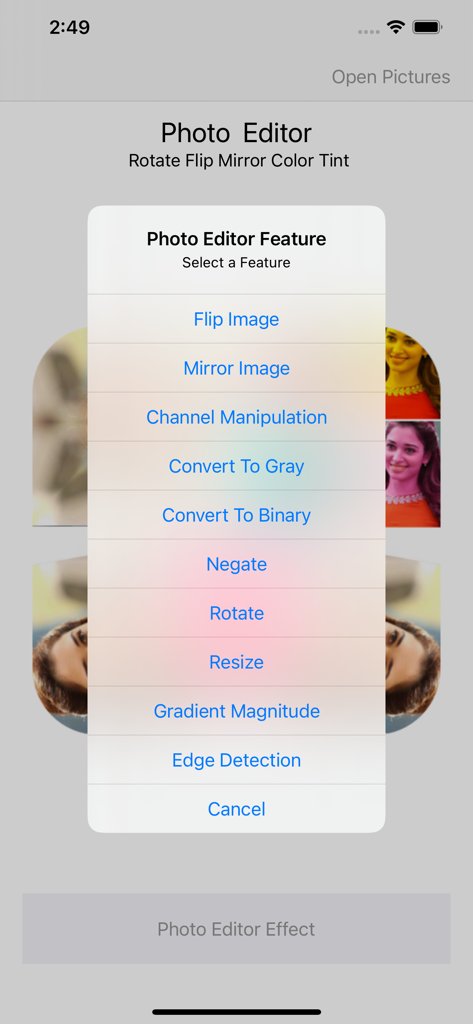
A mobile screen showing the photo editor feature menu with options like flip mirror rotate and resize

A mobile screen showing the photo editor feature menu with options like flip mirror rotate and resize

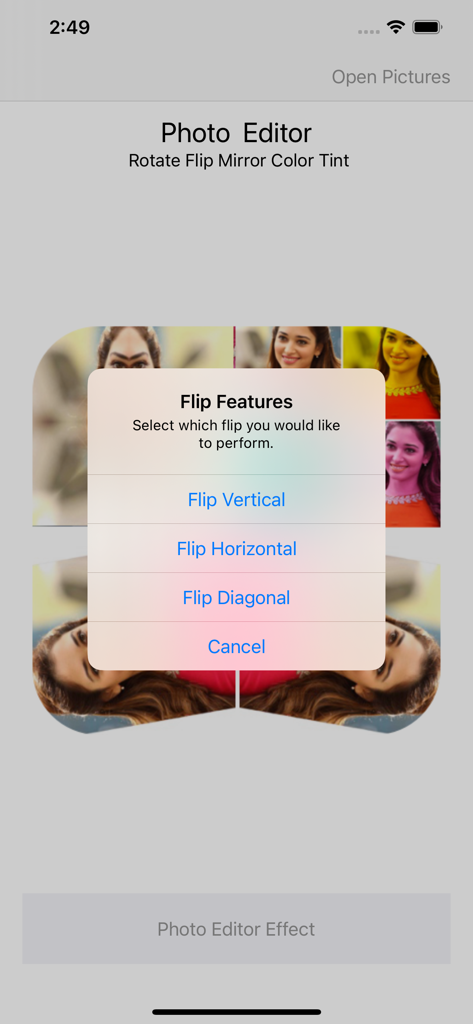
Mobile app interface showing the flip features menu with vertical horizontal and diagonal options

Mobile app interface showing the flip features menu with vertical horizontal and diagonal options

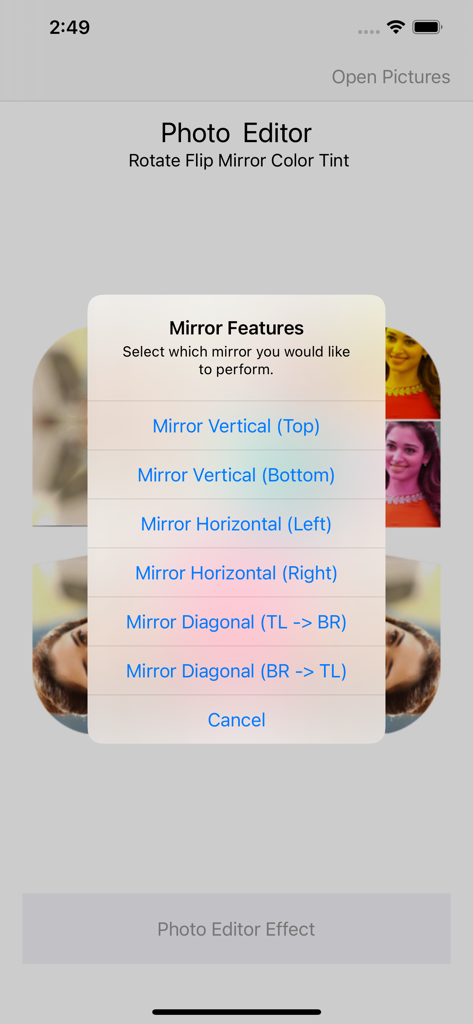
Screenshot of mirror options including vertical and horizontal features in the Photo Editor app

Screenshot of mirror options including vertical and horizontal features in the Photo Editor app

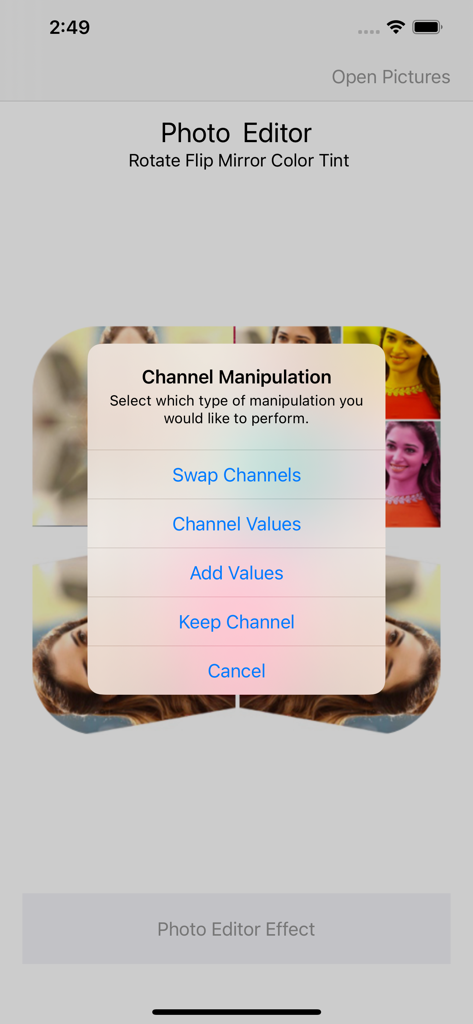
Screenshot of the Photo Editor app showing a popup menu for channel manipulation including options like swap channels and channel values.

Screenshot of the Photo Editor app showing a popup menu for channel manipulation including options like swap channels and channel values.

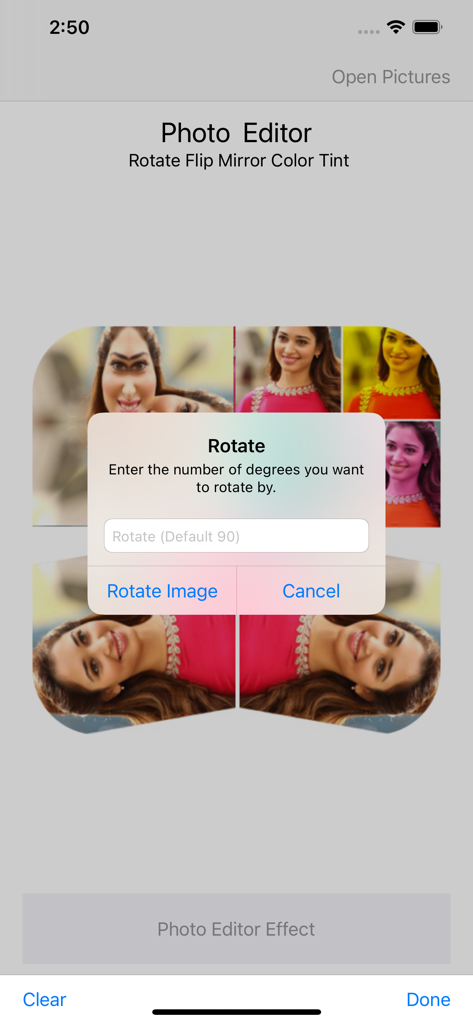
A popup dialog in the PhotoEditor app asking for the number of degrees to rotate an image

A popup dialog in the PhotoEditor app asking for the number of degrees to rotate an image

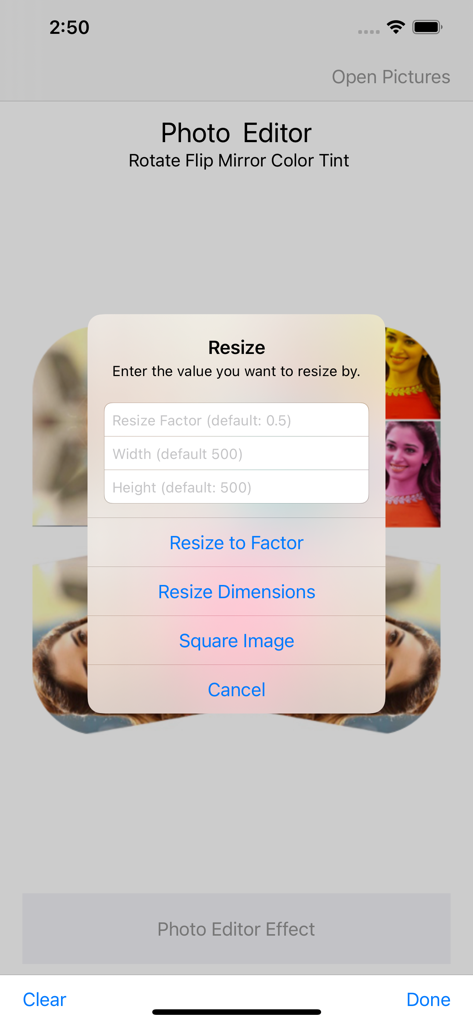
Interface of a photo editing app showing a resize popup menu with options for scale factor and pixel dimensions

Interface of a photo editing app showing a resize popup menu with options for scale factor and pixel dimensions

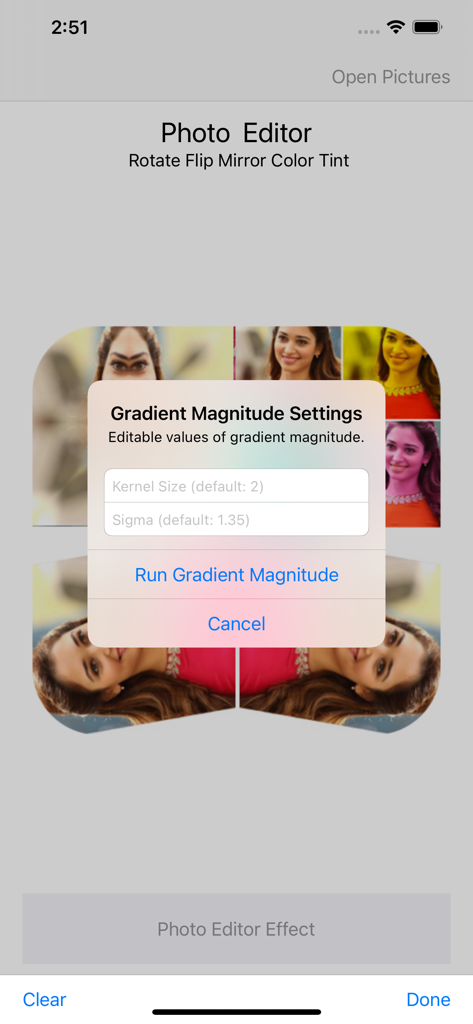
Screenshot of the Gradient Magnitude Settings popup in the PhotoEditor app showing kernel size and sigma options

Screenshot of the Gradient Magnitude Settings popup in the PhotoEditor app showing kernel size and sigma options

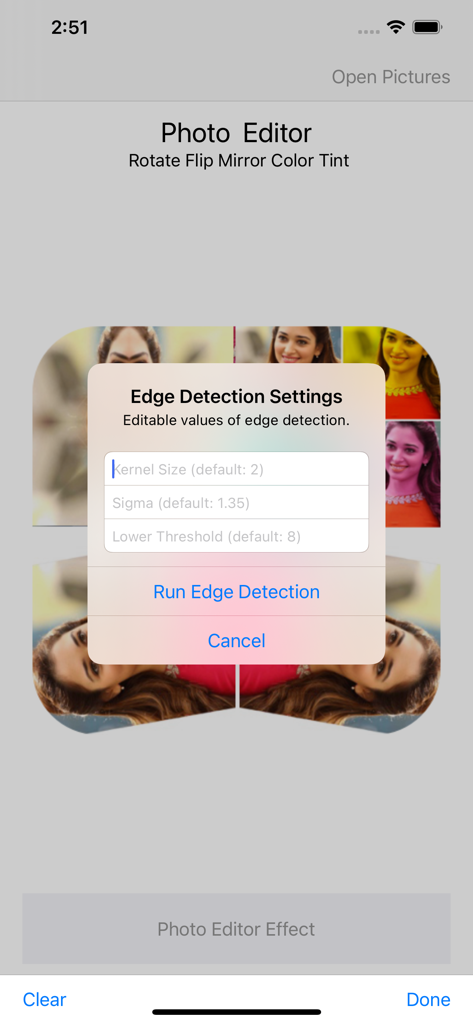
Interface of the Photo Editor app showing the edge detection settings dialog with adjustable parameters

Interface of the Photo Editor app showing the edge detection settings dialog with adjustable parameters

Precision Editing Made Simple

The tools that make this app stand out, trusted by 0 users.

🔄

Instant Orientation Fixes

Flip, mirror, or use custom rotation to perfectly align photos for eBay listings, professional documents, or social posts in just one tap.

📏

Smart Resizing & Export

Take total control of your file size. Change pixel dimensions and aspect ratios, then save your work in high-quality JPEG or PNG formats.

🎨

Advanced Color Control

Go beyond basic filters by adjusting individual RGB channels or swapping colors to correct lighting issues and create professional-grade visuals.

About the app

Everything you need to know about PhotoEditor-Rotate Flip Mirror.

Description

Quickly filter, resize or edit your photos & save images in JPEG, PNG file. Use Photo Editor to edit photos on your mobile phone just like you would on a PC. You can rotate and resize your photo in mere seconds. You can also choose the pixel dimensions you want, or change the aspect ratio. How to use Photo Editor: - Import your picture from gallery. - Chose the tools - Apply effects - Save photo to gallery as Png or Jpg format. Photo Editor Features: - Flip Image - Rotate Image - Custom Rotation - Mirror Image - Resize Image - Negative Photo Swap Color Features: - Swap Red and Green - Swap Red and Blue - Swap Green and Blue Change Channel Custom Color Values: - Change Red Channel - Change Green Channel - Change Blue Channel Add Channel Custom Color Values: - Add Red Color - Add Green - Add Blue - Add All Photo Editor create beautiful photo as well as edit them. You can change your old pics into color full by using Photo Editor App. Just simple, straightforward tools that transform your photo.

Latest Version

2.0

Size

13.5 MB

First Released

Jun 26, 2021

Start Editing Like a Pro—Without the Complexity

Join thousands of resellers and creators using our lightweight tool for instant flipping, resizing, and color swaps. Get your photos marketplace-ready in seconds with no-nonsense, PC-style controls.

Download on App Store

App information, icons, screenshots, and descriptions displayed on this page are sourced from the Apple App Store and are the property of their respective developers. Download estimates and rankings are based on MWM's proprietary models and may not reflect actual figures. This page is provided for informational and analytical purposes only.

Believe this page infringes your intellectual property? File a dispute