
This page is not an official page of the app or its developer, but an independent editorial publication created for informational and commentary purposes. Unless expressly stated otherwise, neither the app nor its developer is affiliated with, endorsed by, sponsored by, authorized by, or otherwise officially connected with MWM, Apple, Google Play, the app publisher, or the app's developer, and nothing on this page implies that the app was developed using MWM's services. Any trademarks, logos, screenshots, and other content remain the property of their respective owners.


PI Offshore Banking
Designed for the Bangladeshi diaspora, our app provides 24/7 access to your offshore accounts with enterprise-grade security. Manage transfers, monitor balances, and grow your wealth back home—all from the palm of your hand.
Downloads
0User Rating
Total Ratings
0Publisher
Category
FinanceLocales
1Latest Version
1.5Size
122.4 MBFirst Released
Oct 22, 2024Your Global Wealth, Managed with Confidence
Bridge the distance between the USA and Bangladesh with a secure, 24/7 mobile gateway designed for the modern Non-Resident Bangladeshi professional.
Enterprise-Grade Security
Bank with peace of mind using advanced Sectigo encryption and Cisco-protected firewalls to safeguard your international assets.
Seamless Global Transfers
Move funds instantly between Pubali Bank accounts or to other banks without worrying about time zone differences or delays.
The following screenshots and description are sourced directly from the app's official store listing and are the property of the app developer.
App Store
Screenshots
PI Offshore Banking app splash screen featuring the green Pi symbol logo and Pubali Bank branding
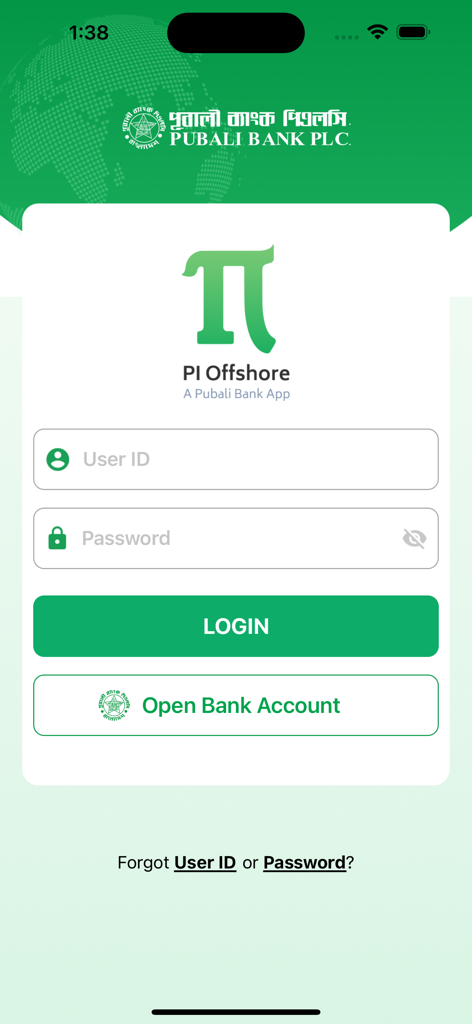
Login screen of the PI Offshore Banking mobile app by Pubali Bank PLC
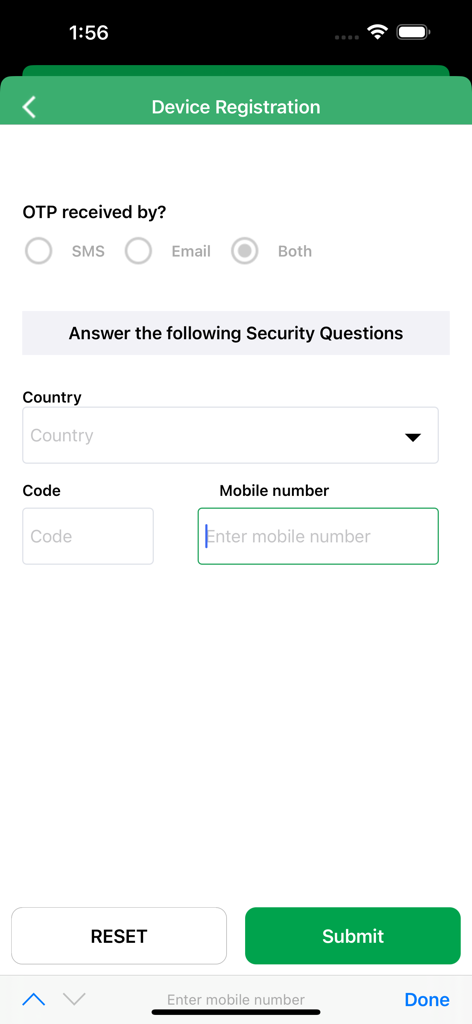
Device registration screen in the PI Offshore Banking app showing OTP preferences and phone number input
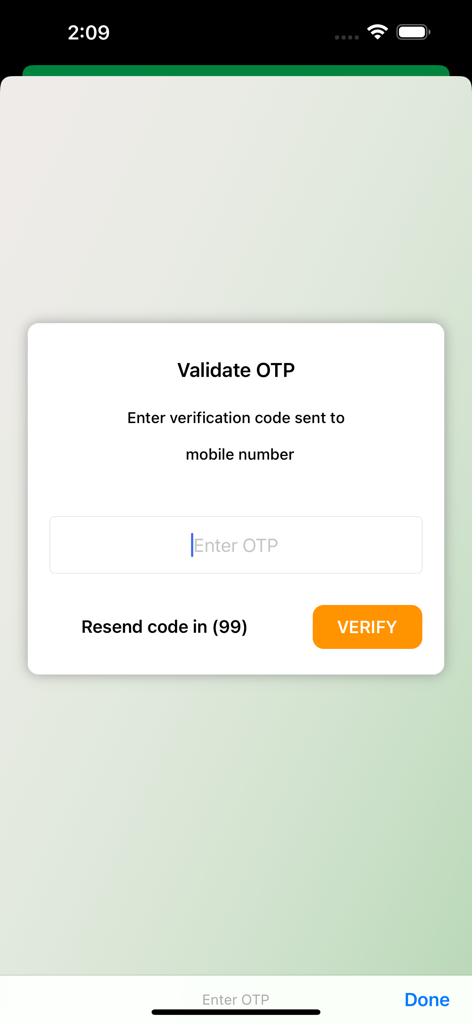
OTP verification screen for the PI Offshore Banking app
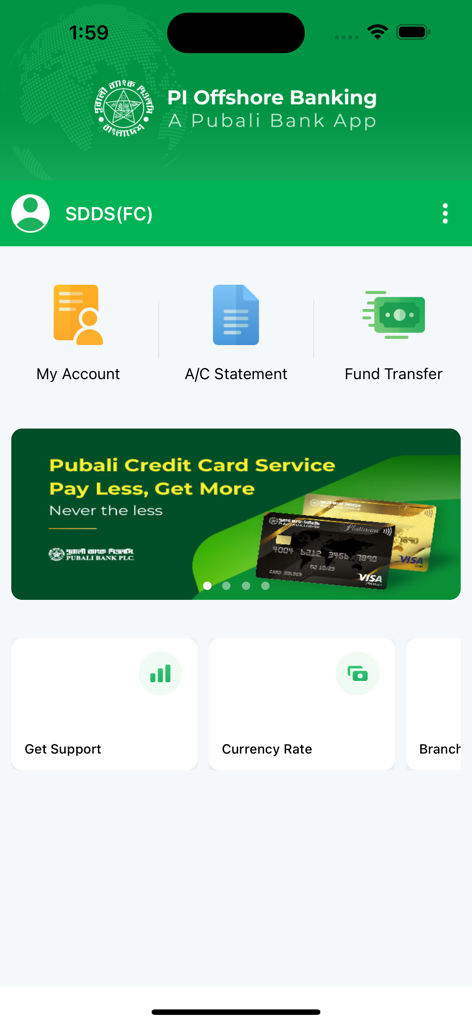
Main dashboard of the PI Offshore Banking app showing account management fund transfer and currency rate features
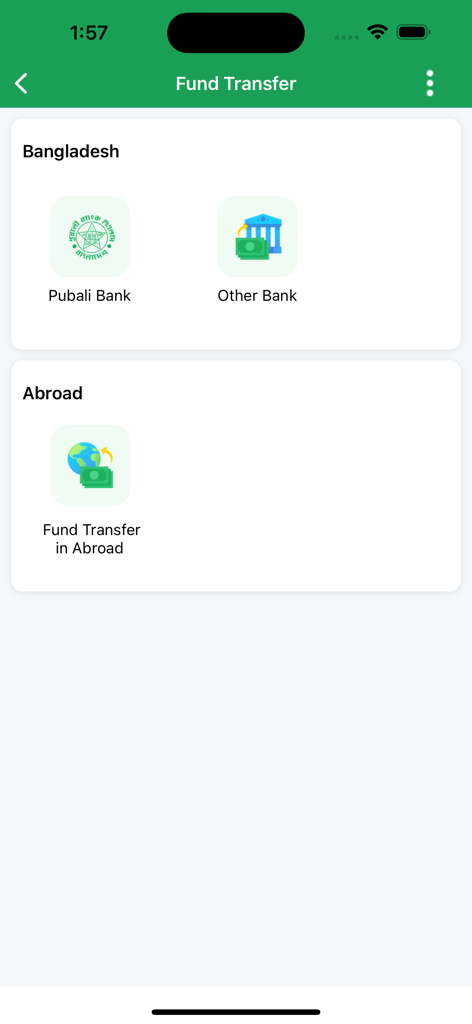
PI Offshore Banking app fund transfer screen showing options for transfers within Bangladesh to Pubali Bank or other banks and international transfers abroad.
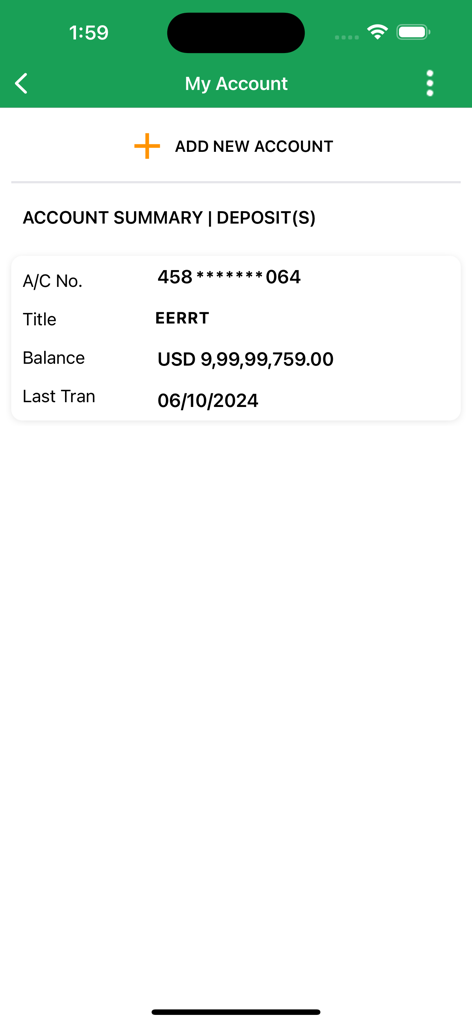
Account summary screen of PI Offshore Banking app showing balance in USD
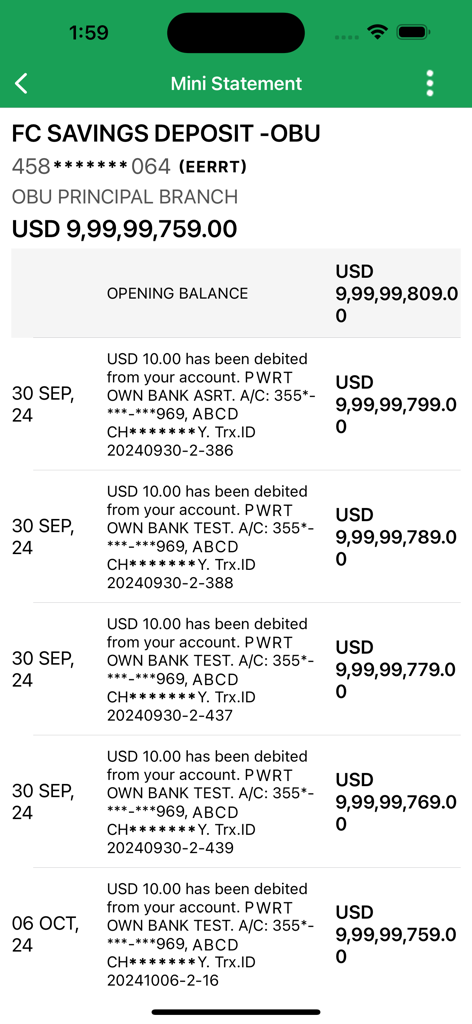
Mini statement screen of the PI Offshore Banking app showing transaction history for a USD savings account.
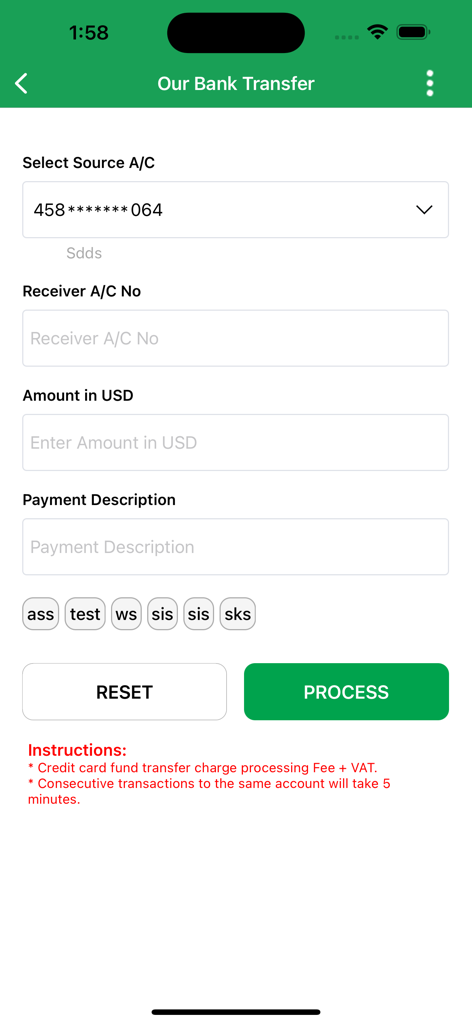
Mobile app screen for bank transfers in USD within the PI Offshore Banking application.
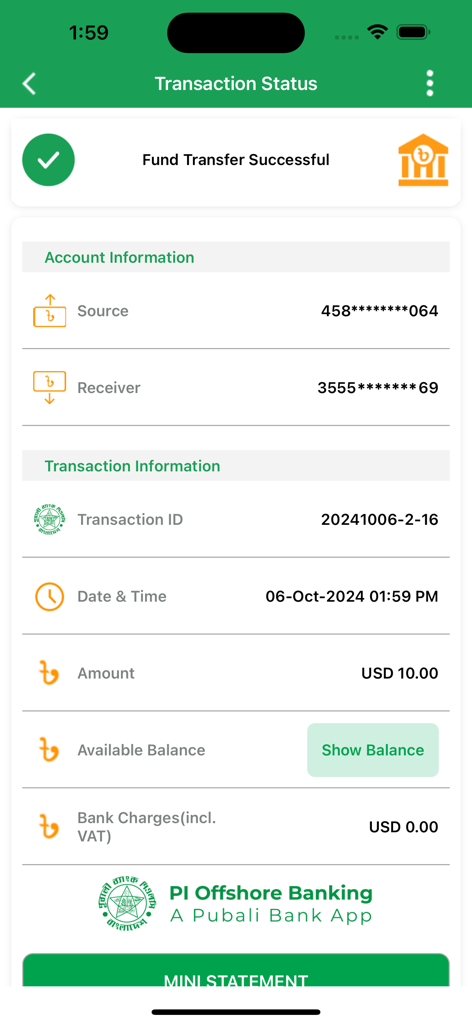
PI Offshore Banking app screen showing a successful fund transfer confirmation with transaction details
Description
Download
More Like This
Top-ranked apps in the same category

UnionPay APP
China Unionpay Co.,Ltd.

养基宝 - 年轻人的养基神器
Shenzhen Xiaoduotou Information Technology Co.,Ltd.

电子税务局
State Administration of Taxation

PayPal - Pay, Send, Save
PayPal, Inc.

Mercado Pago: cuenta digital
MercadoLibre S.A.

TurboTax: File Your Tax Return
Intuit Inc.

个人所得税
State Administration of Taxation

Kalshi: Trade the Big Game
KALSHI INC.

中国农业银行
AGRICULTURAL BANK OF CHINA LIMITED
This page is not an official page of the app or its developer, but an independent editorial publication created for informational and commentary purposes. Unless expressly stated otherwise, neither the app nor its developer is affiliated with, endorsed by, sponsored by, authorized by, or otherwise officially connected with MWM, Apple, Google Play, the app publisher, or the app's developer, and nothing on this page implies that the app was developed using MWM's services. Any trademarks, logos, screenshots, and other content remain the property of their respective owners.