
This page is not an official page of the app or its developer, but an independent editorial publication created for informational and commentary purposes. Unless expressly stated otherwise, neither the app nor its developer is affiliated with, endorsed by, sponsored by, authorized by, or otherwise officially connected with MWM, Apple, Google Play, the app publisher, or the app's developer, and nothing on this page implies that the app was developed using MWM's services. Any trademarks, logos, screenshots, and other content remain the property of their respective owners.


Picture-in-Picture Tool (PiP)
Unlock background play and floating windows without the expensive subscription. Seamlessly watch videos while you browse or listen with your screen locked—it is the ultimate utility for your iPhone and iPad.
Downloads
12K+User Rating
Total Ratings
0Publisher
Category
Photo & VideoLocales
2Latest Version
4.6.1Size
52.6 MBFirst Released
May 7, 2021Master Your Multitasking
Unlock the features you actually need without the monthly subscription. Watch, listen, and download while you stay productive across all your apps.
True Picture-in-Picture
Floating video windows that let you browse, text, or work while your favorite content stays right in view.
Background Audio & Lock Screen
Turn any video into a podcast. Keep the audio rolling even when your screen is locked or you're switching between apps.
The following screenshots and description are sourced directly from the app's official store listing and are the property of the app developer.
App Store
Screenshots
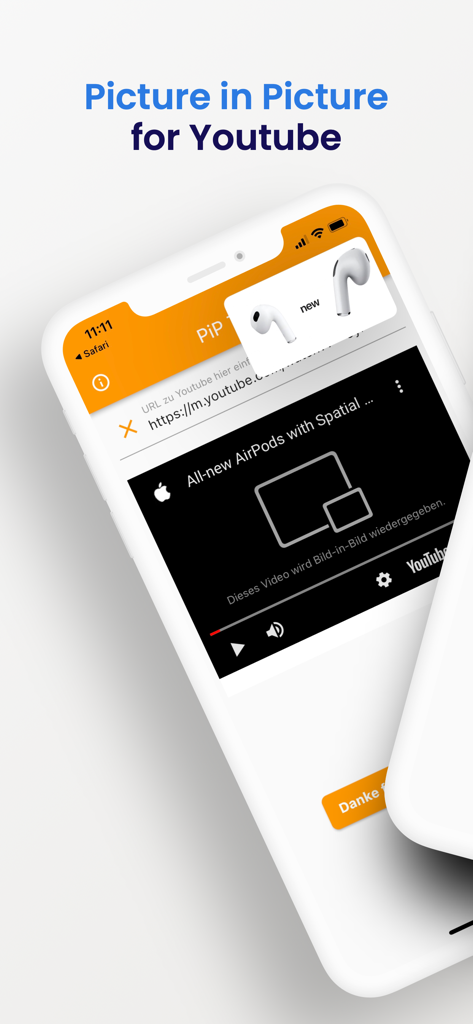
iPhone screenshot of the Picture-in-Picture Tool app displaying a YouTube video playing in a floating PiP window
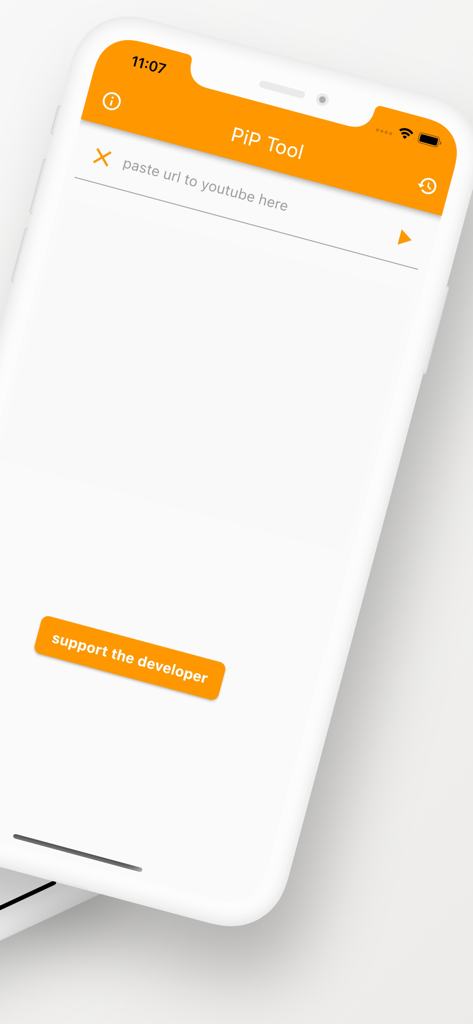
The home screen of the Picture-in-Picture Tool app featuring a URL input field for YouTube videos and a support the developer button.
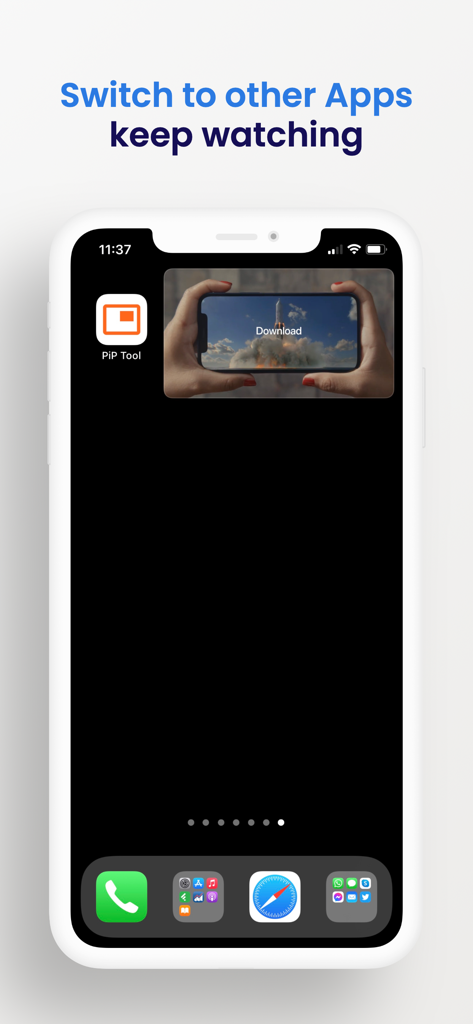
iPhone home screen showing a video playing in a small picture-in-picture window while using other apps.
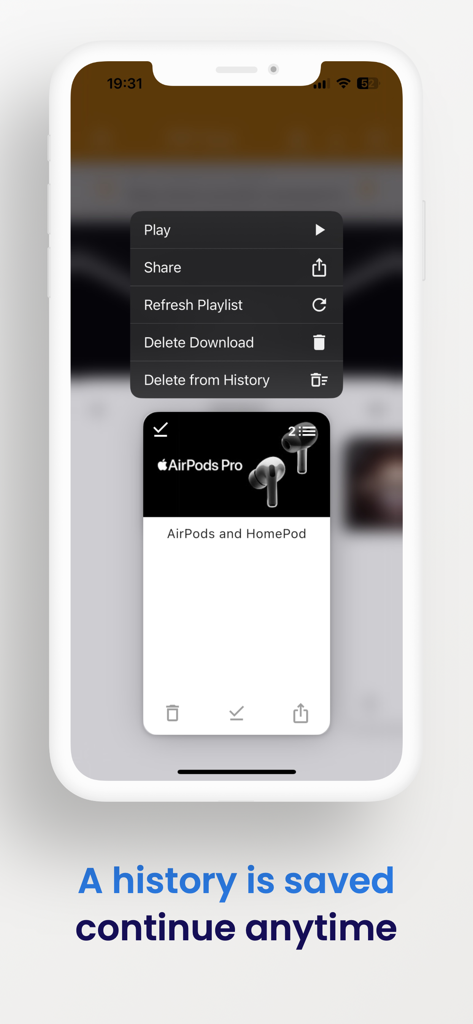
Screenshot of the app history screen showing saved videos and management options
Description
Download
More Like This
Apps with similar features and user experience

YouPlay: AdBlock Video Browser
Simon Zvara

ProTube: Block Ads on Video
Carla Berti

Tube PiP: PiP for Youtube
中洋 李

Viddle: No Ads Video Browser
Ink River LLC

Enhancements For YouTube
Tyson Kackley

CarTube for Youtube
Christer Moller

Vinegar - Tube Cleaner
And a Dinosaur
This page is not an official page of the app or its developer, but an independent editorial publication created for informational and commentary purposes. Unless expressly stated otherwise, neither the app nor its developer is affiliated with, endorsed by, sponsored by, authorized by, or otherwise officially connected with MWM, Apple, Google Play, the app publisher, or the app's developer, and nothing on this page implies that the app was developed using MWM's services. Any trademarks, logos, screenshots, and other content remain the property of their respective owners.