
This page is not an official page of the app or its developer, but an independent editorial publication created for informational and commentary purposes. Unless expressly stated otherwise, neither the app nor its developer is affiliated with, endorsed by, sponsored by, authorized by, or otherwise officially connected with MWM, Apple, Google Play, the app publisher, or the app's developer, and nothing on this page implies that the app was developed using MWM's services. Any trademarks, logos, screenshots, and other content remain the property of their respective owners.


Pingo by Findmykids
Empower your child’s independence with the safety they deserve. Track live locations, receive instant arrival alerts, and reach them even when their phone is on silent.
Downloads
5M+User Rating
Total Ratings
98K+Publisher
Category
LifestyleLocales
41Latest Version
1.15.182Size
121.1 MBFirst Released
May 16, 2018Your Child’s Safety, Simplified
Designed for the modern family, Pingo provides the tools you need to stay connected and ensure your child is safe without hovering.
Live Location & Smart Zones
Track their route in real-time and receive automated alerts when they arrive at school, home, or practice.
Bypass Silent Mode
Never get ghosted again. Send a loud signal that rings even if their phone is on silent or buried in a backpack.
Frequently Asked Questions
Everything you need to know about Pingo by Findmykids
How does Pingo by Findmykids work?
Pingo works with the Findmykids parent app. Install Findmykids on your phone and Pingo on your child's device, then enter a code. This setup enables features like location tracking and communication.
What are the main features of Pingo by Findmykids?
Pingo offers features such as real-time location and route tracking, movement alerts for specific places, SOS signals, loud signals for silent phones, battery control notifications, and chat with your child.
Is Pingo by Findmykids free to use?
Pingo offers a 7-day free trial with all features. After the trial, only real-time location remains free. Access to all features requires a subscription purchase.
Can I track my child's location with Pingo?
Yes, Pingo tracks your child's current location and their route throughout the day. You receive live updates on their whereabouts.
Does Pingo allow setting up geofencing alerts?
Yes, Pingo allows you to add Places like school or home. You receive notifications when your child arrives at or leaves these designated areas.
What permissions does the Pingo app require?
Pingo requires access to location (including background), camera and photos for profile pictures, contacts for GPS watches, microphone for voice messages, and notifications for chat messages.
Can Pingo help if my child's phone is on silent?
Yes, Pingo can send a loud signal to your child's phone. This signal is audible even if the phone is on silent mode or inside a backpack.
Does Pingo provide information on my child's phone battery?
Yes, Pingo provides notifications when your child’s device battery is low. This helps you remind them to charge their phone.
Can parents communicate with children using Pingo?
Yes, Pingo includes a chat feature. Parents and children can exchange text messages, voice messages, and fun stickers within the app.
Does Pingo track app usage or allow app blocking?
Yes, Pingo tracks app usage, displaying statistics like time spent on apps. It also allows parents to block specific applications like games and social media.
Can Pingo help monitor a child's activity levels?
Yes, Pingo includes a pedometer feature. It tracks your child's daily activity, showing steps and helping them complete daily goals like 6,000 steps.
Can I listen to my child's surroundings with Pingo?
Yes, Pingo allows you to tap in and listen to your child's surroundings if they are unresponsive.
Does Pingo offer support for technical issues?
Yes, Pingo users can access 24/7 technical support from Findmykids. Support is available through the app's chat or via email at support@findmykids.org.
Does Pingo help children track their emotions?
Yes, Pingo helps children track their emotions by asking "How are you feeling today?". They can select options like Sad, Meh, or Content, which assists them in processing feelings.
The following screenshots and description are sourced directly from the app's official store listing and are the property of the app developer.
App Store
Screenshots
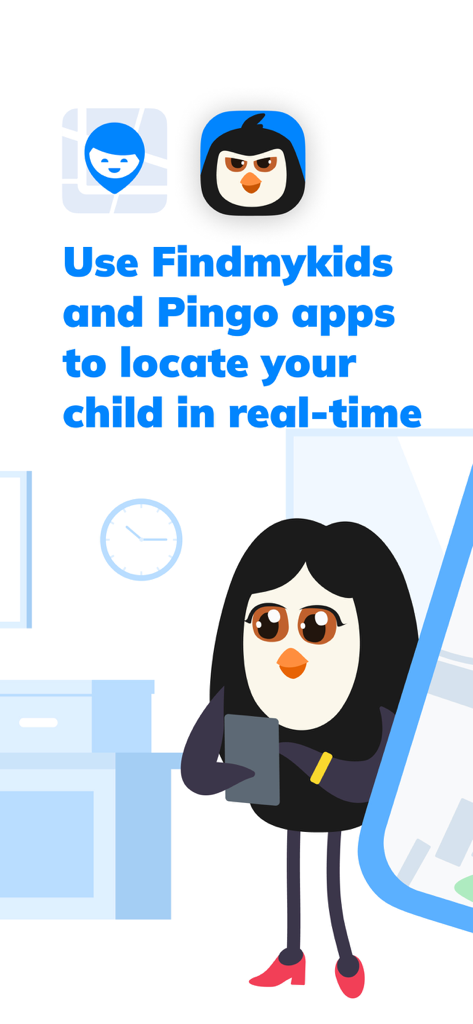
Cartoon parent penguin using Pingo and Findmykids apps for real time child location tracking
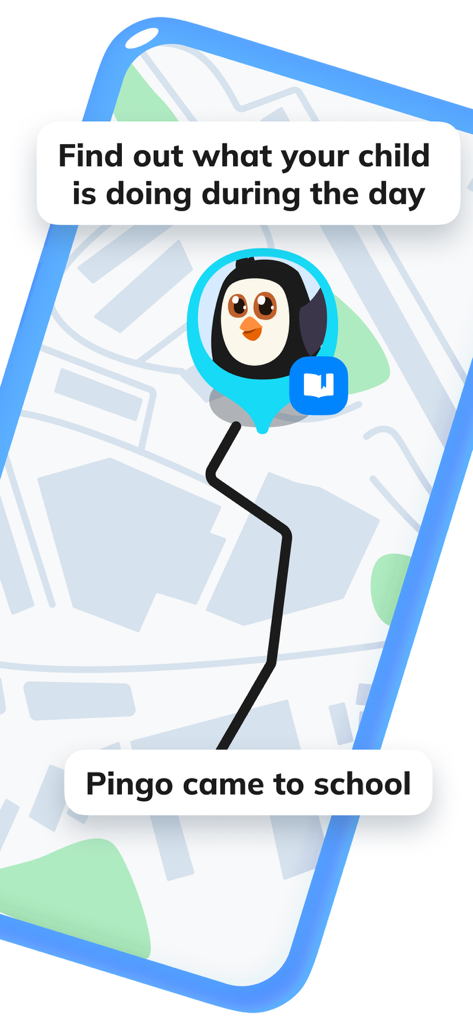
Pingo app interface showing a child's location on a map with a notification that the child arrived at school
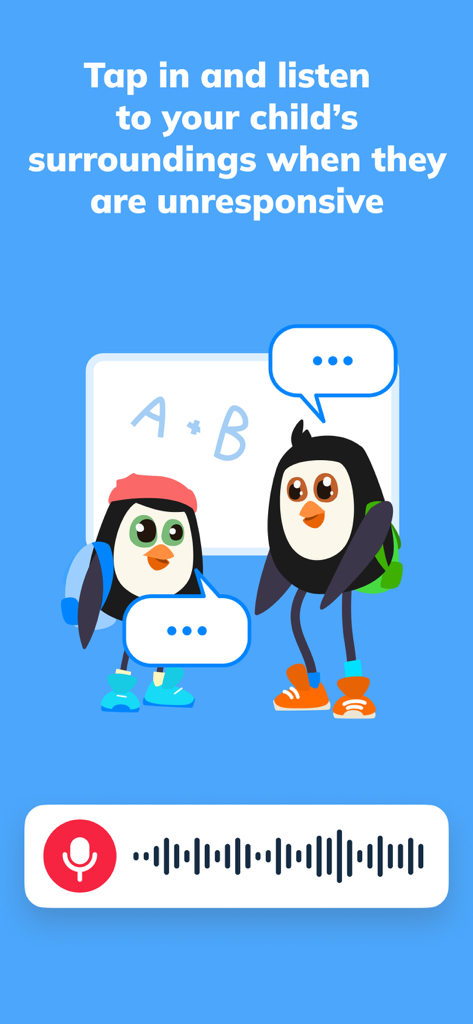
Graphic illustration of the Pingo app feature allowing parents to listen to their child's surroundings with an audio waveform display
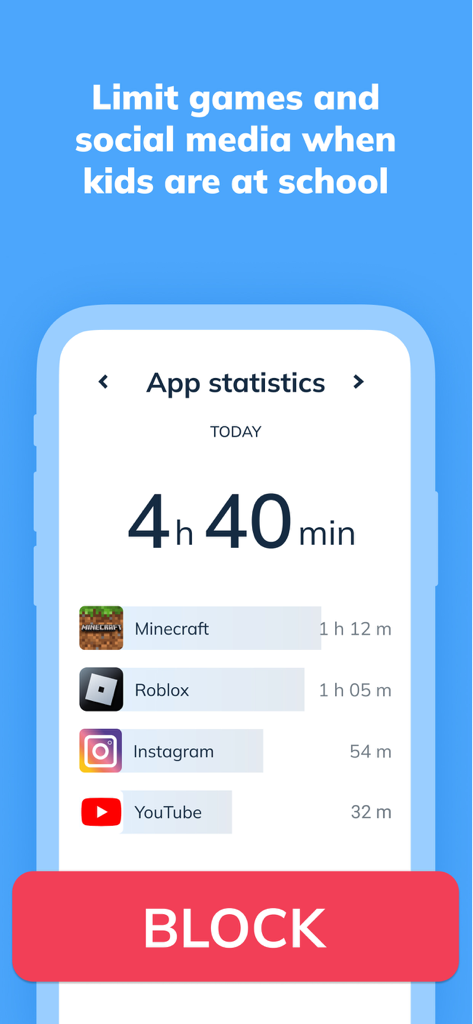
Interface of Pingo by Findmykids showing child app usage statistics and a block button to limit screen time
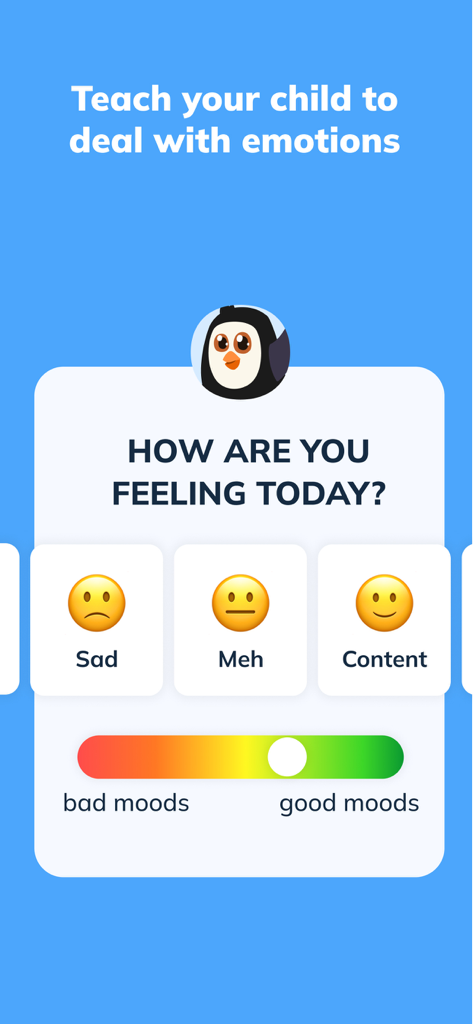
A screen from the Pingo app showing a child's mood tracker with emoji options and a slider for emotions.
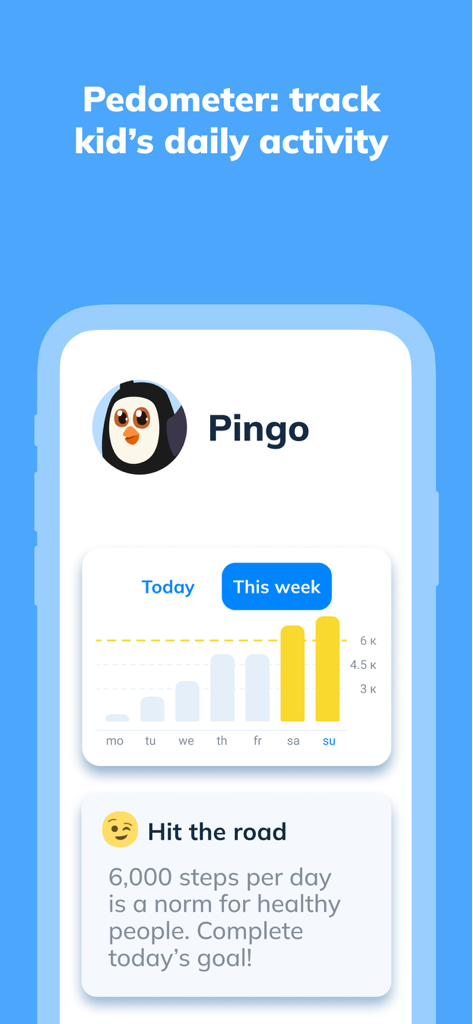
Interface of the Pingo app showing a pedometer chart tracking a child's weekly step count and activity goals
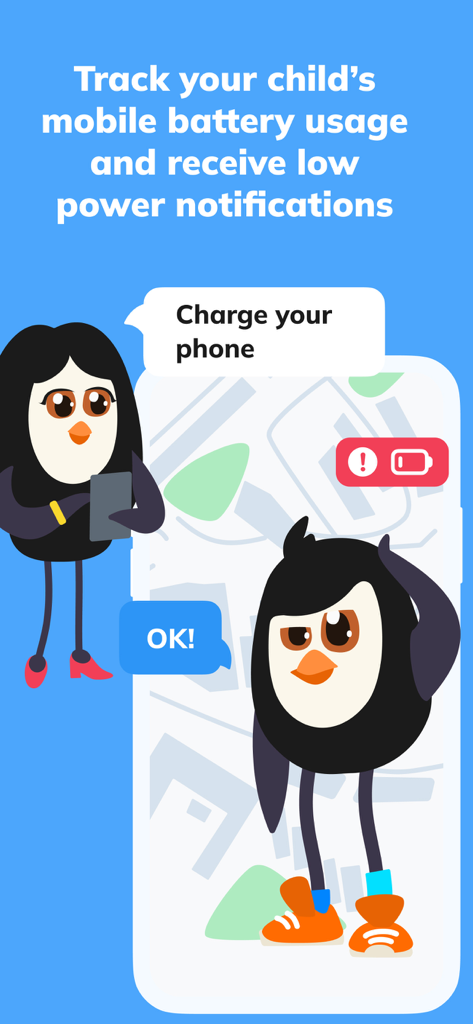
Cartoon parent penguin sending a charge your phone notification to a child penguin
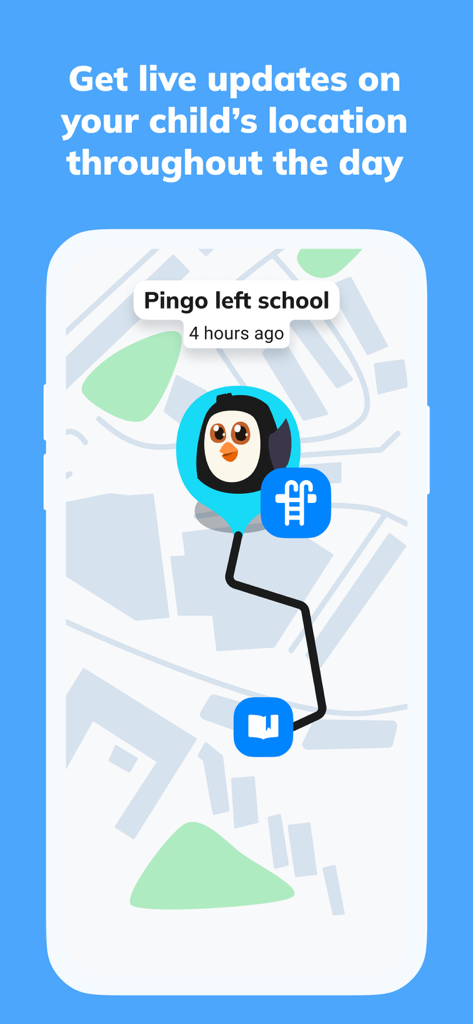
Pingo app interface showing a childs live location and movement history on a map
Description
Download
More Like This
Apps with similar features and user experience

米兔手表-可以打电话的手表
Zhenshi

SeekU-Find My Friends,Family
晨铭 李

密度空间-地图对讲机
UU Momentum Network Technology Co., Ltd.

Mua日常-情侣手机自动报备定位查岗互动聊天软件
Chongqing Daimaxiaoying Technology Co., Ltd

Teem: Phone Location Tracker
Aleksandr Kutsenko

Phone Tracker ・ Family Locator
busra gokturk

Family Locator & GPS Tracker
UAB MR Digital Group

AlfredCircle: Location Tracker
Alfred Systems Inc.

Phone Location Tracker
Muljibhai Vaishnav
This page is not an official page of the app or its developer, but an independent editorial publication created for informational and commentary purposes. Unless expressly stated otherwise, neither the app nor its developer is affiliated with, endorsed by, sponsored by, authorized by, or otherwise officially connected with MWM, Apple, Google Play, the app publisher, or the app's developer, and nothing on this page implies that the app was developed using MWM's services. Any trademarks, logos, screenshots, and other content remain the property of their respective owners.