
This page is not an official page of the app or its developer, but an independent editorial publication created for informational and commentary purposes. Unless expressly stated otherwise, neither the app nor its developer is affiliated with, endorsed by, sponsored by, authorized by, or otherwise officially connected with MWM, Apple, Google Play, the app publisher, or the app's developer, and nothing on this page implies that the app was developed using MWM's services. Any trademarks, logos, screenshots, and other content remain the property of their respective owners.


Pixart AI Photo Editor
Elevate your social media presence with AI-powered object removal, stunning neon effects, and one-click background erasing designed for the next generation of creators.
Downloads
348K+User Rating
Total Ratings
300Publisher
Category
Photo & VideoLocales
24Latest Version
0.1.9Size
69.9 MBFirst Released
May 29, 2022Elevate Your Social Feed in Seconds
Harness the power of AI to transform everyday captures into professional-grade masterpieces. Whether you're removing distractions or adding artistic flair, Pixart makes high-end editing effortless for every creator.
One-Tap Magic Eraser
Instantly remove photobombers, power lines, or any unwanted objects. Our AI intelligently fills the gap so your photos look like they were taken in a private studio.
Pro Background Swap
Perfect for influencers and side-hustlers. Erase cluttered backgrounds in seconds to create professional product shots or aesthetic lifestyle portraits that pop.
The following screenshots and description are sourced directly from the app's official store listing and are the property of the app developer.
App Store
Screenshots
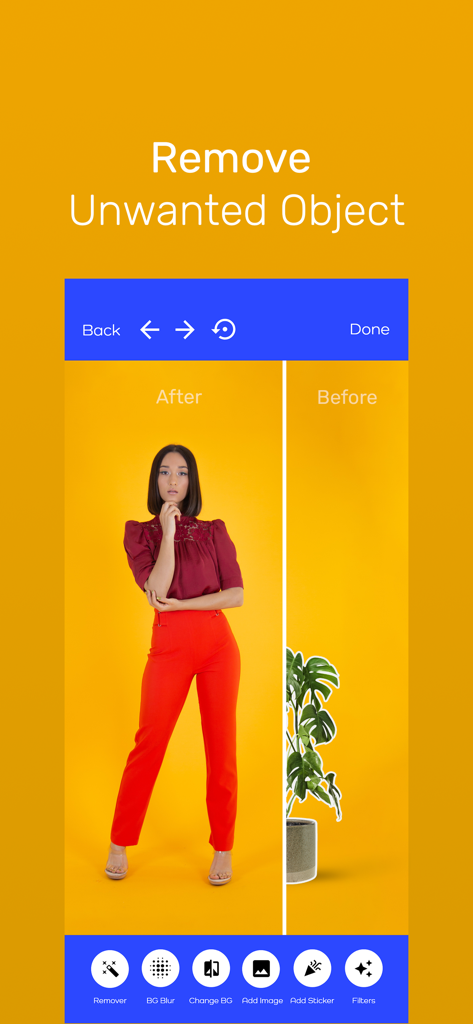
Split screen demonstration of the Pixart AI app removing a potted plant from a photo of a woman
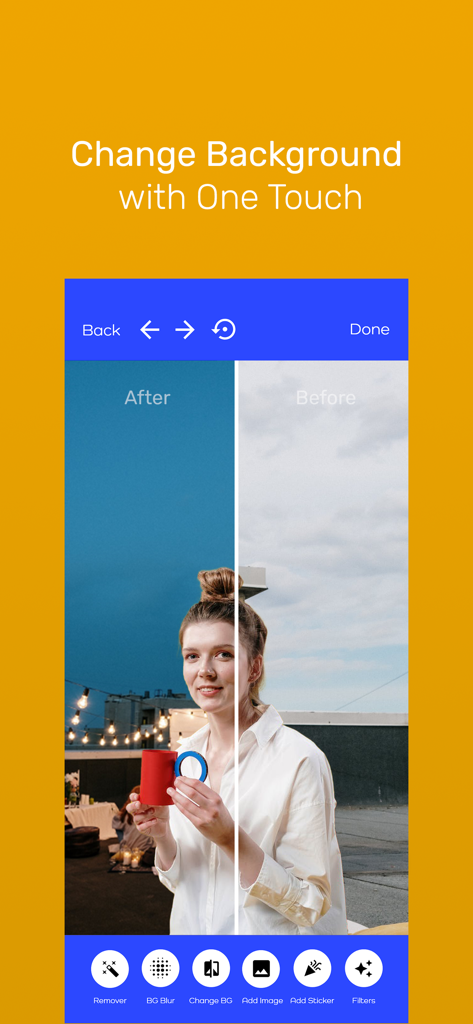
Before and after comparison of a photo background change using Pixart AI Photo Editor
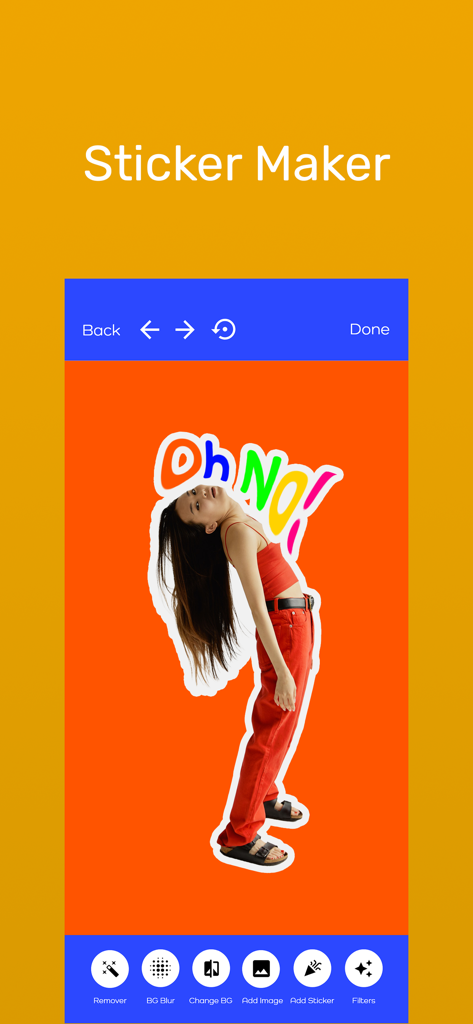
Pixart AI Photo Editor sticker maker interface showing a photo cutout with colorful text on an orange background
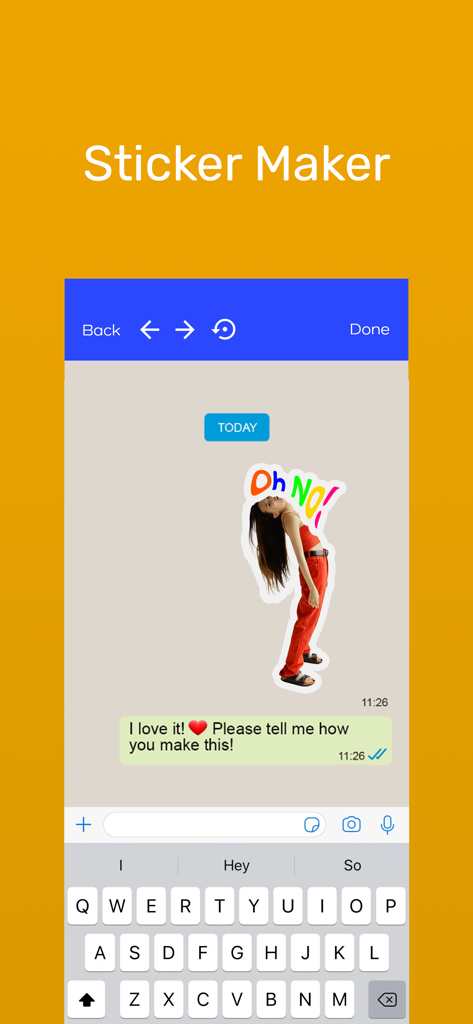
Interface of the Pixart AI sticker maker tool showing a custom photo sticker in a messaging app
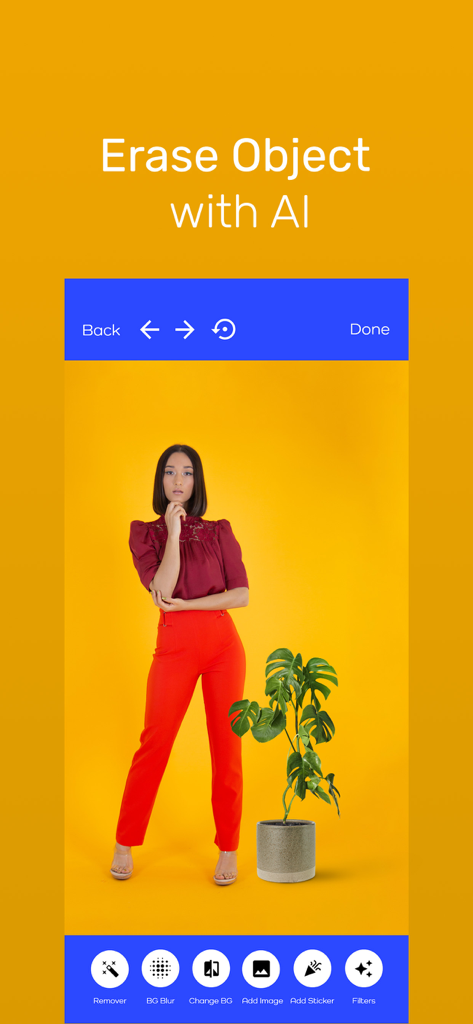
Pixart AI Photo Editor app interface showing the erase object tool with a woman standing next to a plant on a yellow background
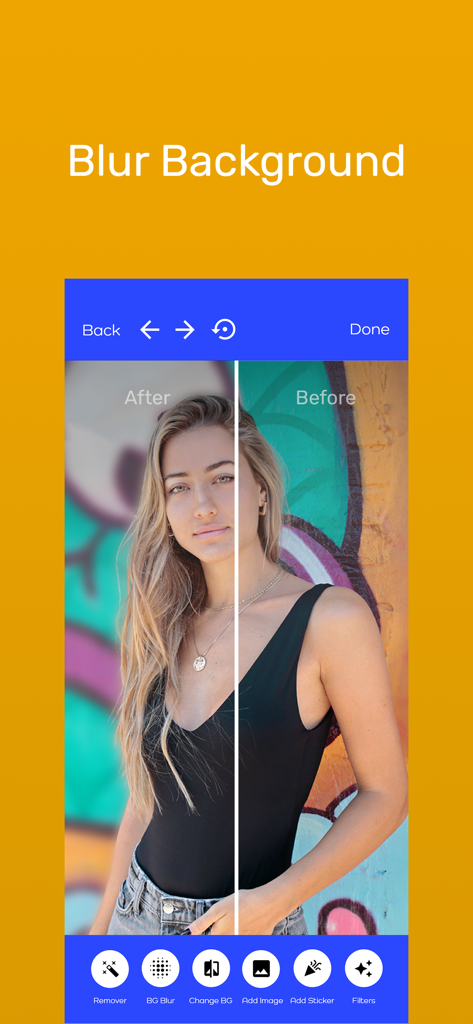
Before and after comparison of the blur background feature in the Pixart AI Photo Editor app
Description
Download
More Like This
Apps with similar features and user experience

ElevenLabs: AI Voice Generator
Eleven Labs Inc.

Viggle AI: Meme Maker
WarpEngine Canada Inc.

可灵AI - AI图片&视频创作工具
Beijing Kwai Technology Co., Ltd.

Leonardo.Ai - Image Generator
Leonardo Interactive Pty Ltd

Reface: Face Swap AI Photo App
NEOCORTEXT, INC.

Shedevrum
DIRECT CURSUS COMPUTER SYSTEMS TRADING LLC

Remove Objects
TAPUNIVERSE LLC

Zaps Collages
Turnip Media Private Limited

Carat - Create Anything
Paradot Corp.
This page is not an official page of the app or its developer, but an independent editorial publication created for informational and commentary purposes. Unless expressly stated otherwise, neither the app nor its developer is affiliated with, endorsed by, sponsored by, authorized by, or otherwise officially connected with MWM, Apple, Google Play, the app publisher, or the app's developer, and nothing on this page implies that the app was developed using MWM's services. Any trademarks, logos, screenshots, and other content remain the property of their respective owners.