
This page is not an official page of the app or its developer, but an independent editorial publication created for informational and commentary purposes. Unless expressly stated otherwise, neither the app nor its developer is affiliated with, endorsed by, sponsored by, authorized by, or otherwise officially connected with MWM, Apple, Google Play, the app publisher, or the app's developer, and nothing on this page implies that the app was developed using MWM's services. Any trademarks, logos, screenshots, and other content remain the property of their respective owners.

Pixel art maker - Inktica
The ultimate mobile studio for indie devs and digital artists. Design pixel-perfect sprites, textures, and animations with full Aseprite support and retro-inspired tools.
Downloads
0User Rating
Total Ratings
0Publisher
Category
Graphics & DesignLocales
13Latest Version
1.52.141Size
53.4 MBFirst Released
Sep 7, 2023Professional Tools for Pixel-Perfect Creators
Whether you're an indie dev building the next hit RPG or a hobbyist chasing that retro aesthetic, Inktica gives you the power of a pro studio on your mobile device.
Seamless Aseprite Integration
The only mobile tool that respects your desktop workflow. Import, edit, and export .aseprite files without losing a single frame or layer.
Retro Palettes & Precision
Access authentic NES and Game Boy color palettes and use pixel-perfect brushes to ensure every sprite is clean and crisp.
The following screenshots and description are sourced directly from the app's official store listing and are the property of the app developer.
App Store
Screenshots
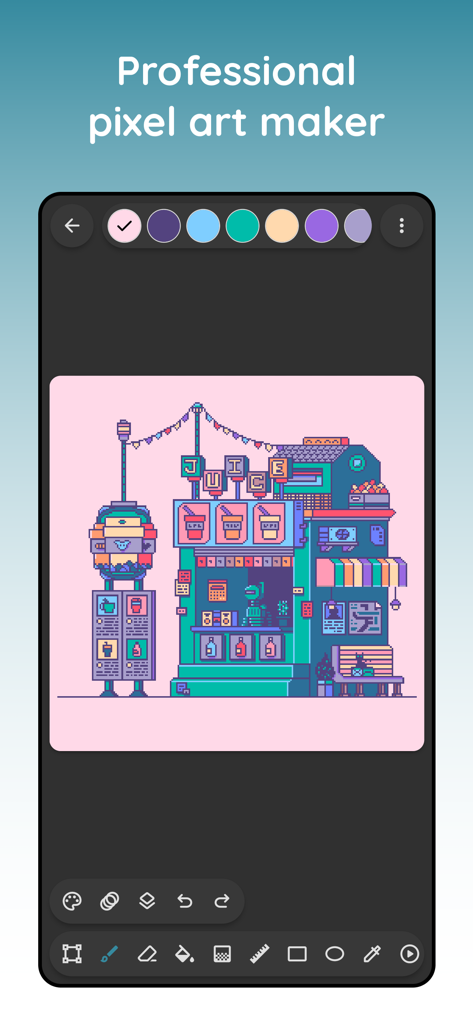
Professional pixel art maker interface featuring a retro juice stand illustration.
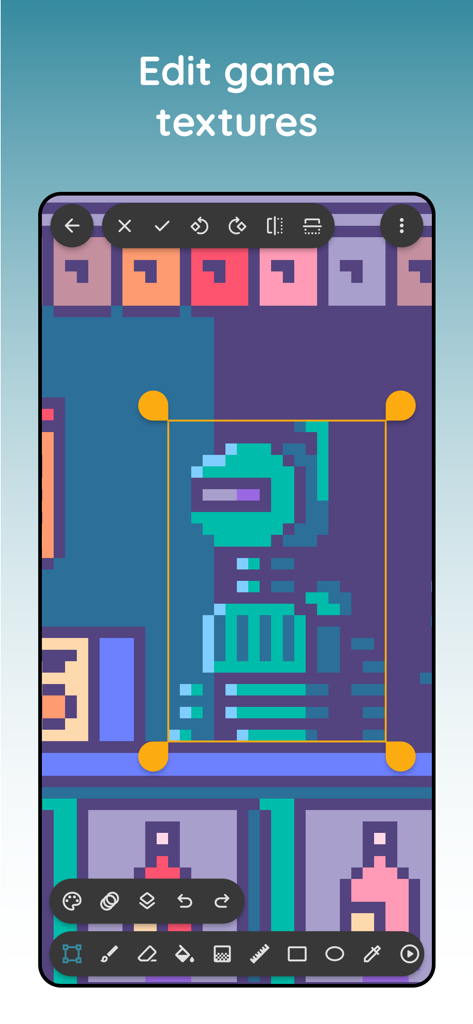
Inktica mobile app interface showing the pixel art editor used for creating game textures
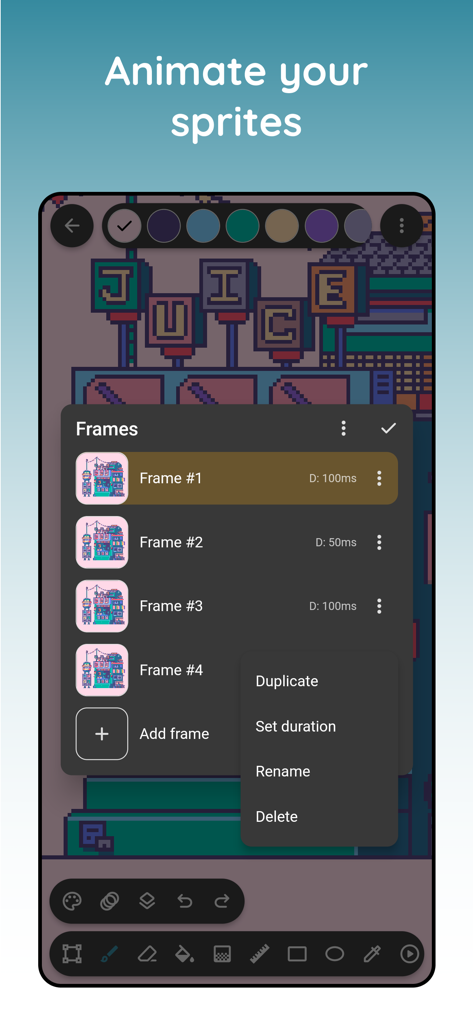
Inktica mobile app interface showing frame management for pixel art animation
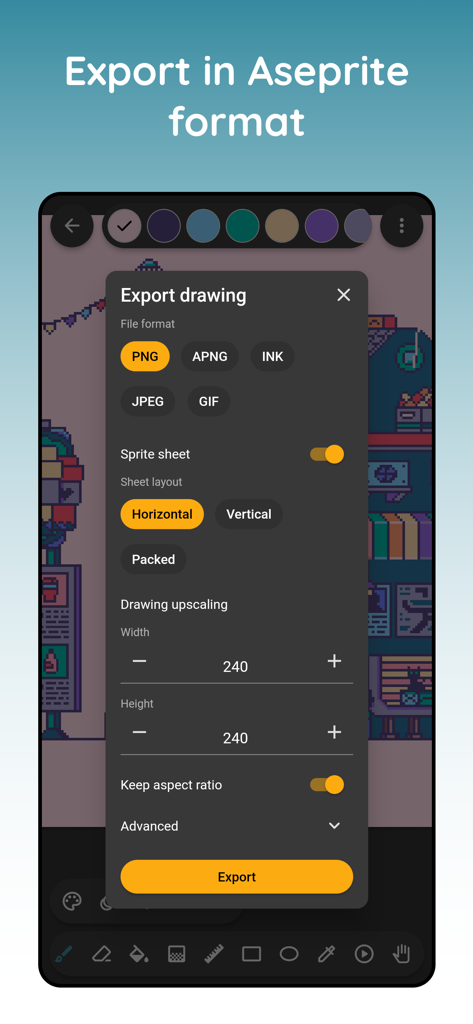
Export dialog in Inktica app featuring format selection, sprite sheet settings, and resolution upscaling.
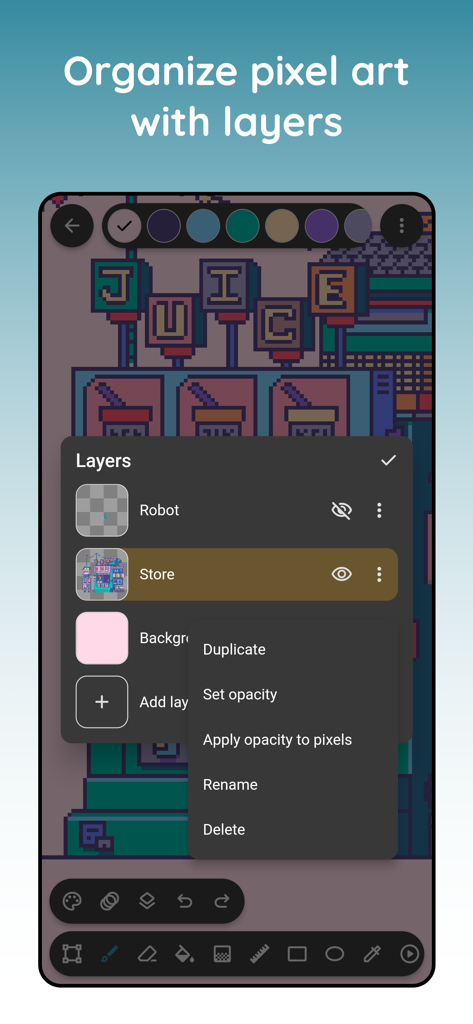
Mobile app interface showing pixel art layer management and editing options in Inktica
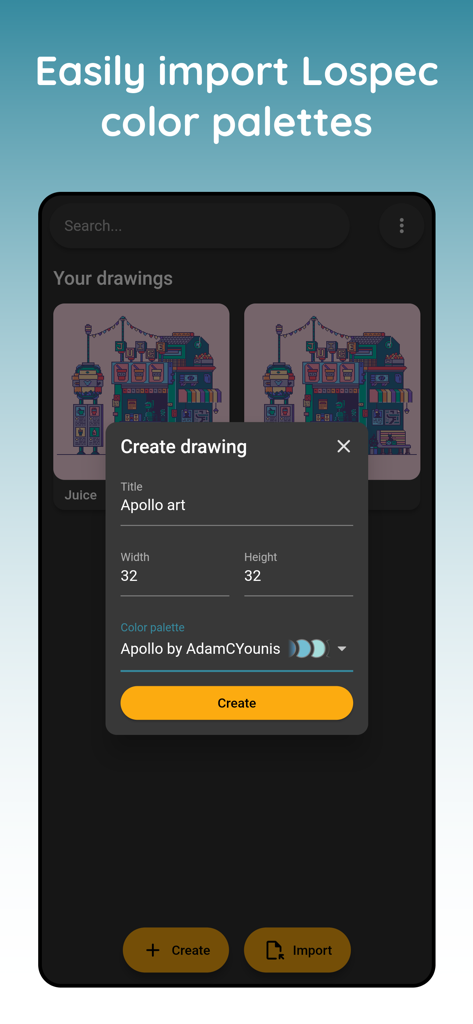
A screenshot of the Inktica app interface showing the Create Drawing dialog with options for canvas dimensions and Lospec color palette selection.
Description
Download
More Like This
Top-ranked apps in the same category

iScreen - Widgets & Wallpaper
Xiamen ShenZhuo Information Technology Co., Ltd.

Kling AI: AI Image&Video Maker
LOHAS GAMES PTE. LTD.

Home AI - AI Interior Design
HUBX YAZILIM HIZMETLERI ANONIM SIRKETI

ibis Paint X
ibis inc.

ThemeKit: Widget & Icon Themes
Woohoo Tech. Ltd.

Sketchbook®
Sketchbook, Inc.

AR Drawing: Sketch & Paint
Digital Solutions Technologies Limited

Themie: Wallpapers & Theme
BEE LAB JOINT STOCK COMPANY

Adobe Express: Create Anything
Adobe Inc.
This page is not an official page of the app or its developer, but an independent editorial publication created for informational and commentary purposes. Unless expressly stated otherwise, neither the app nor its developer is affiliated with, endorsed by, sponsored by, authorized by, or otherwise officially connected with MWM, Apple, Google Play, the app publisher, or the app's developer, and nothing on this page implies that the app was developed using MWM's services. Any trademarks, logos, screenshots, and other content remain the property of their respective owners.