
This page is not an official page of the app or its developer, but an independent editorial publication created for informational and commentary purposes. Unless expressly stated otherwise, neither the app nor its developer is affiliated with, endorsed by, sponsored by, authorized by, or otherwise officially connected with MWM, Apple, Google Play, the app publisher, or the app's developer, and nothing on this page implies that the app was developed using MWM's services. Any trademarks, logos, screenshots, and other content remain the property of their respective owners.


Pixelable - Pixel Art Editor
Bring your retro visions to life with a stress-free, layer-based studio. From 8-bit characters to smooth GIF animations, design your next masterpiece anywhere, anytime.
Downloads
59K+User Rating
Total Ratings
10K+Publisher
Category
EntertainmentLocales
2Latest Version
2.10.4Size
6.7 MBFirst Released
Dec 21, 2016Unleash Your Retro Creativity
Professional pixel art tools optimized for a stress-free mobile experience. From custom profile pictures to animated sprites, Pixelable turns your device into a complete digital studio.
Advanced Layer Control
Build complex scenes with ease. Manage, duplicate, and adjust layer transparency for professional-grade compositions without the desktop complexity.
Seamless GIF Animation
Bring your art to life. Turn layers into frames automatically to create high-quality animated stickers, emojis, or game assets in seconds.
The following screenshots and description are sourced directly from the app's official store listing and are the property of the app developer.
App Store
Screenshots
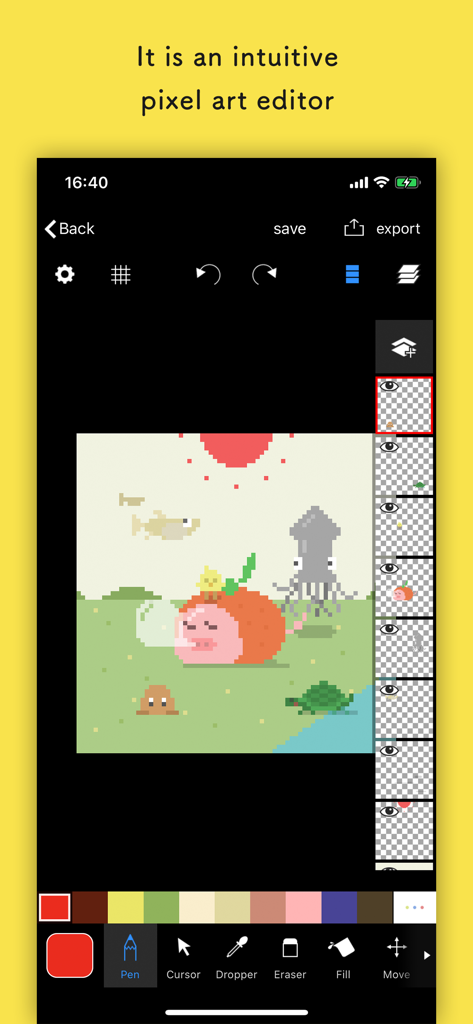
Pixelable app interface showing a pixel art illustration with layers and drawing tools
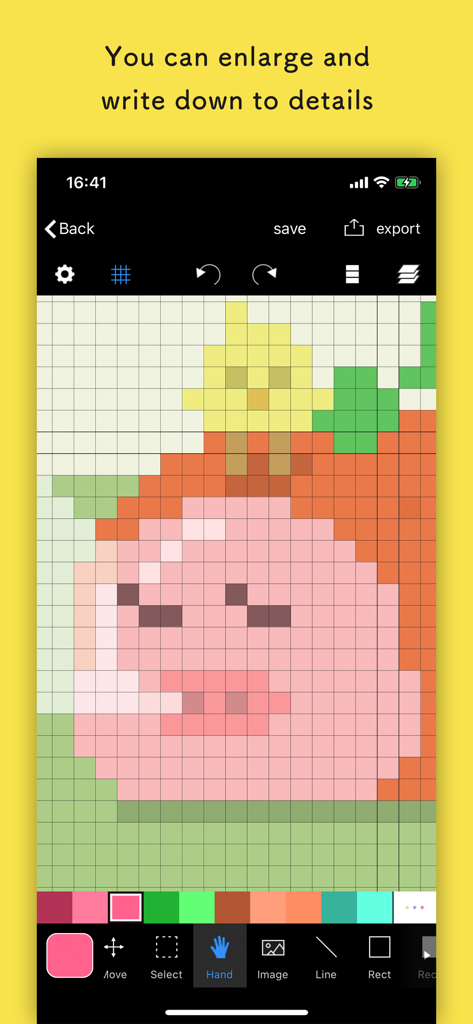
Pixelable app interface showing a zoomed-in pixel art drawing on a grid canvas with editing tools
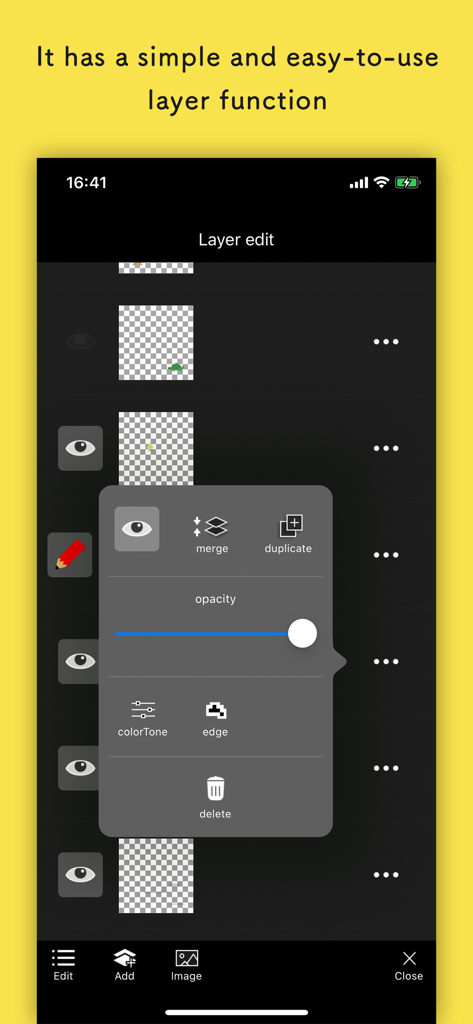
Pixelable mobile app interface showing simple layer editing functions like opacity and duplicating
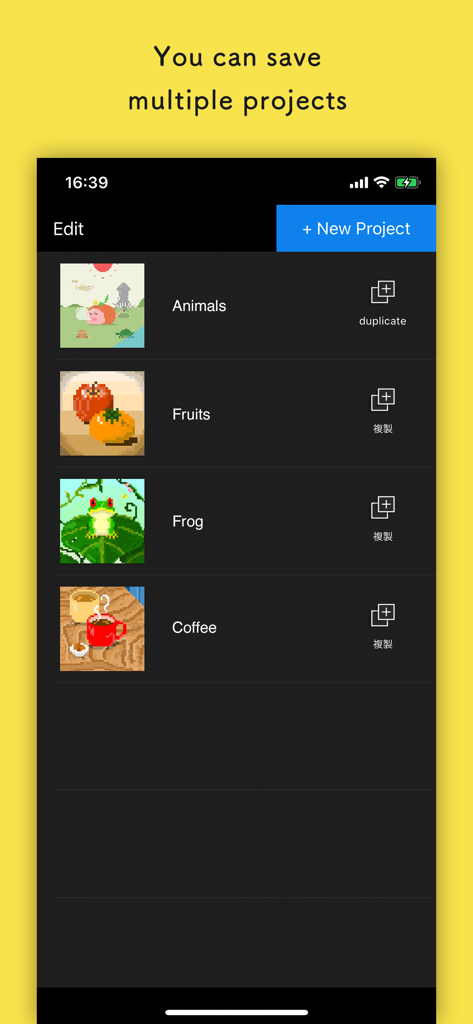
Pixelable app screen showing a list of saved pixel art projects including animals, fruits, and a frog.
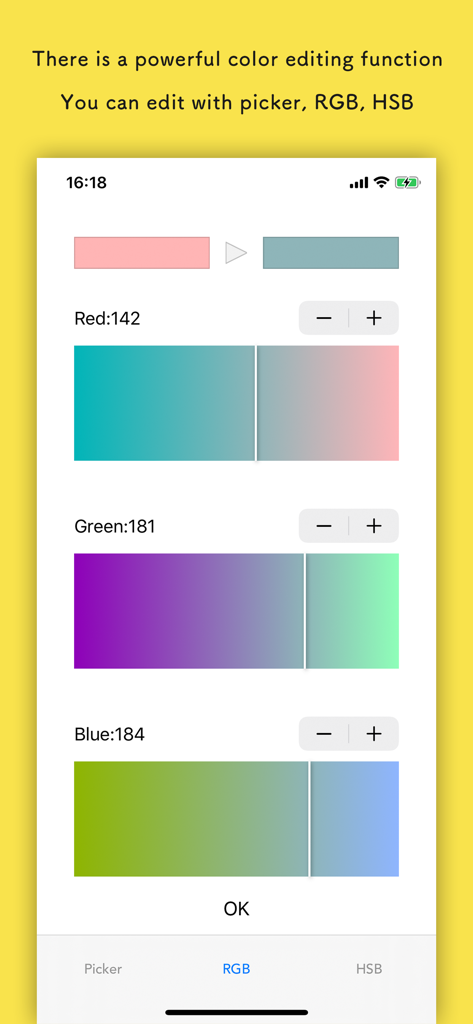
Interface of the Pixelable app showing RGB color adjustment sliders for red green and blue
Description
Download
More Like This
Top-ranked apps in the same category

TikTok - Videos, Shop & LIVE
TIKTOK PTE. LTD.

Netflix
Netflix, Inc.

Freecash - Get Paid Real Money
256 REWARDS LTD

DramaBox - Stream Drama Shorts
STORYMATRIX PTE. LTD

HBO Max: Stream Movies & TV
WarnerMedia Global Digital Services, LLC

Amazon Prime Video
AMZN Mobile LLC

NetShort - Popular Dramas & TV
NETSTORY PTE. LTD.

ReelShort - Stream Drama & TV
New Leaf Publishing, Inc.

Disney+
Disney Electronic Content, Inc.
This page is not an official page of the app or its developer, but an independent editorial publication created for informational and commentary purposes. Unless expressly stated otherwise, neither the app nor its developer is affiliated with, endorsed by, sponsored by, authorized by, or otherwise officially connected with MWM, Apple, Google Play, the app publisher, or the app's developer, and nothing on this page implies that the app was developed using MWM's services. Any trademarks, logos, screenshots, and other content remain the property of their respective owners.