
This page is not an official page of the app or its developer, but an independent editorial publication created for informational and commentary purposes. Unless expressly stated otherwise, neither the app nor its developer is affiliated with, endorsed by, sponsored by, authorized by, or otherwise officially connected with MWM, Apple, Google Play, the app publisher, or the app's developer, and nothing on this page implies that the app was developed using MWM's services. Any trademarks, logos, screenshots, and other content remain the property of their respective owners.


Pixlr AI Photo & Video Editor
Join 18 million creators using powerful AI to transform photos into videos, remove objects, and swap backgrounds in seconds. Get pro-level results for Instagram, TikTok, and beyond with the all-in-one editor designed for your aesthetic.
Downloads
10M+User Rating
Total Ratings
30K+Publisher
Category
Photo & VideoLocales
11Latest Version
3.7.10Size
332.8 MBFirst Released
Nov 14, 2012Create Like a Pro, Post Like a Pro
Harness the power of AI to transform your photos and videos into stunning social content. Join over 18 million creators using Pixlr to stay ahead of the digital trends.
AI Generative Magic
Transform your photos with Generative Fill. Simply brush over an area to add or change objects instantly—perfect for creating one-of-a-kind viral content.
Aesthetic Social Templates
Stay on trend with seasonally updated, multi-layered templates. Get the perfect crop and style for Instagram, TikTok, and Pinterest in seconds.
Frequently Asked Questions
Everything you need to know about Pixlr AI Photo & Video Editor
What is Pixlr AI Photo & Video Editor?
Pixlr AI Photo & Video Editor is a free and easy editor trusted by over 18 million creators. It offers powerful AI capabilities for editing photos and videos.
Does Pixlr AI Photo & Video Editor offer AI features?
Yes, Pixlr AI Photo & Video Editor offers new AI features including Image to Video, AI Generative Fill, AI Remove Object, AI Remove Background, and AI Face Swap.
Can I create videos from images using Pixlr AI Photo & Video Editor?
Yes, Pixlr AI Photo & Video Editor allows users to transform images into dynamic videos effortlessly. This feature is clearly labeled "AI Image To Video."
Does Pixlr AI Photo & Video Editor include an AI Image Generator?
Yes, Pixlr AI Photo & Video Editor features an AI Image Generator. Users can create images and also convert generated images to video within the app.
How does the AI Generative Fill work in Pixlr AI Photo & Video Editor?
The AI Generative Fill feature in Pixlr AI Photo & Video Editor allows users to mark an area in a picture and then generate anything to fill that specific spot.
Can Pixlr AI Photo & Video Editor remove objects from images?
Yes, Pixlr AI Photo & Video Editor includes an AI Remove Object tool. This feature allows users to remove unwanted objects from an image, and AI fills the blank spaces.
What photo editing features does Pixlr AI Photo & Video Editor offer?
Pixlr AI Photo & Video Editor offers features like photo collages, Auto Fix for color, Double Exposure, Stylize effects, blemish removal, Color Splash, Focal Blur, and text addition.
Can I create photo collages with Pixlr AI Photo & Video Editor?
Yes, Pixlr AI Photo & Video Editor includes a Collage Maker. Users can create photo collages using various preset collages, grid styles, customized ratios, and backgrounds.
Does Pixlr AI Photo & Video Editor have a healing tool for retouching photos?
Yes, Pixlr AI Photo & Video Editor features a Heal Tool. This tool helps users remove blemishes, red-eye, smoothen skin, or whiten teeth with simple steps.
How do I contact support for Pixlr AI Photo & Video Editor?
Users can contact support for Pixlr AI Photo & Video Editor by reaching out to info@pixlr.com for assistance or bug reporting.
Is Pixlr AI Photo & Video Editor a free app?
Yes, Pixlr AI Photo & Video Editor is a free editor. It offers over 2 million combinations of free effects, overlays, and filters for users.
Does Pixlr AI Photo & Video Editor use credits for AI features?
Yes, some AI features in Pixlr AI Photo & Video Editor, such as AI Image Generator and AI Image To Video, operate on a credit system, which users can monitor and buy more of.
The following screenshots and description are sourced directly from the app's official store listing and are the property of the app developer.
App Store
Screenshots
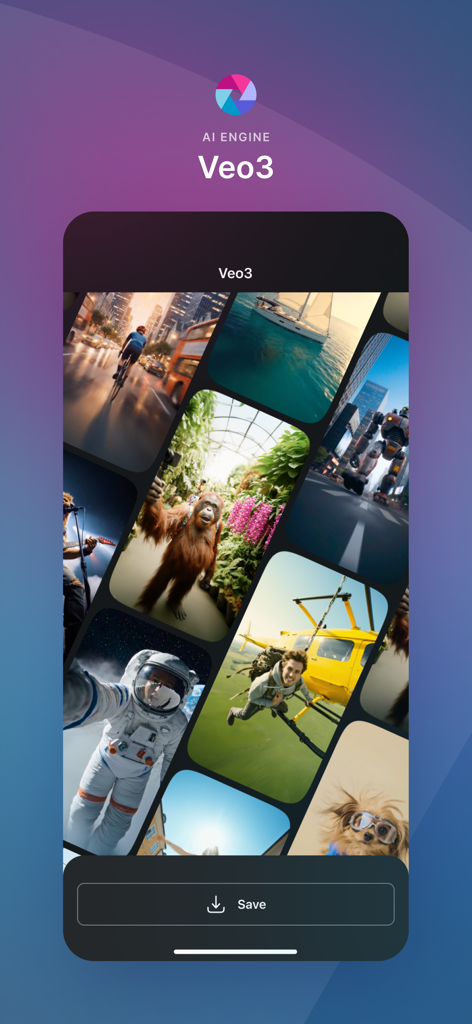
Pixlr AI engine Veo3 interface displaying a collage of diverse AI generated images.
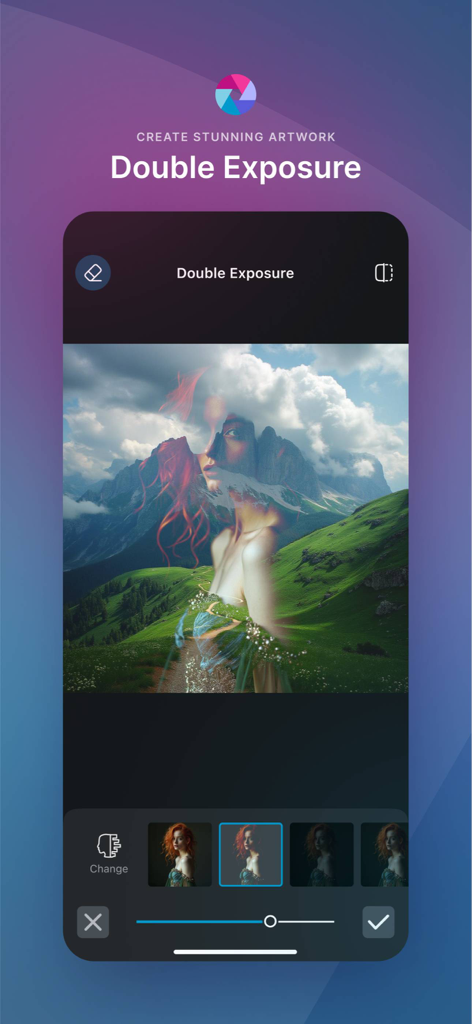
Pixlr mobile app showing the double exposure feature blending a woman's portrait with a mountain landscape
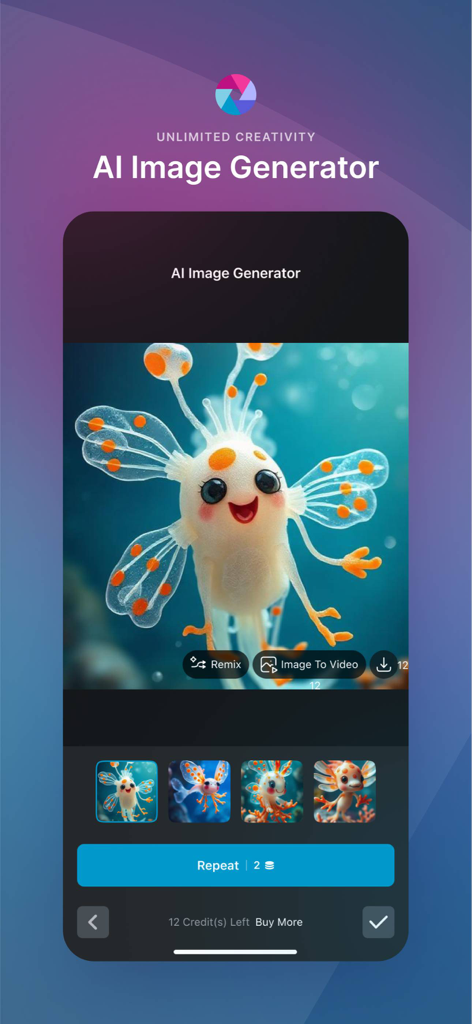
Pixlr mobile app interface showing the AI image generator tool with a cute animated creature
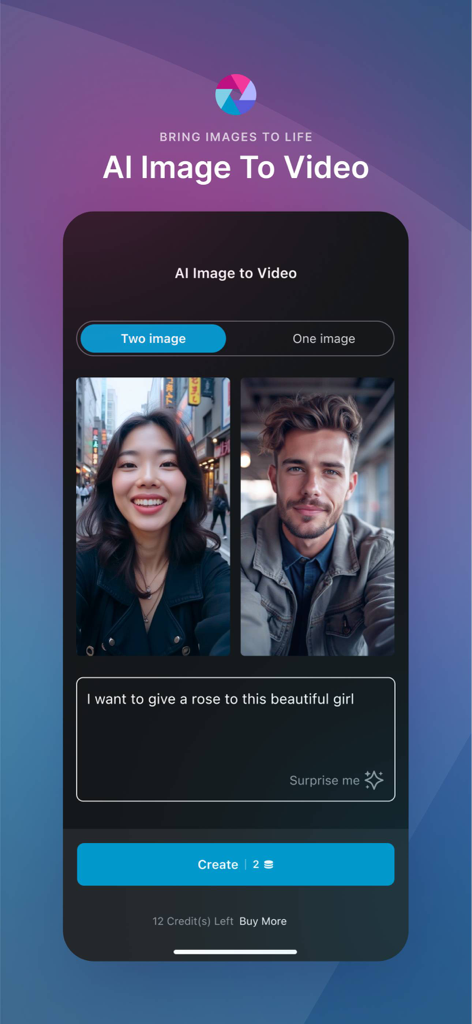
Interface of the Pixlr app showing the AI Image to Video feature with two photos and a text prompt box
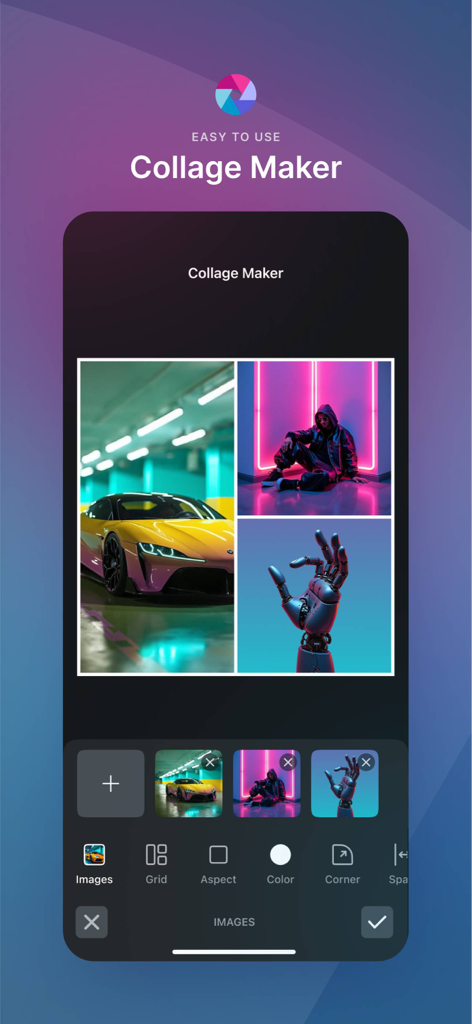
Mobile app interface of Pixlr Collage Maker showing a photo collage with car and aesthetic images and editing tools
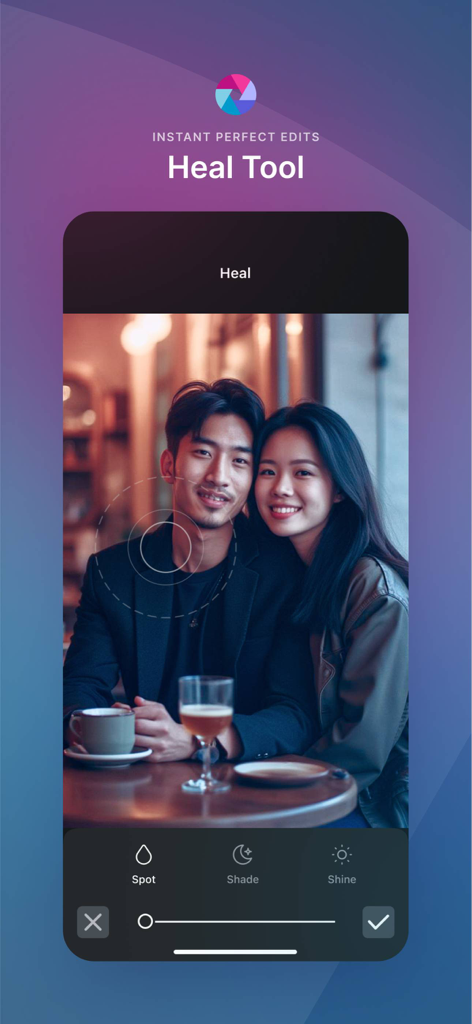
Pixlr AI Photo Editor app interface showing the Heal Tool for retouching portraits
Description
Download
More Like This
Apps with similar features and user experience

ElevenLabs: AI Voice Generator
Eleven Labs Inc.

Viggle AI: Meme Maker
WarpEngine Canada Inc.

可灵AI - AI图片&视频创作工具
Beijing Kwai Technology Co., Ltd.

Leonardo.Ai - Image Generator
Leonardo Interactive Pty Ltd

Reface: Face Swap AI Photo App
NEOCORTEXT, INC.

Shedevrum
DIRECT CURSUS COMPUTER SYSTEMS TRADING LLC

Remove Objects
TAPUNIVERSE LLC

Zaps Collages
Turnip Media Private Limited

Carat - Create Anything
Paradot Corp.
This page is not an official page of the app or its developer, but an independent editorial publication created for informational and commentary purposes. Unless expressly stated otherwise, neither the app nor its developer is affiliated with, endorsed by, sponsored by, authorized by, or otherwise officially connected with MWM, Apple, Google Play, the app publisher, or the app's developer, and nothing on this page implies that the app was developed using MWM's services. Any trademarks, logos, screenshots, and other content remain the property of their respective owners.