
This page is not an official page of the app or its developer, but an independent editorial publication created for informational and commentary purposes. Unless expressly stated otherwise, neither the app nor its developer is affiliated with, endorsed by, sponsored by, authorized by, or otherwise officially connected with MWM, Apple, Google Play, the app publisher, or the app's developer, and nothing on this page implies that the app was developed using MWM's services. Any trademarks, logos, screenshots, and other content remain the property of their respective owners.

Play: Save Videos Watch Later
The critically acclaimed way to bookmark and organize content from any platform. Take control of your feed, search transcripts with AI, and sync your curated collection seamlessly across all your Apple devices.
Downloads
156K+User Rating
Total Ratings
1000Publisher
Category
EntertainmentLocales
1Latest Version
2.6.7Size
41.1 MBFirst Released
Feb 8, 2022Master Your Watch List
Break free from the algorithm. Organize, tag, and discover videos from across the web in a distraction-free space designed for your Apple ecosystem.
Universal Video Inbox
Save links from YouTube, Vimeo, Nebula, or any website. One central hub for all your video content without the distraction of recommendations.
AI-Powered Insights
Maximize your productivity with AI-generated summaries and searchable transcripts to find key information without watching the full video.
The following screenshots and description are sourced directly from the app's official store listing and are the property of the app developer.
App Store
Screenshots
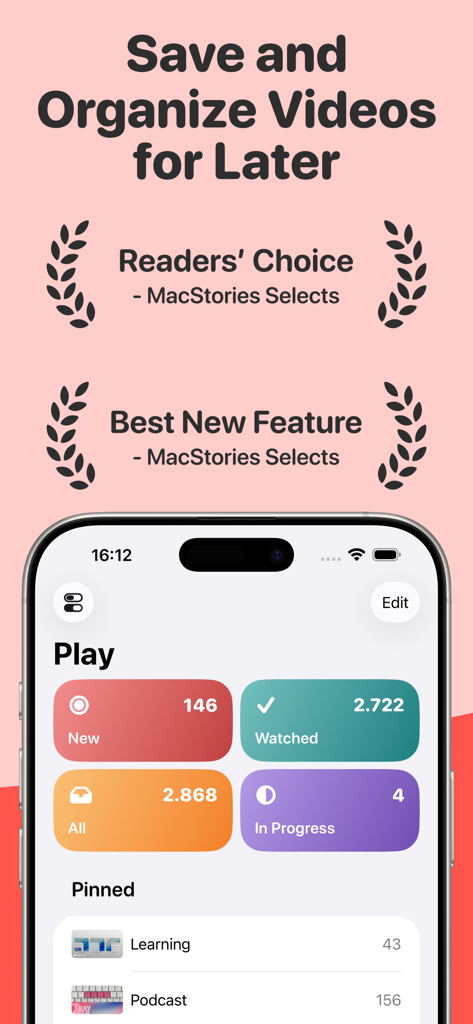
Play app dashboard on iPhone showing saved video categories like new watched and in progress with awards from MacStories
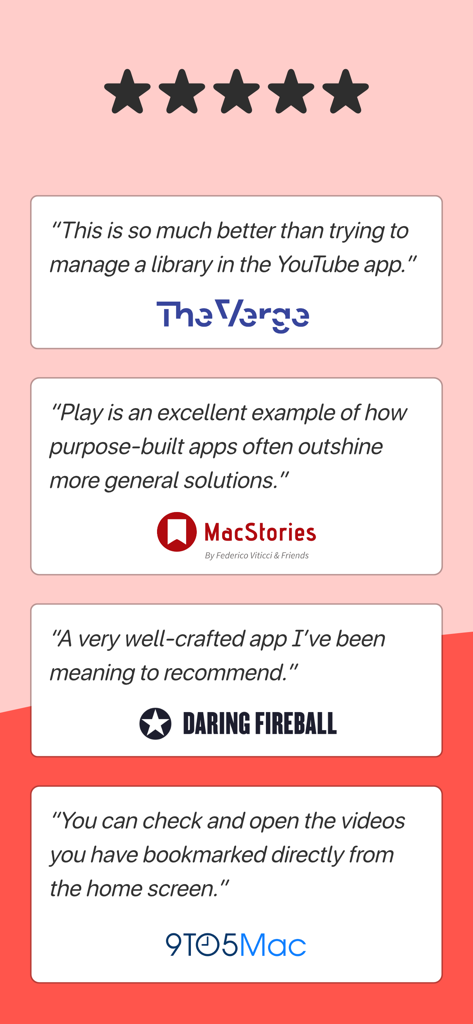
Press reviews and testimonials for the Play app from The Verge, MacStories, Daring Fireball, and 9to5Mac.
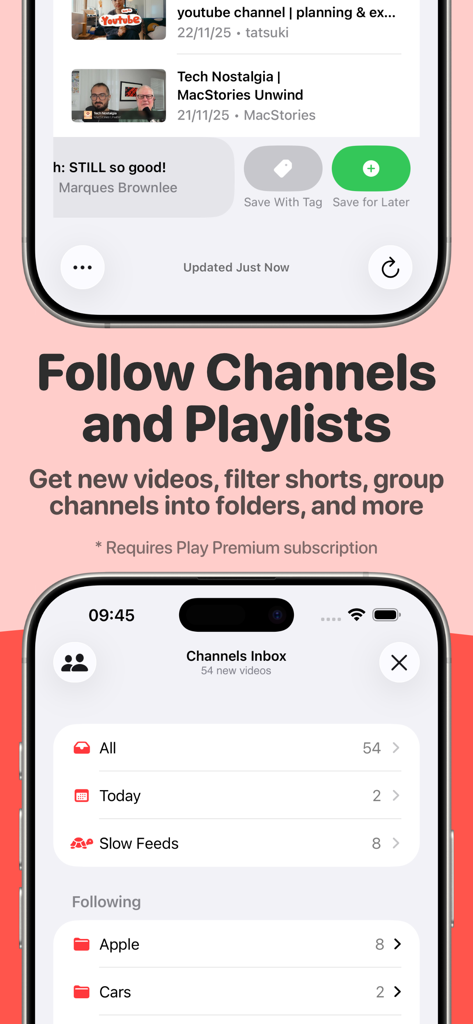
Play app interface for following channels and organizing video subscriptions into folders
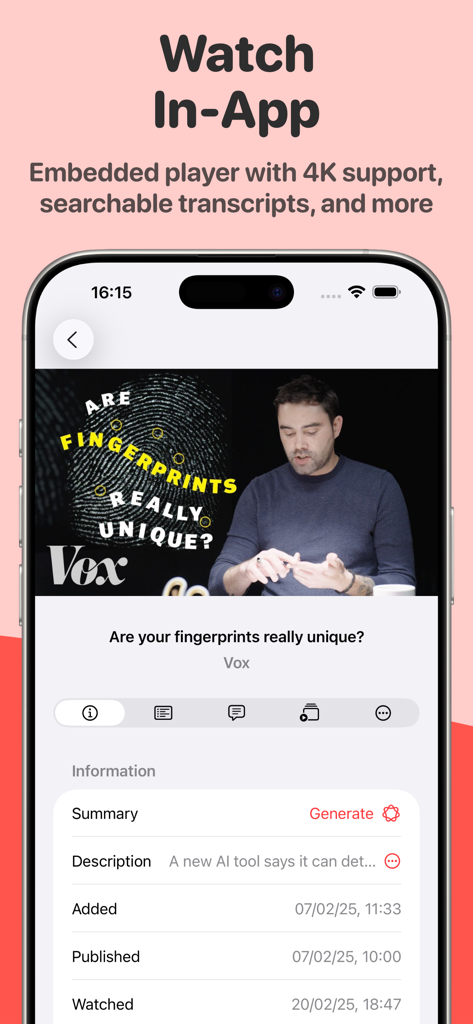
Embedded video player in the Play app showing transcript and AI summary features
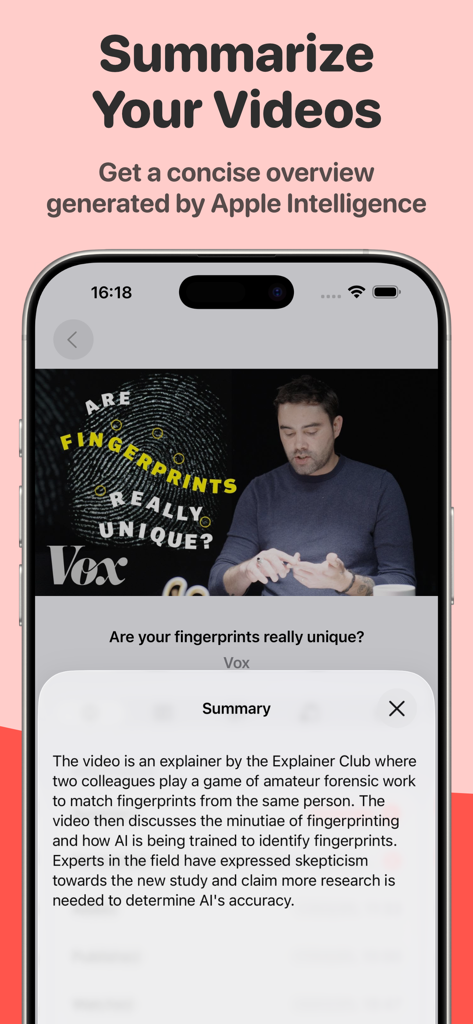
iPhone screen showing an AI video summary generated by Apple Intelligence in the Play app
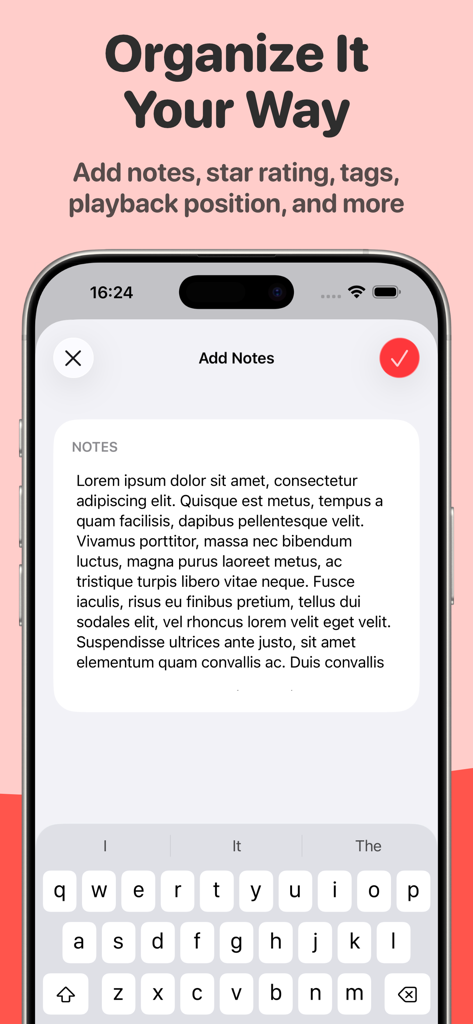
iPhone screenshot showing the Add Notes feature for organizing saved videos in the Play app
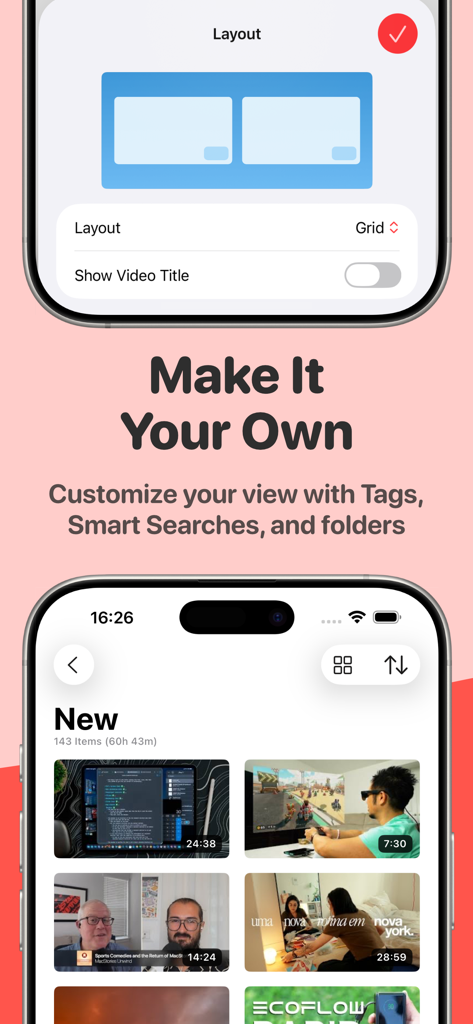
A mobile interface for the Play app showing options to customize the video grid layout and a gallery of saved videos
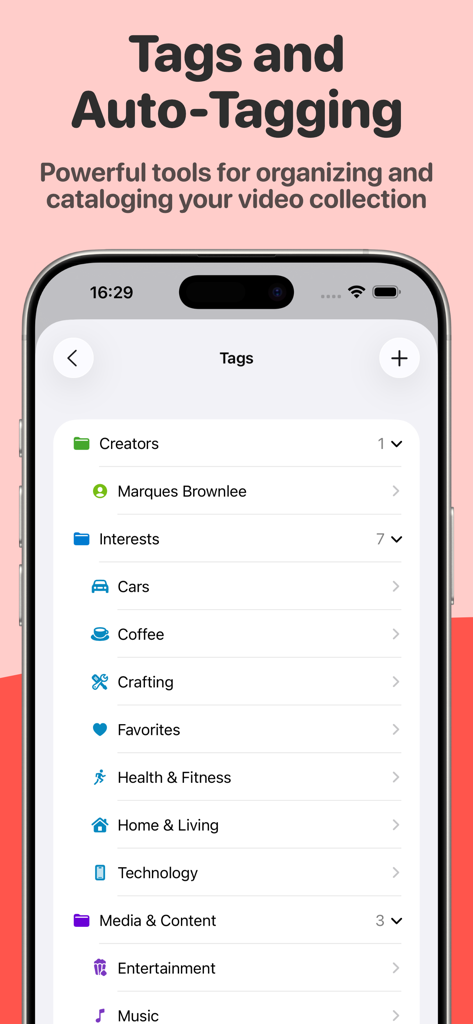
The Play app screen displaying video organization folders and tags for creators and interests
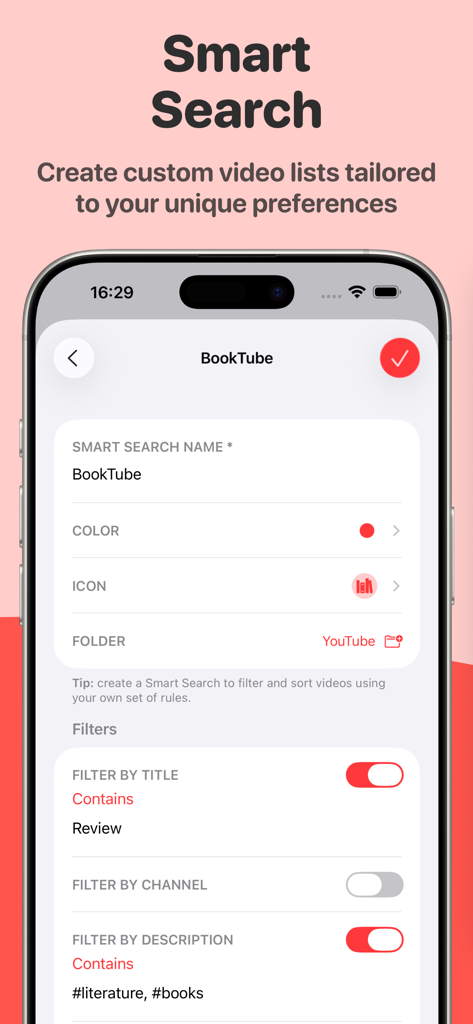
Interface of the Play app showing the Smart Search feature to create custom video lists using keyword filters.
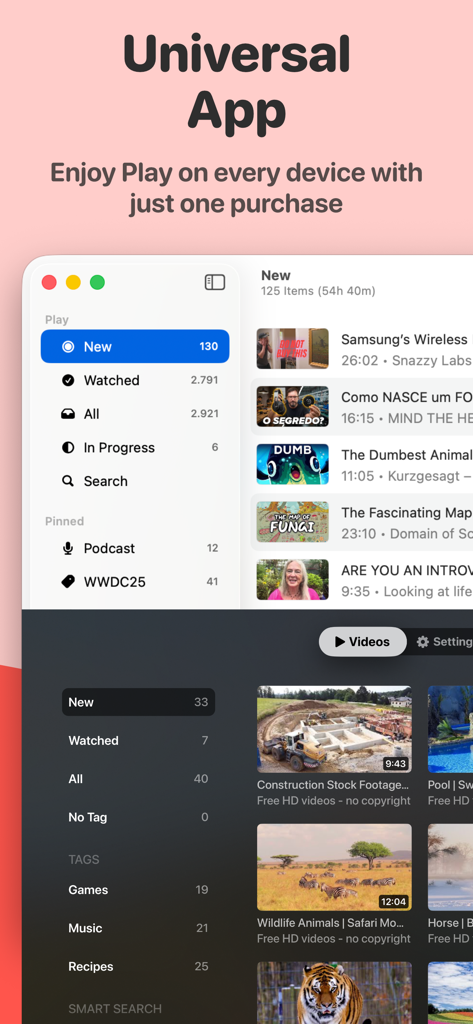
Interface of the Play app across Mac and Apple TV platforms highlighting cross-device synchronization
Description
Download
More Like This
Top-ranked apps in the same category

TikTok - Videos, Shop & LIVE
TIKTOK PTE. LTD.

Netflix
Netflix, Inc.

Freecash - Get Paid Real Money
256 REWARDS LTD

DramaBox - Stream Drama Shorts
STORYMATRIX PTE. LTD

HBO Max: Stream Movies & TV
WarnerMedia Global Digital Services, LLC

Amazon Prime Video
AMZN Mobile LLC

NetShort - Popular Dramas & TV
NETSTORY PTE. LTD.

ReelShort - Stream Drama & TV
New Leaf Publishing, Inc.

Disney+
Disney Electronic Content, Inc.
This page is not an official page of the app or its developer, but an independent editorial publication created for informational and commentary purposes. Unless expressly stated otherwise, neither the app nor its developer is affiliated with, endorsed by, sponsored by, authorized by, or otherwise officially connected with MWM, Apple, Google Play, the app publisher, or the app's developer, and nothing on this page implies that the app was developed using MWM's services. Any trademarks, logos, screenshots, and other content remain the property of their respective owners.