
This page is not an official page of the app or its developer, but an independent editorial publication created for informational and commentary purposes. Unless expressly stated otherwise, neither the app nor its developer is affiliated with, endorsed by, sponsored by, authorized by, or otherwise officially connected with MWM, Apple, Google Play, the app publisher, or the app's developer, and nothing on this page implies that the app was developed using MWM's services. Any trademarks, logos, screenshots, and other content remain the property of their respective owners.


Pocket Talkbox
Transform your phone into a professional music rig. Master the iconic talkbox effect with 6 customizable tones, pitch bend, and vibrato to create your own retro-future sound.
Downloads
105K+User Rating
Total Ratings
100Publisher
Category
MusicLocales
1Latest Version
2.1Size
18.4 MBFirst Released
Sep 2, 2013Master the Iconic Talkbox Sound
Turn your smartphone into a professional-grade instrument and recreate the legendary synth-vocal effects of Daft Punk and Zapp without the expensive hardware.
6 Professional Synth Tones
Access a curated selection of rich tones designed to cut through your mix, from classic analog vibes to modern digital textures.
Dynamic Performance Controls
Add soul to your performance with integrated pitch bend and vibrato for the expressive, human-like nuances of a real talkbox.
The following screenshots and description are sourced directly from the app's official store listing and are the property of the app developer.
App Store
Screenshots
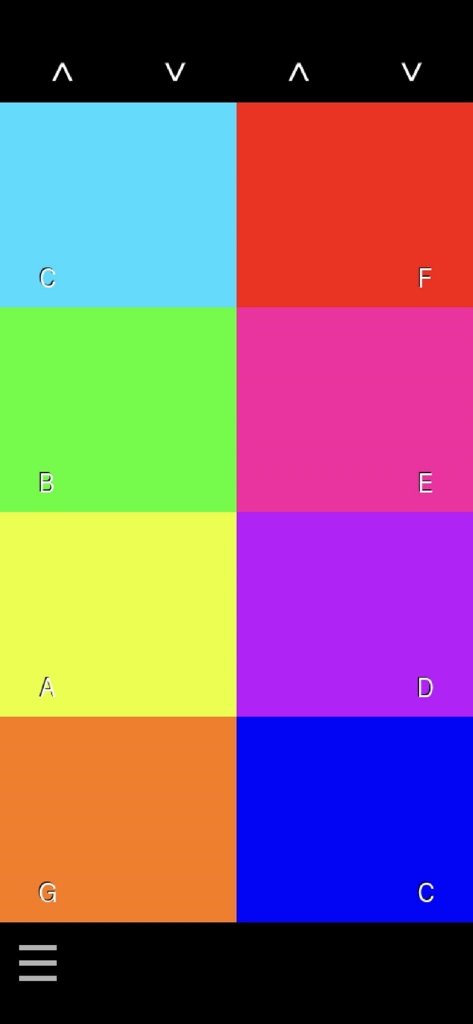
A colorful grid interface displaying musical notes C through G for playing tones in the Pocket Talkbox app
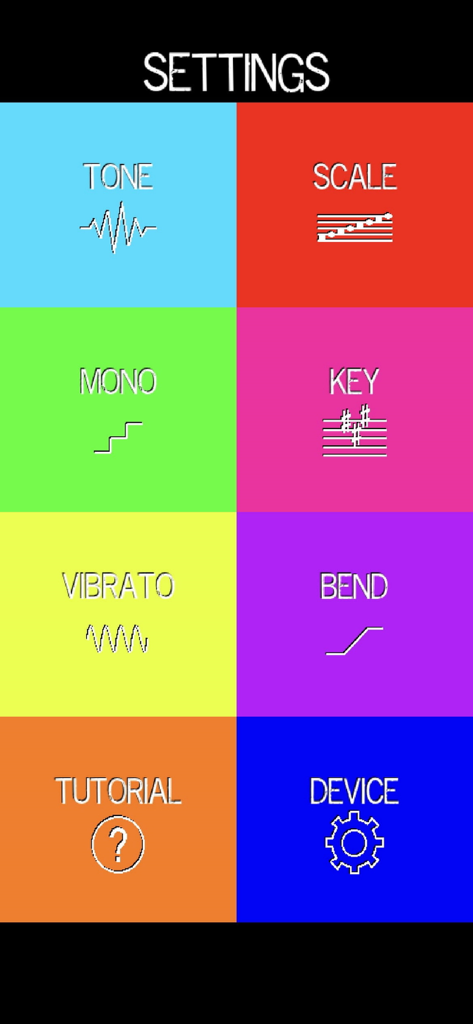
Pocket Talkbox app settings menu with options for tone, scale, key, and pitch bend.
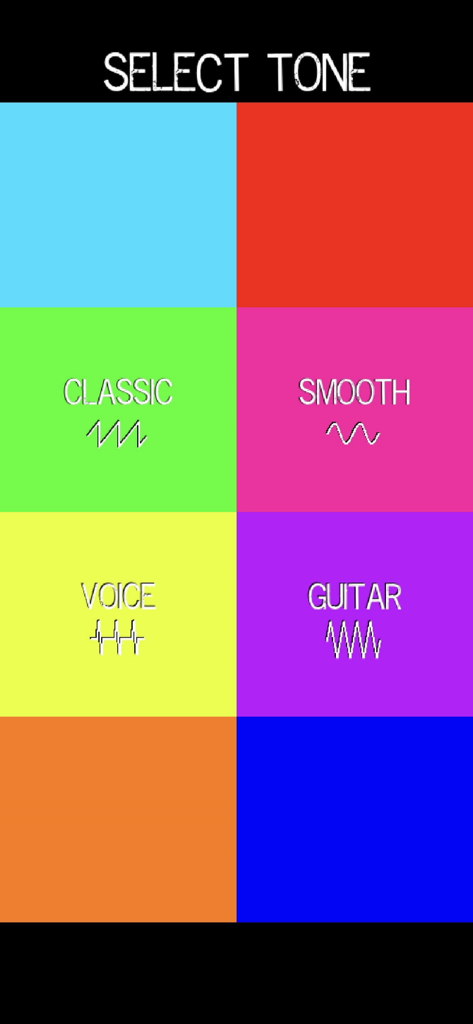
Tone selection screen in Pocket Talkbox showing Classic Smooth Voice and Guitar options
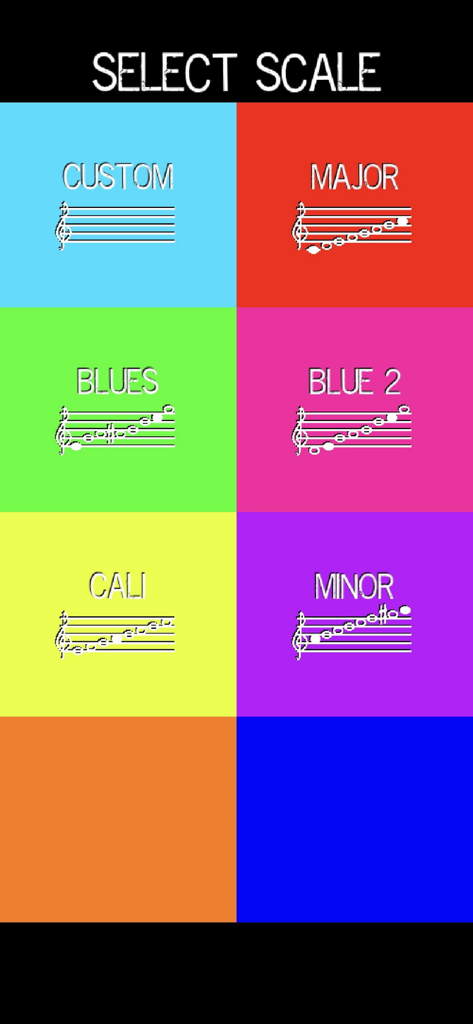
Selection screen for musical scales in the Pocket Talkbox app featuring major minor and blues options
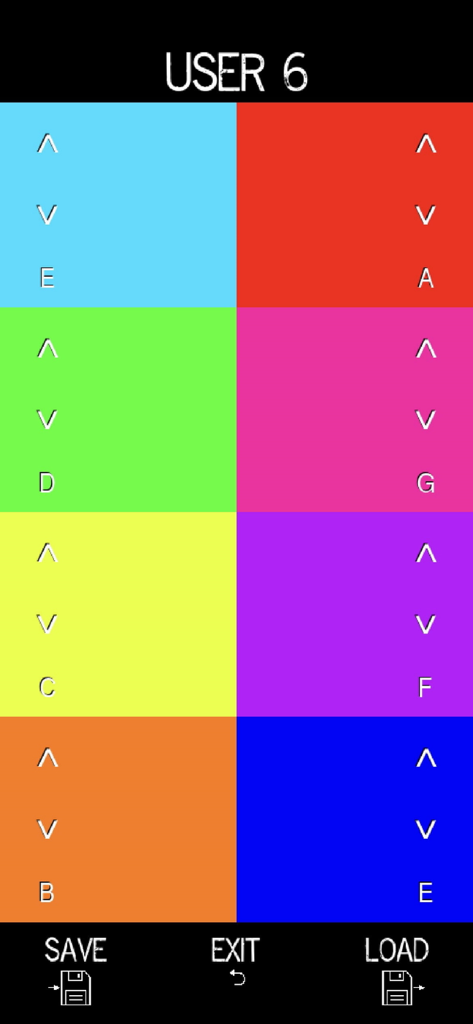
Interface of Pocket Talkbox showing customizable musical scale presets with colorful note pads.
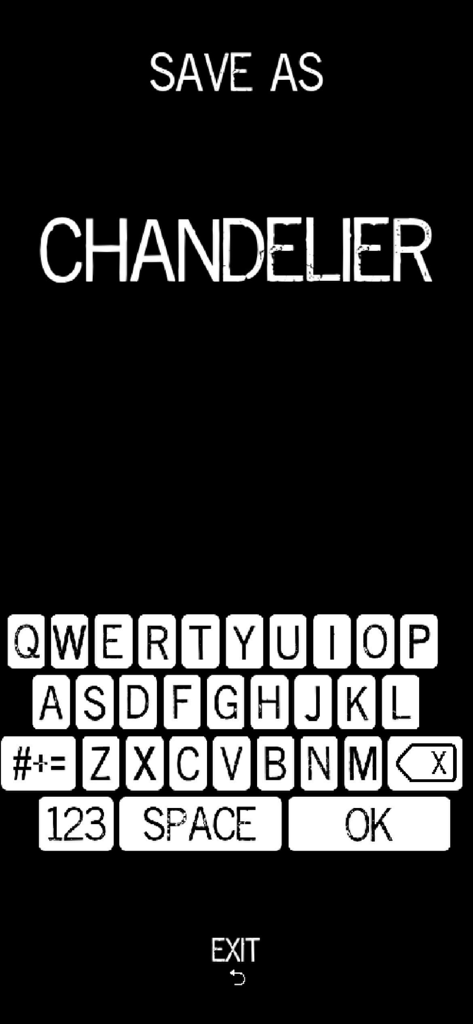
Pocket Talkbox app interface showing a save prompt for a preset named Chandelier with an on-screen keyboard
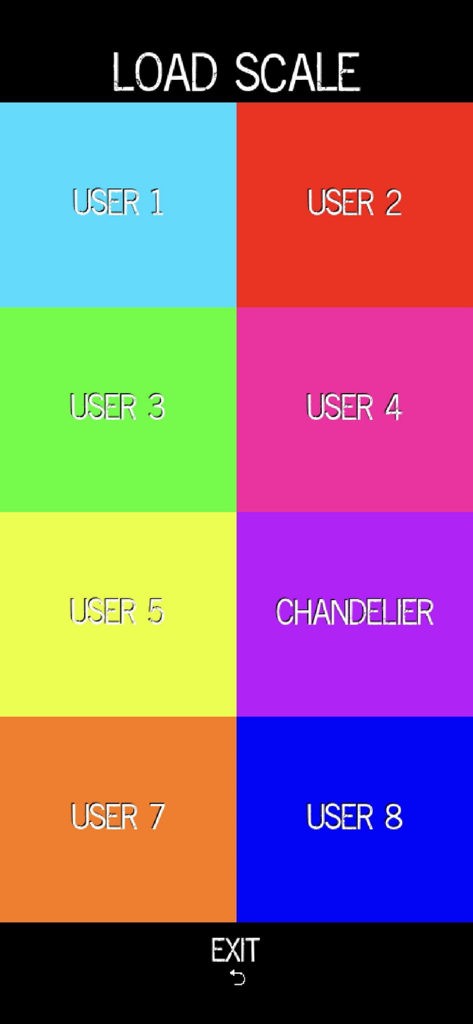
Pocket Talkbox app interface showing the Load Scale screen with colorful buttons for user-defined musical presets
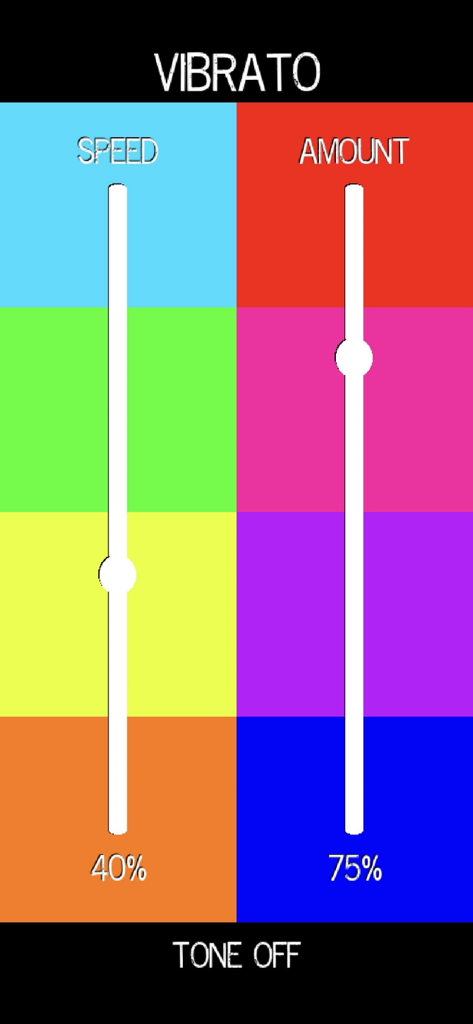
Pocket Talkbox app vibrato interface showing speed and amount adjustment sliders
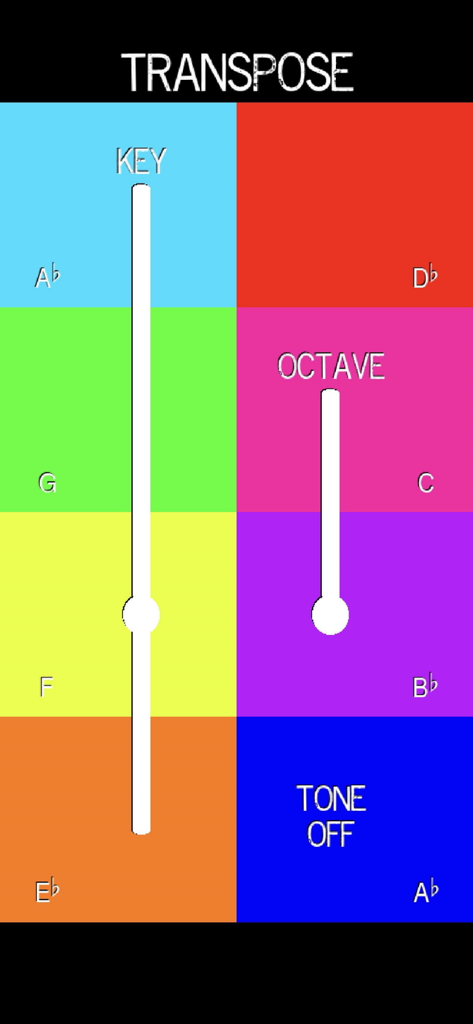
Interface of Pocket Talkbox app showing transpose settings with sliders for key and octave over a colorful grid of musical notes
Description
Download
More Like This
Top-ranked apps in the same category

Spotify: Music and Podcasts
Spotify

YouTube Music
Google LLC

Shazam: Find Music & Concerts
Apple Inc.

SoundCloud: The Music You Love
SoundCloud Global Limited & Co KG

Suno - AI Songs & Music
Suno Inc.

QQ音乐 - 听我想听
Tencent Technology (Shenzhen) Company Limited

Audiomack - Play Music Offline
Audiomack, Inc.

GuitarTuna: Tune & Play Guitar
Yousician Ltd

BandLab – Music Maker & Beats
BandLab Singapore Pte Ltd
This page is not an official page of the app or its developer, but an independent editorial publication created for informational and commentary purposes. Unless expressly stated otherwise, neither the app nor its developer is affiliated with, endorsed by, sponsored by, authorized by, or otherwise officially connected with MWM, Apple, Google Play, the app publisher, or the app's developer, and nothing on this page implies that the app was developed using MWM's services. Any trademarks, logos, screenshots, and other content remain the property of their respective owners.