
This page is not an official page of the app or its developer, but an independent editorial publication created for informational and commentary purposes. Unless expressly stated otherwise, neither the app nor its developer is affiliated with, endorsed by, sponsored by, authorized by, or otherwise officially connected with MWM, Apple, Google Play, the app publisher, or the app's developer, and nothing on this page implies that the app was developed using MWM's services. Any trademarks, logos, screenshots, and other content remain the property of their respective owners.

Pocketbooth Photo Booth
Ditch the clinical filters for spontaneous, grainy, and candid captures. Perfect for parties, weddings, and those perfectly imperfect moments with friends.
Downloads
413K+User Rating
Total Ratings
4K+Publisher
Category
Photo & VideoLocales
1Latest Version
4.7Size
138.5 MBFirst Released
Sep 13, 2010Bring the Classic Photo Booth Anywhere
Turn your phone into a nostalgic selfie machine that captures the raw, candid, and perfectly imperfect moments of your life.
Authentic Vintage Strips
Snap a series of four photos in rapid succession to recreate the spontaneous aesthetic of a real 1950s boardwalk booth.
Customized for Your Event
Host the perfect DIY wedding or party with customizable templates, fonts, and borders tailored to your unique vibe.
Frequently Asked Questions
Everything you need to know about Pocketbooth Photo Booth
What is the Pocketbooth app?
Pocketbooth transforms your device into a vintage-style photo booth, capturing authentic photo strips. It is designed for parties, dates, family gatherings, or individual fun, recreating the charm of classic photo booths.
Does Pocketbooth create vintage-style photo strips?
Yes, Pocketbooth creates beautiful, vintage-style photo strips that replicate real booth outputs. The app captures a series of photos seconds apart, compiling them into timeless photo strips.
Can users customize photo strips in Pocketbooth?
Yes, Pocketbooth allows users to customize photo strips. You can choose from various templates, fonts, and color schemes to personalize layouts for birthdays, weddings, graduations, and other events.
How can I share photos created with Pocketbooth?
Pocketbooth enables instant sharing of photo strips via email, social media, or any AirPrint-enabled printer. Users can also save their creations directly to the device's Camera Roll.
Does Pocketbooth require a subscription to access premium features?
Yes, Pocketbooth requires a subscription to access premium app features. Subscription options include monthly and yearly plans, with payment charged to your iTunes Account upon confirmation.
How do I manage my Pocketbooth subscription or turn off auto-renewal?
You manage your Pocketbooth subscription and turn off auto-renewal from your Account Settings after purchase. Auto-renew must be disabled at least 24 hours before the current period ends.
Can Pocketbooth be used to host events?
Yes, Pocketbooth allows users to host events. It transforms your device into a full-featured party photo booth, and you can plan and save event details within the application.
What capture modes does Pocketbooth offer?
Pocketbooth offers various capture modes: Photo (shoot and print), GIF (shoot photo for GIF), Boomerang (record a short video), and Video (record a video).
The following screenshots and description are sourced directly from the app's official store listing and are the property of the app developer.
App Store
Screenshots
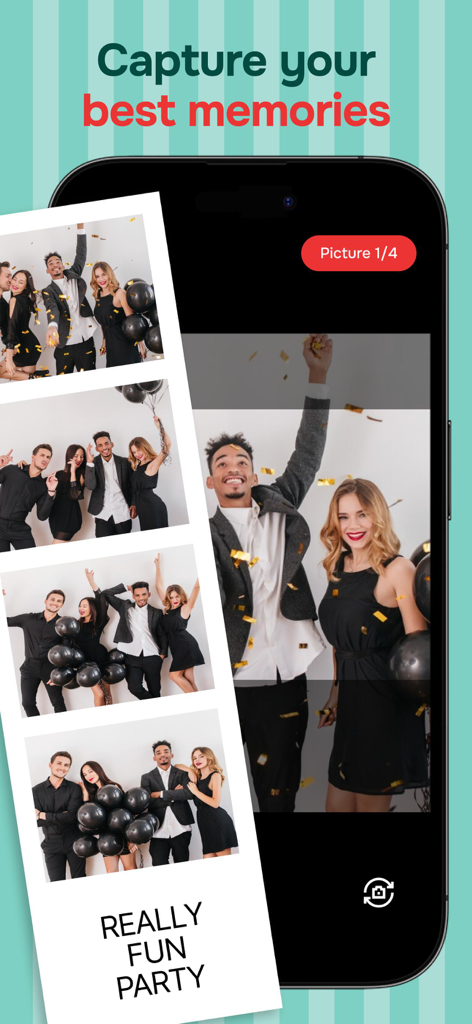
Vintage-style party photo strip on Pocketbooth app screen
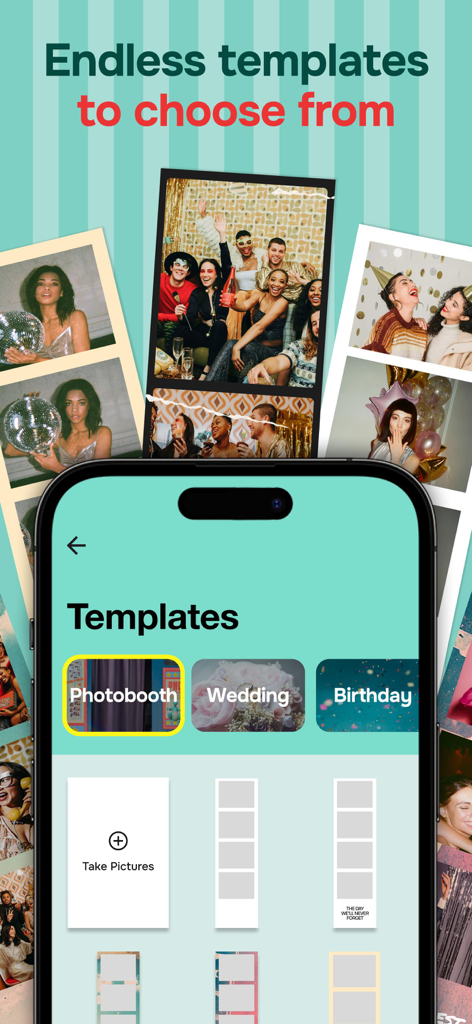
A mobile screen showing various photo strip templates for events like weddings and birthdays in the Pocketbooth app
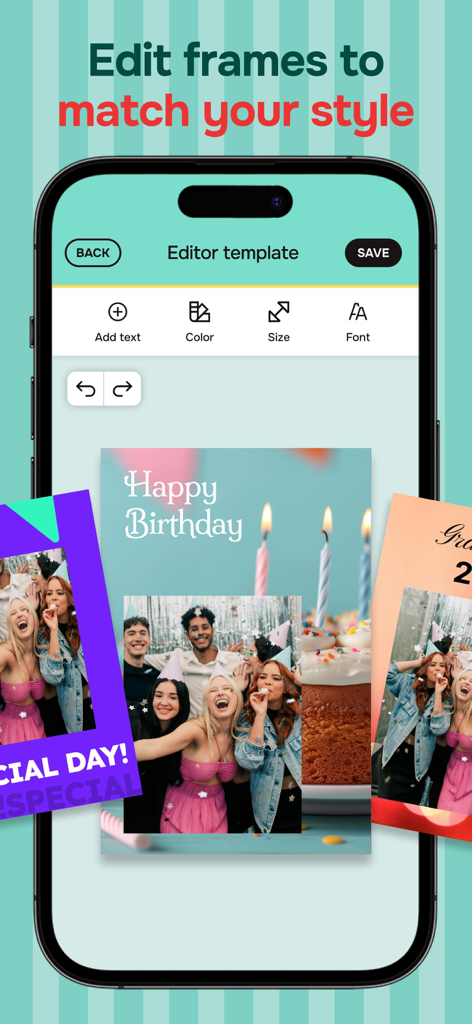
A smartphone screen displaying the Pocketbooth app editor where a user can customize a happy birthday photo strip with text and colors.
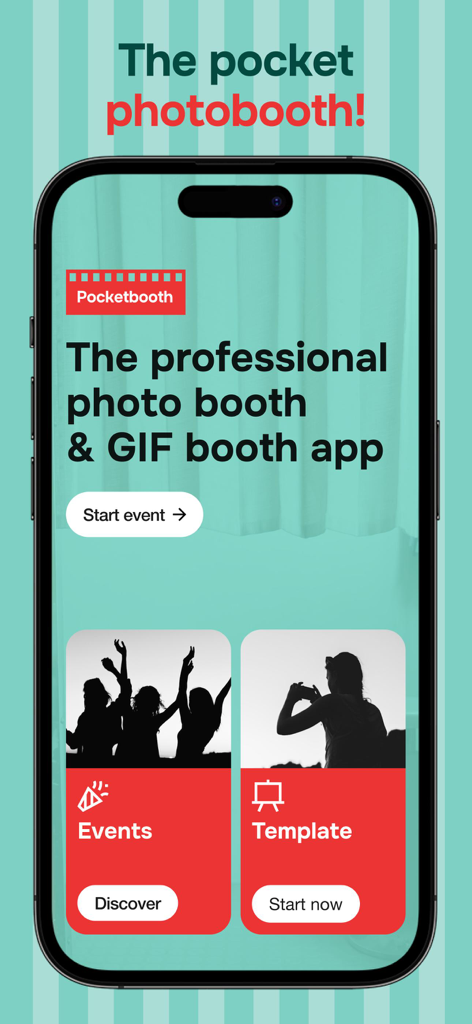
Pocketbooth mobile app home screen showing buttons to start a photo booth event and choose templates
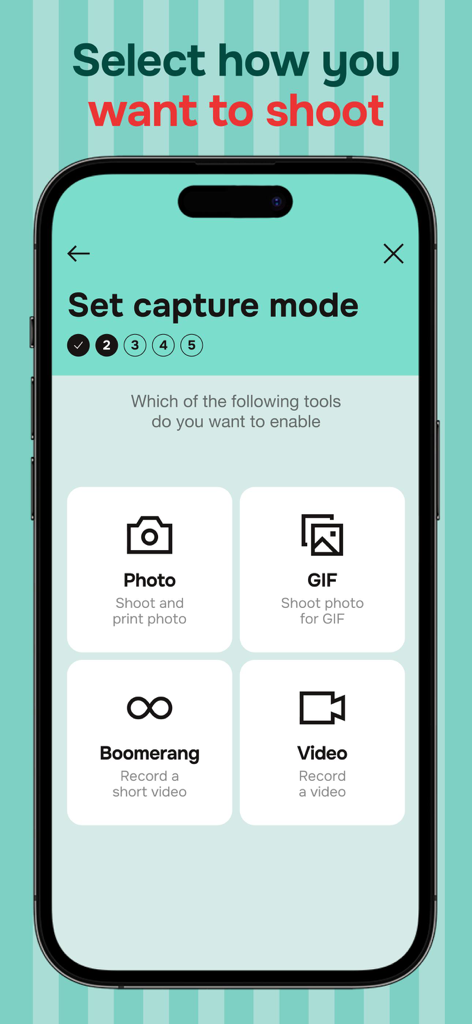
A smartphone screen displaying capture mode options for the Pocketbooth app including photo gif boomerang and video
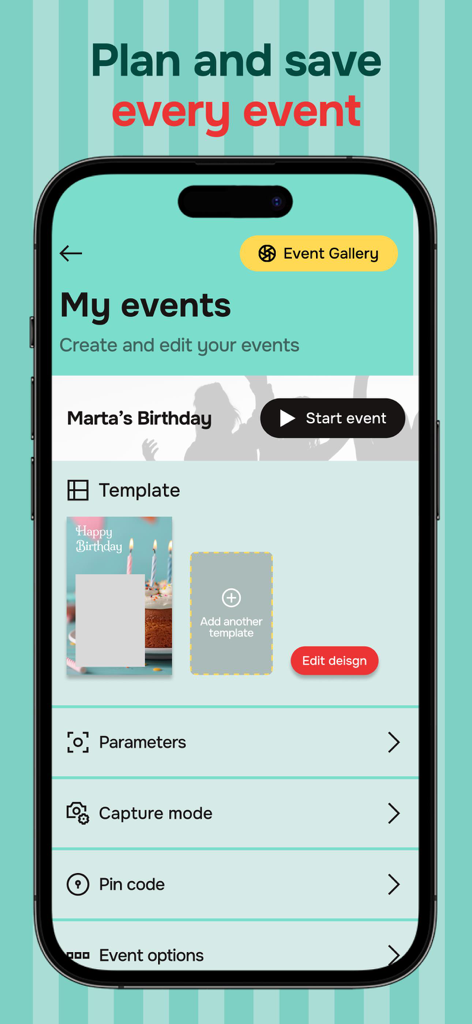
Pocketbooth app interface for planning events and customizing photo templates.
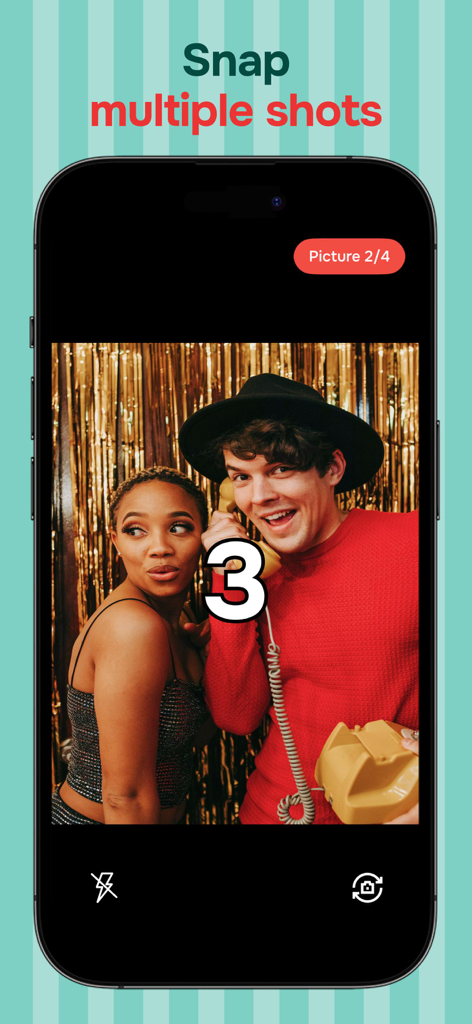
A smartphone screen displaying the Pocketbooth app countdown while a couple poses for a photo strip
Description
Download
More Like This
Apps with similar features and user experience
Dazz Cam - Vintage Camera
DAZZ PTE. LTD.

Kapi - Vintage Film Camera
Shanghai Yuhuan Technology Co., Ltd.
ProCCD - Digital Film Camera
秉妍 蔡

Fomz - Vintage Analog Camera
Guangzhou Mengdong Information Technology Co., Ltd.

Liit - Photo & Video Editor
DAZZ PTE. LTD.
1998 Cam - Vintage Camera
Huu Nguyen Chi

y2k: 2000s photo editor
Abel Thomas Noble

Uplens: Photo & Video Editor
MPGAMES LTD

Buttercam
Beijing Muke Technology Co., Ltd.
This page is not an official page of the app or its developer, but an independent editorial publication created for informational and commentary purposes. Unless expressly stated otherwise, neither the app nor its developer is affiliated with, endorsed by, sponsored by, authorized by, or otherwise officially connected with MWM, Apple, Google Play, the app publisher, or the app's developer, and nothing on this page implies that the app was developed using MWM's services. Any trademarks, logos, screenshots, and other content remain the property of their respective owners.