
This page is not an official page of the app or its developer, but an independent editorial publication created for informational and commentary purposes. Unless expressly stated otherwise, neither the app nor its developer is affiliated with, endorsed by, sponsored by, authorized by, or otherwise officially connected with MWM, Apple, Google Play, the app publisher, or the app's developer, and nothing on this page implies that the app was developed using MWM's services. Any trademarks, logos, screenshots, and other content remain the property of their respective owners.

POS Simple- Tap to Pay Receipt
Transform your device into a powerful mobile register. Accept payments instantly, manage inventory, and send professional receipts without the need for expensive hardware or an internet connection.
Downloads
9K+User Rating
Total Ratings
100Publisher
Category
BusinessLocales
15Latest Version
16.6Size
97.8 MBFirst Released
Mar 16, 2022Empower Your Business Without the Extra Gear
The all-in-one mobile POS designed for solo-preneurs who value speed, professionalism, and the freedom to sell anywhere.
Hardware-Free Tap to Pay
Accept secure payments directly on your iPhone. No more charging card readers or dealing with broken Bluetooth connections.
Pro Receipts & Inventory
Look like a big brand with custom digital receipts and stay ahead of demand with automatic low-stock alerts.
The following screenshots and description are sourced directly from the app's official store listing and are the property of the app developer.
App Store
Screenshots
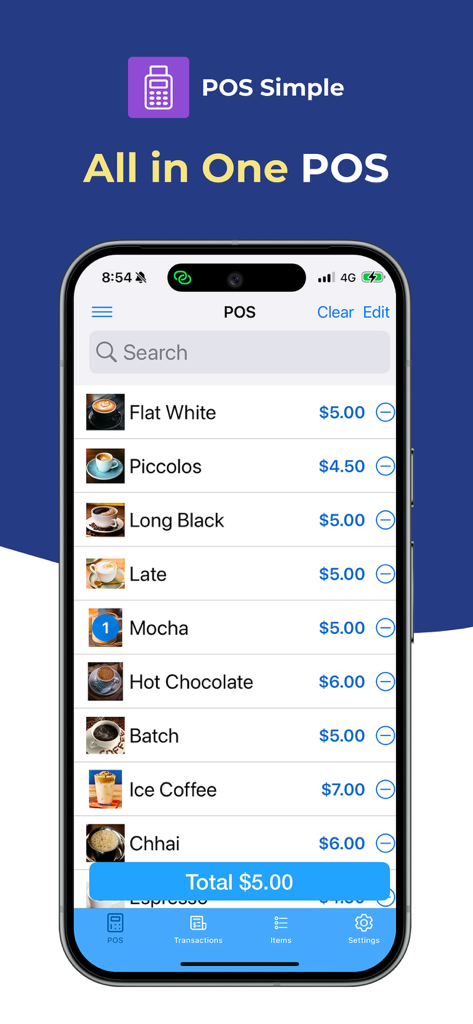
Mobile point of sale interface on an iPhone displaying a coffee menu with items and prices

An iPhone screen demonstrating a contactless tap to pay transaction with icons for Visa Apple Pay and MasterCard.
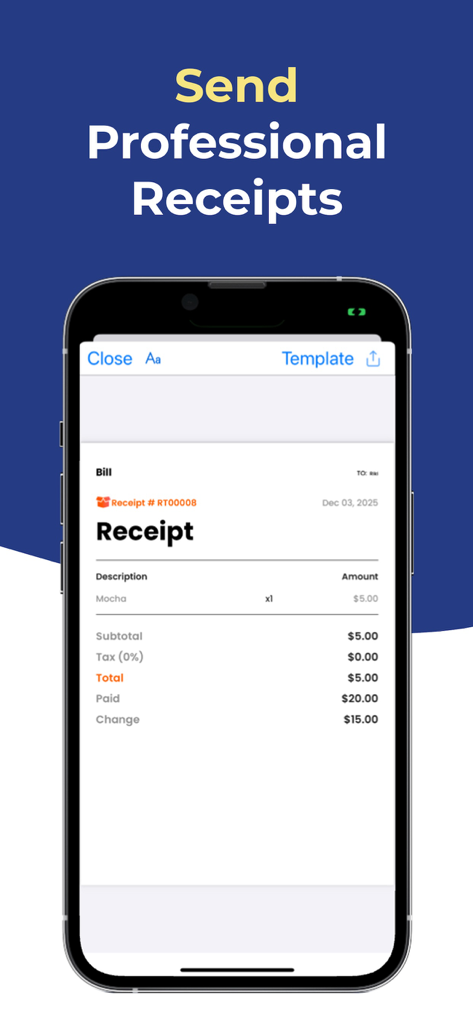
A professional digital receipt displayed on a smartphone screen showing items subtotal tax and change for a small business transaction
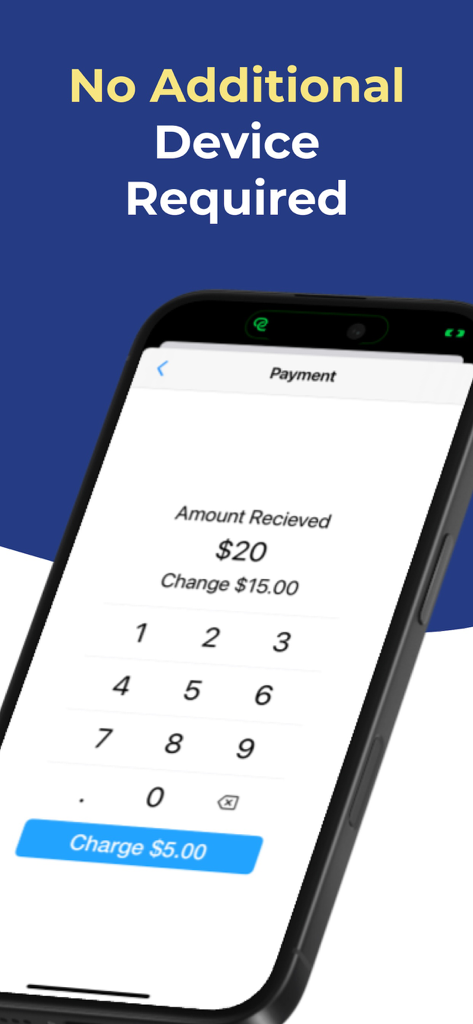
iPhone displaying the POS Simple app payment interface with a numeric keypad and the text No Additional Device Required
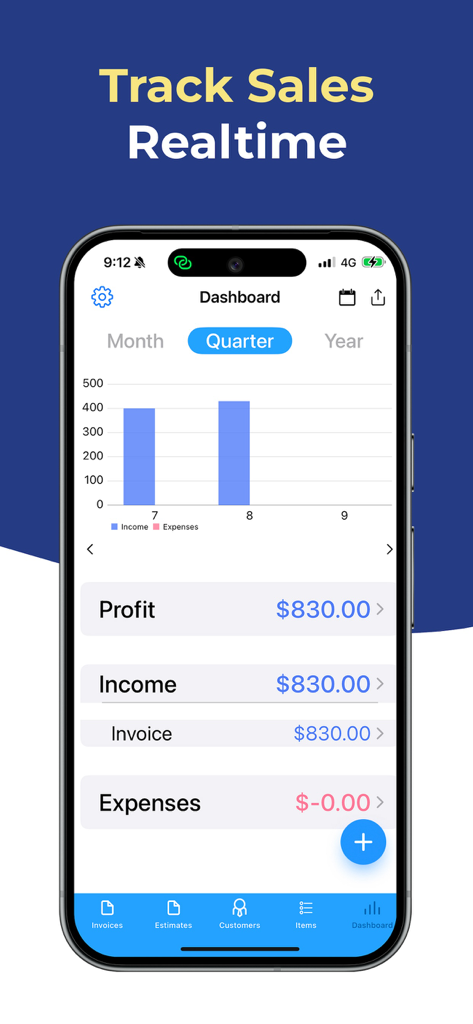
iPhone screenshot of the POS Simple app dashboard showing a real-time sales bar chart and financial summaries for profit and expenses.
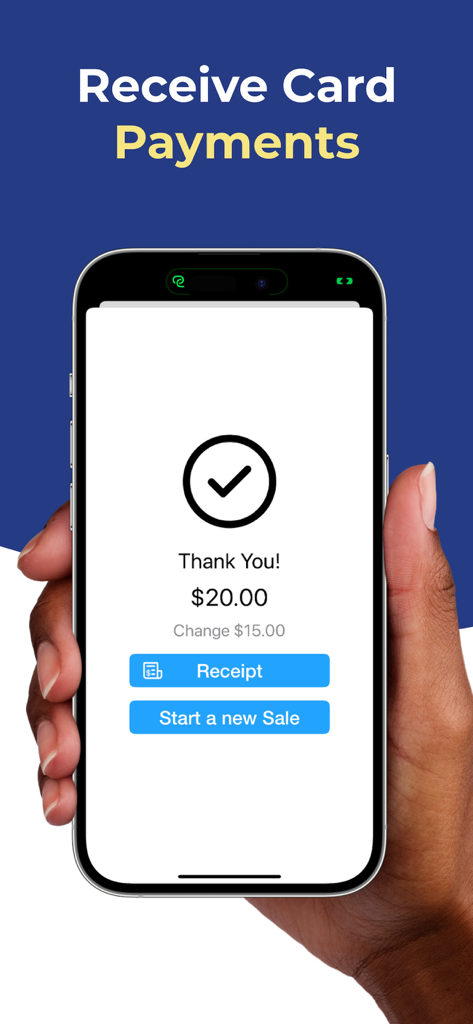
A smartphone screen displaying a successful payment confirmation of 20 dollars with options to view a receipt or start a new sale.
Description
Download
More Like This
Top-ranked apps in the same category

Microsoft Teams
Microsoft Corporation

Zoom Workplace
Zoom Communications, Inc.

WhatsApp Business
WhatsApp Inc.

Indeed Job Search
Indeed Inc.

LinkedIn: Network & Job Finder
LinkedIn Corporation

Adobe Acrobat Reader: Sign PDF
Adobe Inc.

WeCom-Work Communication&Tools
Tencent Technology (Shenzhen) Company Limited

BOSS直聘-招聘求职找工作神器
Beijing China Product Bo Farce Network Technology Co., Ltd.

DingDing - Redefine Work in AI
DingTalk Technology Co., Ltd.
This page is not an official page of the app or its developer, but an independent editorial publication created for informational and commentary purposes. Unless expressly stated otherwise, neither the app nor its developer is affiliated with, endorsed by, sponsored by, authorized by, or otherwise officially connected with MWM, Apple, Google Play, the app publisher, or the app's developer, and nothing on this page implies that the app was developed using MWM's services. Any trademarks, logos, screenshots, and other content remain the property of their respective owners.