
This page is not an official page of the app or its developer, but an independent editorial publication created for informational and commentary purposes. Unless expressly stated otherwise, neither the app nor its developer is affiliated with, endorsed by, sponsored by, authorized by, or otherwise officially connected with MWM, Apple, Google Play, the app publisher, or the app's developer, and nothing on this page implies that the app was developed using MWM's services. Any trademarks, logos, screenshots, and other content remain the property of their respective owners.


POV – Disposable Camera Events
Capture candid, nostalgic memories without the cost of film. Guests join instantly via QR code—no app download required. Set photo limits and relive the magic with a group reveal the next morning.
Downloads
3M+User Rating
Total Ratings
22K+Publisher
Category
Photo & VideoLocales
1Latest Version
5.46Size
87.3 MBFirst Released
Aug 1, 2022Capture Every Core Memory
Turn your event into a shared digital film experience. No physical cameras, no expensive processing fees—just the raw, candid POV of all your favorite people.
Zero Friction for Guests
No app download required. Your friends just scan a QR code and start snapping, so no one misses a moment of the party.
Digital Disposable Magic
Set photo limits to make every shot count. Photos stay hidden until the next day, bringing back the hype of the morning-after reveal.
Frequently Asked Questions
Everything you need to know about POV – Disposable Camera Events
What is the POV app?
The POV app transforms your event into a digital disposable camera, allowing guests to capture photos from their perspective. It is perfect for weddings, parties, and nights out.
Do guests need to download the POV app to participate?
No, guests do not need to download the POV app. They can participate by scanning a QR code or tapping a link provided by the event host.
How does the POV app work like a disposable camera?
The POV app functions like a digital disposable camera by allowing hosts to cap the number of photos each guest can take. Photos reveal on a chosen delay, often the next day.
Can I customize the camera settings in the POV app?
Yes, the POV app's camera is completely customizable. You determine how many photos each of your guests can take during an event.
When are photos revealed in a POV event gallery?
The host can choose to reveal photos during the event or set a delay for them to reveal the next day. This setting is customizable for each event.
Can I customize the appearance of my event screens in the POV app?
Yes, the POV app offers extensive customizability. You can design screens with stickers, text, backgrounds, and other design tools to match your event's theme.
How do I share my POV event with guests?
The POV app generates a unique QR code and a shareable link for your event. You can distribute these to guests, enabling easy participation.
Does the POV app offer printed photobooks?
Yes, the POV app offers 'Mystery Photobooks' as a custom photobook option for purchase. This feature is currently available only in the United States.
Can I see event activity on my iPhone lock screen with the POV app?
Yes, the POV app supports Live Activities. While an event is active, you can jump into a POV camera directly from your iPhone's lock screen.
The following screenshots and description are sourced directly from the app's official store listing and are the property of the app developer.
App Store
Screenshots
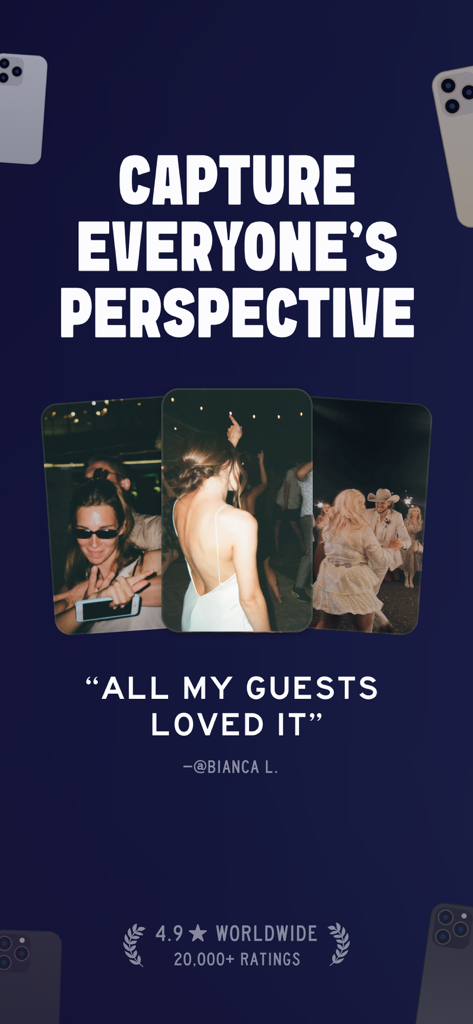
App screenshot with three photos from an event showing guests and the text Capture Everyones Perspective with a user testimonial
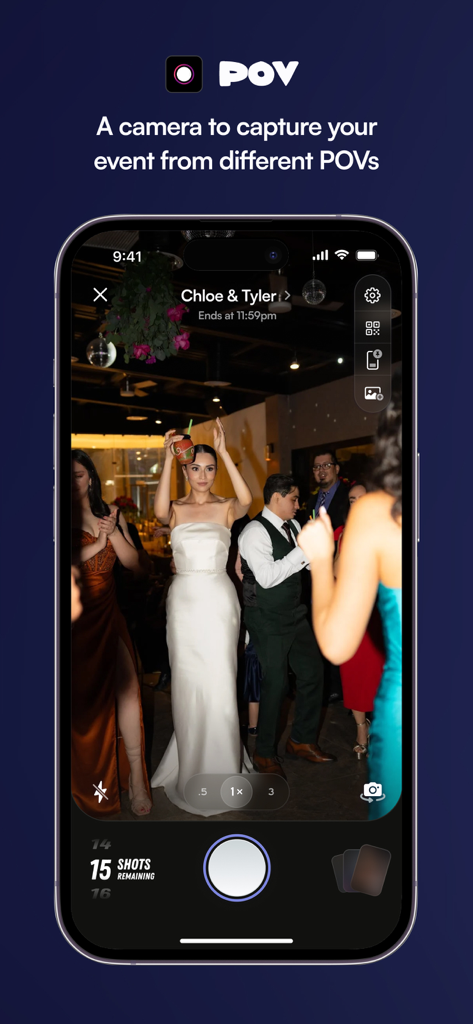
POV digital disposable camera app capturing a wedding party scene
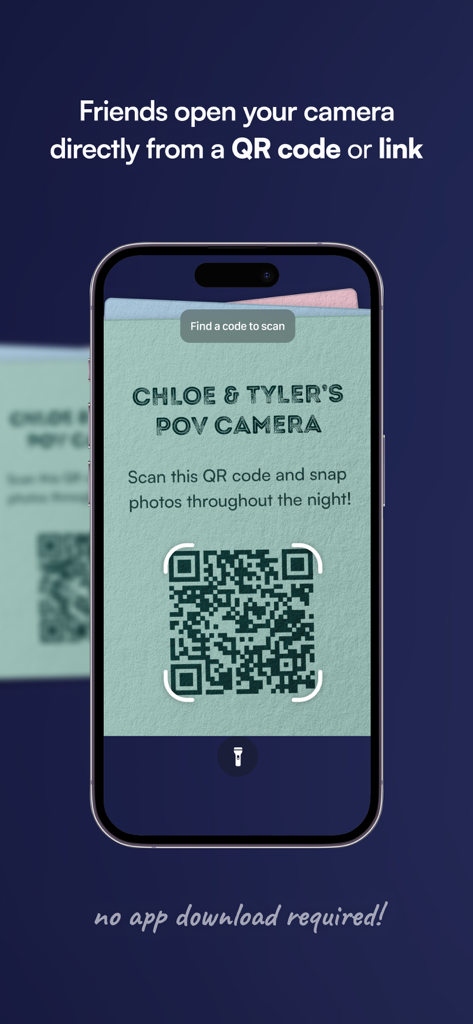
A smartphone screen displaying a custom QR code for a wedding event camera with a message that no app download is required for guests.
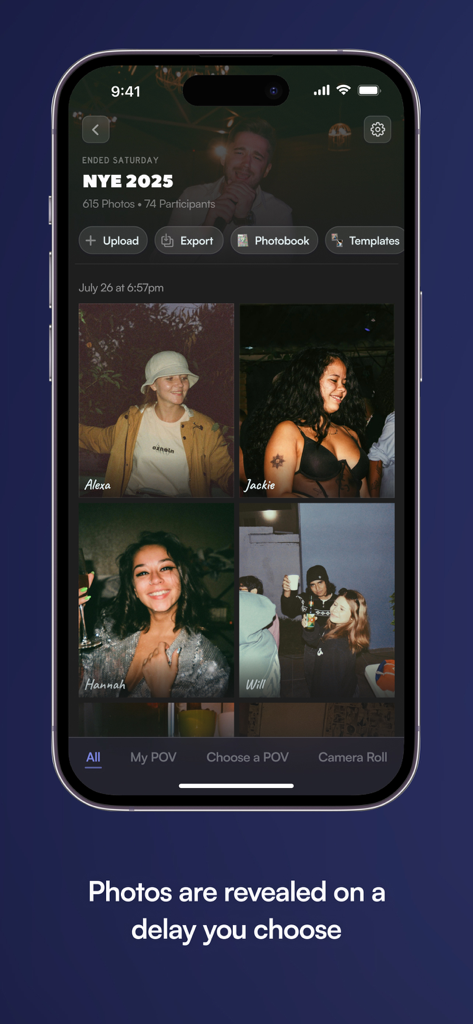
A group photo gallery from a New Years Eve party shown in the POV app with delayed photo reveals.
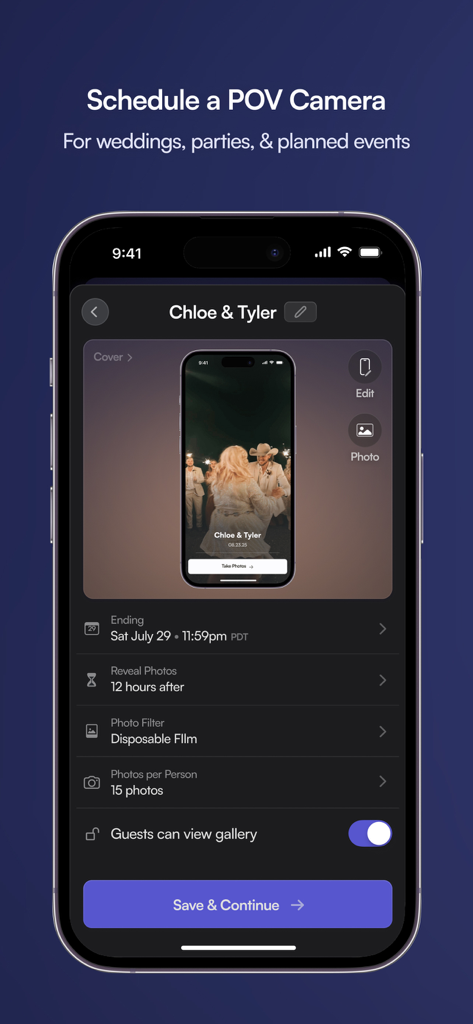
Smartphone screen showing the setup for a digital disposable camera event with settings for photo limits and reveal times.
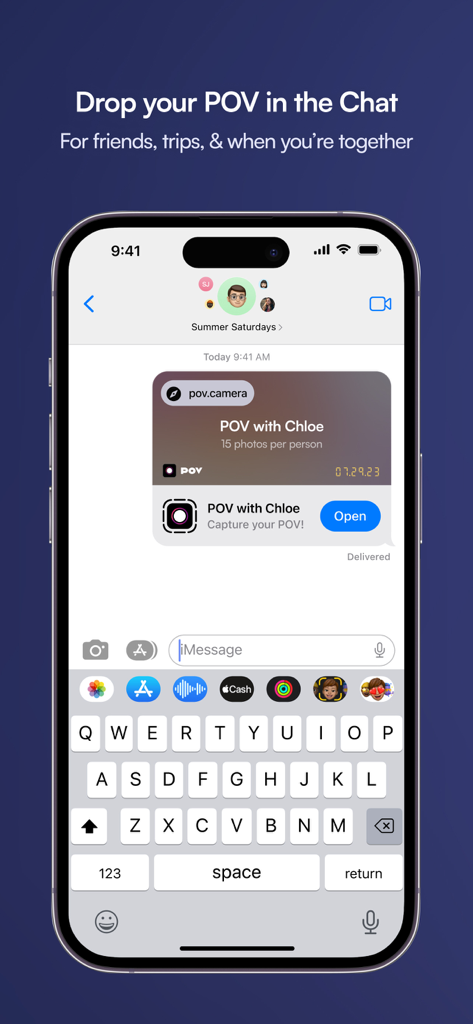
iPhone screen showing a POV event invite shared in a text message conversation
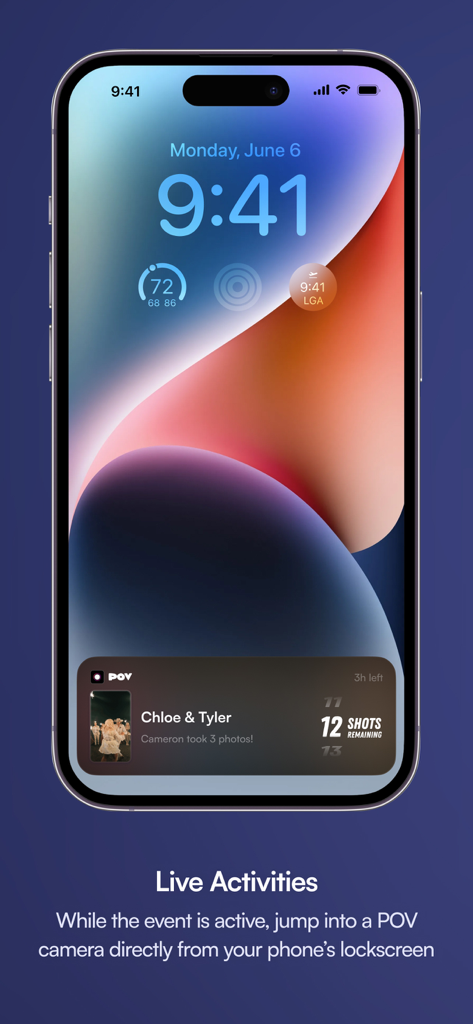
iPhone lock screen with POV app live activity showing event status and shots remaining
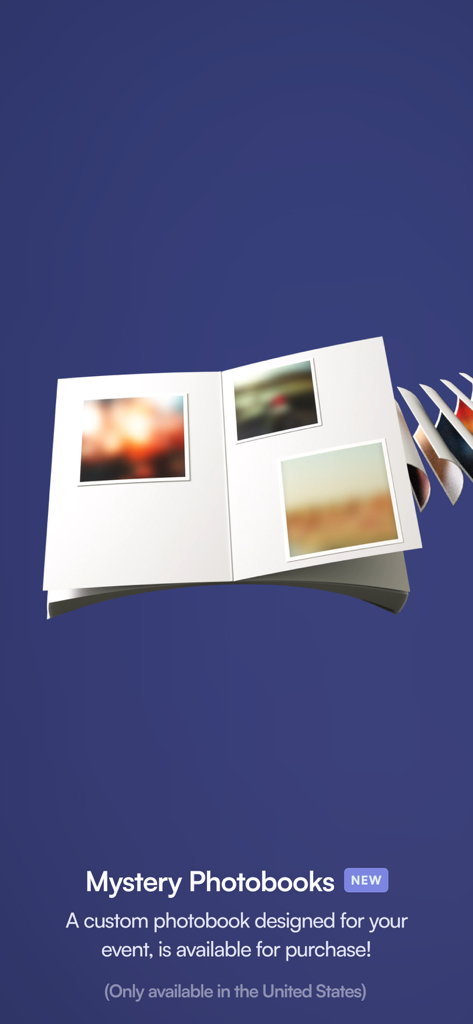
Mystery Photobooks feature in the POV app displaying a custom digital event album
Description
Download
More Like This
Apps with similar features and user experience

Dots. Memories: Photo & Video
Publicidad Kalepolin S. L.

KRUU
KRUU GmbH

celebrate: share photo & video
die kartenmacherei GmbH

Eventer - Unforgettable Events
Eventer SA

Moments: Wedding Camera
Martin Maly

hashcloud - Cloud Storage
Miosga Software UG (haftungsbeschraenkt)

Airbum - Share photos & videos
AIRBUM
PartyCam - Disposable Camera
ASAP Visuals, Inc.
This page is not an official page of the app or its developer, but an independent editorial publication created for informational and commentary purposes. Unless expressly stated otherwise, neither the app nor its developer is affiliated with, endorsed by, sponsored by, authorized by, or otherwise officially connected with MWM, Apple, Google Play, the app publisher, or the app's developer, and nothing on this page implies that the app was developed using MWM's services. Any trademarks, logos, screenshots, and other content remain the property of their respective owners.