
This page is not an official page of the app or its developer, but an independent editorial publication created for informational and commentary purposes. Unless expressly stated otherwise, neither the app nor its developer is affiliated with, endorsed by, sponsored by, authorized by, or otherwise officially connected with MWM, Apple, Google Play, the app publisher, or the app's developer, and nothing on this page implies that the app was developed using MWM's services. Any trademarks, logos, screenshots, and other content remain the property of their respective owners.


Presentation Creator
The easiest way to impress clients, teachers, and bosses with stunning slides. Access millions of free assets and export watermark-free, all from your mobile device.
Downloads
661K+User Rating
Total Ratings
1K+Publisher
Category
Graphics & DesignLocales
24Latest Version
5.4.4Size
126.9 MBFirst Released
Mar 2, 2021Design Like a Pro, Present Like a Boss
Skip the steep learning curve. Our powerful, intuitive tools help you create high-impact presentations that win clients and impress colleagues without the designer price tag.
Zero-Cost Visual Library
Get instant access to a massive library of premium royalty-free images, icons, and fonts. Build stunning slides without paying for individual assets.
Effortless Mobile Editing
Craft and polish your decks from your phone or tablet. Our mobile-first interface ensures your workflow stays as agile as your business.
Frequently Asked Questions
Everything you need to know about Presentation Creator
What is Presentation Creator?
Presentation Creator is an app that allows users to create professional presentations easily. It includes editing tools, free content, and features for sharing, resizing, and storing designs.
Does Presentation Creator offer free content like images and fonts?
Yes, Presentation Creator provides users with free royalty-free images, icons, and fonts. Users do not need to pay for these content packs to enhance their presentations.
Can I import my own images into the Presentation Creator app?
Yes, the Presentation Creator app allows users to import their own images. Content can be added from a camera roll, social media platforms, and various storage drives.
Can I download and share presentations created with the Presentation Creator app for free?
Yes, users can download, view, and share presentations created with the Presentation Creator app for free. There are no watermarks on the designs.
What file formats are available for downloading presentations from Presentation Creator?
Presentation Creator allows users to download designs in JPEG, PNG, or PDF formats. Users can also print designs directly from their phone.
Does Presentation Creator support automatic resizing of designs?
Yes, Presentation Creator includes an automagic resize feature. Users can resize and repurpose their presentations multiple times for free without requiring an upgrade.
Can I restore previous versions of my presentations in the app?
Yes, users can access and restore previous versions of their presentations within the Presentation Creator app. This feature helps retrieve earlier design states.
Does the Presentation Creator app offer templates?
Yes, the Presentation Creator app offers thousands of professionally designed templates. These templates are fully customizable for various types of projects and purposes.
Can I remove photo backgrounds using the Presentation Creator app?
Yes, the Presentation Creator app allows users to remove photo backgrounds. This feature can be performed in just one click to edit images within presentations.
Is there a subscription for Presentation Creator?
Yes, there is a PRO annual subscription for Presentation Creator. It is auto-renewable and charged to the iTunes account, renewing 24 hours before the current period ends.
How do I cancel the auto-renewal for the Presentation Creator PRO subscription?
Auto-renewal for the Presentation Creator PRO subscription can be turned off at any time. Users must go to their settings in the iTunes Store after purchase to manage this option.
Can I access and edit my designs on multiple devices with Presentation Creator?
Yes, designs created with Presentation Creator are stored and editable at any time. Users can access and modify their presentations from both computer and mobile devices with their Desygner account.
Does Presentation Creator have scheduling features for posts?
Yes, Presentation Creator includes scheduling features. Users can create a design and then set a specific date and time to post it later, saving time on content distribution.
The following screenshots and description are sourced directly from the app's official store listing and are the property of the app developer.
App Store
Screenshots
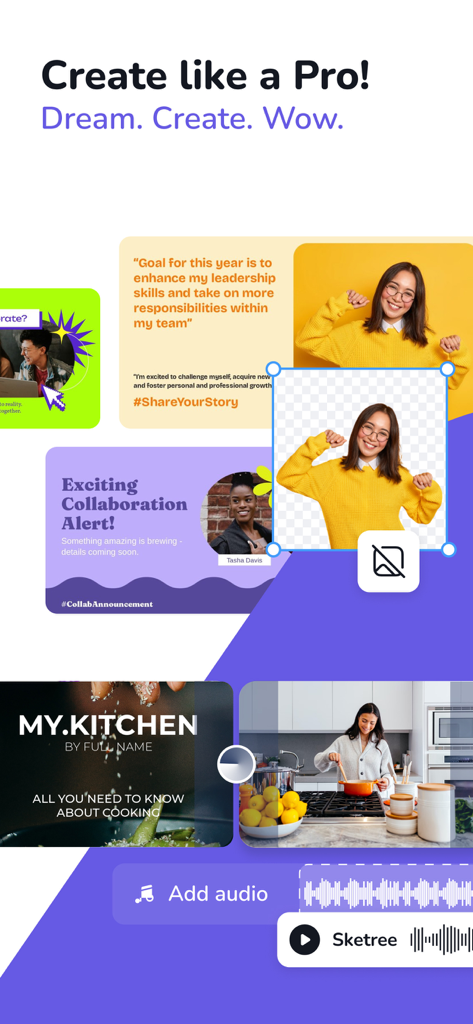
Mobile app interface showing professional presentation templates and a background removal tool
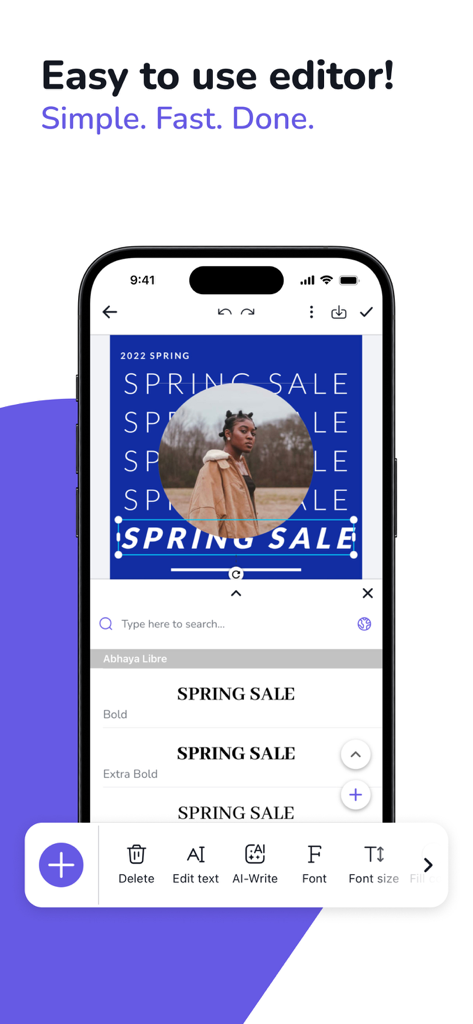
Interface of the Presentation Creator mobile app showing a graphic design being edited on a smartphone with easy to use tools.
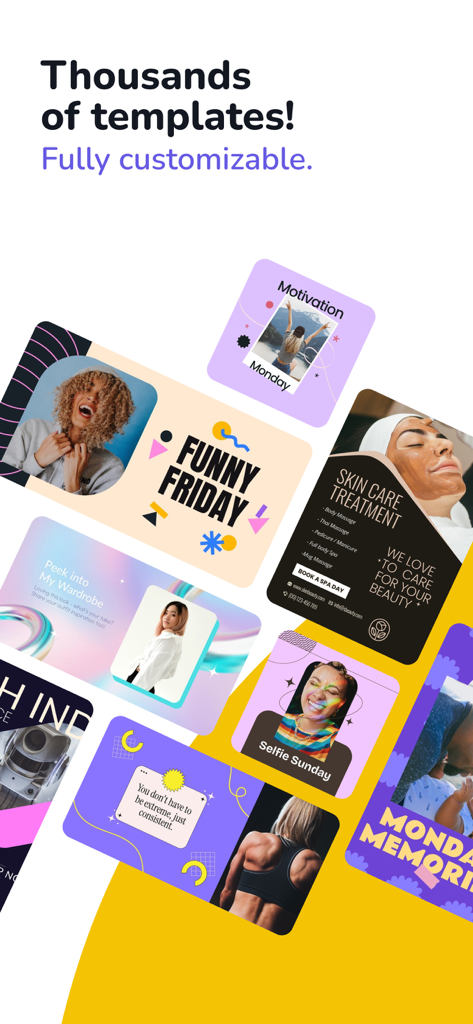
Collage of various customizable presentation and social media templates
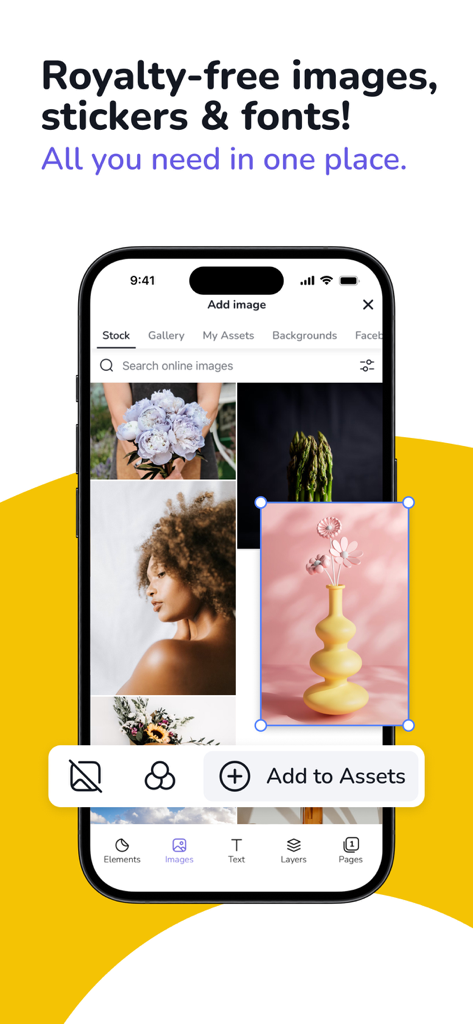
Mobile app interface showing royalty free stock images and assets for presentation design
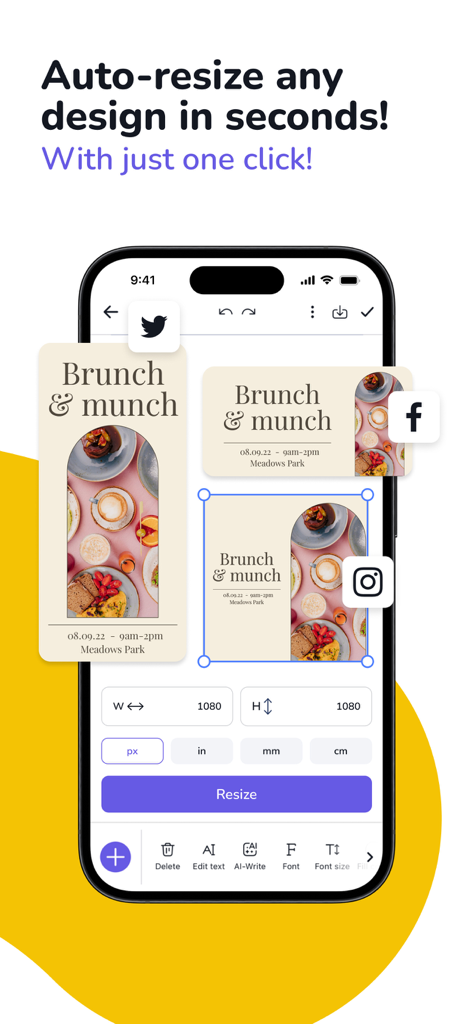
Smartphone screen showing the auto-resize tool to format designs for social media platforms.
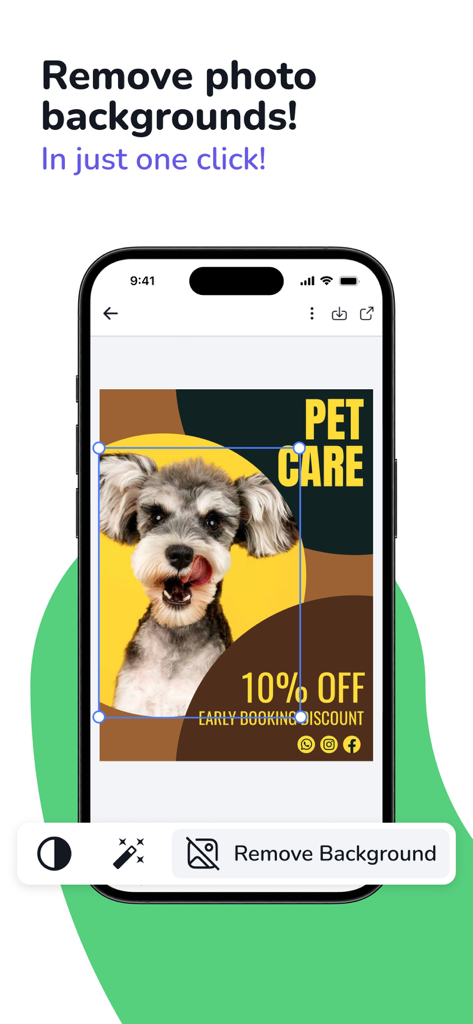
Mobile app interface showing a one-click background removal tool for a photo of a dog in a presentation design.
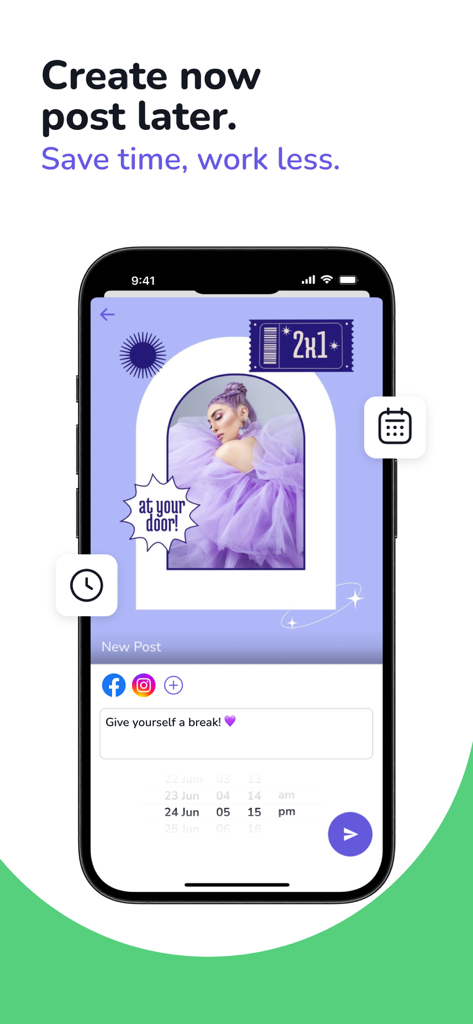
Mobile app interface for creating and scheduling social media posts
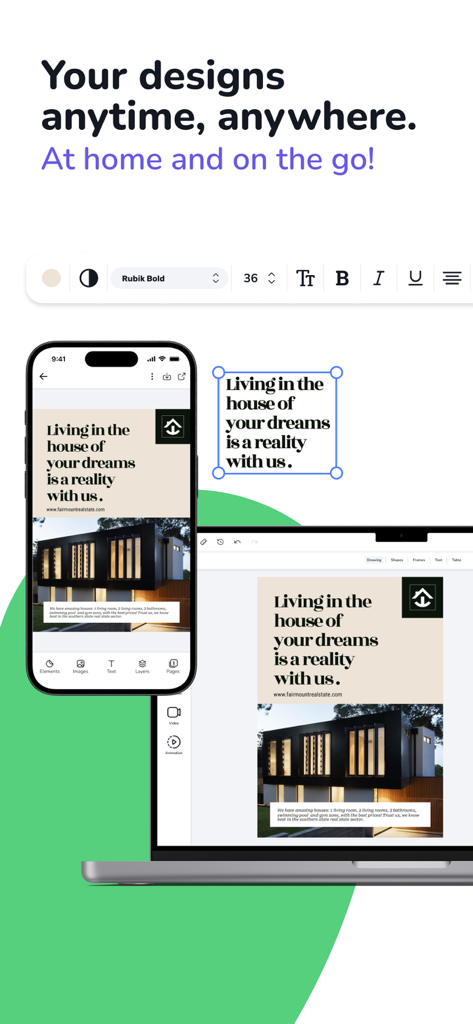
A smartphone and a laptop displaying the same real estate presentation design being edited in the Presentation Creator app.
Description
Download
More Like This
Apps with similar features and user experience

Google Docs
Google LLC

AiPPT - PPT & Slide Maker
Mge Information Technology Co.,Ltd

Slidey: Ai Presentation Slides
Andrii Fomichov

iSlide - 海量PPT模板,专业团队原创设计
Chengdu iSlide Network Technology Co., Ltd.
Microsoft PowerPoint
Microsoft Corporation
Google Slides
Google LLC

Good Slide
ShenZhen Meiyinet Technology Co.,Ltd

Beautiful AI Slides by GammaAI
Manjinder Kaur

Visme - Presentation & Charts
Easy WebContent, Inc.
This page is not an official page of the app or its developer, but an independent editorial publication created for informational and commentary purposes. Unless expressly stated otherwise, neither the app nor its developer is affiliated with, endorsed by, sponsored by, authorized by, or otherwise officially connected with MWM, Apple, Google Play, the app publisher, or the app's developer, and nothing on this page implies that the app was developed using MWM's services. Any trademarks, logos, screenshots, and other content remain the property of their respective owners.