
PRESTO



Skip the kiosk lines and master your commute with ease. Load funds instantly via NFC, pay with your digital wallet, and manage your entire transit journey across the GTA and beyond—all from your phone.
Publisher
Category
TravelDownloads
2M+User Rating
Total Ratings
4K+Locales
2Discover the interface used by 2M+ users.
The tools that make this app stand out, trusted by 2M+ users.
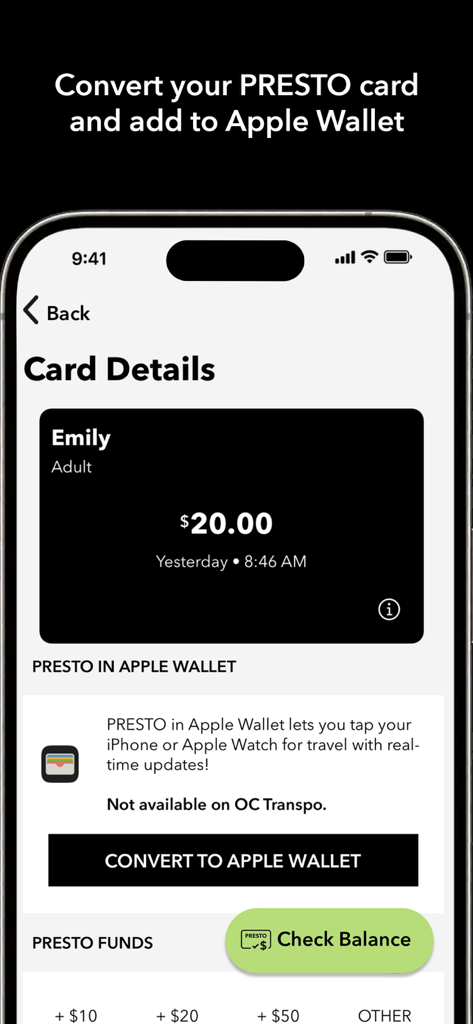
Convert your physical card to your iPhone or Apple Watch for instant, card-free boarding across GTA and beyond.
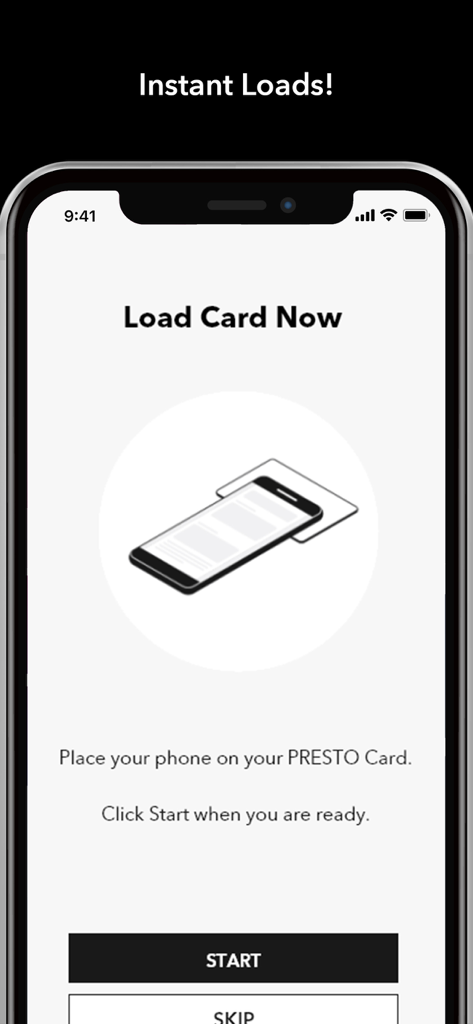
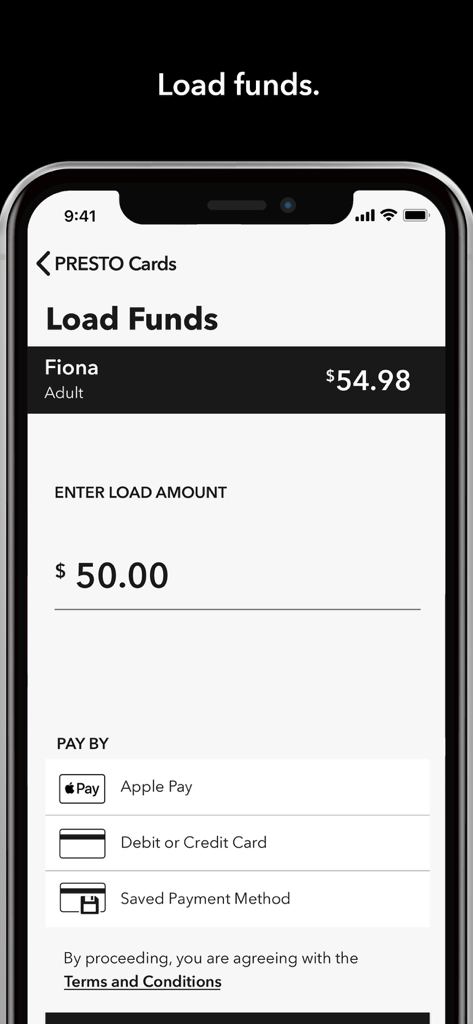
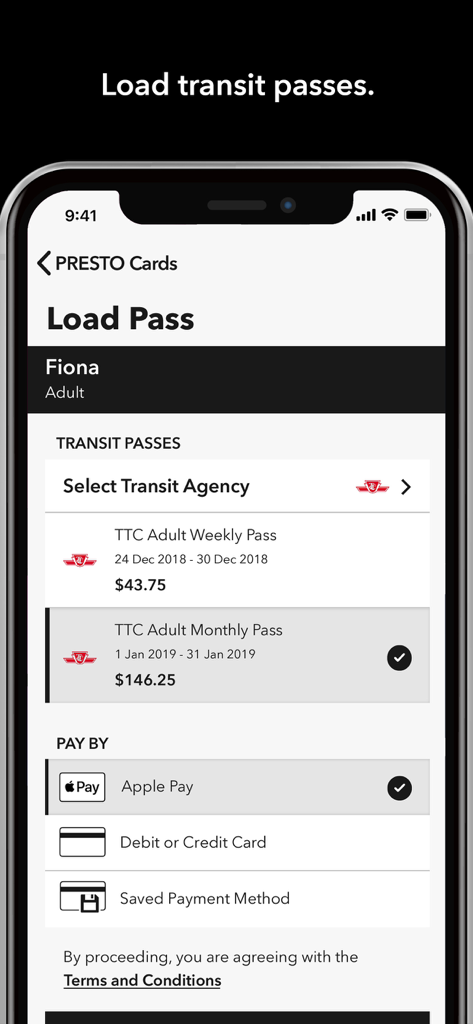
Skip the machines. Load funds or transit passes instantly using your phone and Apple Pay for immediate travel.
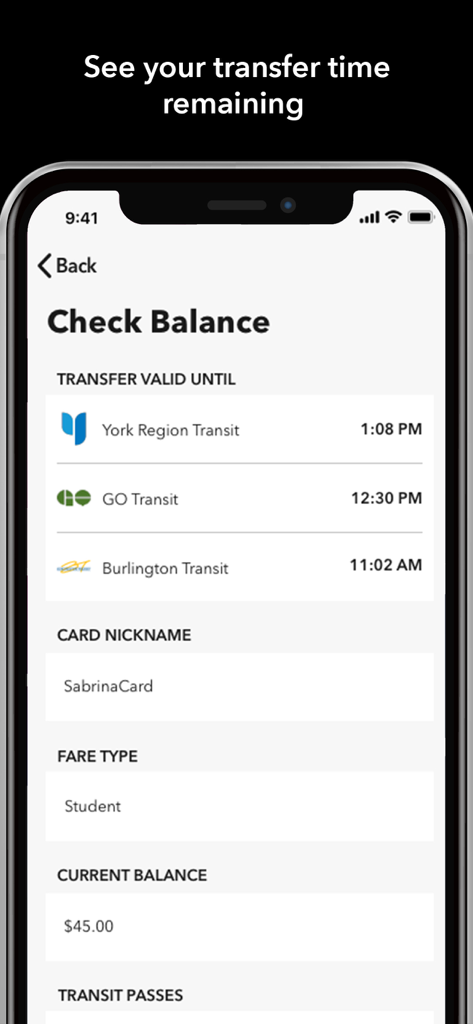
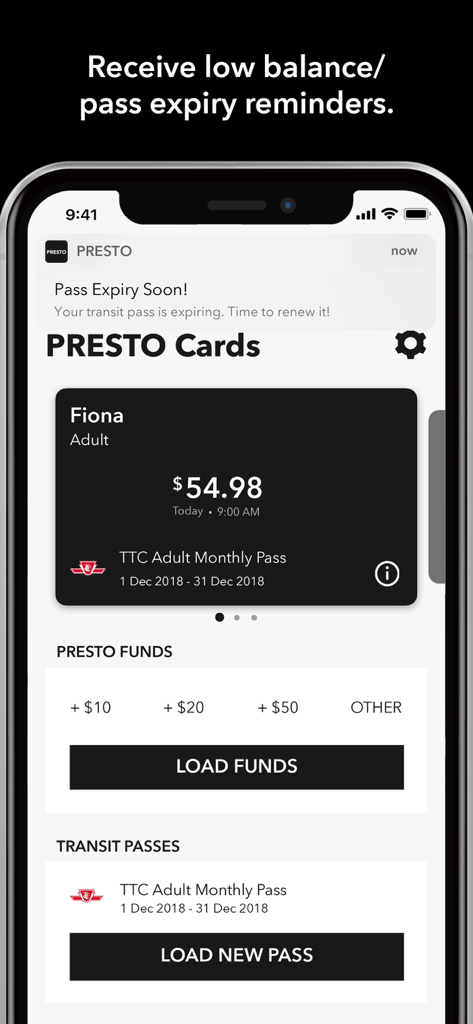
Avoid the stress of empty cards with real-time low-balance alerts and precise tracking of your active transfer expiries.
Insights from user reviews.
Sentiment Score
Summary
The app receives overwhelmingly negative feedback from users, primarily due to persistent issues with app performance, including frequent loading screens, crashes, and general slowness, which often render it unusable. Users also express significant frustration with payment and funding processes, citing declined transactions, inability to use debit cards, and difficulties uploading funds. Additionally, problems with account access, such as being logged out or unable to sign in, and critical issues with Apple Wallet integration (like disabling physical cards or transfer failures), severely detract from the user experience. While a few users reported the app to be reliable and effective for their needs, the widespread complaints highlight a critical need for improvements in stability, transaction reliability, and core functionality for transit users.
Common Themes
Everything you need to know about PRESTO.
Description
Latest Version
2.1.10
Size
65.4 MB
First Released
Jan 28, 2019
Join over 2 million commuters. Load funds instantly, manage up to 10 cards, and tap your iPhone or Apple Watch to ride across Ontario.
Everything you need to know about PRESTO
Yes, the PRESTO app allows you to convert a physical PRESTO card to PRESTO in Apple Wallet. You can then use your iPhone or Apple Watch to pay for transit. This feature is not available for OC Transpo.
The PRESTO app supports various payment methods for loading funds, including Apple Pay, debit/credit cards, or a saved payment method. This provides flexibility for users.
Yes, the PRESTO app allows you to manage up to 10 PRESTO cards from a single account. This provides convenience for users with multiple cards.
Yes, the PRESTO app offers instant loading of funds and transit passes using NFC technology. This allows for immediate updates to your card balance or pass status.
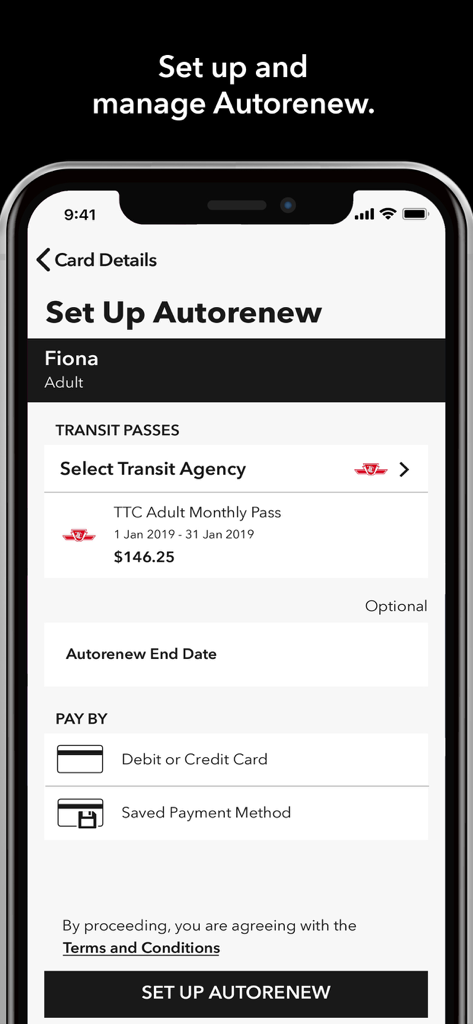
Yes, the PRESTO app allows users to set up and manage Autoload for funds and Autorenew for transit passes. This ensures your PRESTO card always has balance or an active pass.
No, for security reasons, the PRESTO app is not supported on jailbroken devices. Users must ensure their device is not jailbroken to use the app.
The PRESTO app is supported on various transit agencies including Brampton Transit, GO Transit, TTC (Toronto), MiWay (Mississauga), and York Region Transit/Viva. A full list is available in the app description.
Yes, the PRESTO app displays the time that your active transfers will expire. This information is available through the check balance feature.
Yes, the PRESTO app sends low balance and pass expiry reminders. It also provides email receipts for fare purchases, helping users stay informed.
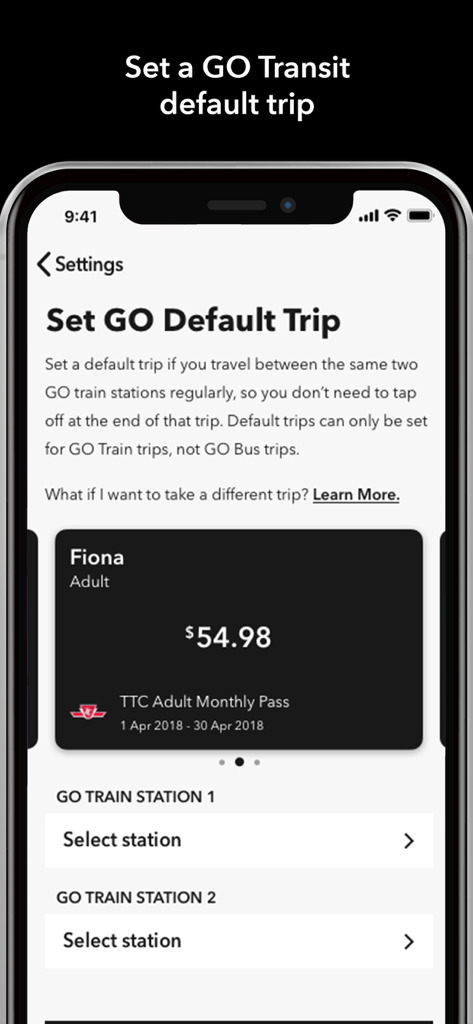
Yes, the PRESTO app allows you to set, modify, or remove a default trip for GO Transit rail trips through its settings menu. This simplifies regular commutes.
Apps with similar features and user experience

Maryland Transit Administration

Metropolitan Transit Authority of Harris County, Texas

Orange County Transportation Authority

OCTOPUS Cards Ltd.

EasyCard Corporation

Fairtiq AG

Bytemark, Inc.

Transports Agglom�ration de Montpellie

Centre for Railway Information Systems
App information, icons, screenshots, and descriptions displayed on this page are sourced from the Apple App Store and are the property of their respective developers. Download estimates and rankings are based on MWM's proprietary models and may not reflect actual figures. This page is provided for informational and analytical purposes only.
Believe this page infringes your intellectual property? File a dispute
