
This page is not an official page of the app or its developer, but an independent editorial publication created for informational and commentary purposes. Unless expressly stated otherwise, neither the app nor its developer is affiliated with, endorsed by, sponsored by, authorized by, or otherwise officially connected with MWM, Apple, Google Play, the app publisher, or the app's developer, and nothing on this page implies that the app was developed using MWM's services. Any trademarks, logos, screenshots, and other content remain the property of their respective owners.


Prism MIDI Sequencer
Elevate your workflow with high-resolution sequencing, generative tools, and seamless hardware integration. Built for touch, designed for complexity, and optimized for your professional mobile studio.
Downloads
3K+User Rating
Total Ratings
0Publisher
Category
MusicLocales
1Latest Version
2.01Size
46.6 MBFirst Released
Jun 4, 2024The Infinite Brain of Your iOS Studio
Prism is a high-resolution, 16-track AUv3 sequencer designed for producers who demand deep control, generative movement, and professional hardware integration.
Generative Power & Probability
Break away from static loops using per-step chance, polyrhythmic lengths, and 6 LFOs per track to create sequences that evolve and breathe.
Deep AUv3 & Hardware Sync
Seamlessly integrate with AUM or Logic Pro for iPad, featuring bi-directional MIDI feedback for Novation Launchpad and external gear.
The following screenshots and description are sourced directly from the app's official store listing and are the property of the app developer.
App Store
Screenshots
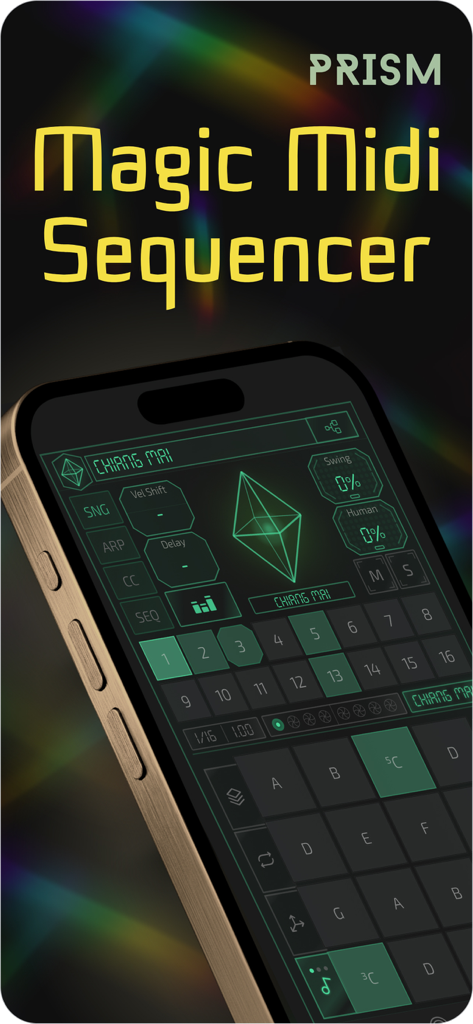
An iPhone displaying the Prism MIDI Sequencer interface with its step sequencer grid and performance controls
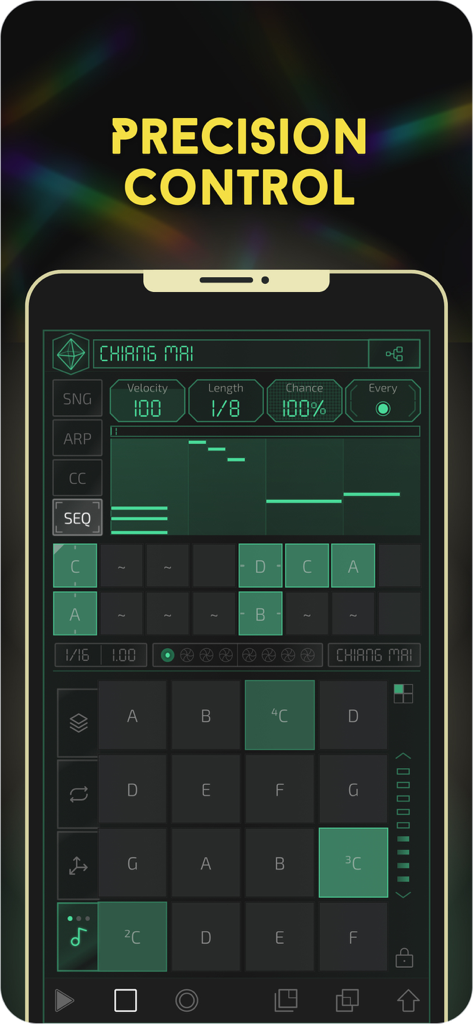
Prism MIDI Sequencer mobile app interface on iPhone featuring precision control and step sequencing grids
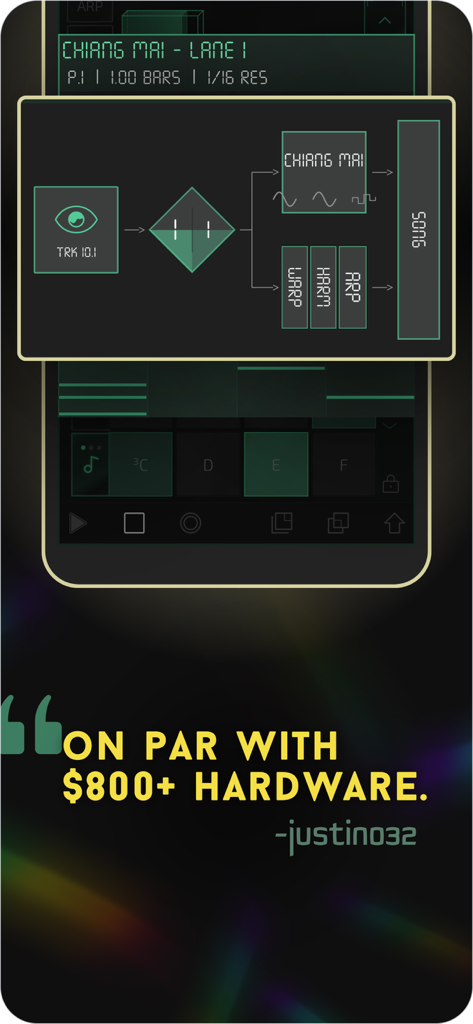
Signal routing diagram and user testimonial for the Prism MIDI Sequencer app
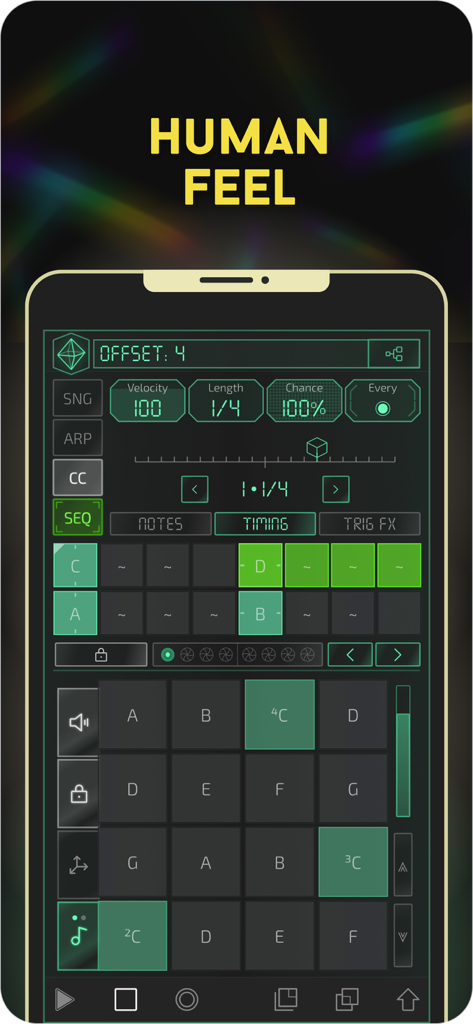
Interface of Prism MIDI Sequencer app on iPhone showing human feel and timing settings
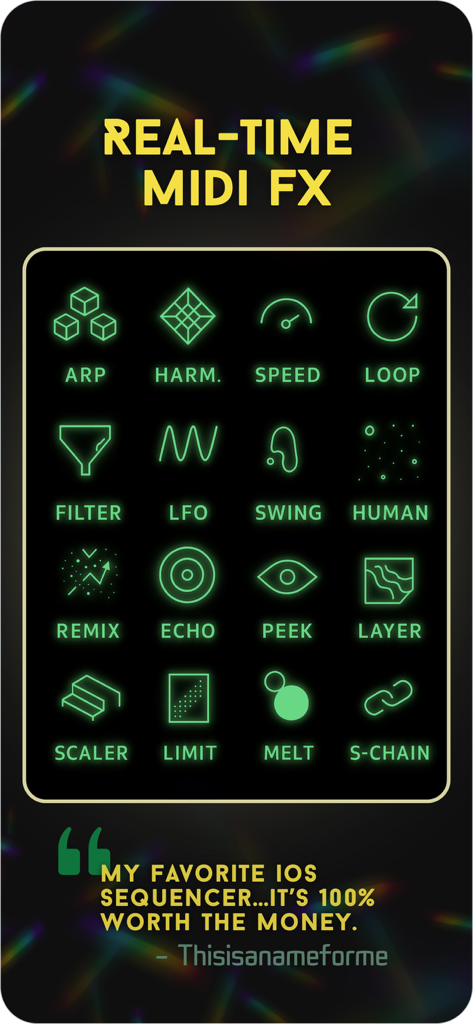
A grid of neon green icons showcasing various real-time MIDI effects in the Prism MIDI Sequencer app
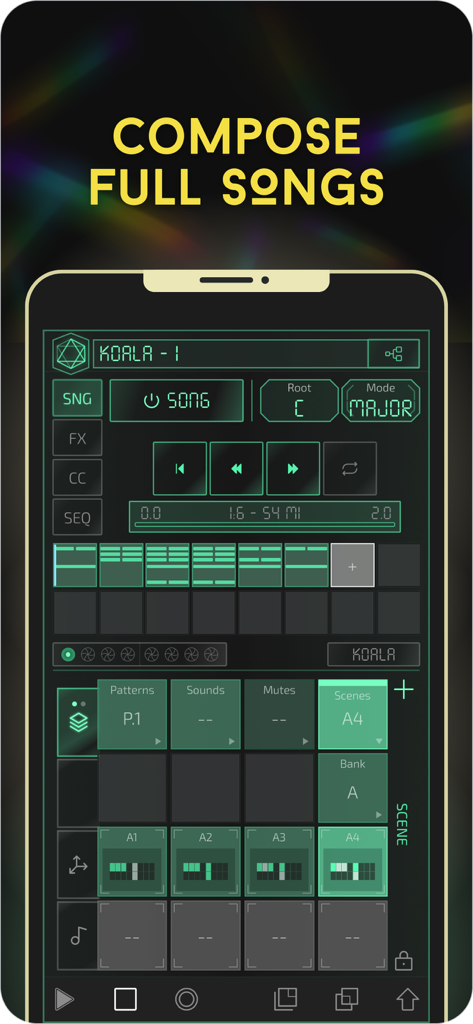
Interface of Prism MIDI Sequencer showing song composition mode with pattern tracks and scale settings
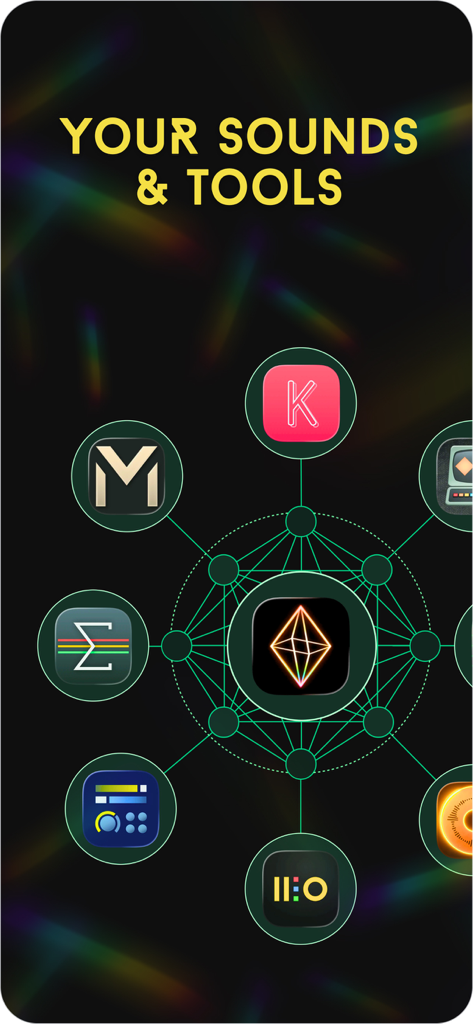
A diagram showing the Prism MIDI Sequencer app icon at the center of a network of various music production and synthesizer apps
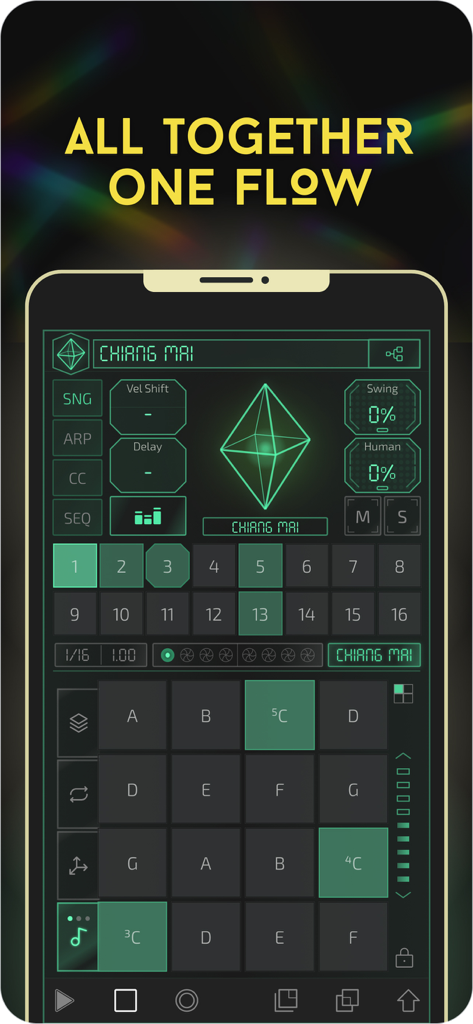
The user interface of the Prism MIDI Sequencer app on iPhone showing a dark theme with neon green step sequencer buttons and musical control pads.
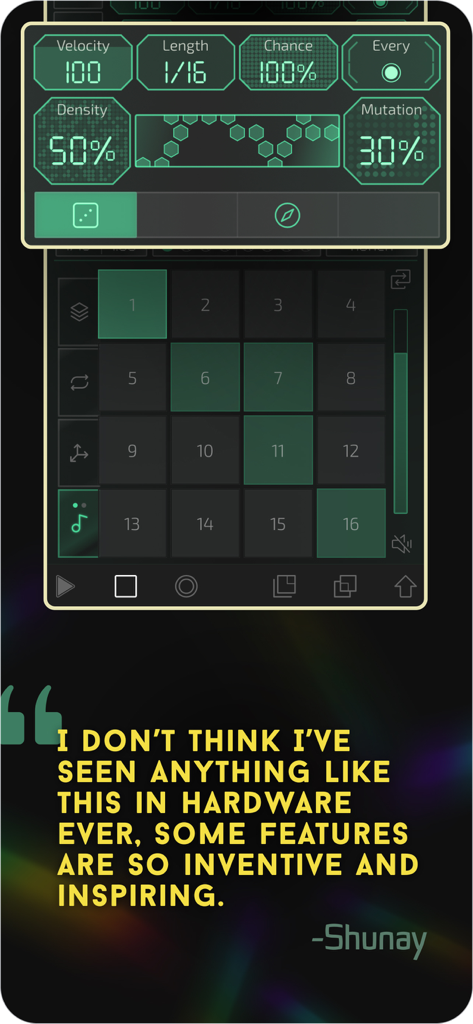
Prism MIDI Sequencer interface showing step controls and a user testimonial about its inventive features.
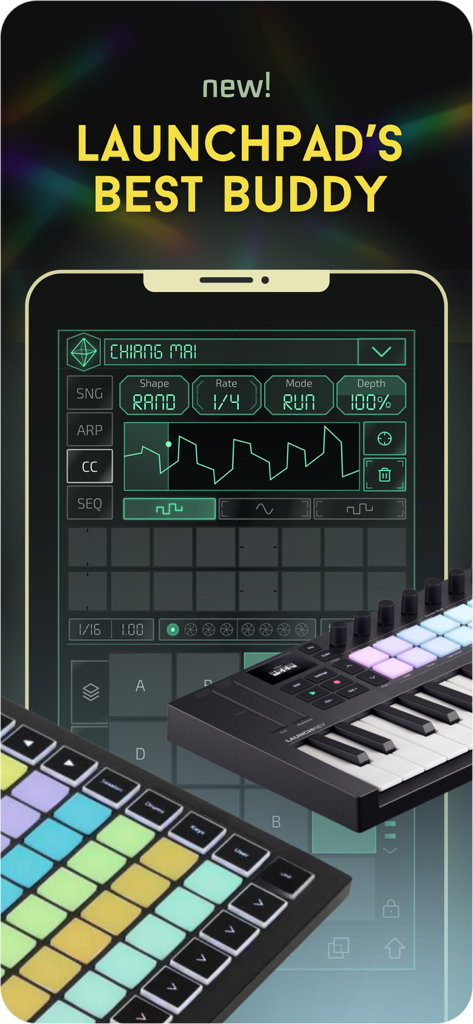
Prism MIDI Sequencer app interface on a mobile device shown with Novation Launchpad and Launchkey MIDI controllers
Description
Download
More Like This
Top-ranked apps in the same category

Spotify: Music and Podcasts
Spotify

YouTube Music
Google LLC

Shazam: Find Music & Concerts
Apple Inc.

SoundCloud: The Music You Love
SoundCloud Global Limited & Co KG

Suno - AI Songs & Music
Suno Inc.

QQ音乐 - 听我想听
Tencent Technology (Shenzhen) Company Limited

Audiomack - Play Music Offline
Audiomack, Inc.

GuitarTuna: Tune & Play Guitar
Yousician Ltd

BandLab – Music Maker & Beats
BandLab Singapore Pte Ltd
This page is not an official page of the app or its developer, but an independent editorial publication created for informational and commentary purposes. Unless expressly stated otherwise, neither the app nor its developer is affiliated with, endorsed by, sponsored by, authorized by, or otherwise officially connected with MWM, Apple, Google Play, the app publisher, or the app's developer, and nothing on this page implies that the app was developed using MWM's services. Any trademarks, logos, screenshots, and other content remain the property of their respective owners.