
This page is not an official page of the app or its developer, but an independent editorial publication created for informational and commentary purposes. Unless expressly stated otherwise, neither the app nor its developer is affiliated with, endorsed by, sponsored by, authorized by, or otherwise officially connected with MWM, Apple, Google Play, the app publisher, or the app's developer, and nothing on this page implies that the app was developed using MWM's services. Any trademarks, logos, screenshots, and other content remain the property of their respective owners.


Prodigy for Parents
Get real-time insights into your child's learning progress. Track curriculum-aligned skills, set personalized goals, and send in-game rewards to celebrate their achievements—all from your mobile device.
Downloads
381K+User Rating
Total Ratings
14K+Publisher
Category
EducationLocales
1Latest Version
2.2.3Size
47.0 MBFirst Released
Feb 15, 2023Empower Your Child’s Academic Journey
Turn screen time into a productive learning experience with real-time insights and motivational tools designed to support your child’s math growth from anywhere.
Real-Time Progress Insights
Get instant visibility into mastered skills and areas for improvement, so you can support your child exactly where they need it most.
Motivate with In-Game Rewards
Set custom learning goals and send digital cheers or rewards to celebrate their hard work and keep them excited about practicing math.
Frequently Asked Questions
Everything you need to know about Prodigy for Parents
What is the Prodigy Parent app?
The Prodigy Parent app is a companion tool for Prodigy Math. It helps parents monitor their child's educational progress, set learning goals, and send in-game encouragement and rewards.
Can I track my child's math progress with the Prodigy Parent app?
Yes, the Prodigy Parent app allows you to track your child's curriculum mastery and performance. It provides insights into their mastered and struggling areas in subjects like Geometry and Number and Operations.
How do parents set learning goals in the Prodigy Parent app?
Parents can set learning goals by choosing a question target within the Prodigy Parent app. This encourages children to progress through their curriculum and master core topics.
Can I send rewards to my child through the Prodigy Parent app?
Yes, the Prodigy Parent app enables parents to send in-game rewards to their child. These can include items like 'Skywalkers' or other categories such as currency, food, and hats, to encourage learning.
Does the Prodigy Parent app allow parents to send motivation to their child?
Yes, the Prodigy Parent app allows parents to send an in-game cheer to their child. This boost of motivation is received in the child's in-game mailer.
Is the Prodigy Parent app safe and privacy-compliant for children?
Yes, the Prodigy Parent app holds iKeepSafe FERPA Certification and iKeepSafe COPPA Safe Harbor Certification. It also received the 2022 National Parenting Product Award, ensuring peace of mind regarding safety.
Does the Prodigy Parent app provide notifications about my child's progress?
Yes, the Prodigy Parent app delivers instant notifications as your child progresses through their curriculum-aligned skills tree. This keeps parents updated on their learning journey.
The following screenshots and description are sourced directly from the app's official store listing and are the property of the app developer.
App Store
Screenshots
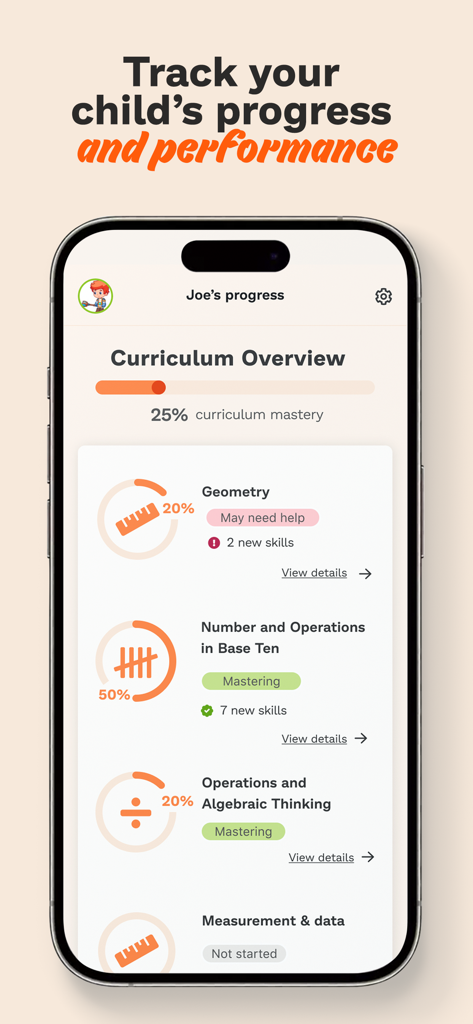
Mobile app interface of Prodigy for Parents showing child curriculum progress and math mastery statistics
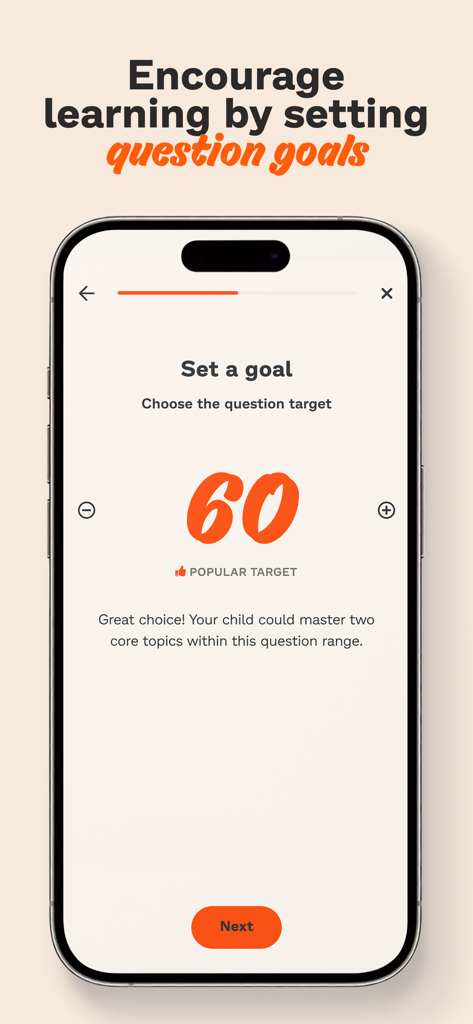
A mobile interface for the Prodigy for Parents app showing a screen to set a goal of sixty math questions for a child.
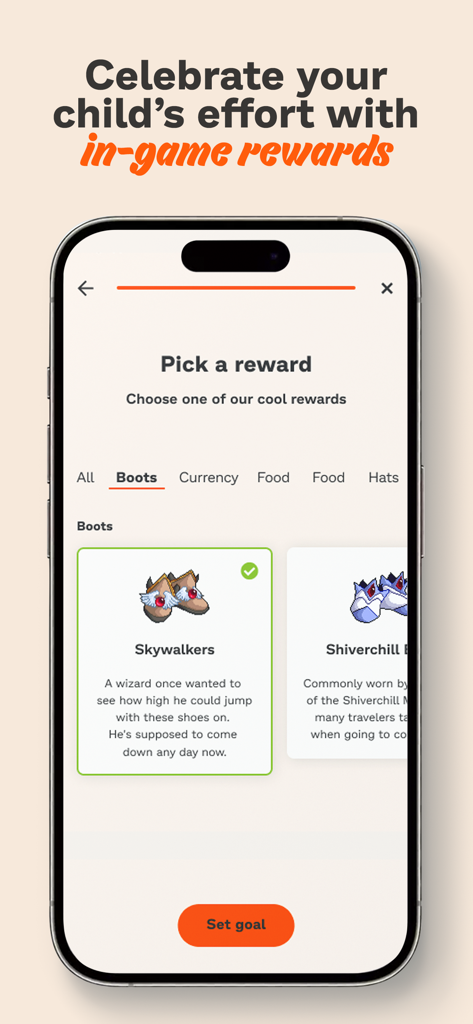
In-game reward selection screen for children in the Prodigy for Parents app
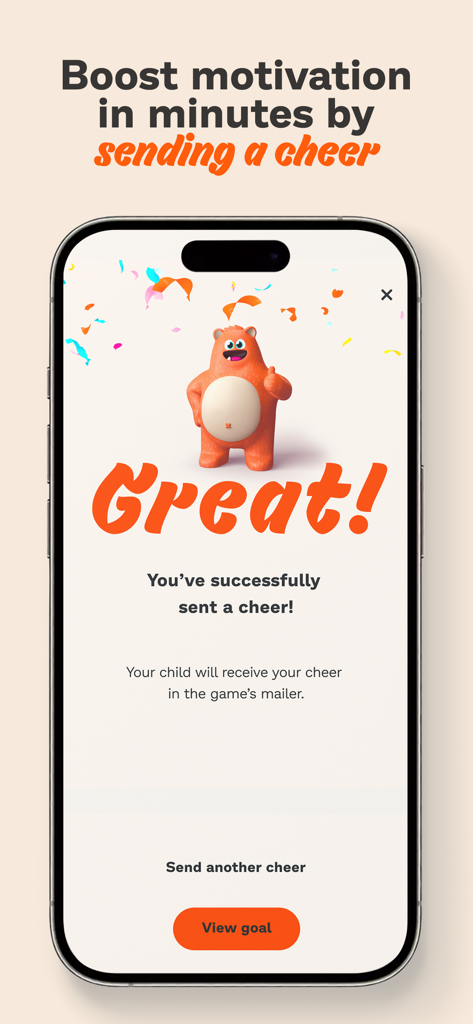
Interface showing a successful cheer sent to a child in the Prodigy for Parents app
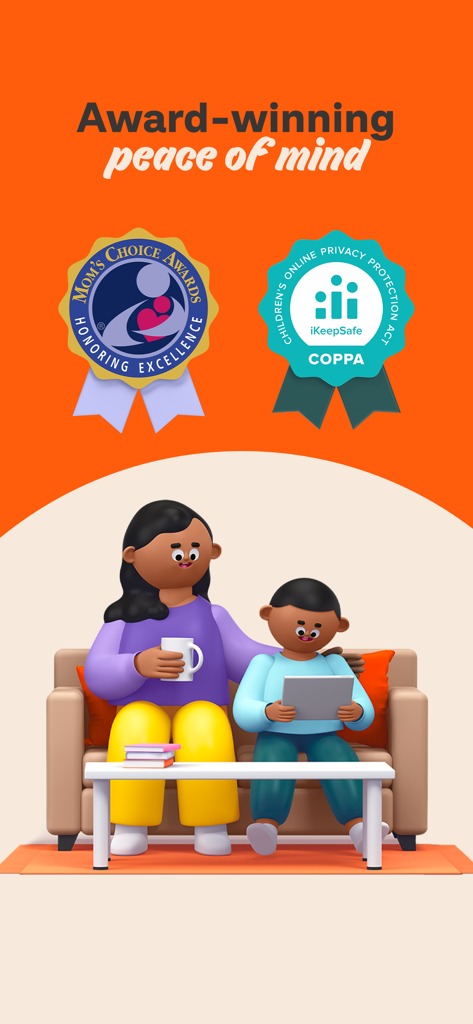
A mother sitting on a couch with her child who is learning on a tablet, featuring Mom's Choice and COPPA safety award badges.
Description
Download
More Like This
Apps with similar features and user experience

作业帮智能
Guangzhou Polar Future Culture Technology Co., Ltd

小寻
Zhenshi

Garmin Jr.™
Garmin International
360儿童卫士
Beijing Qihoo Technology Co Ltd

tonies
tonies GmbH

小布咕国际版
BABYBUS CO., LIMITED

MyFaba – Il tuo Raccontastorie
FABA S.R.L.
Lunii
Lunii

MyGabb
Gabb Wireless, Inc.
This page is not an official page of the app or its developer, but an independent editorial publication created for informational and commentary purposes. Unless expressly stated otherwise, neither the app nor its developer is affiliated with, endorsed by, sponsored by, authorized by, or otherwise officially connected with MWM, Apple, Google Play, the app publisher, or the app's developer, and nothing on this page implies that the app was developed using MWM's services. Any trademarks, logos, screenshots, and other content remain the property of their respective owners.