
This page is not an official page of the app or its developer, but an independent editorial publication created for informational and commentary purposes. Unless expressly stated otherwise, neither the app nor its developer is affiliated with, endorsed by, sponsored by, authorized by, or otherwise officially connected with MWM, Apple, Google Play, the app publisher, or the app's developer, and nothing on this page implies that the app was developed using MWM's services. Any trademarks, logos, screenshots, and other content remain the property of their respective owners.


Proxy Browser - Task manager
Reclaim control. This app hands users the keys to their digital domain, ensuring privacy isn't a privilege, it's a default.
Downloads
100k+User Rating
Total Ratings
9.1KPublisher
Category
UtilitiesLocales
1Latest Version
1.1Size
20.7 MBFirst Released
Feb 15, 2024An Analytical Review for Digitally Astute Users
Key Features Analysis: Proxy Browser - Task Manager
EXIF Photo Location Changer
This tool allows users to alter the location metadata of photos before sharing them on social media or cloud platforms, safeguarding personal whereabouts and enhancing digital privacy.
Secure Private Browsing
The app provides a private browser that ensures encrypted connections, shielding browsing activities from unwanted tracking and maintaining confidentiality by keeping browsing history private.
Frequently Asked Questions
Everything you need to know about Proxy Browser - Task manager
What is Proxy Browser - Task manager?
Proxy Browser - Task manager is an app that combines a private browser, an efficient task manager, and an EXIF photo location changer to enhance digital privacy and content security.
Does Proxy Browser - Task manager offer a private browser?
Yes, Proxy Browser - Task manager includes a private browser with encrypted connections to protect browsing activities and maintain confidentiality by keeping browsing history private.
What are the core features of Proxy Browser - Task manager?
Proxy Browser - Task manager features a private browser for secure browsing, an integrated task manager for productivity, and an EXIF photo location changer for photo privacy.
Can I manage tasks within Proxy Browser - Task manager?
Yes, Proxy Browser - Task manager allows users to manage their to-do lists, set reminders, and organize their schedules efficiently using its integrated task manager feature.
How does Proxy Browser - Task manager protect my photo privacy?
Proxy Browser - Task manager protects photo privacy by using an EXIF photo location changer. This feature alters location metadata before photos are shared, safeguarding personal information.
The following screenshots and description are sourced directly from the app's official store listing and are the property of the app developer.
App Store
Screenshots

See how the app introduces its comprehensive features and intuitive 'Start' button for immediate access to its privacy tools.
Unified Digital Hub
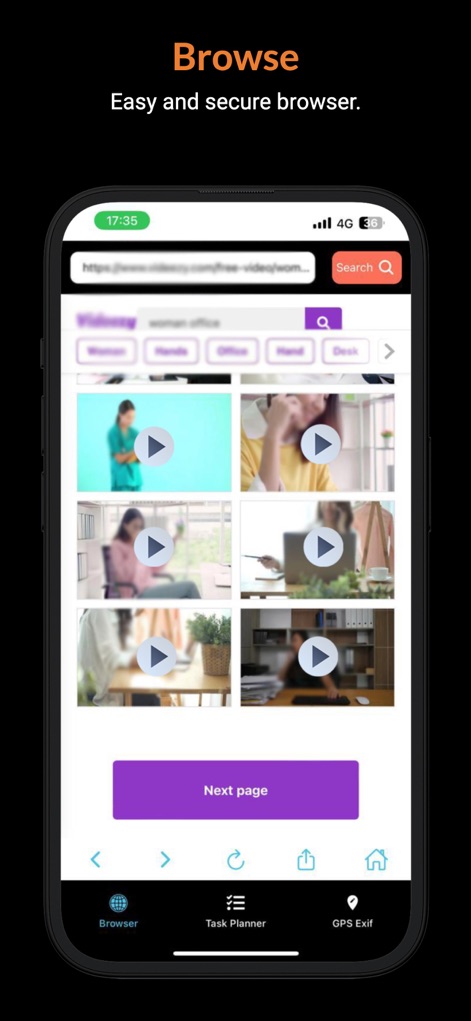
Users can explore a secure browsing experience, featuring a prominent search bar and discreet video content previews, ensuring online privacy.
Private Web Access
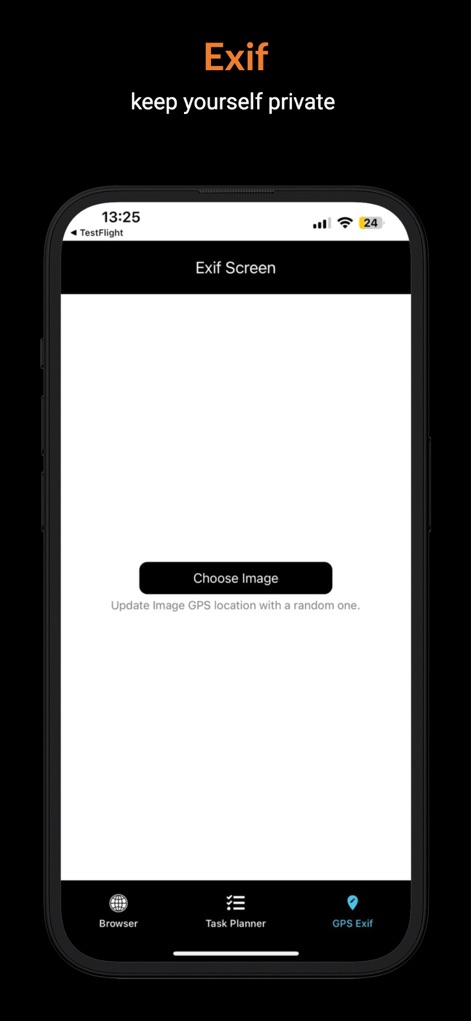
Discover the app's EXIF tool, allowing users to effortlessly select images and update their GPS location data for enhanced privacy before sharing.
Safeguard Photo Location
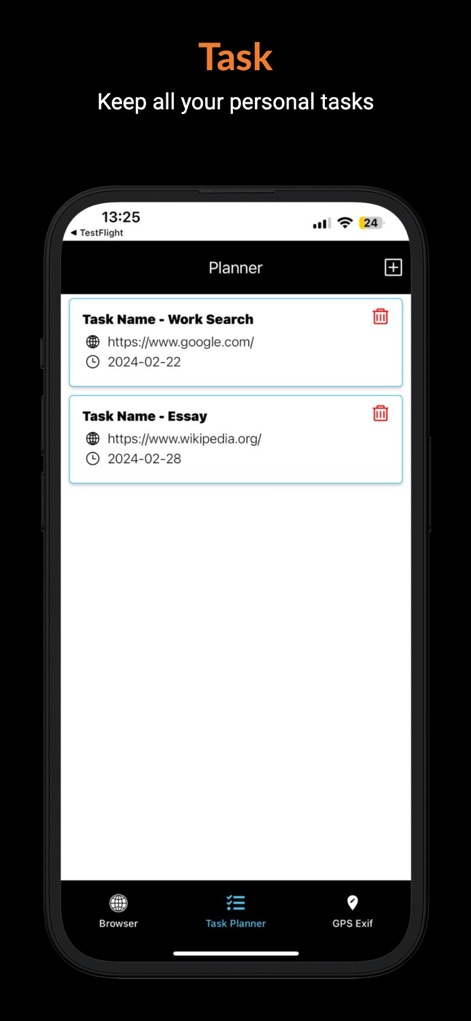
This tool provides a streamlined task planner, displaying organized entries with associated URLs and due dates for enhanced productivity.
Efficient Task Management
Description
Download
More Like This
Apps with similar features and user experience

加密电话-虚拟隐私小号打网络电话发短信软件
源 王

Authenticator-2FA,TOTP,MFA,OTP
少虹 陈

VPN NovaLink
NOWY SERWIS SP Z O O

360手机卫士
Beijing Qihoo Technology Co Ltd

Smart Armor - Stealtharix
BILL'S ENTERPRISES MIDLANDS LTD

Tech Shield - Protegion
Fristads GmbH

Trustworthy - The Family OS®
Trustworthy Co.

Security K
HIGHLIGHT APPS LTD

Device Tracking - Bug Detector
SCIENCE DIGITS HUB LTD
This page is not an official page of the app or its developer, but an independent editorial publication created for informational and commentary purposes. Unless expressly stated otherwise, neither the app nor its developer is affiliated with, endorsed by, sponsored by, authorized by, or otherwise officially connected with MWM, Apple, Google Play, the app publisher, or the app's developer, and nothing on this page implies that the app was developed using MWM's services. Any trademarks, logos, screenshots, and other content remain the property of their respective owners.